

A conference room schedule template records bookings, organizers, and time slots for shared meeting spaces. It helps prevent clashes when everyone follows the same booking process.
Choose a layout with a room name, date, start and finish time, organizer, and meeting reference. Allow setup and clearing time where needed.
Template previews and downloads
Conference Room Schedule Sample
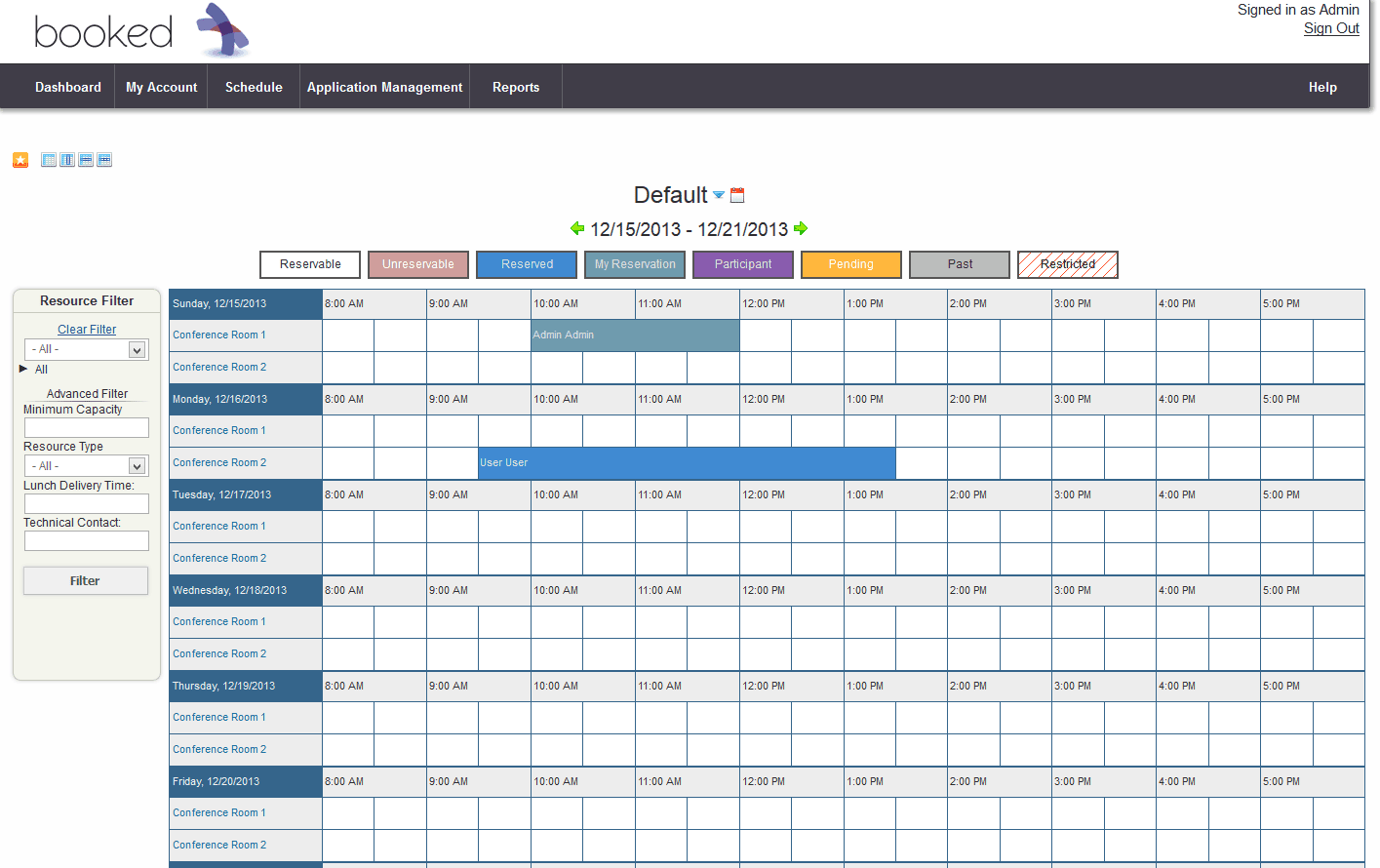



Meeting Room Schedule
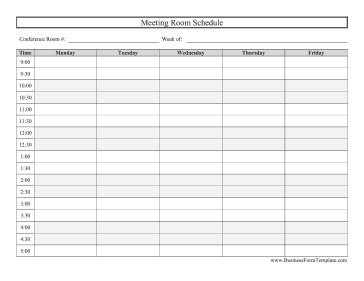

Conference Room Booking Schedule
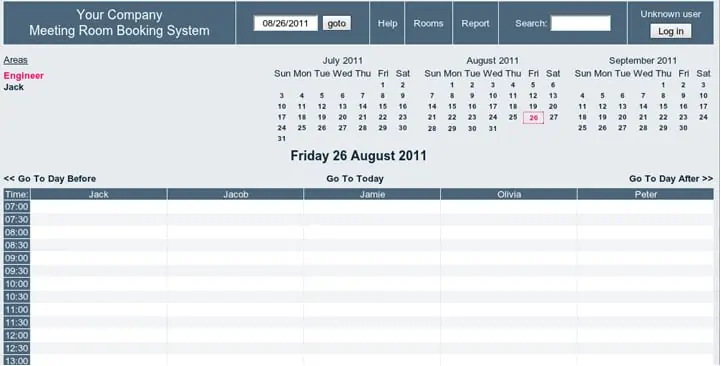

Blank Conference Room Schedule

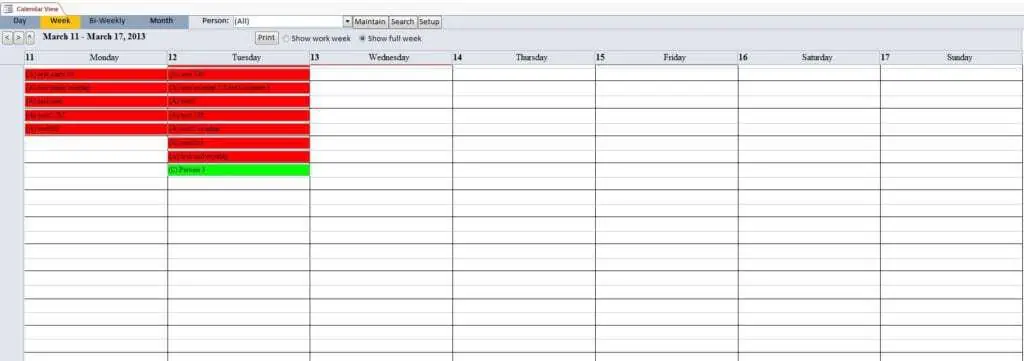
Conference Room Calendar Sample

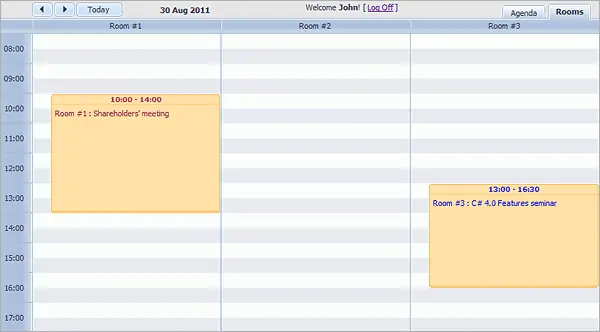
Conference Room Calendar Editable

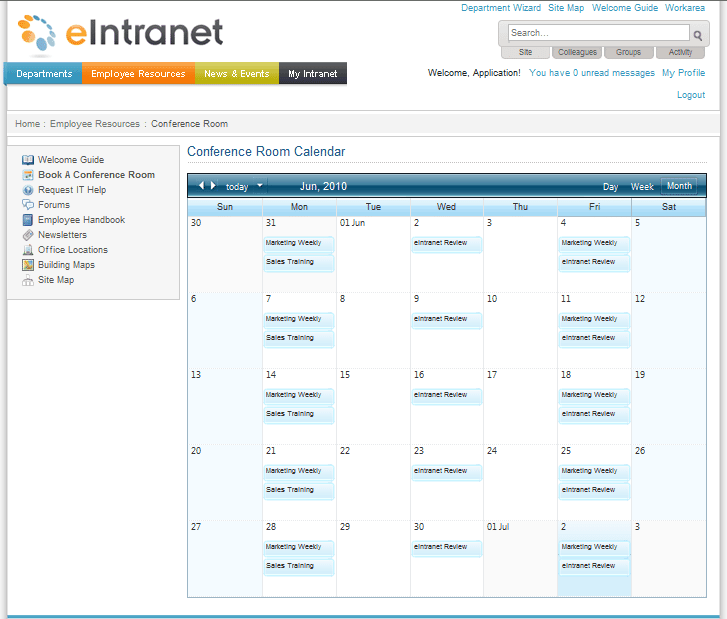
How to use the conference room schedule template
Step 1. Identify each room and the hours it can be booked. Coordinate weekly room use with weekly schedules.
Step 2. Enter the full occupied period, including preparation and cleanup. Record meeting attendance using sign-in sheets.
Step 3. Check overlaps and communicate changes to the organizer and affected users.
Use a standard time format and define whether an ending time releases the room immediately or includes clearing time. If equipment or layout changes are required, record them with the organizer’s contact so the support team knows what must be ready.
A booking sheet should make ownership of changes clear. Decide who can confirm, amend, or cancel a reservation, and how recurring bookings are reviewed. An abandoned recurring reservation can block useful capacity even when the room is physically empty.
Example and checks
A meeting from 10:00 to 11:00 with 15 minutes of setup needs the room reserved from 09:45. Another booking ending at 10:00 would conflict.
A printable schedule will not detect conflicts automatically. Keep one current master and define who may approve changes. Plan room setup and support tasks in daily work schedules.
Choose a booking view for the rooms available
A conference room schedule should make it easy to see which room is reserved, when it is occupied, and who is responsible for the booking. Decide whether the template covers one room or several. A single-room daily grid can be simple, while a multi-room register may need one row per reservation with a room identifier. Choose the view that matches the number of bookings and the way staff find available space. A decorative calendar is not automatically the clearest booking record.
Identify the current master and the people allowed to confirm reservations. If several staff members maintain separate copies, two people can believe they have booked the same slot. A shared process needs a clear source of truth and a method for resolving conflicting requests. A printable schedule can be useful outside a room, but it should reflect the authoritative booking record. Decide how changes reach the displayed copy so a canceled or moved meeting does not continue blocking the room.
Record the full occupied period
The occupied period can be longer than the meeting itself. Setup, equipment checks, furniture changes, and clearing the room may require time before and after participants attend. Record those requirements when reserving the space. A meeting from 11:00 to 12:00 may need access earlier than 11:00, and the next booking may not be able to start immediately at noon. The relevant buffer depends on actual needs, so avoid imposing one unexplained interval on every booking.
Keep meeting time and room access time distinguishable if both are useful. The organizer may advertise one time to participants while facilities staff need the full reservation. Make the room’s availability rules clear, including opening hours and any periods when it cannot be used. A booking sheet should not show an apparently free slot that is unavailable for another reason. Clear labels help people plan realistically and prevent support teams from discovering setup requirements only when the organizer arrives.
Include the information needed to support the meeting
Record an organizer or contact, a booking reference, and the relevant room requirements. Equipment, seating arrangement, access needs, or remote-participation support can affect which room is suitable. The schedule does not need the full confidential agenda, but the staff supporting the booking need enough information to prepare. Use a short requirement field and a reference to further details where necessary. Avoid copying sensitive participant or meeting information into a display visible to everyone outside the room.
Match the booking to the room’s actual capability. Capacity, layout, equipment, and access may matter more than a convenient empty slot. A spreadsheet cannot verify those features automatically unless they are explicitly maintained and checked. If a requirement is uncertain, obtain confirmation before treating the booking as final. The schedule can record status such as requested, confirmed, or awaiting information so an incomplete request is not mistaken for a fully arranged meeting.
Check overlaps and recurring reservations
Review start and finish times using the same format and date basis. A reservation that ends at 14:00 and another that begins at 14:00 may still conflict if setup or clearance is required. Check the full occupied periods, not only the public meeting times. When the template does not include automatic conflict detection, the person confirming the booking needs a manual check. Do not assume a colored cell proves that the slot was reviewed against every other reservation.
Recurring bookings deserve particular attention. A weekly meeting can reserve a room long after the team stops using it. Record the recurrence period, review date, and contact responsible for confirming continued need. Check exceptions such as holidays, canceled sessions, or changed room requirements. A recurring reservation is not always identical on every date. Keeping those exceptions visible prevents staff from preparing an unused room or turning away another booking because an outdated series remains in the schedule.
Handle changes, cancellations, and no-shows clearly
Define who can amend or cancel a confirmed booking and how affected people are informed. A change in the master should reach the organizer, relevant support staff, and any displayed schedule. Do not rely on an informal message that leaves the official record unchanged. Record the revised date, room, or occupied period clearly. If the booking reference remains the same, use a note or status to distinguish the current arrangement from the earlier one.
Release canceled space through the agreed process so it becomes available to others. Keep a limited history where needed to understand repeated problems, but do not leave old meetings displayed as active reservations. If no-shows are reviewed, use a consistent definition and appropriate context. A meeting moved by management is different from an organizer failing to cancel. The schedule should support fair administration rather than turning incomplete information into an automatic judgment about a team’s behavior.
Use a practical room-booking example
Suppose an organizer requests a room for a workshop from 10:00 to 12:00 and needs a different furniture layout and a video connection. The booking process identifies the suitable room, confirms availability for setup, and reserves the actual occupied period. The schedule records the organizer and requirements without exposing the workshop’s private content. Support staff can then see what must be ready and when access is needed.
If another meeting is already booked immediately beforehand, the reviewer considers the setup conflict before confirming the request. The solution might be a different room, a changed time, or an agreed arrangement that genuinely meets both needs. Simply placing two entries beside one another does not resolve the conflict. After the workshop is canceled or moved, the updated schedule releases the space and informs those who were preparing it. This is the practical value of a clear booking record.
Maintain a readable and dependable schedule
Review the template after adding rooms, dates, or columns. Filters, formulas, and any availability summary must include the intended records. Use an unambiguous date format and consistent time notation. A printed weekly view should show the room and date range on every relevant page. Test whether long organizer names or requirements remain readable without shrinking the entire page. Keep a clean master for future periods and a current working version for active bookings.
Review recurring reservations and incomplete requests periodically. Remove unnecessary fields and improve labels that repeatedly cause confusion. Access to the detailed booking file should fit the information it contains, while a public availability view can be simpler. A useful conference room schedule combines clear room identification, realistic occupied periods, confirmed requirements, conflict checks, and dependable change handling. The template provides a shared structure, but a consistent booking process makes the room plan reliable for organizers, attendees, and support staff.
Prepare a short booking confirmation
A useful booking confirmation can summarize the room, date, occupied period, organizer, and agreed support requirements. It gives the organizer and support staff a common reference. If setup access differs from the participant meeting time, show both clearly. A confirmation should also identify any item still awaiting agreement rather than implying that every requested service is finalized.
Consider a room with a display and a video system. The organizer may assume that a suitable connection and support person are included, while the booking administrator has reserved only the physical room. Recording the agreed requirements exposes that difference before the meeting starts. The schedule does not need a lengthy technical specification, but it should not conceal an unresolved dependency.
When a confirmed booking changes, issue or update the relevant confirmation through the agreed process. Check that the displayed availability and working master reflect the same arrangement. This small step can prevent an amended email from becoming the only place where the real booking exists.
Use the confirmation as a concise operational reference, not as a place to circulate confidential agendas or unnecessary participant details. The purpose is for everyone involved in preparing and using the room to understand the agreed logistics.
Frequently asked questions
Can several rooms use one sheet?
Yes, if each booking has a clear room identifier and the layout remains readable.
How should canceled meetings appear?
Mark the cancellation clearly and release the slot in the master record.

