

A balance sheet format in Excel provides a structured way to present a company’s financial position at a specific point in time. It summarizes important financial information by organizing assets, liabilities, and owner’s or shareholders’ equity into a clear and easy-to-understand format. Using an Excel balance sheet template can save time and make financial recordkeeping more organized.
Our collection of 9+ balance sheet formats in Excel provides ready-to-use layouts for businesses, organizations, accountants, students, and individuals who need to prepare or review financial statements. These formats can be customized with your own financial figures and business information.
Balance Sheet Formats in Excel
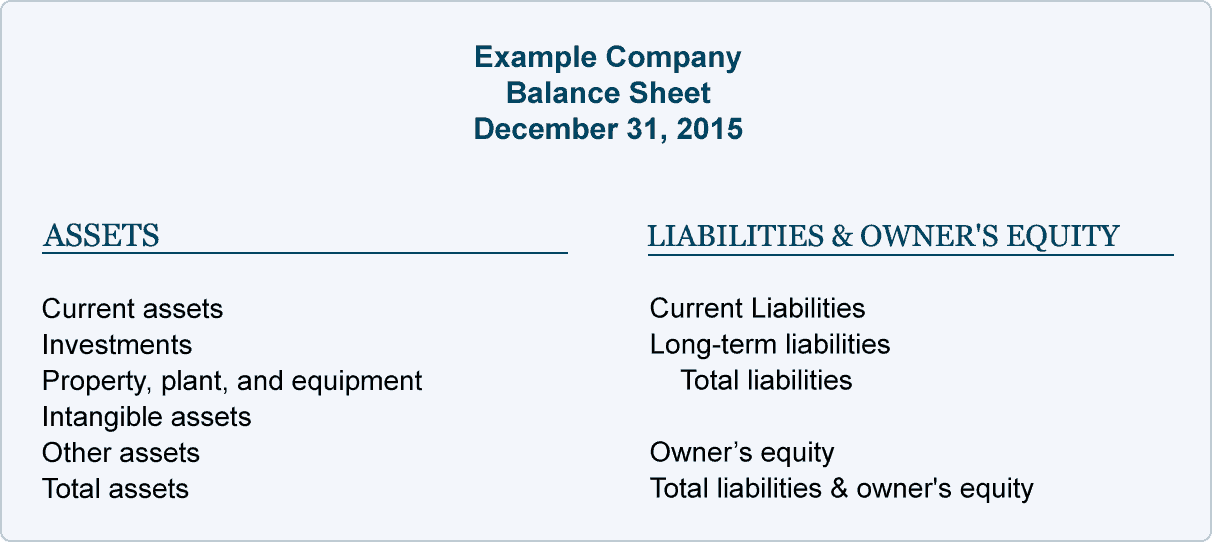
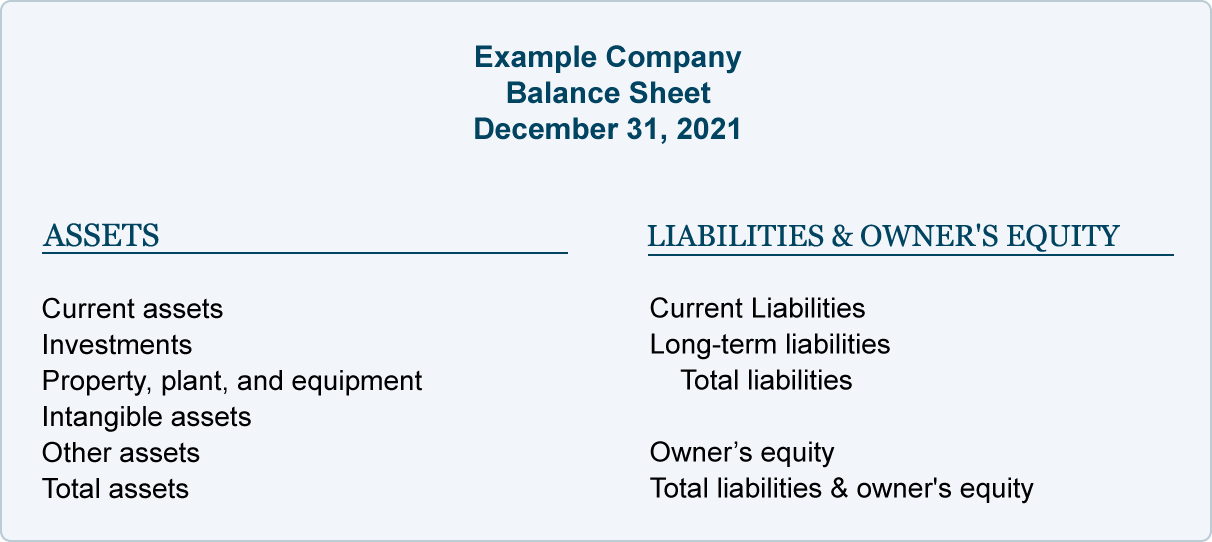
A balance sheet is generally organized around the basic accounting equation: Assets = Liabilities + Equity. Assets represent what a business owns or controls, while liabilities represent amounts owed to others. Equity reflects the owner’s or shareholders’ interest after liabilities are considered.
An Excel balance sheet format makes it easier to arrange these categories into appropriate sections. Depending on the template, you may find areas for current assets, fixed assets, current liabilities, long-term liabilities, capital, retained earnings, and other financial information.
A simple balance sheet format may be sufficient for a small business or personal financial review, while a more detailed format can accommodate the requirements of larger organizations.
Editable Balance Sheet Templates
One of the main advantages of using an Excel balance sheet template is flexibility. You can enter your own figures, rename categories, add rows, remove unnecessary sections, and adjust the formatting to match your accounting requirements.
Excel is also useful when you need to update financial information regularly. A balance sheet can be prepared for a particular month, quarter, or financial year, allowing businesses to compare their financial position over different periods.
These formats can also provide a useful starting point for students learning accounting and for professionals who need a structured spreadsheet for financial reporting.
What Does a Balance Sheet Include?
A typical balance sheet includes three main sections: assets, liabilities, and equity. Assets may include cash, accounts receivable, inventory, equipment, property, and other resources. Liabilities may include accounts payable, loans, accrued expenses, and other obligations. Equity can include owner’s capital, retained earnings, or shareholders’ equity depending on the type of business.
Organizing these items correctly helps provide a clearer picture of the financial position of a business.
Whether you need a simple balance sheet format in Excel, a business balance sheet, an accounting balance sheet, or a basic financial statement format, these templates provide an editable starting point. Select the format that best matches your requirements, enter the relevant financial information, and maintain your records in a convenient Excel spreadsheet.
Here is collection of balance sheet formats in excel
Balance Sheet Excel Format

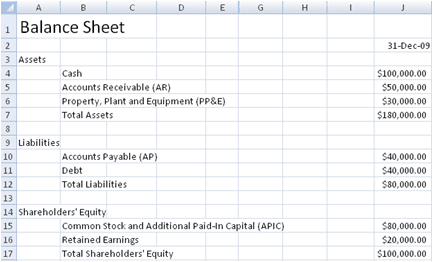


Balance Sheet Printable

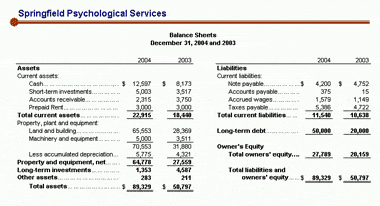
Balance Sheet Format Free

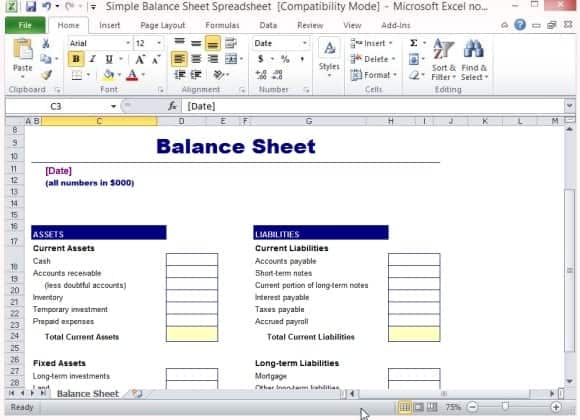
Balance Sheet Maker

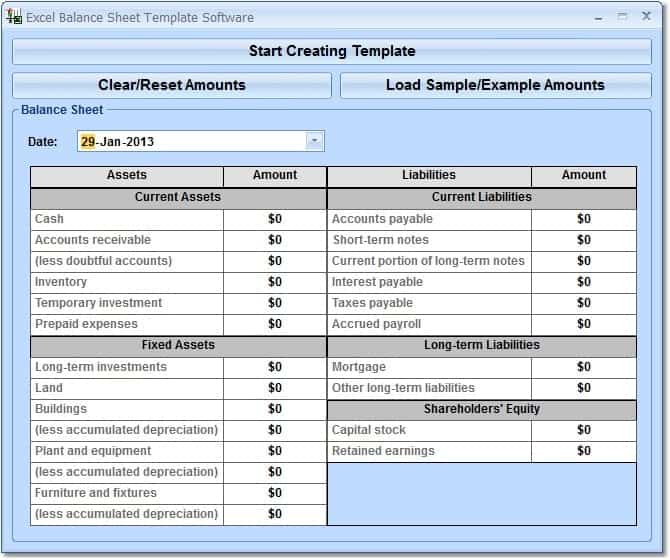
Balance Sheet MS Excel Format

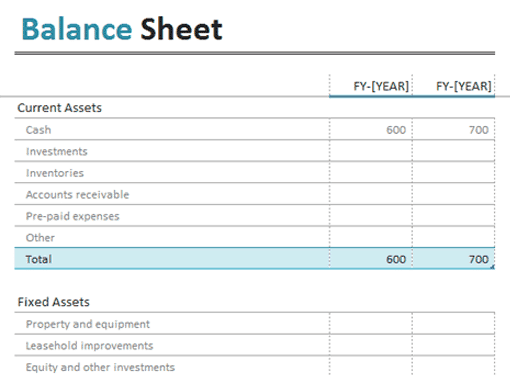
Business Balance Sheet

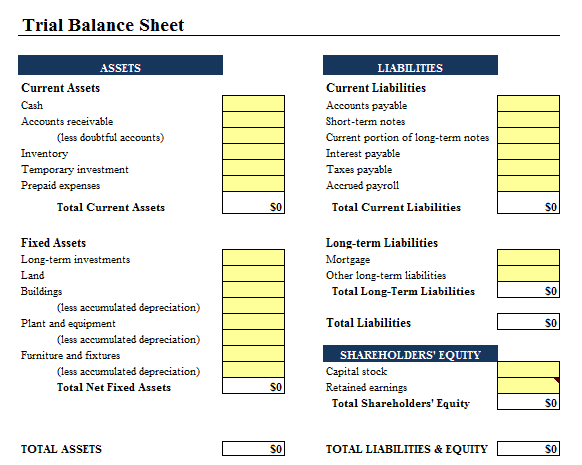
Balance Sheet Free Sample

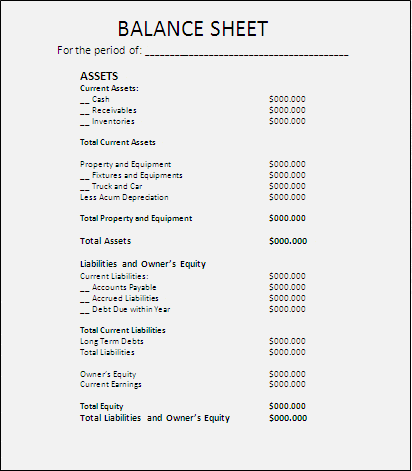
Sample Balance Sheet

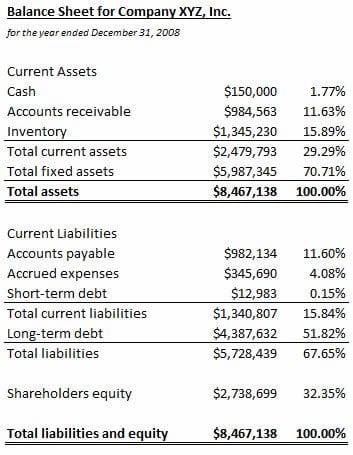
Balance Sheet Example

FAQs
1. What is a balance sheet format in Excel?
A balance sheet format in Excel is a spreadsheet layout used to organize a business’s assets, liabilities, and equity and present its financial position at a specific date.
2. What are the main sections of a balance sheet?
The three main sections are assets, liabilities, and equity. These sections are used to present what a business owns, what it owes, and the remaining ownership interest.
3. Can I edit a balance sheet template in Excel?
Yes. An editable Excel balance sheet can be customized by adding financial figures, changing categories, inserting rows, and modifying the layout.
4. What is the basic balance sheet accounting equation?
The basic accounting equation is Assets = Liabilities + Equity. A properly prepared balance sheet should maintain this relationship.
5. Can a small business use an Excel balance sheet format?
Yes. Small businesses can use a simple Excel balance sheet to organize financial information and review their assets, liabilities, and equity.
6. What information is included under assets?
Assets may include cash, accounts receivable, inventory, equipment, property, investments, and other resources owned or controlled by the business.
7. Can I use a balance sheet template for monthly reporting?
Yes. An Excel balance sheet can be prepared for monthly, quarterly, or annual reporting by entering the financial information applicable to the selected reporting date.
8. Why use an Excel balance sheet format?
Excel provides an editable and organized way to enter, update, review, and maintain financial information without having to create the entire balance sheet layout from scratch.

