

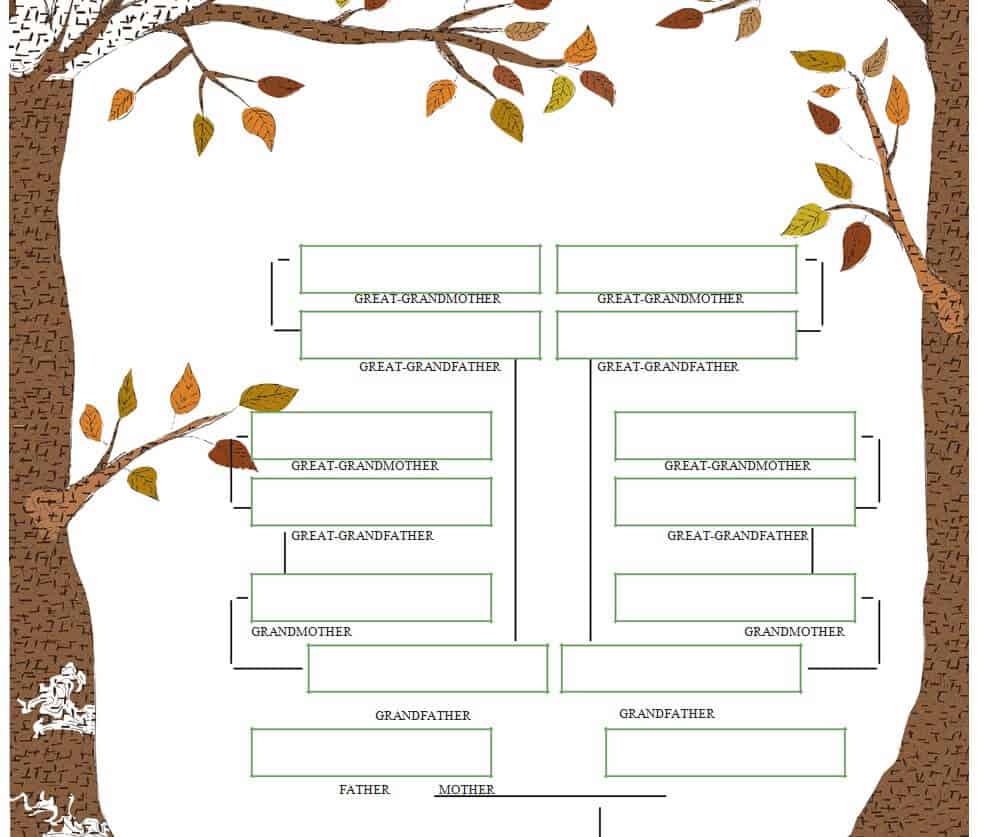
A family tree Word template is an easy way to organize and display information about your family history and relationships. Instead of drawing a family tree from scratch, you can use a ready-made template in Microsoft Word and customize it with names, dates, photographs, and other family details.
A family tree can be a meaningful project for children, families, genealogy enthusiasts, and anyone interested in documenting their ancestry. With an editable family tree template in Word, you can create a clear visual representation of parents, grandparents, children, siblings, and other relatives.
Editable Family Tree Template in Word
A family tree template Word format provides a convenient structure that can be edited directly in Microsoft Word. You can add or remove names, change text, adjust fonts, insert photographs, and modify the design to suit your family.
The template can be particularly useful when creating a family tree for a school project. Students can enter the names of family members and show how different generations are connected. Teachers and parents can also use a printable family tree template as an educational activity that encourages children to learn more about their family background.
For personal use, a family tree can become a keepsake that records several generations in one organized document. You can include grandparents, parents, siblings, children, and other relatives depending on how much family history you want to document.
Family Tree Chart for Different Generations
A family tree chart usually begins with an earlier generation and branches into their children and later descendants. The exact structure can vary depending on the family and the purpose of the chart.
A simple family tree may show three or four generations, while a larger genealogy project can include many more relatives. You can use the Word template as a starting point and expand it when additional family members need to be included.
Adding photographs can make the family tree more personal and visually appealing. You can insert pictures of relatives into the appropriate sections and add dates of birth, marriage dates, or other information where appropriate.
Printable Family Tree Template
After completing the template in Word, you can print your family tree for display at home, use it for a school assignment, or share it with family members. You can also save the completed document digitally for future updates.
Whether you need a family tree template for Word, a simple family tree chart, a genealogy project, or a printable family tree, an editable template provides a convenient way to organize family relationships. Download the template, add your family information, customize the design, and create a family tree that can be preserved and updated over time.
Download Family Tree Word Templates Here
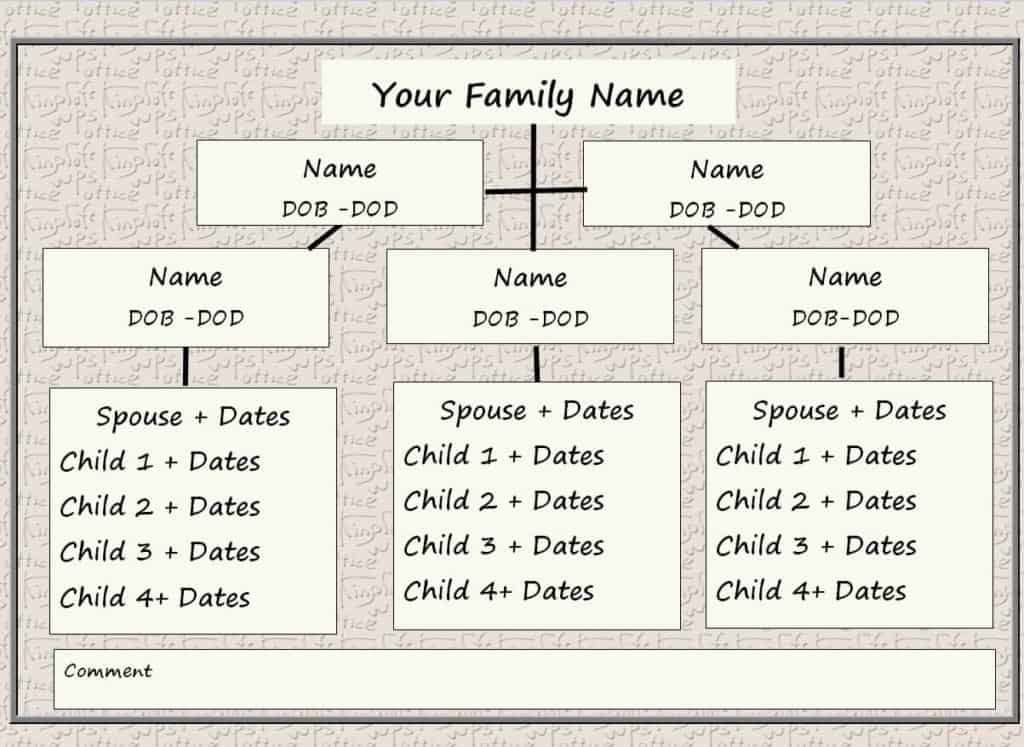
My Family Tree Word Template

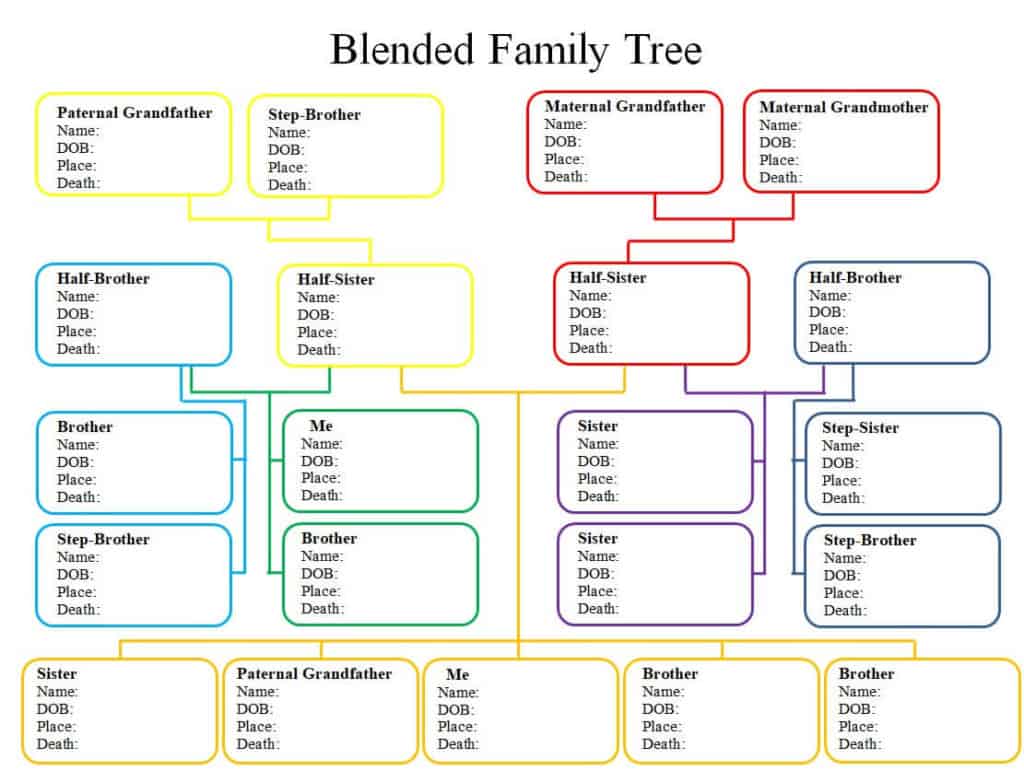
Blended Family Tree Template

Blank Family Tree Template

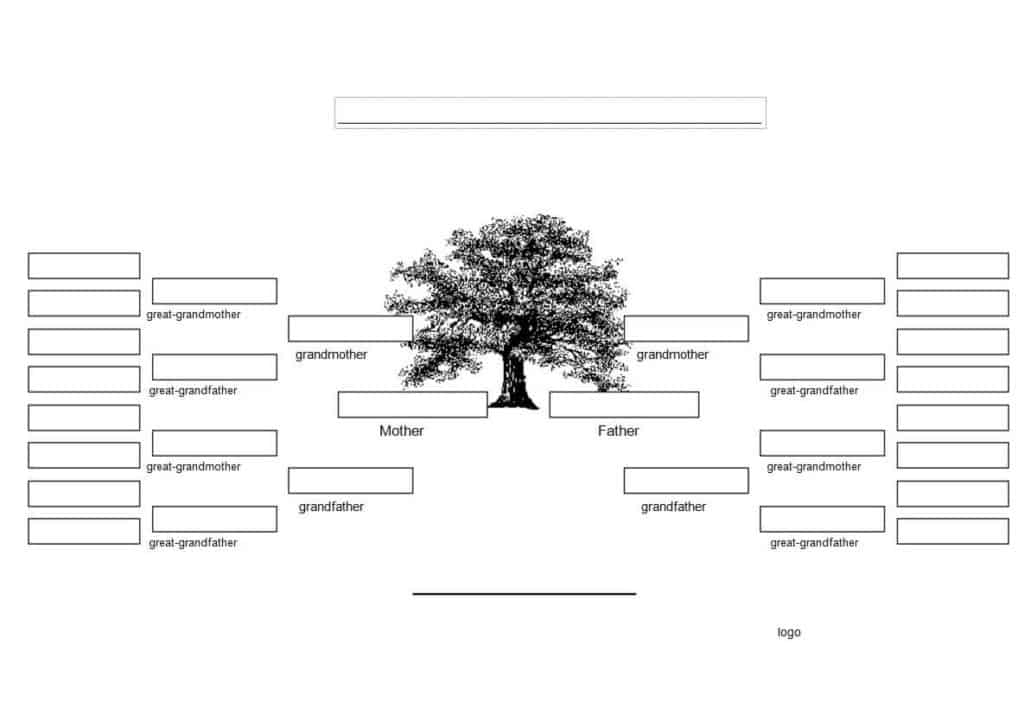
Free Printable Family Tree Template

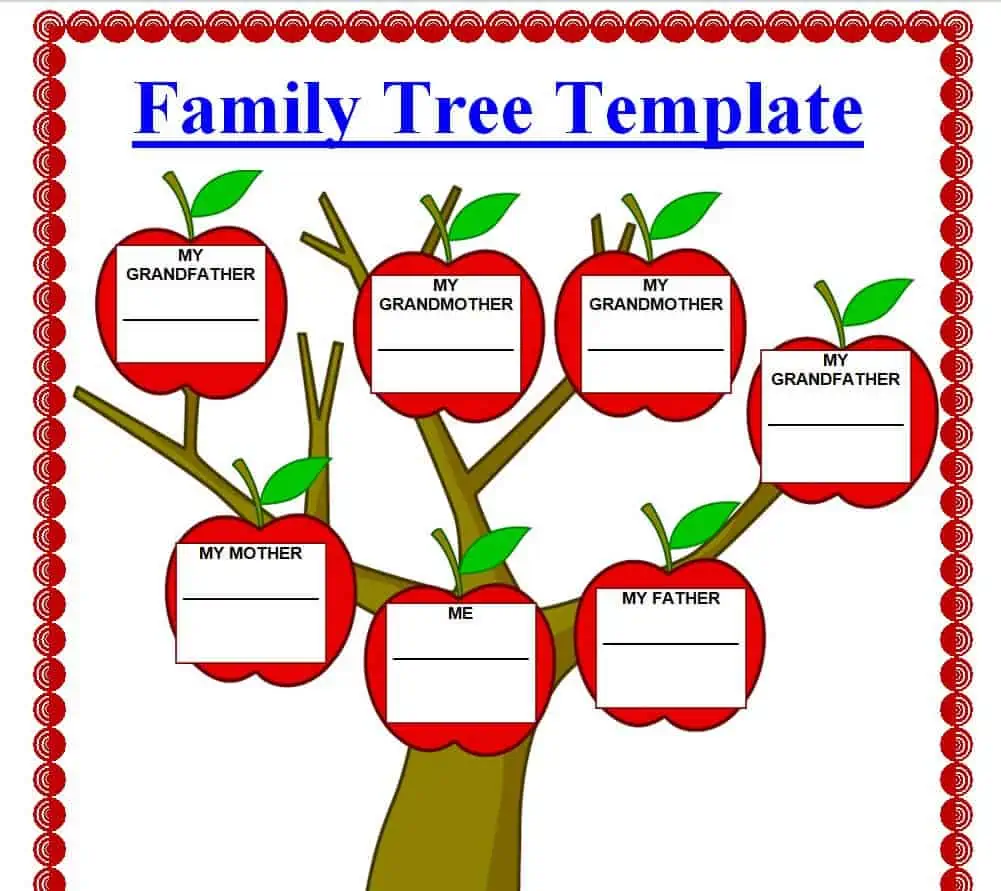
Detailed Family Tree Template WORD

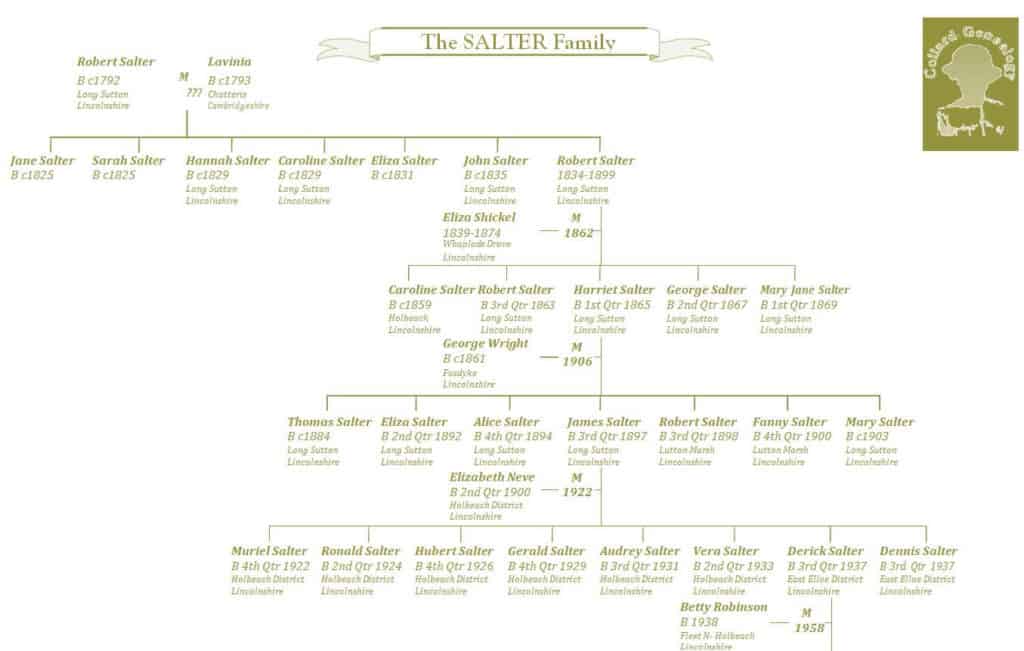
Example Family Tree Template

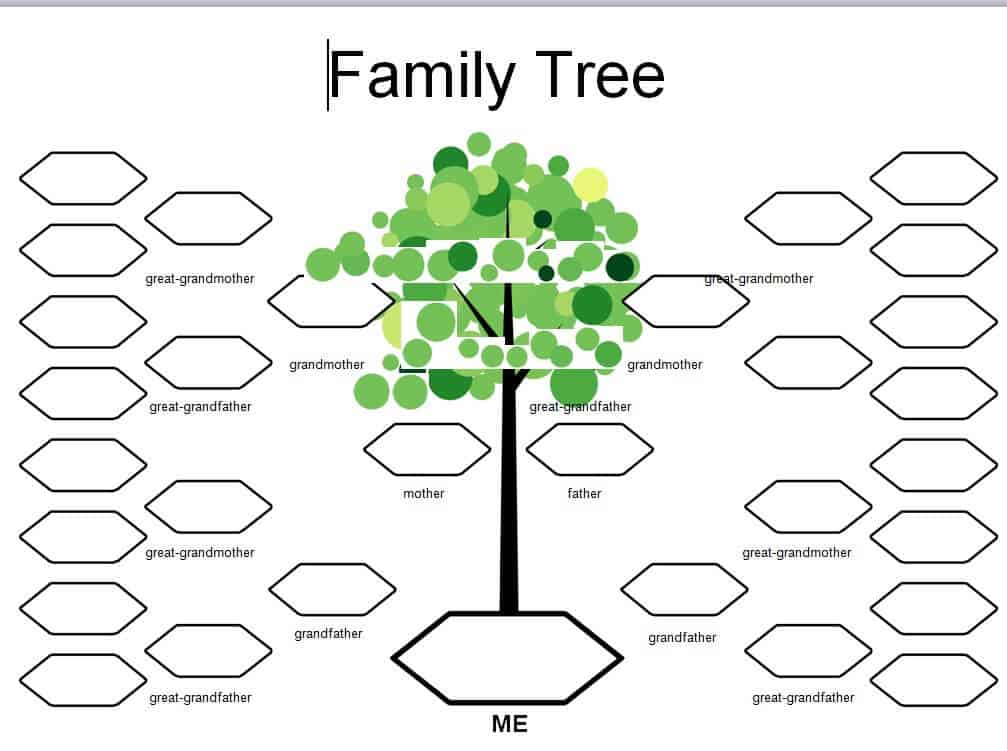
Simple Family Tree Template in DOC Format

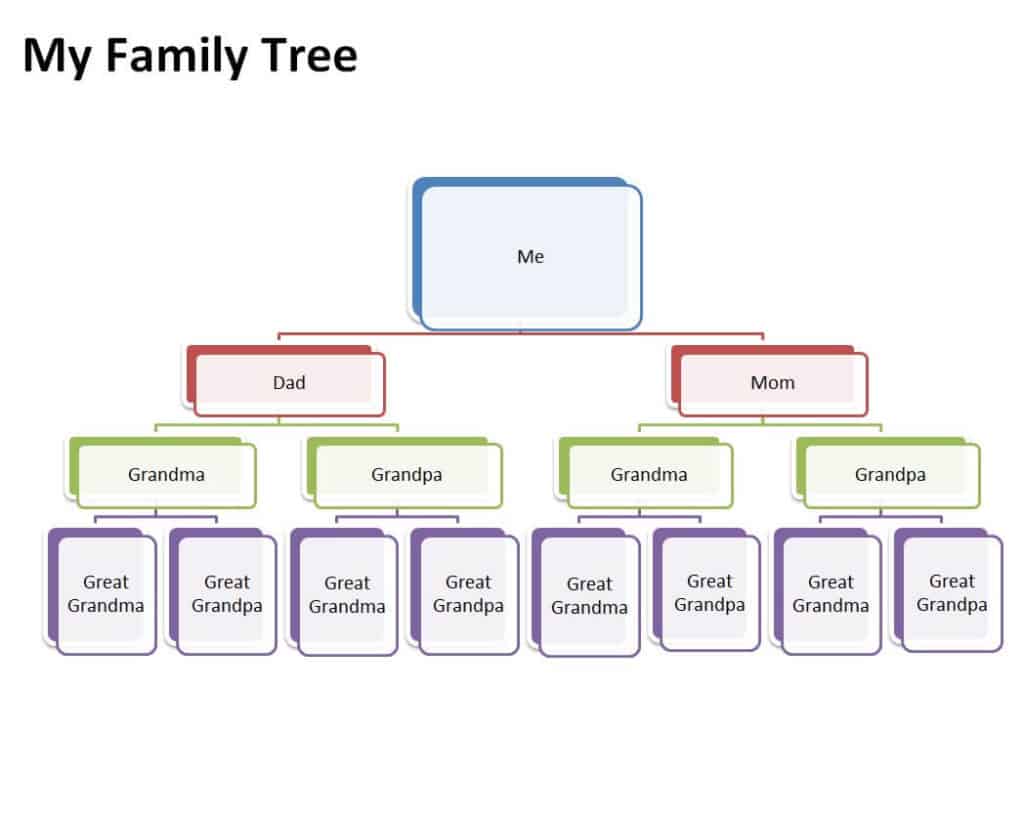
Sample Family Tree Template

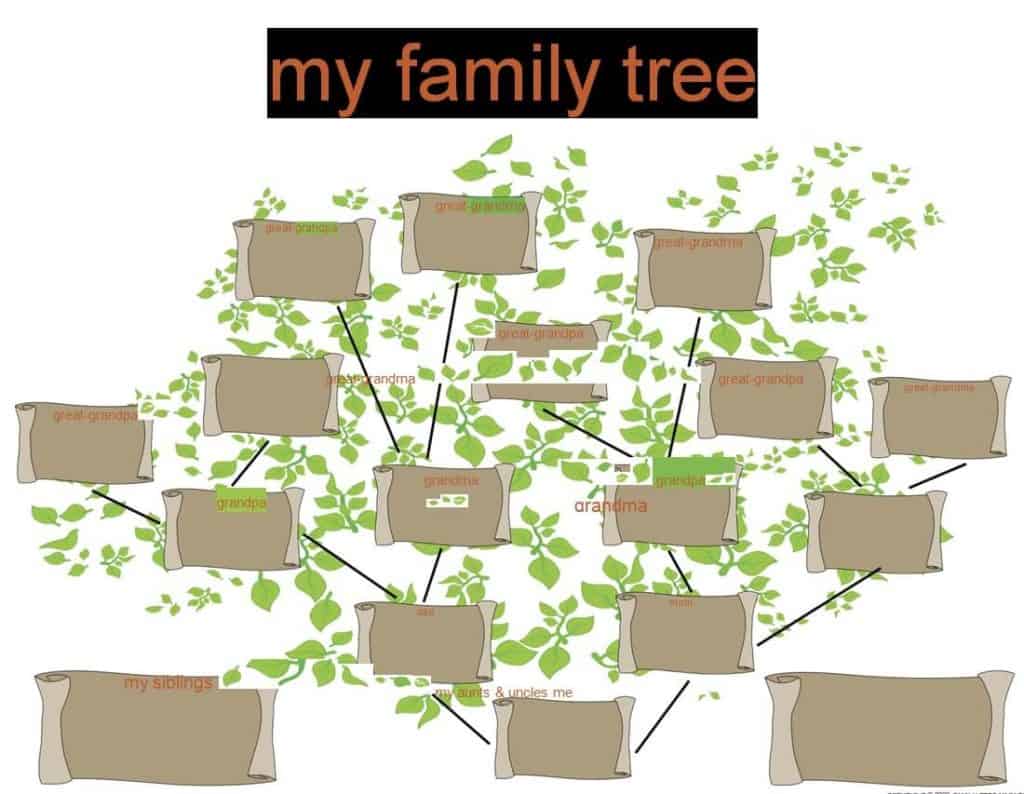
Editable Family Tree Template with Graphics

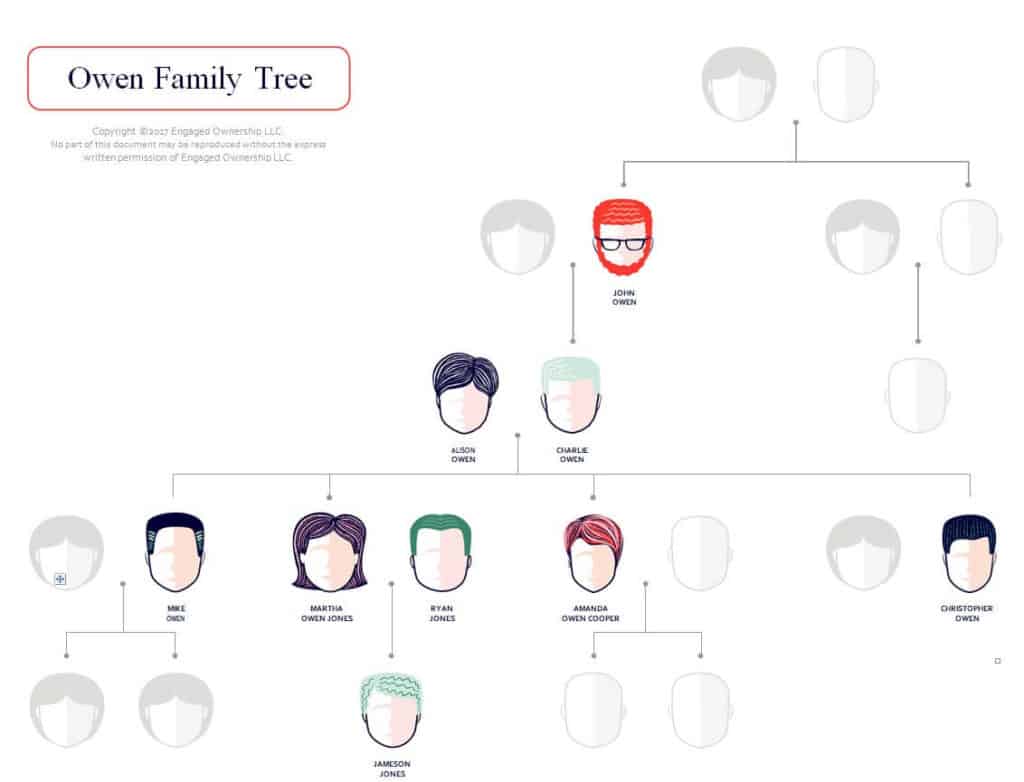
Model Family Tree Chart Template

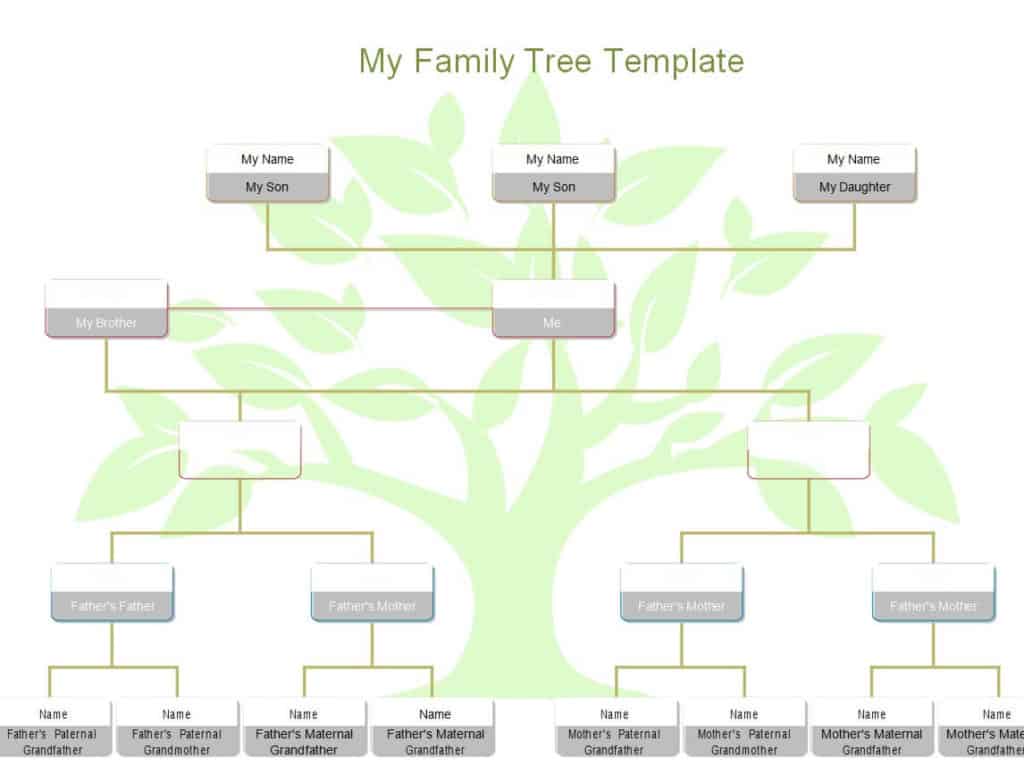
Sample Family Ancestors Chart Template

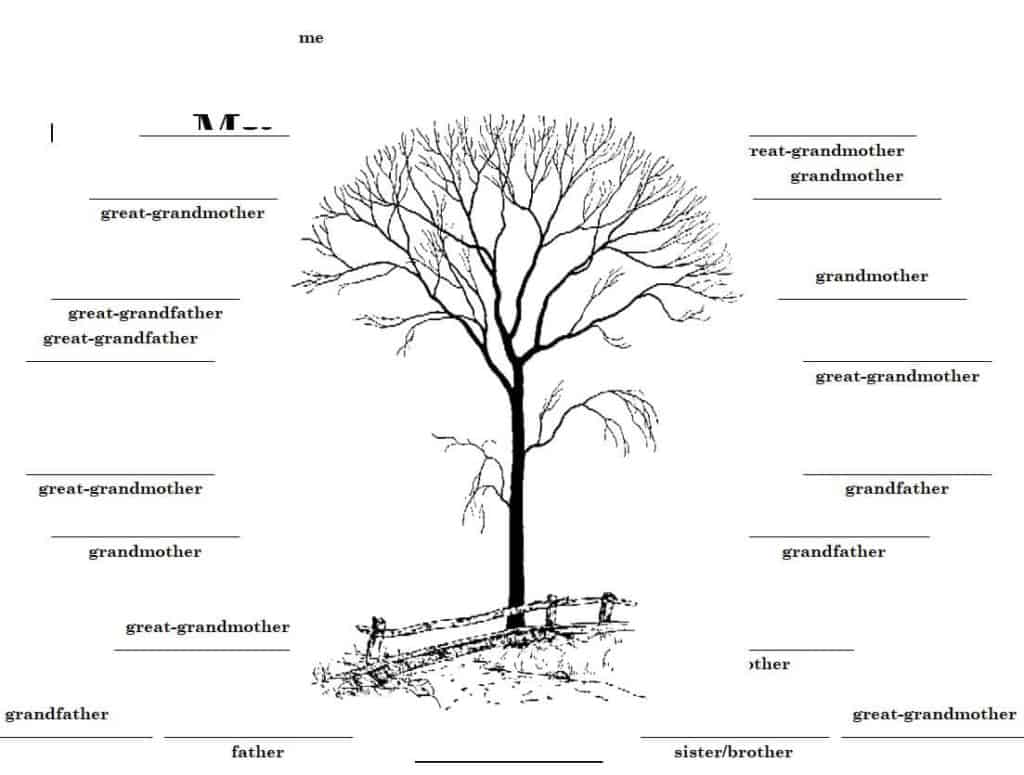
Basic Family Tree Template Microsoft Word

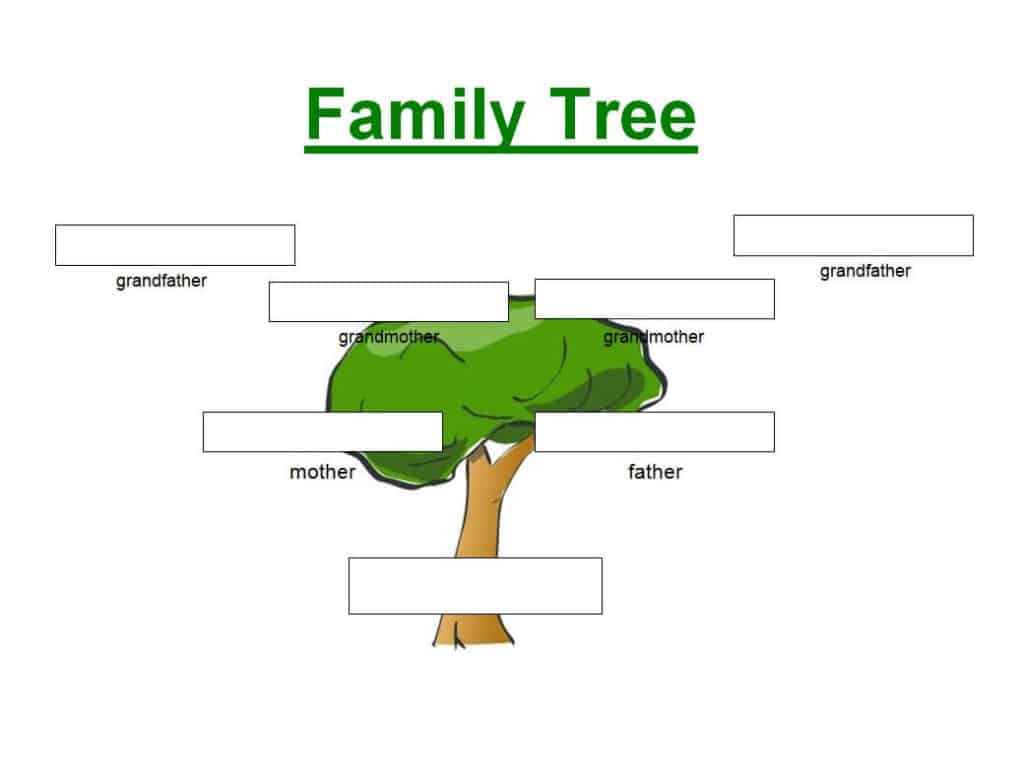
Stylish Family Tree Chart Template

FAQs
1. What is a family tree Word template?
A family tree Word template is a pre-designed document that helps you organize and display family members and their relationships using Microsoft Word.
2. Can I edit the family tree template in Microsoft Word?
Yes. You can add names, change text, adjust the layout, insert photographs, and customize other elements using Word.
3. What information can I add to a family tree?
You can add names, family relationships, photographs, birth dates, marriage dates, and other information that helps document your family’s history.
4. Can children use a family tree template for a school project?
Yes. A family tree is a popular educational activity that can help children learn about their relatives and understand relationships between different generations.
5. How many generations can a family tree include?
There is no fixed limit. A simple family tree may cover three or four generations, while a larger genealogy chart can include many generations and relatives.
6. Can I add photos to a Word family tree template?
Yes. If the template provides suitable spaces, you can insert photographs of family members and create a more personalized family tree.
7. Can I print a family tree created in Word?
Yes. Once you have completed and formatted the family tree, you can print it for display, a school project, a family event, or personal records.
8. Is a family tree template useful for genealogy?
Yes. It can provide a visual starting point for organizing relatives and documenting family relationships as part of a broader genealogy project.

