
A family tree Word template displays relationships across generations in an editable document. It is useful for a family history project, school assignment, or simple ancestry overview.
Choose the number of generations and the relationship structure before adding names. A decorative layout may need adjustment for a family that does not fit its default boxes.
Template previews and downloads
My Family Tree Word Template
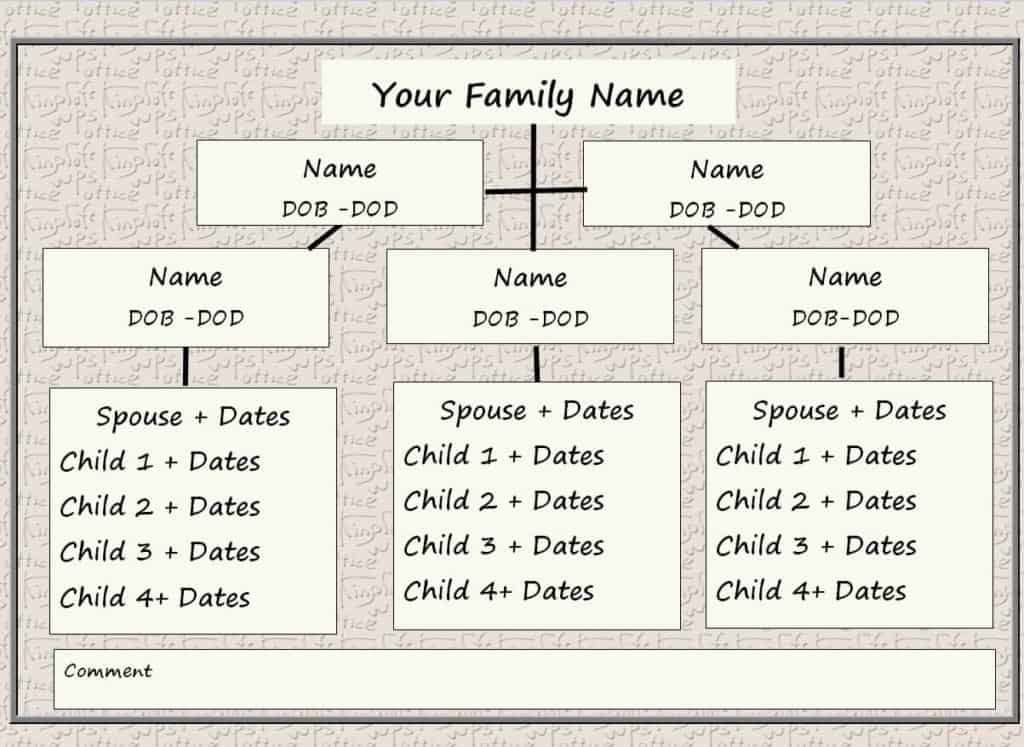
Blended Family Tree Template
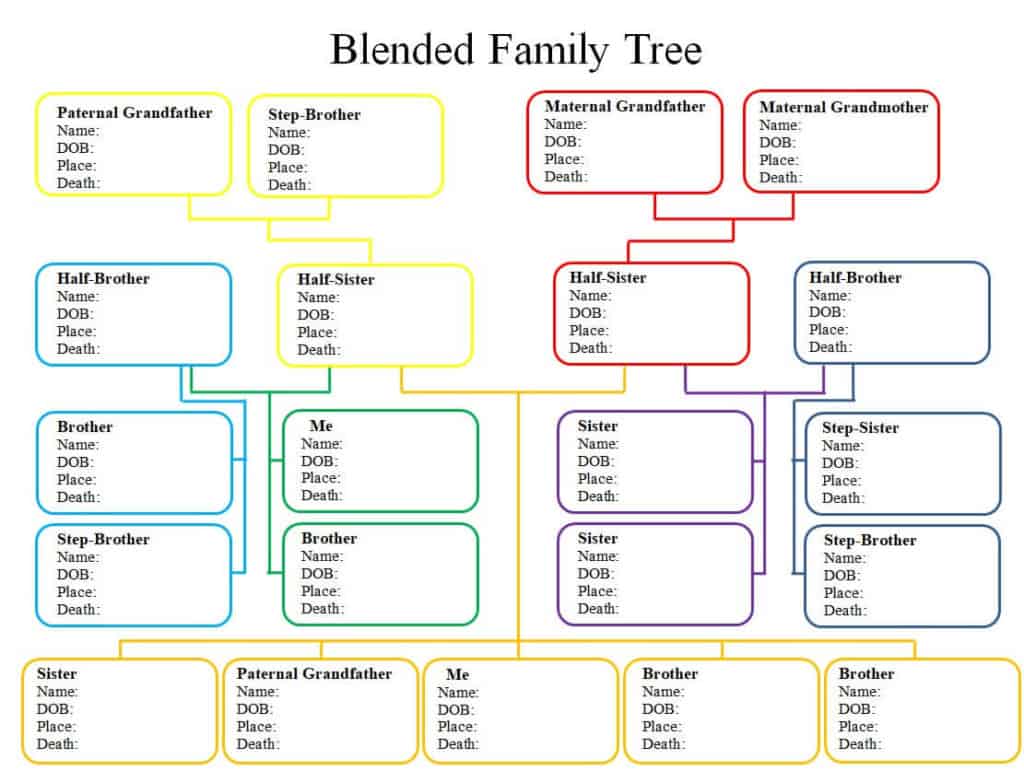
Blank Family Tree Template
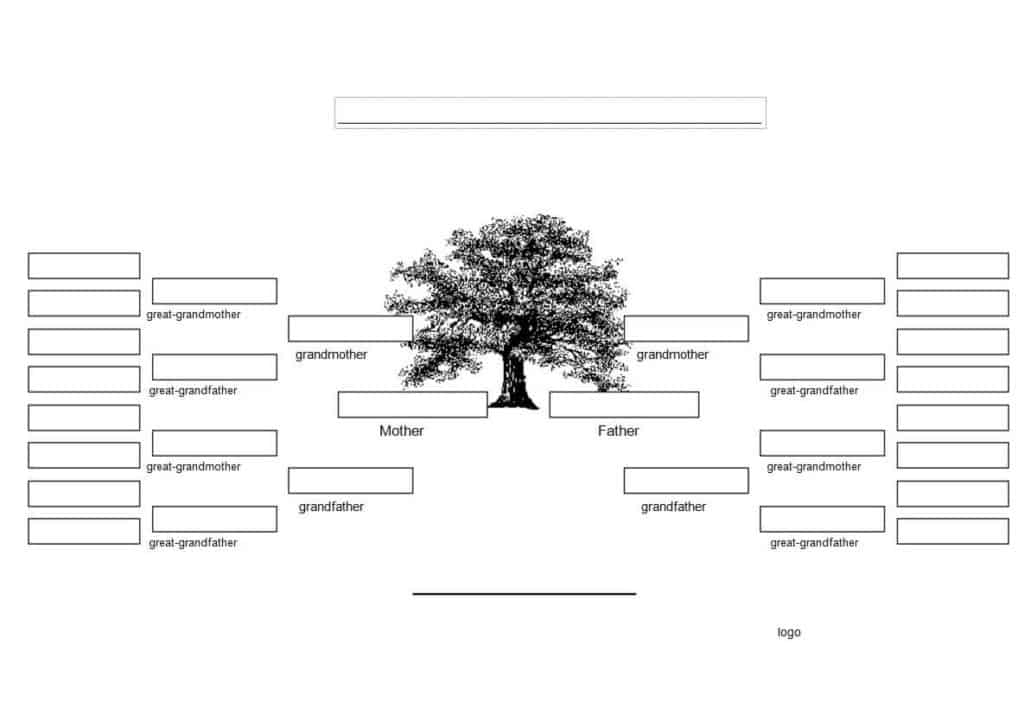
Free Printable Family Tree Template
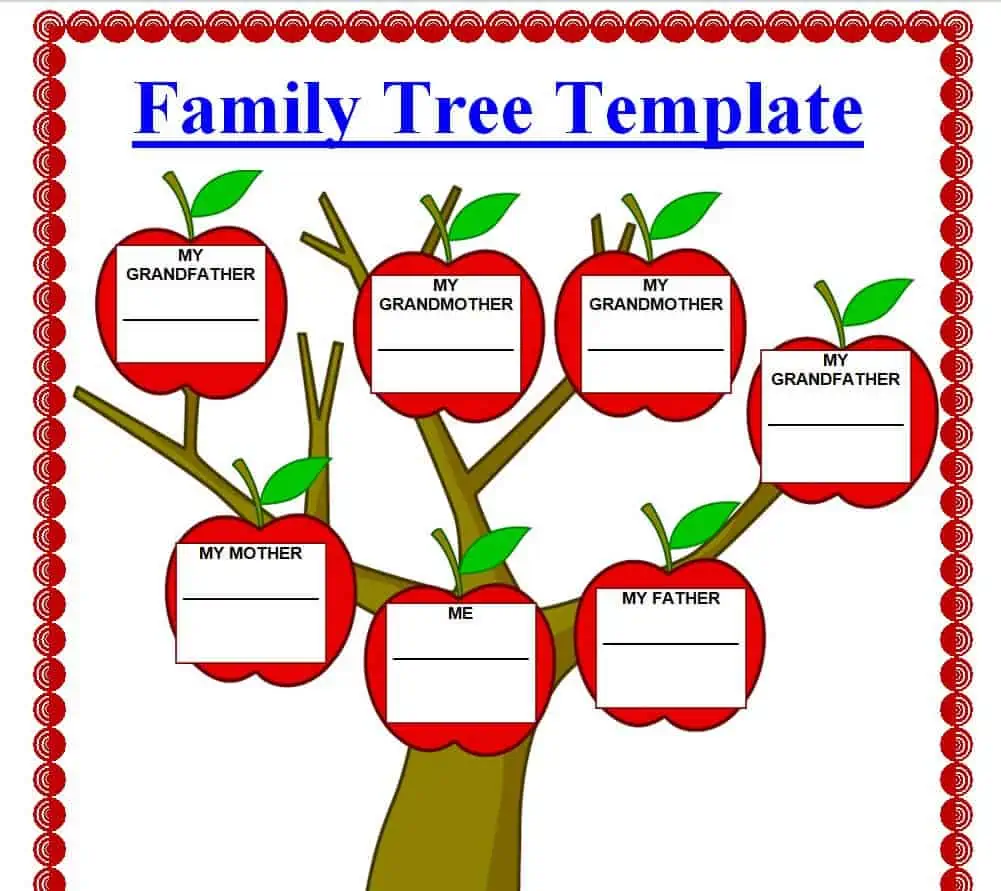
Detailed Family Tree Template WORD
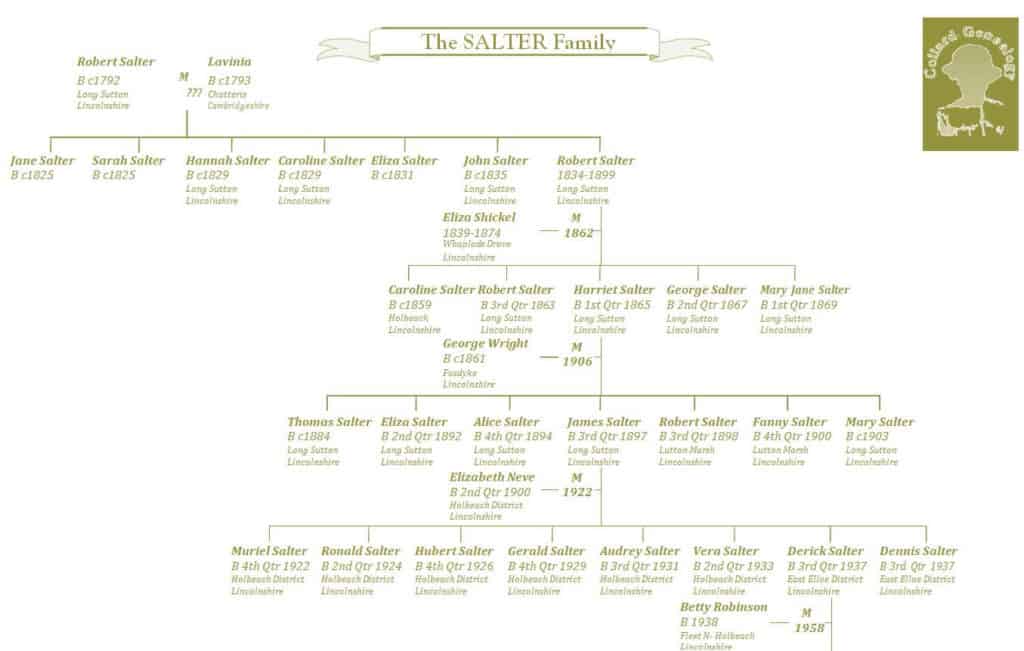
Example Family Tree Template
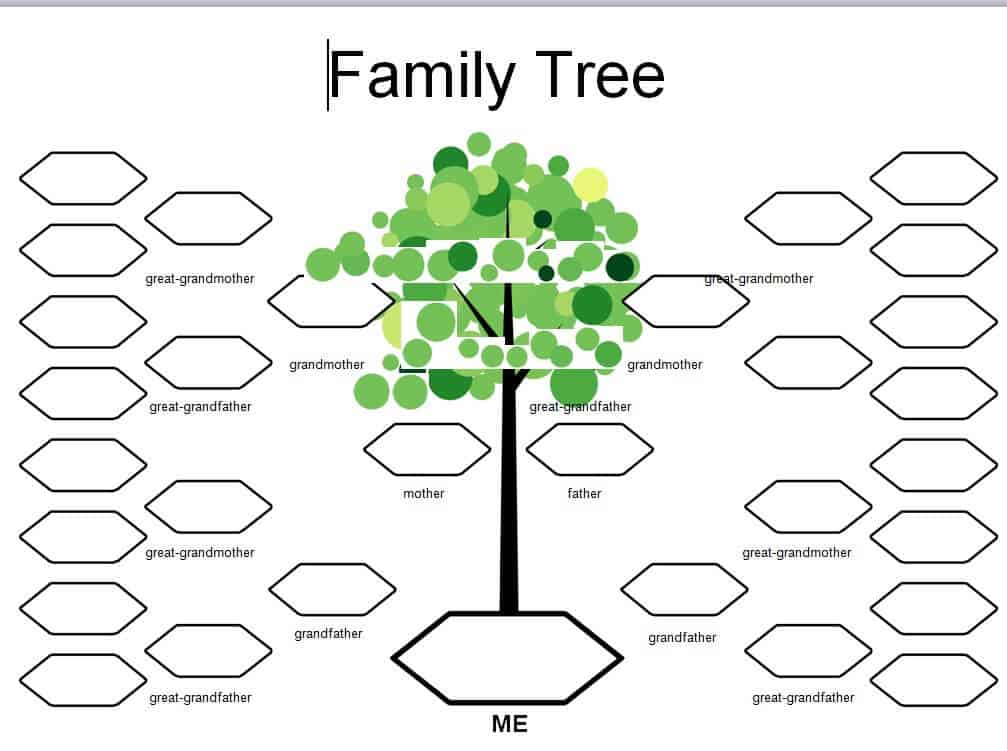
Simple Family Tree Template in DOC Format
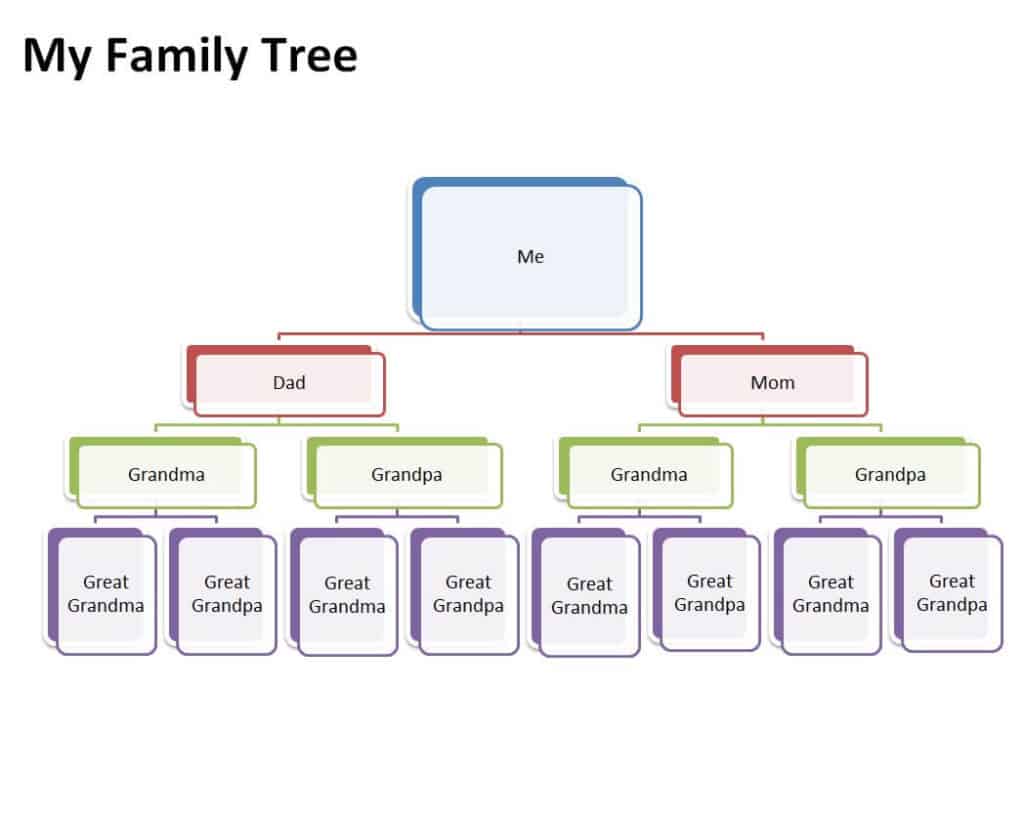
Sample Family Tree Template
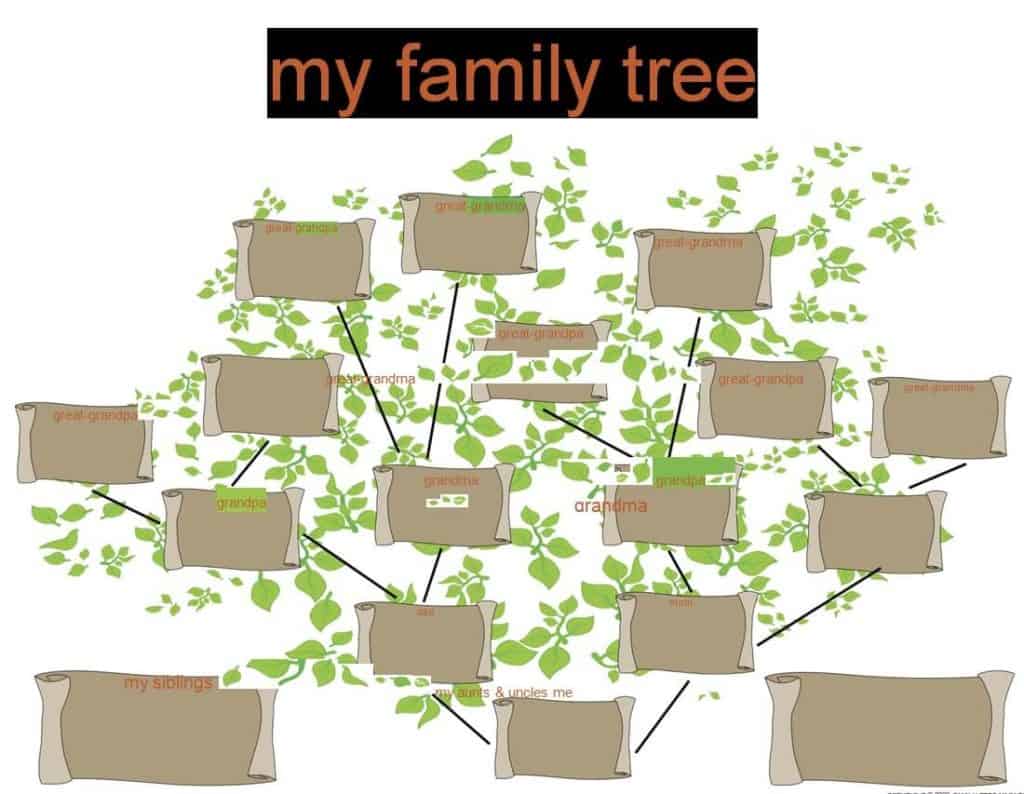
Editable Family Tree Template with Graphics
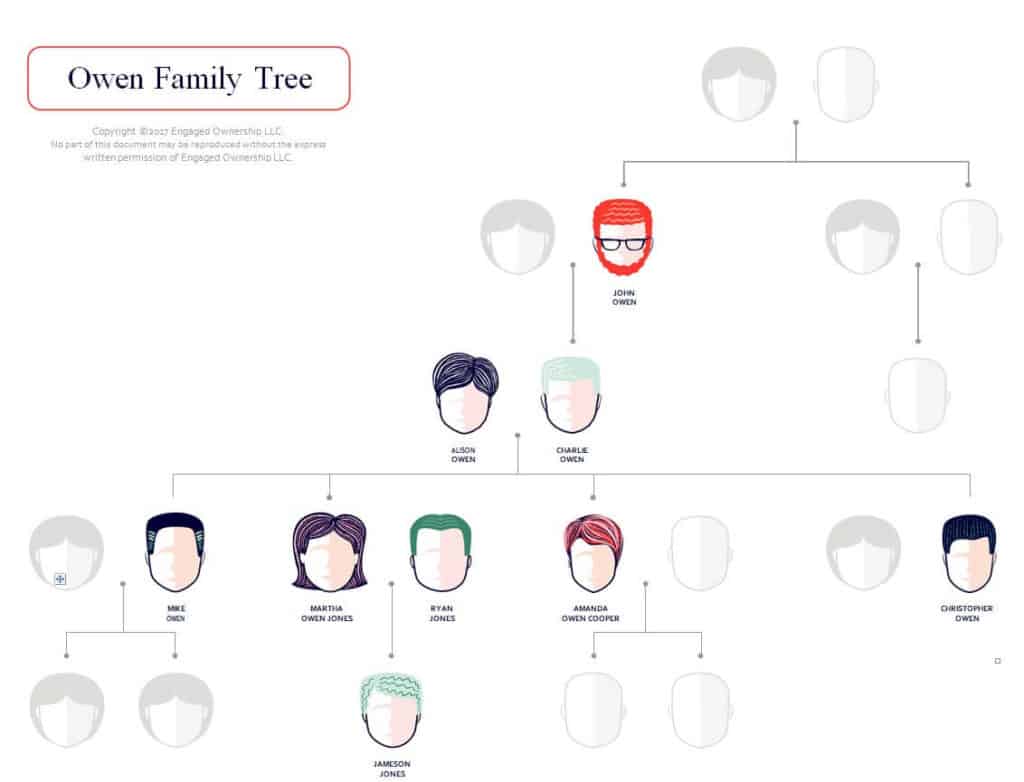
Model Family Tree Chart Template
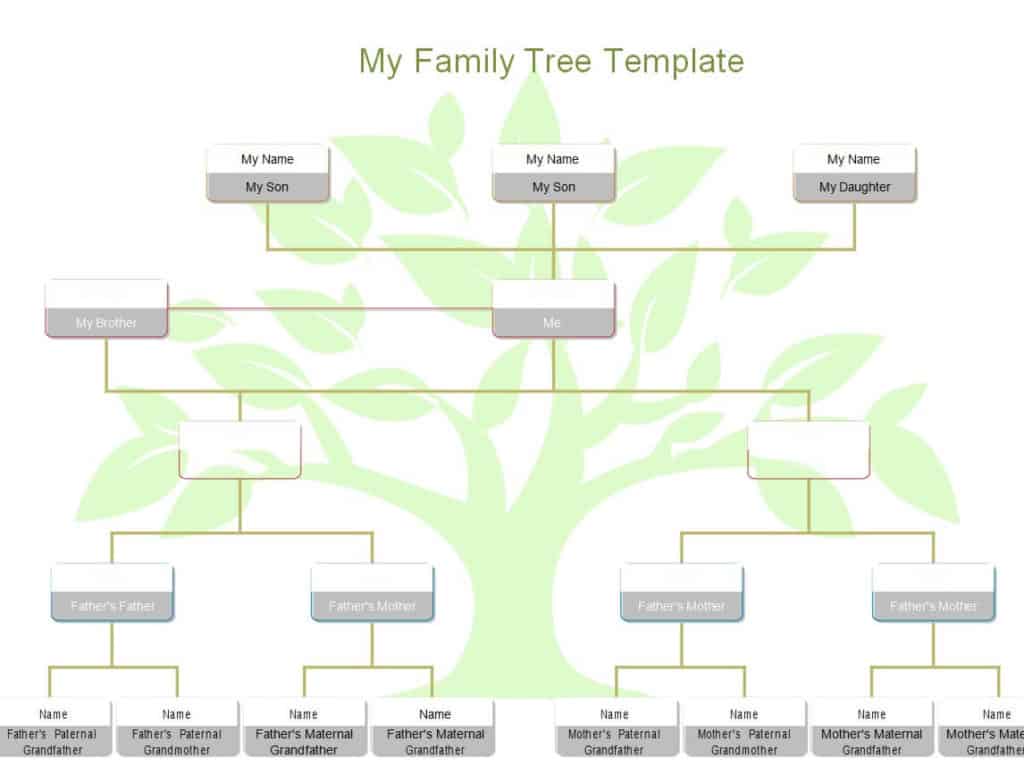
Sample Family Ancestors Chart Template
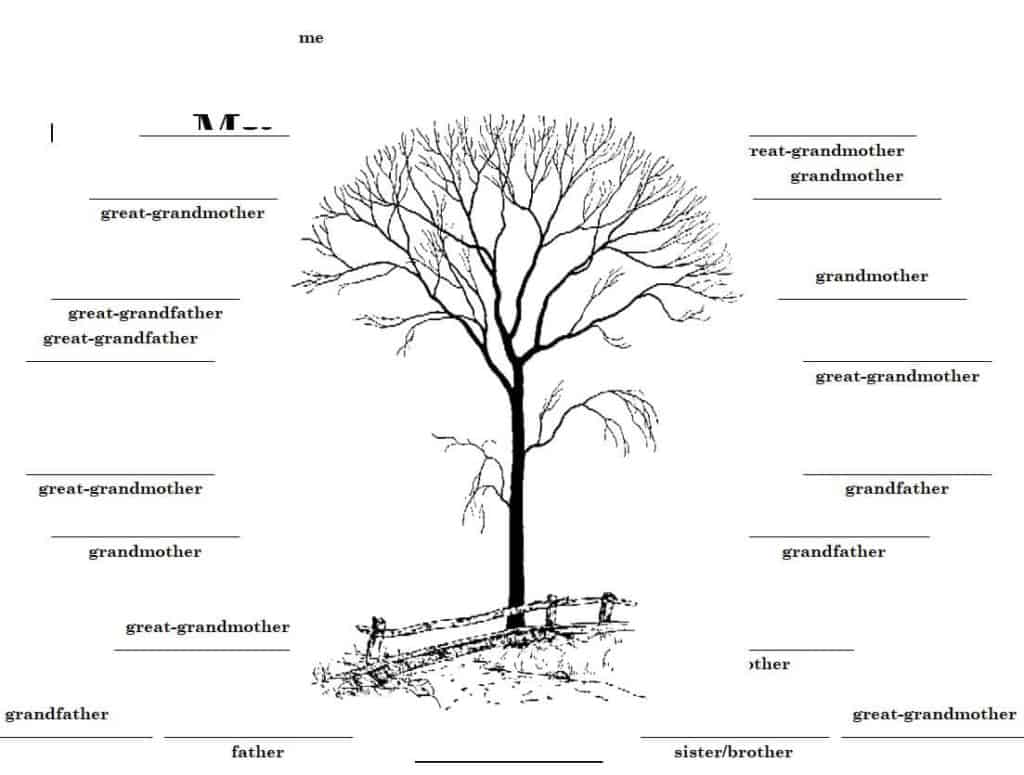
Basic Family Tree Template Microsoft Word
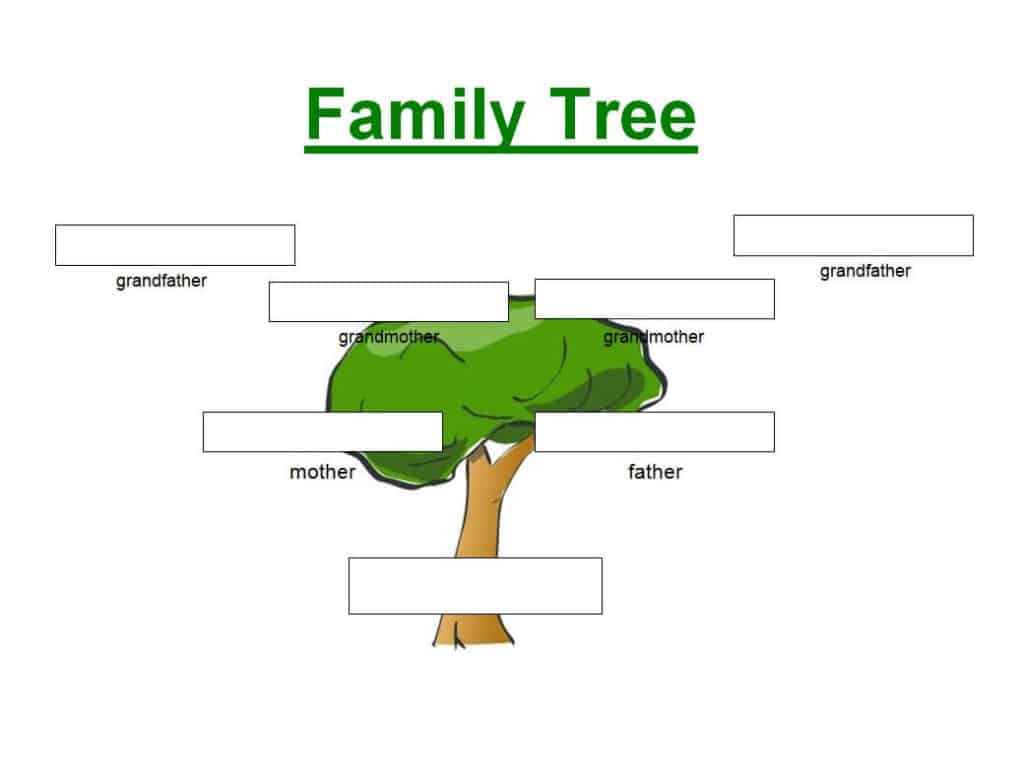
Stylish Family Tree Chart Template
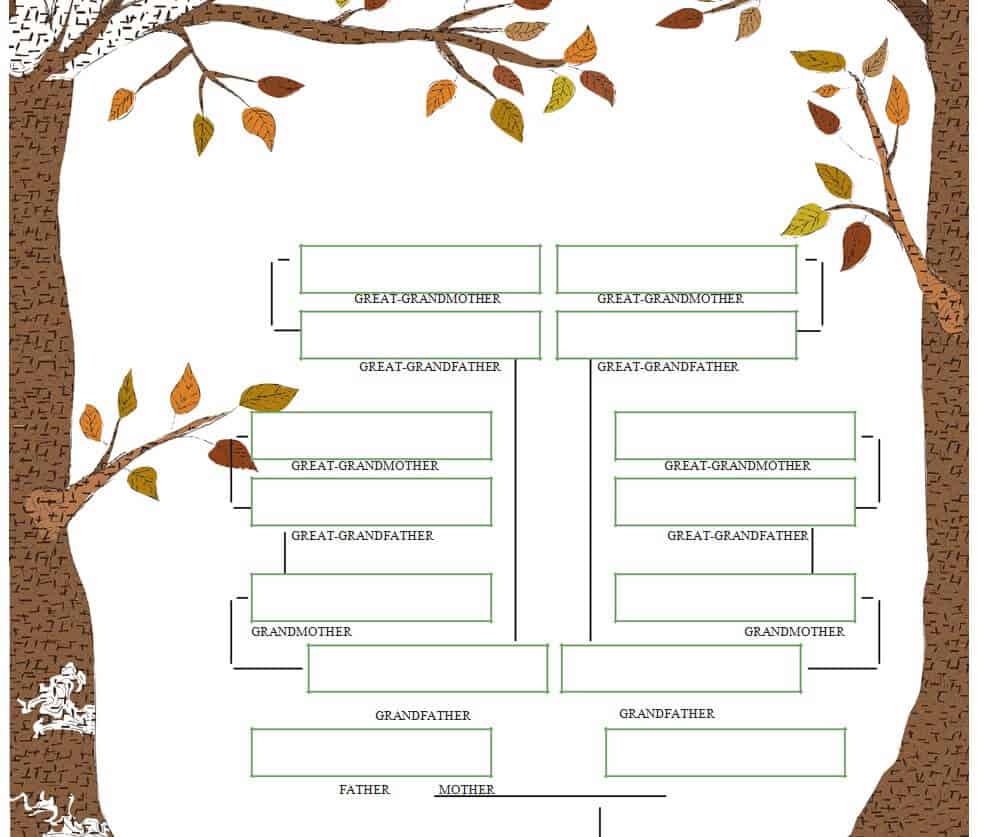
How to use the family tree Word template
Step 1. Begin with a known person and work outward using verified relationships. Organize dated research or family events with timeline templates.
Step 2. Add names and relevant dates, distinguishing confirmed facts from uncertain details. Track research actions using to-do lists.
Step 3. Review connections and obtain appropriate permission before sharing information about living people.
Keep a source note for information that may later need checking, such as a date from a family record or a relationship confirmed by a relative. The display tree can remain simple while a separate research list holds evidence and uncertainty.
Word layouts often use tables, text boxes, or shapes. Before adding a large branch, save a copy and check page flow and connector positions. A readable partial tree with verified relationships is more useful than a crowded chart filled with guesses.
Example and checks
Two people with the same name should have additional identifiers, such as dates or locations, so they are not merged into one person.
Do not guess missing relatives to fill empty boxes. Keep adoption, step-relations, and other connections clear and respectful. Keep supporting names and source notes in spreadsheet templates.
Frequently asked questions
1. What is a family tree Word template?
A family tree Word template is a pre-designed document that helps you organize and display family members and their relationships using Microsoft Word.
2. Can I edit the family tree template in Microsoft Word?
Yes. You can add names, change text, adjust the layout, insert photographs, and customize other elements using Word.
3. What information can I add to a family tree?
You can add names, family relationships, photographs, birth dates, marriage dates, and other information that helps document your family’s history.
4. Can children use a family tree template for a school project?
Yes. A family tree is a popular educational activity that can help children learn about their relatives and understand relationships between different generations.
5. How many generations can a family tree include?
There is no fixed limit. A simple family tree may cover three or four generations, while a larger genealogy chart can include many generations and relatives.
6. Can I add photos to a Word family tree template?
Yes. If the template provides suitable spaces, you can insert photographs of family members and create a more personalized family tree.
7. Can I print a family tree created in Word?
Yes. Once you have completed and formatted the family tree, you can print it for display, a school project, a family event, or personal records.
8. Is a family tree template useful for genealogy?
Yes. It can provide a visual starting point for organizing relatives and documenting family relationships as part of a broader genealogy project.
Can I add more generations?
Yes, if the layout remains readable; consider a larger page or separate branches.
Should private dates be included?
Include only what is appropriate for the intended audience, especially for living relatives.

You must be logged in to post a comment.