
A flowchart template maps a process as connected steps and decisions. It helps readers understand what happens next and where different outcomes lead.
Choose a simple process diagram for a short sequence or a swimlane layout when responsibilities cross teams. Use symbols consistently and define unfamiliar notation.
Template previews and downloads
Get flowchart template below
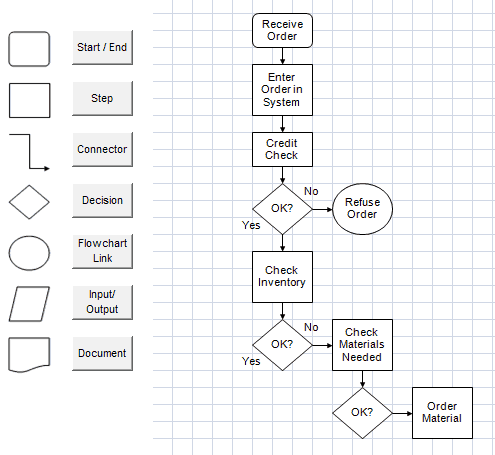

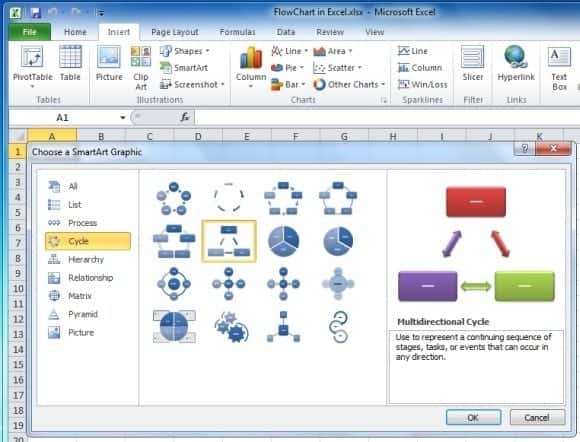
Flowchart Excel Format
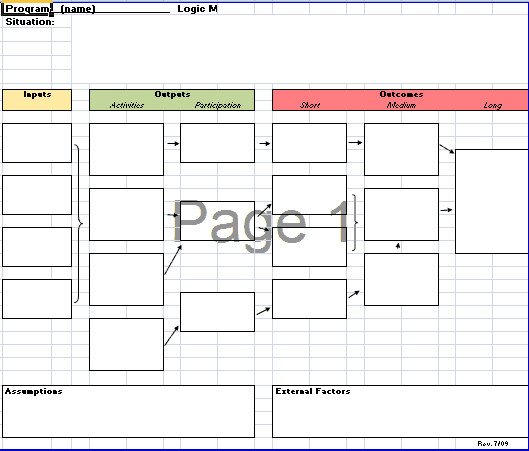
Process Flowchart
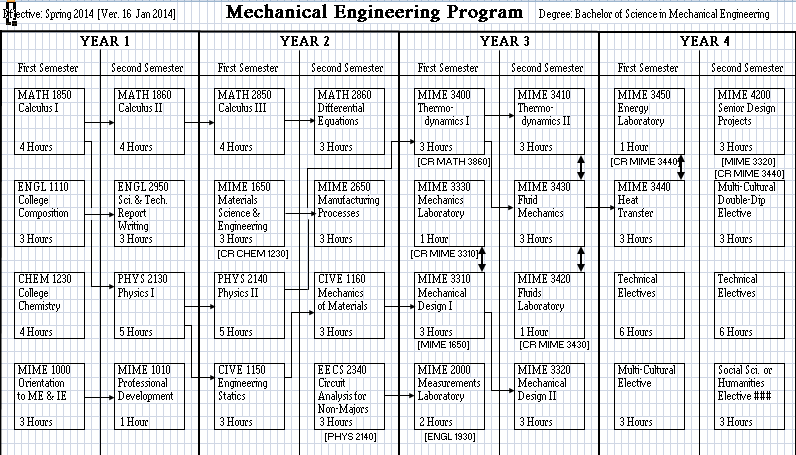

Flowchart Making Guide
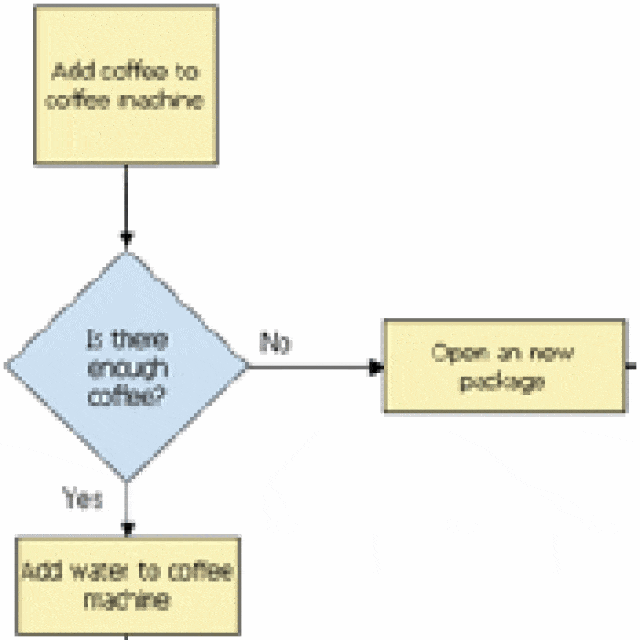
Flowchart Format Free
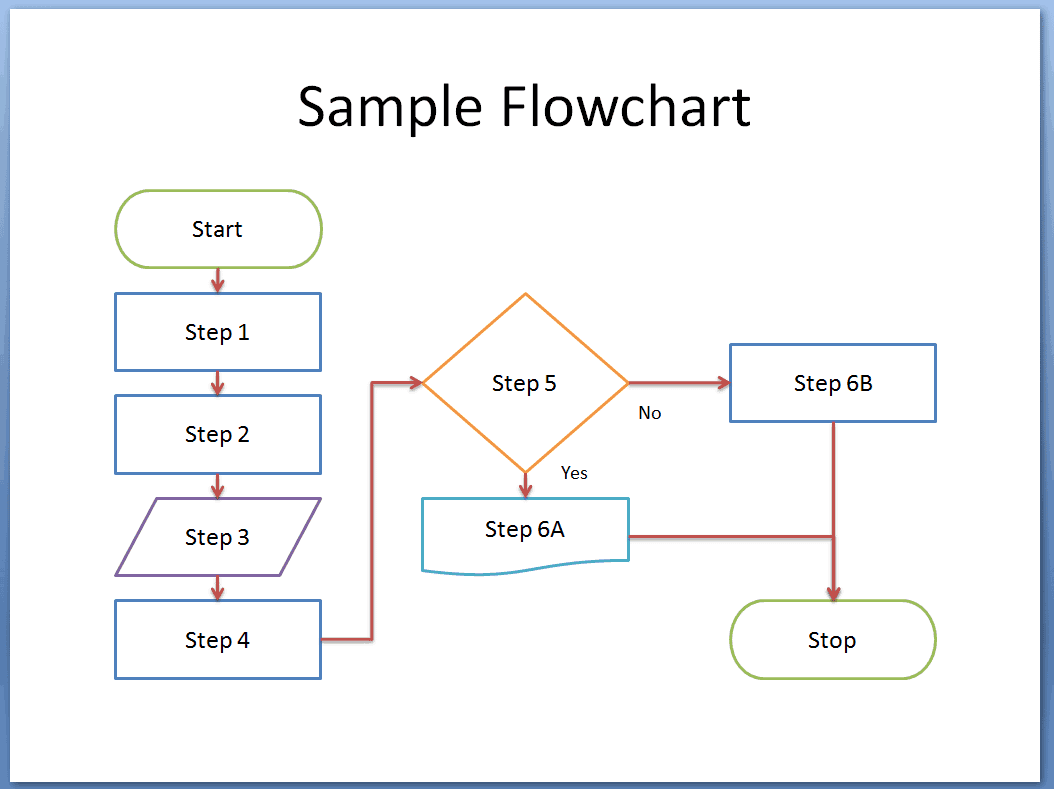
Sample Flowchart
Flowchart Maker Online
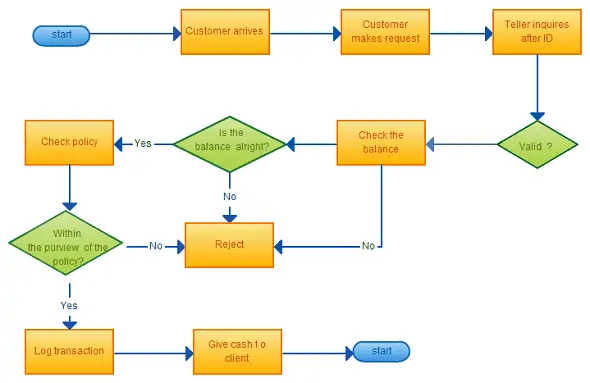
Flowchart Diagram
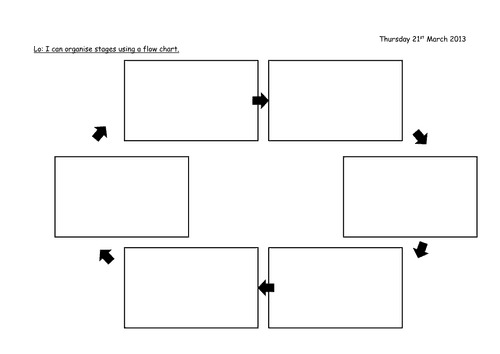
How to use the flowchart template
Step 1. Define the start, end, and purpose of the process. Schedule process changes using project timelines.
Step 2. Map actions in order and label decision branches with clear outcomes. Turn repeatable steps into daily checklists.
Step 3. Walk through normal and exception cases with the people who perform the work.
Choose the level of detail before drawing. A management overview may show a small number of major stages, while a work instruction needs specific actions and exception paths. Mixing both levels can create a chart that is crowded but still leaves important decisions unexplained.
Test the diagram by following a real example from start to finish. Check what happens when information is missing, approval is refused, or a task needs rework. If the process crosses teams, show responsibility clearly so handoffs do not become gaps between boxes.
Example and checks
A purchase request can lead to an approval decision: approved requests move to ordering, while rejected requests return with a reason.
Arrows should show direction, and every decision branch needs a destination. A decorative diagram with missing connections is not a usable process map. Store supporting process records in spreadsheet templates.
Frequently asked questions
Must every detail fit on one chart?
No. Keep the main process readable and use linked sub-processes for detail.
Can I use a flowchart for an existing process?
Yes. Map what actually happens before proposing improvements.

You must be logged in to post a comment.