
A client database template keeps customer contact information and business records in a structured table. A useful file makes it easy to locate a client without collecting unnecessary personal details.
Look for a unique client ID, business or contact name, communication details, owner, and last-updated date. Add fields only when they serve a clear purpose.
Template previews and downloads
Client Database Excel Sheet
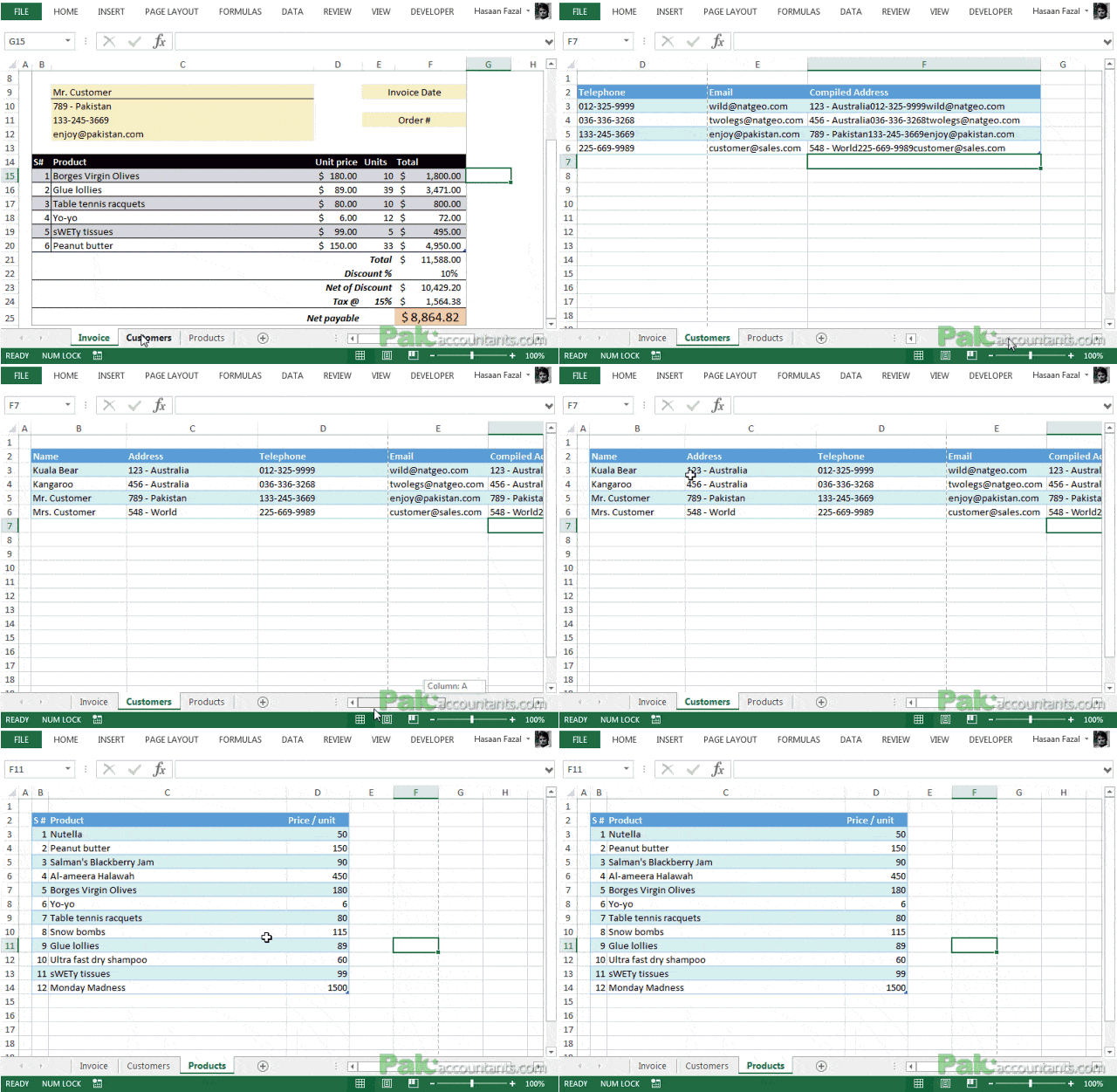

Client Contact Database Sample
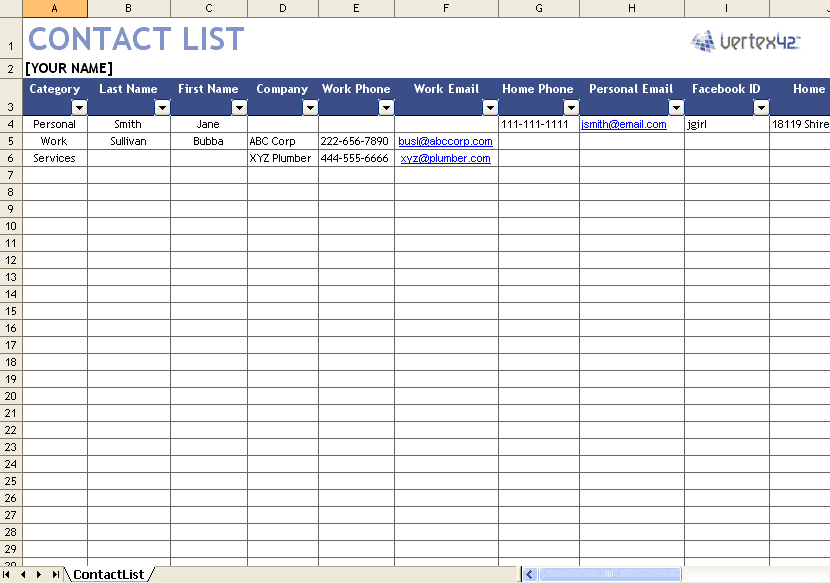
Client/Customer Sheet Template
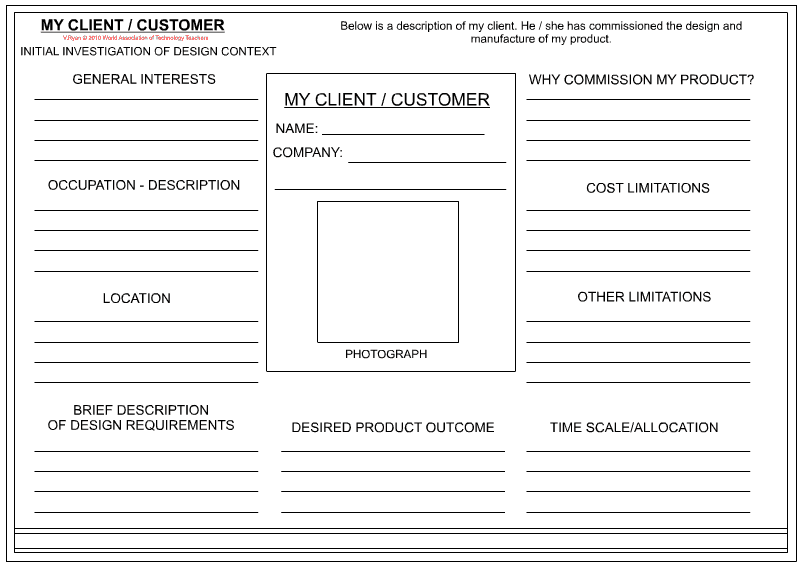
Client Database Spreadsheet Examples:
Client Database Spreadsheet Excel
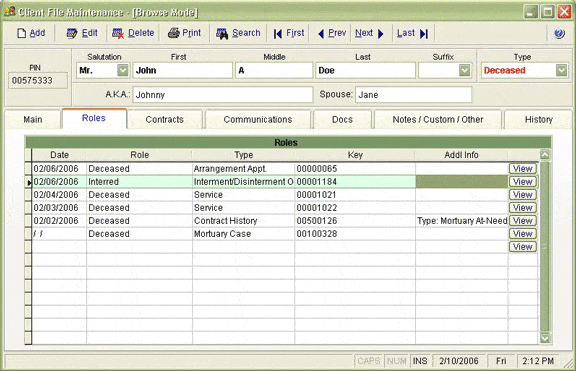
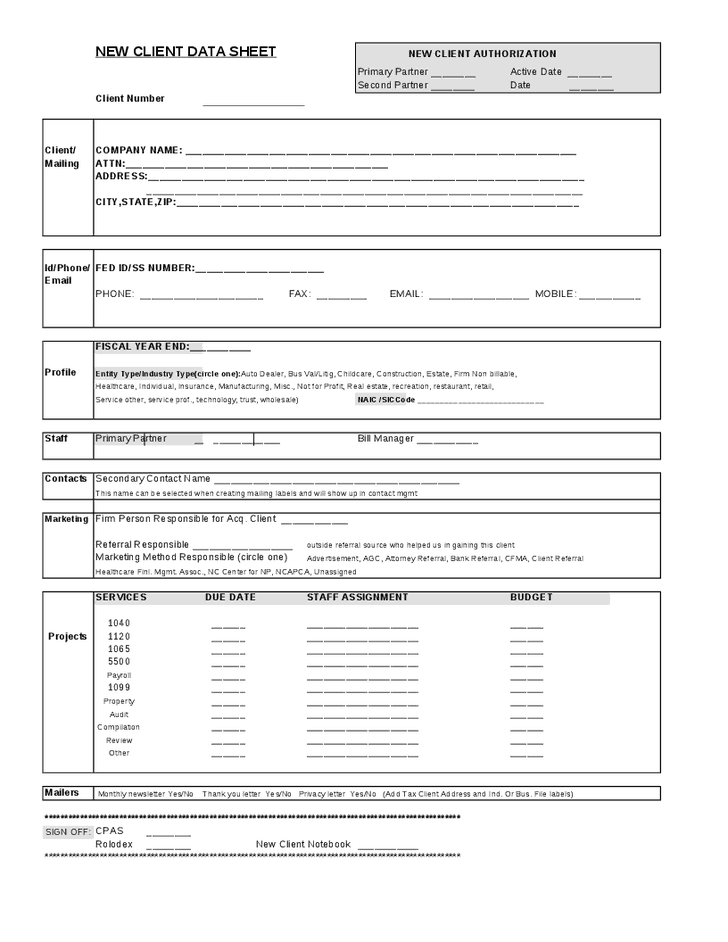
Client Data Sheet Excel
How to use the client database template
Step 1. Decide which fields staff actually need and who may access them. Track opportunities linked to those clients with sales pipeline templates.
Step 2. Enter one client per record and use consistent phone, date, and company-name formats. Keep purchasing contacts separate using supplier list templates.
Step 3. Check duplicates and update outdated contact details on a regular schedule.
Treat the client identifier as stable even when a company name or contact changes. This allows quotations, opportunities, and service records to remain connected to the same client. Separate organizational details from individual contact details if several people work for the same customer.
Use filters and consistent categories instead of merging cells or scattering records across decorative sections. A rectangular table is easier to sort and review. Before sorting, make sure the whole table is included so phone numbers or addresses do not become detached from their owners.
Example and checks
Two contacts at one company can share a company ID while keeping different contact IDs. That prevents one person’s details from overwriting another’s.
A spreadsheet does not manage consent or secure sensitive records automatically. Restrict access and avoid storing passwords or payment-card details. Record purchasing choices in product comparison templates rather than mixing them into client records.
Frequently asked questions
Can I track sales in the client database?
You can add a summary, but keep individual opportunities in a separate table linked by client ID.
How can I reduce duplicates?
Search existing names and IDs before adding a new client.

You must be logged in to post a comment.