
An attendance sheet template records who attended a class, meeting, or work session. It should use clear dates, participant identifiers, and a consistent method for marking attendance.
Choose a session register for one event or a recurring grid for repeated attendance. Collect contact details only when they are needed for the stated purpose.
Template previews and downloads
Sample Attendance Sheet Template
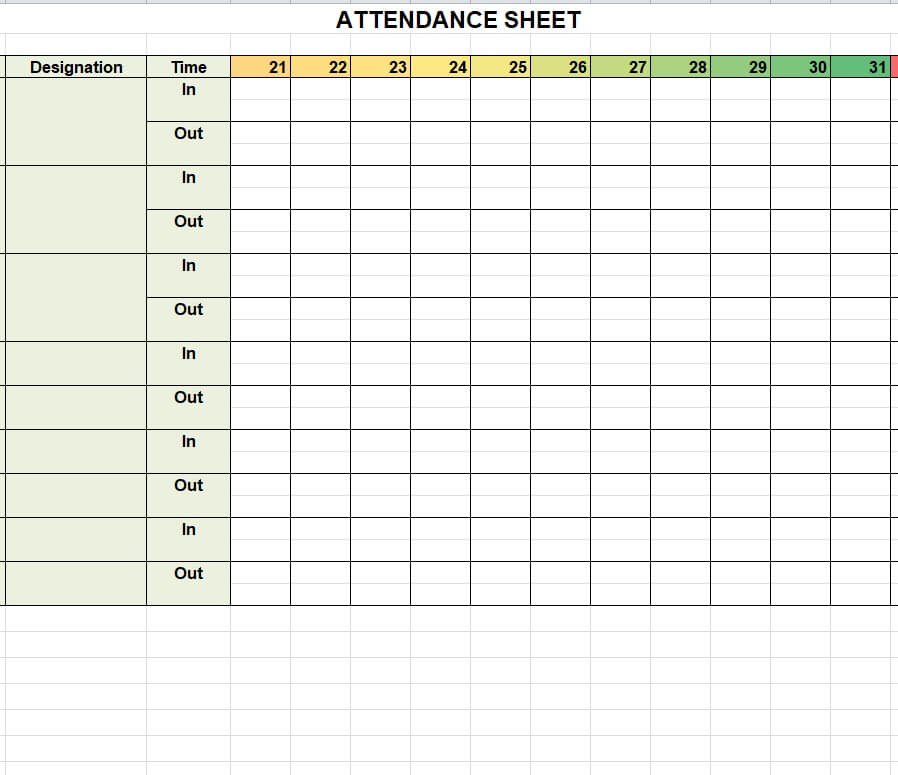
Company’s Attendance Sheet Template
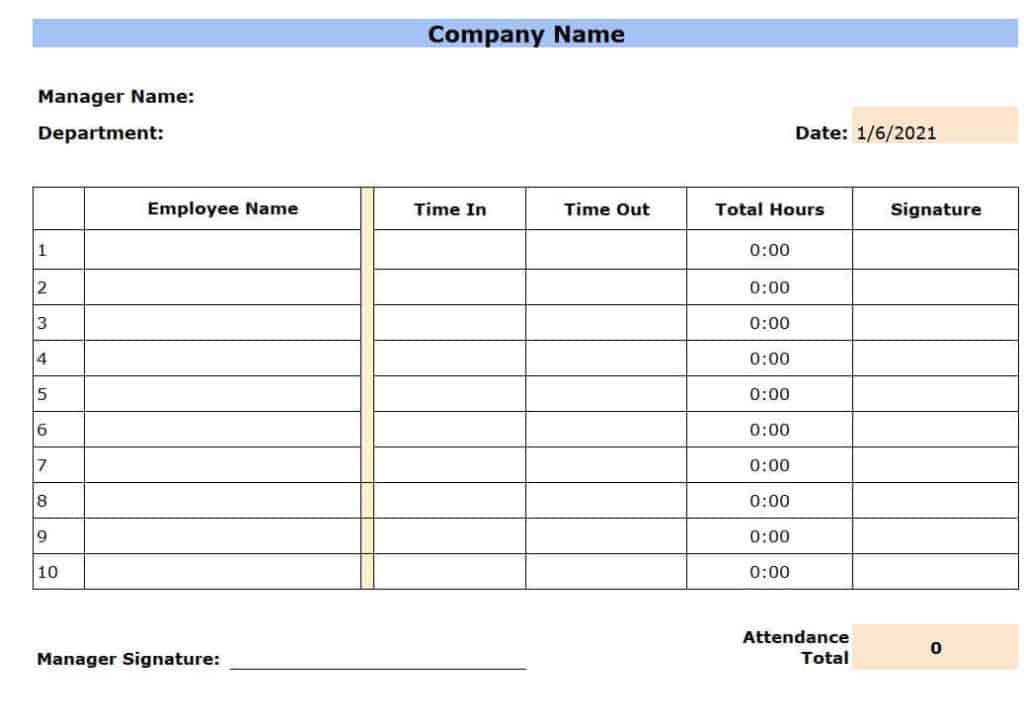
Classroom Attendance Sheet Template
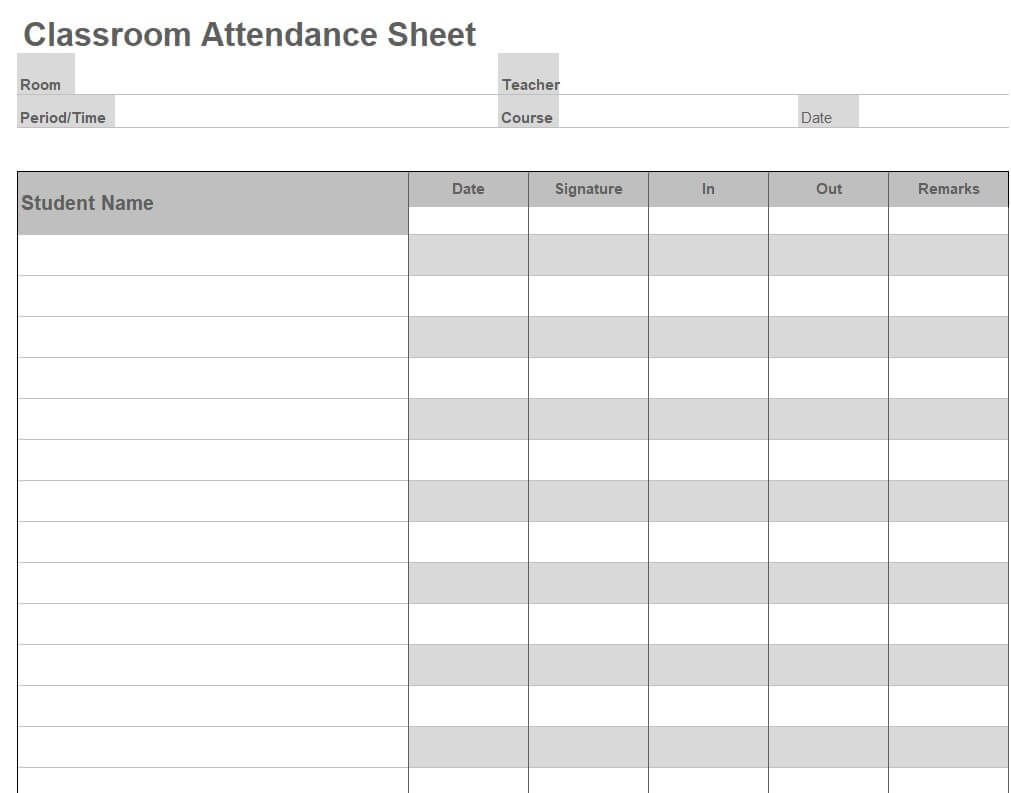
Weekly Employee Time Sheet Template
Attendance Daily Log Sheet Template
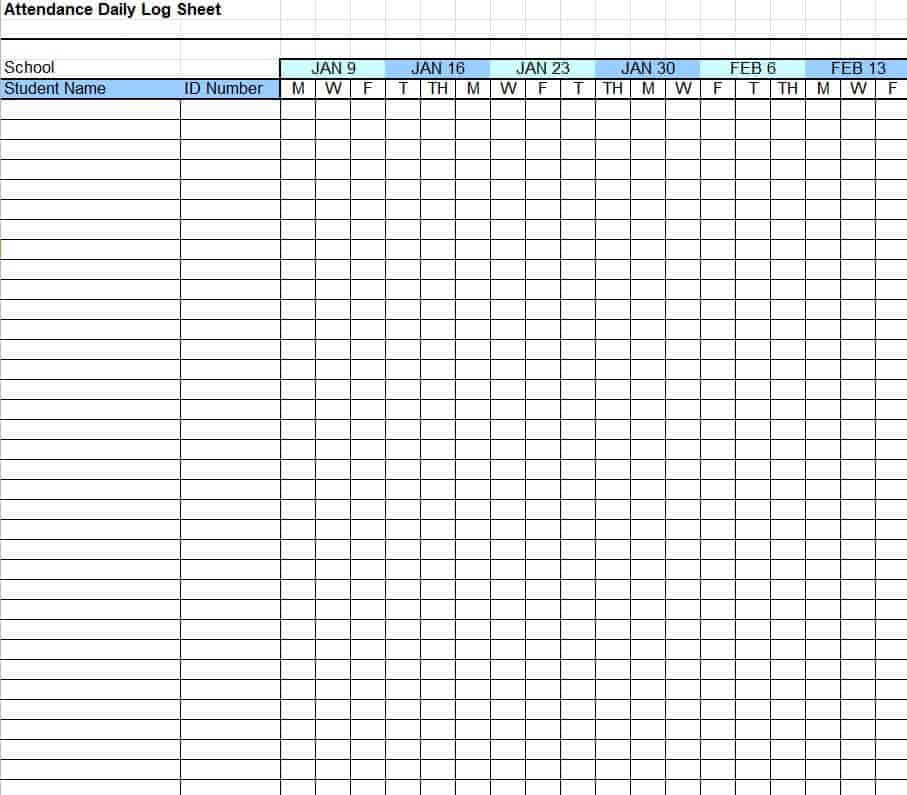
Monthly Attendance Sheet Template EXCEL
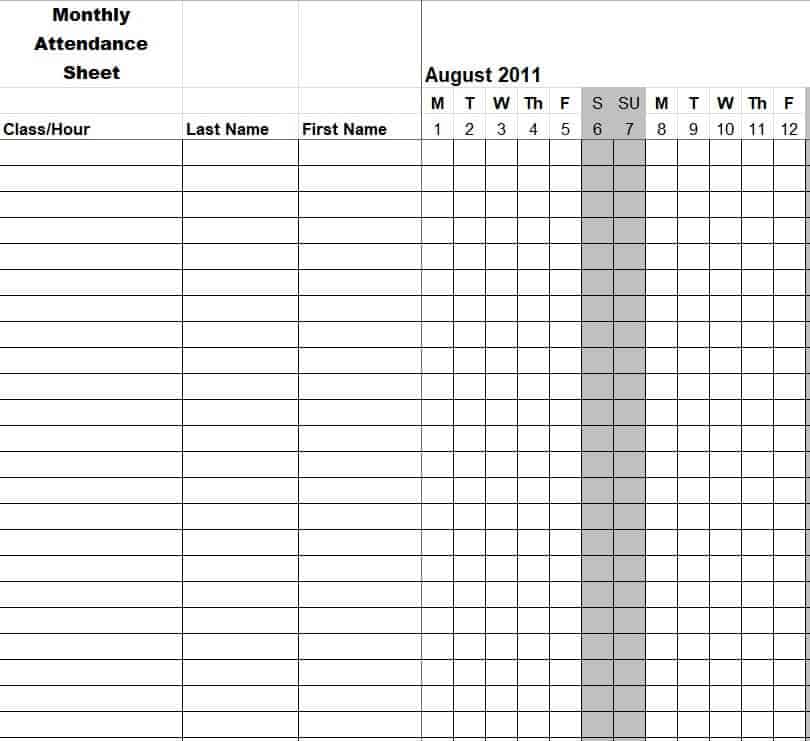
Blank Event Attendance Sheet Template
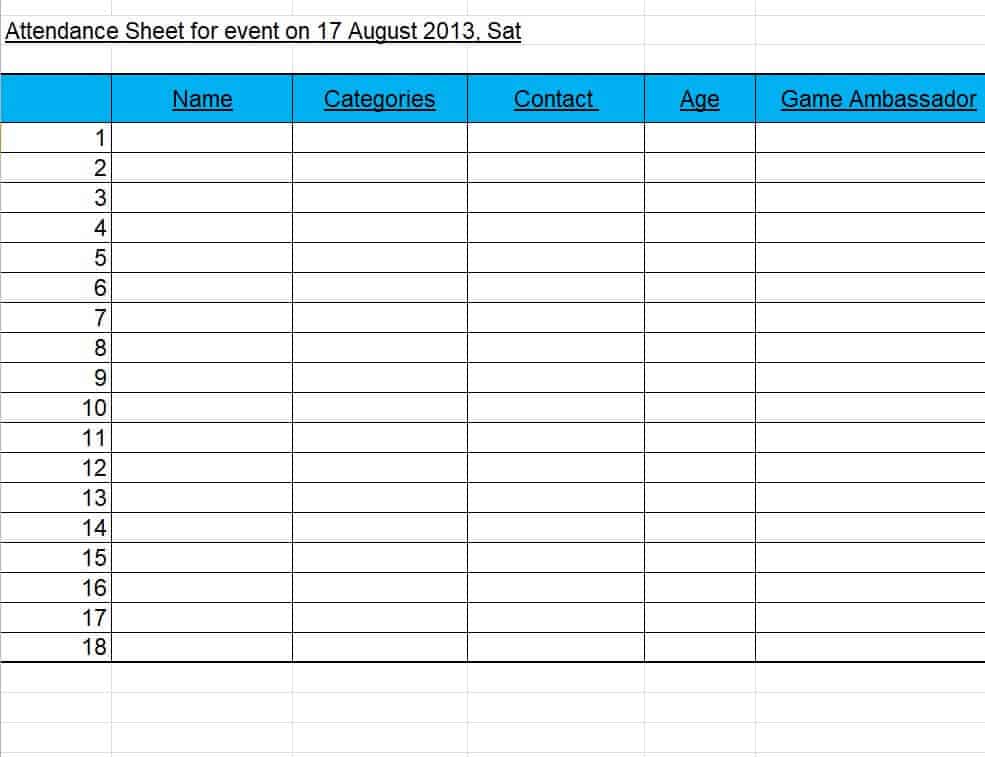
Free Printable Meeting Attendance Sheet Template
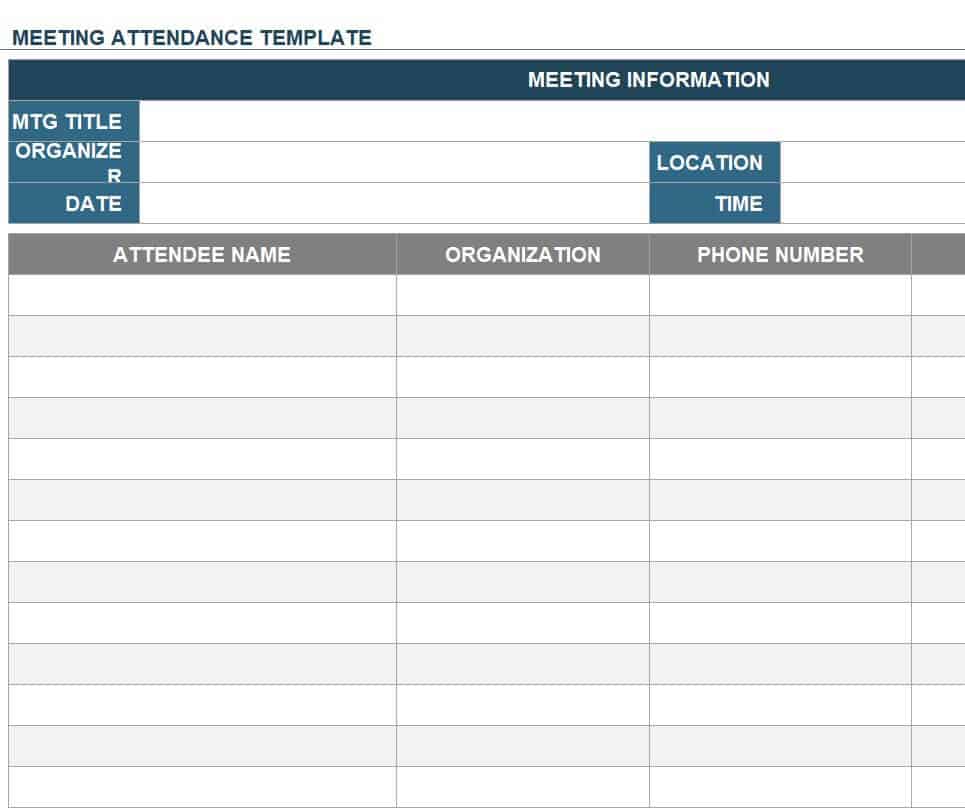
Editable Attendance Sheet Template
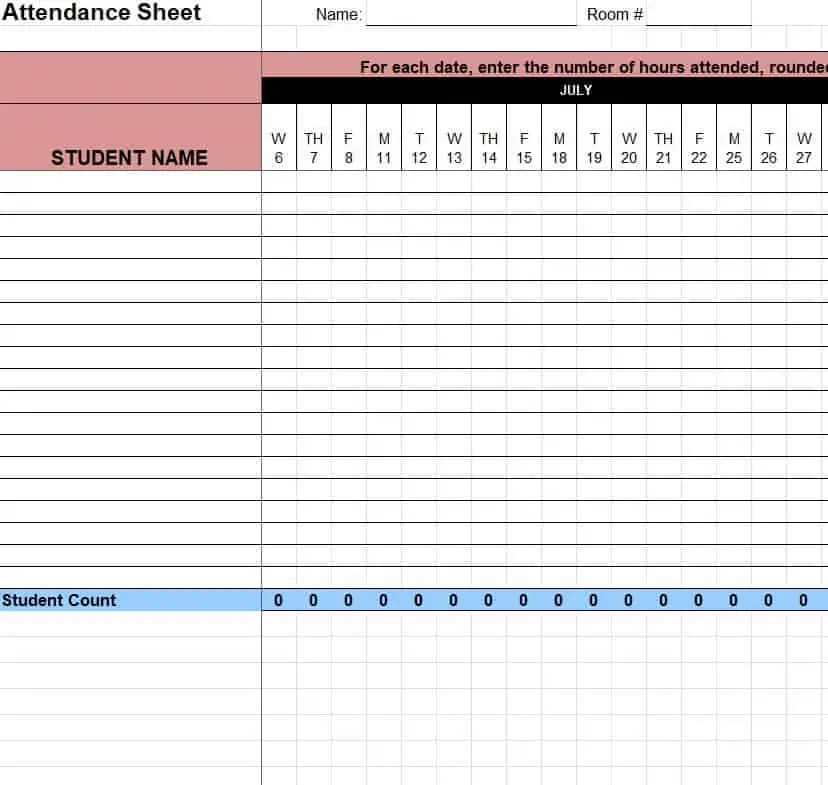
Simple School Attendance Sheet Excel Template
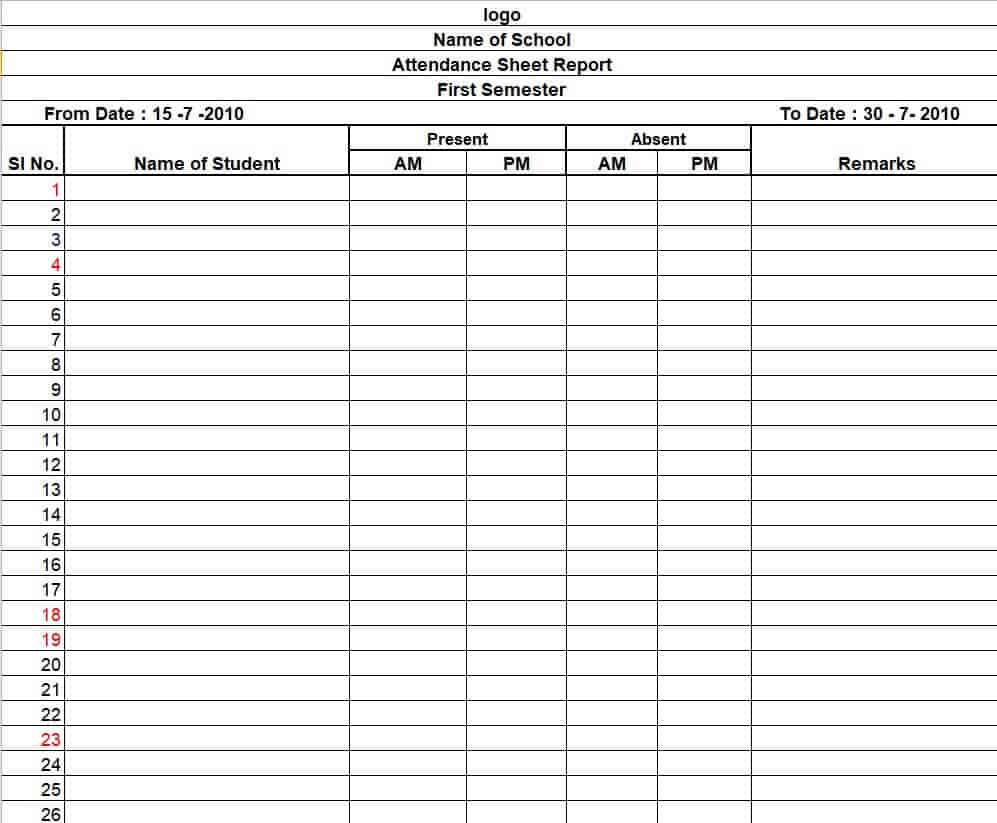
Official EmployeeAttendance Sheet Template
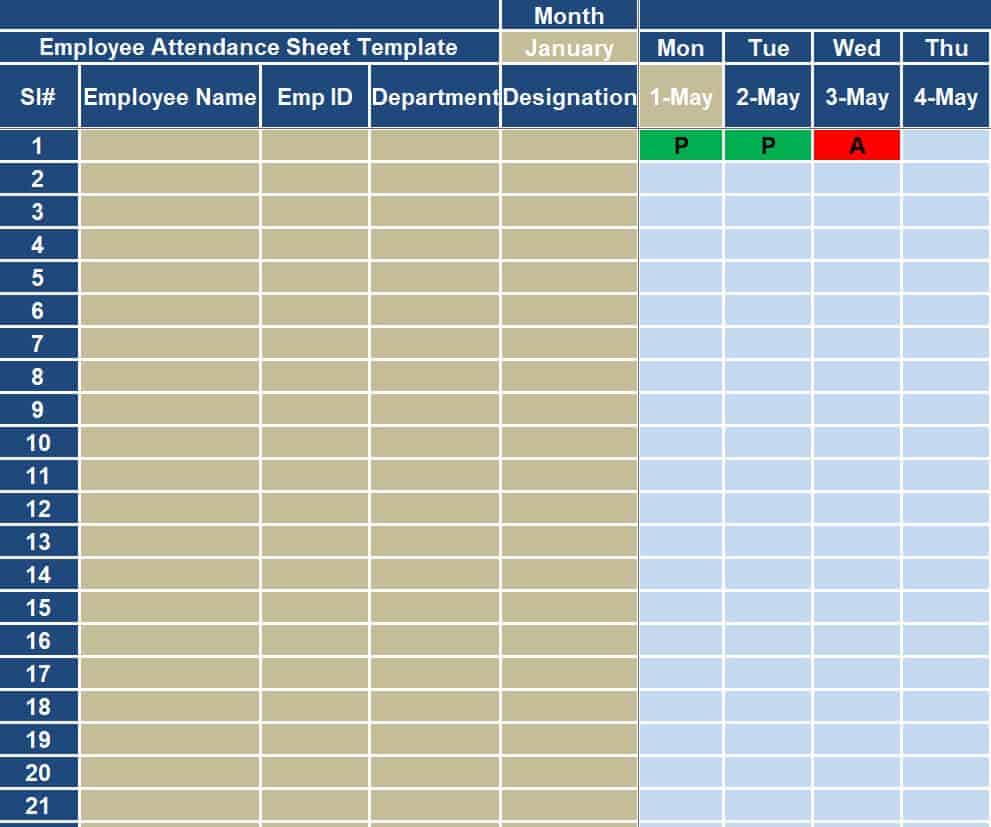
Example Attendance Sheet Record Template in XLSX Format
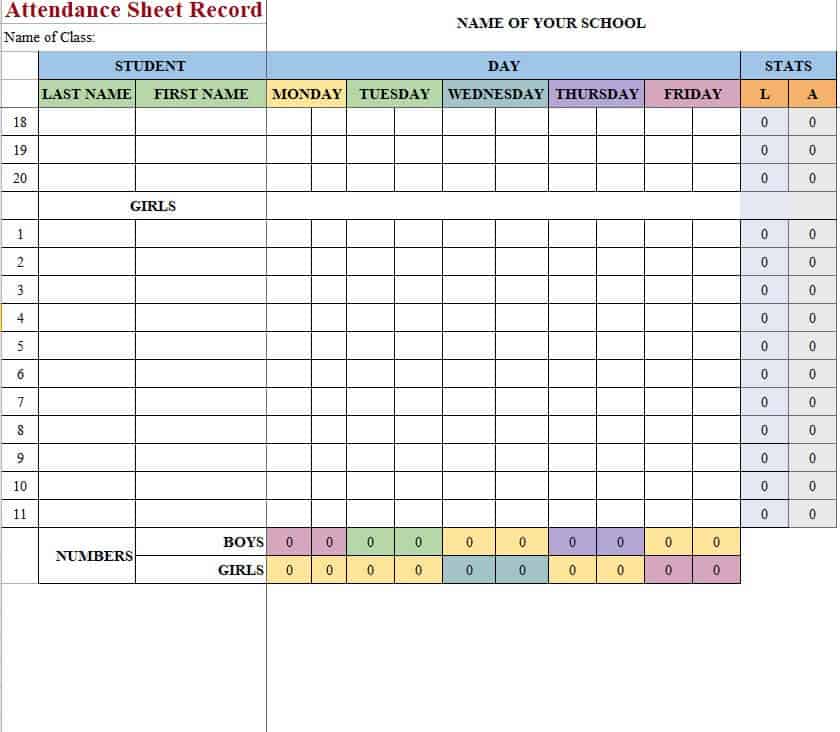
How to use the attendance sheet template
Step 1. Enter the event or group name and attendance date. Use monthly attendance sheets for a full month’s overview.
Step 2. Use agreed codes or signatures and confirm unclear entries. Collect session arrivals with sign-in sheets.
Step 3. Review totals and store the record according to the organization’s requirements.
Identify participants consistently across sessions. Names alone may not distinguish two people with the same name, so an appropriate internal ID can help. Do not display identifiers or contact details that attendees do not need to see.
Review the record while the session is still recent. Resolve unclear marks, late arrivals, and duplicate signatures through the agreed process. When transferring paper entries to a digital summary, check the transcription and preserve the original where required.
Example and checks
If a session has 24 registered participants and 21 attend, record the three absences separately rather than silently removing names.
Attendance alone does not measure effort or performance. Avoid judgmental labels and keep sensitive absence reasons separate. Record working hours separately using timesheets.
Frequently asked questions
Can attendees sign themselves in?
Yes, when a sign-in process suits the event; staff may still need to verify the record.
How should late arrivals appear?
Use a separate code or arrival-time field so they are not confused with full absences.

You must be logged in to post a comment.