
Accounting Excel templates provide working layouts for journals, cash records, and other supporting schedules. Choose a worksheet for the task instead of expecting one file to handle every accounting requirement.
Review whether the layout is a transaction register, account summary, or reporting worksheet. Check headings, formulas, and opening balances before entering live data.
Template previews and downloads
Simple Accounting Template
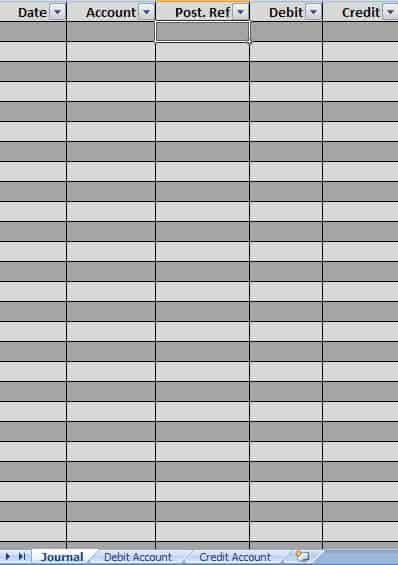

Accounting Excel Sample Template
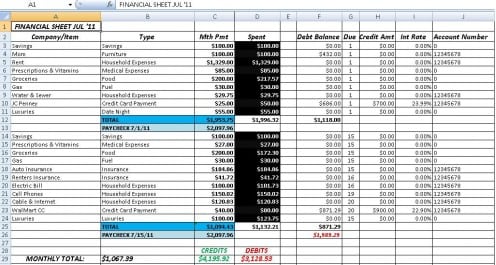
General Journal For Business Accounting
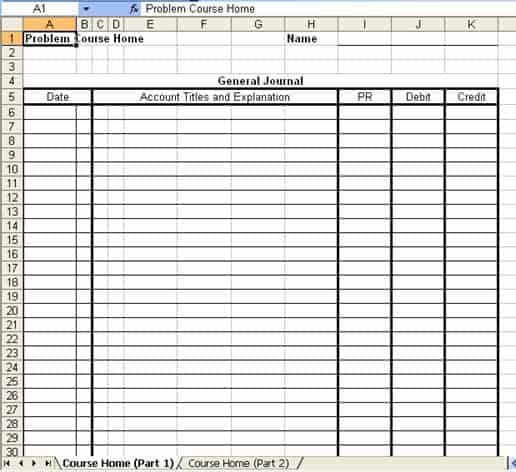
Accounting Journal Sample
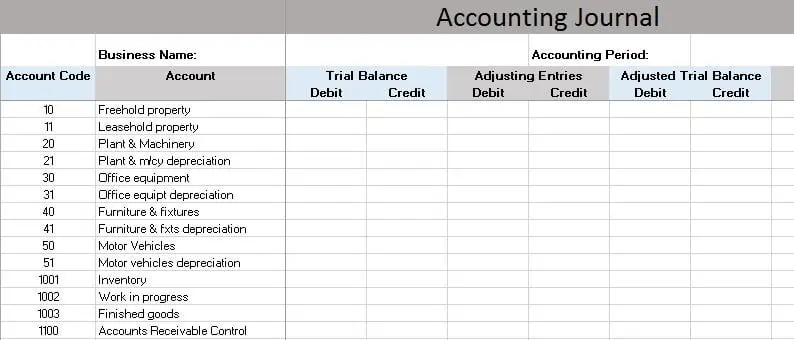
Accounting Cash Book Excel
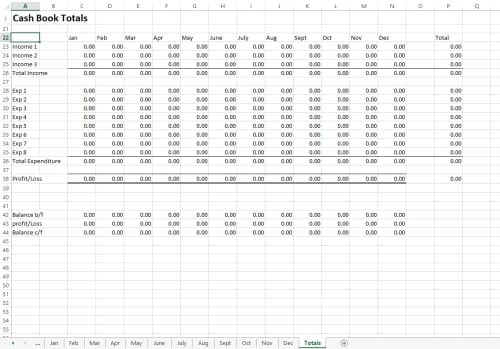
Accounting Worksheet Excel
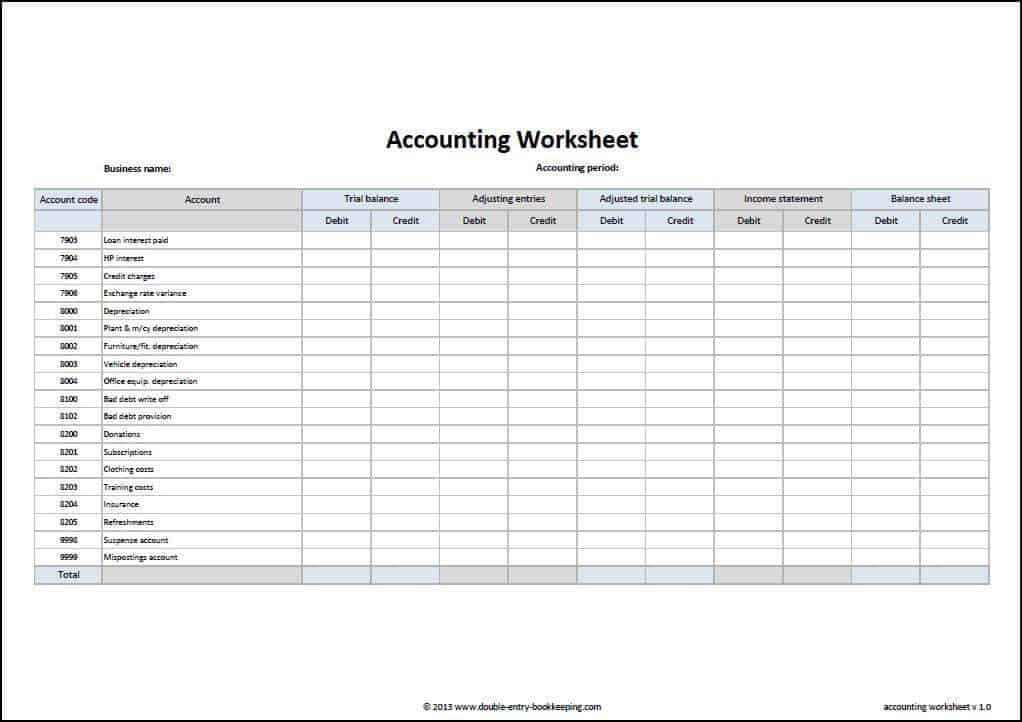

Accounting Spreadsheet
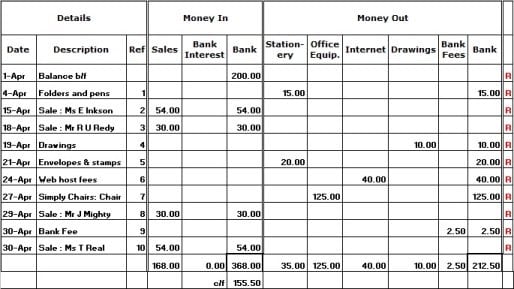
Accounting Spreadsheet Excel Template
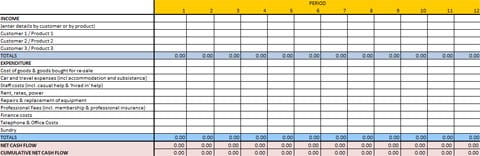
Monthly Accounting Sheet
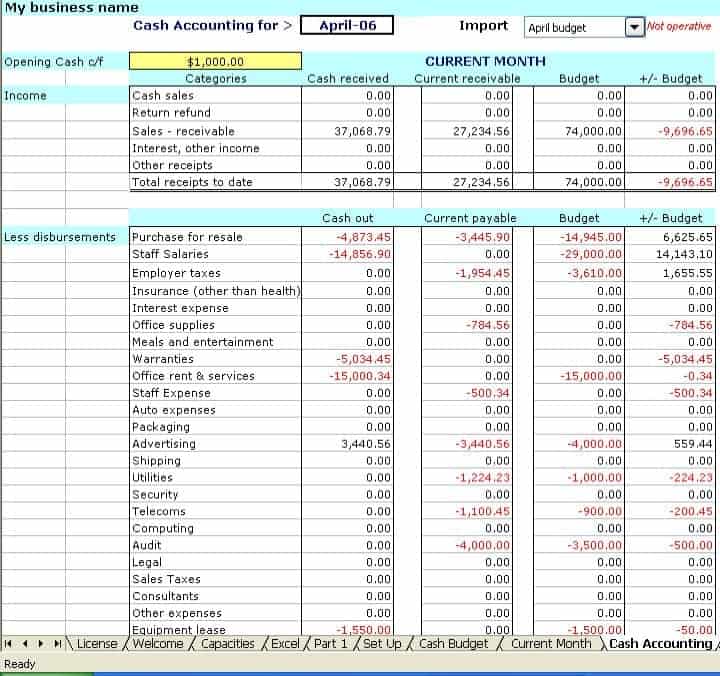
How to use the accounting Excel templates
Step 1. Define the period and purpose of the worksheet. Maintain routine records with bookkeeping templates.
Step 2. Enter supported records using consistent account categories. Group entries by account using general ledgers.
Step 3. Reconcile totals and review exceptions before transferring figures into reports.
Before entering live records, inspect where inputs and calculations belong. Keep a blank master and test a known transaction through the worksheet. If you add rows, verify that totals and any linked summaries include the new entries rather than stopping at the old range.
Use supporting schedules for details that do not belong in a single journal line. Reconciled balances can then flow into a ledger or report with a clear explanation. Keep a record of material adjustments so a later reviewer can understand why a total changed.
Example and checks
A cash book records money movements; a general journal can include entries that do not move cash. Select the appropriate record rather than mixing both without explanation.
A formatted workbook does not guarantee correct accounting or compliance. Have material entries and reporting choices reviewed where needed. Prepare reporting outputs with financial statement templates.
Frequently asked questions
Can I use several worksheets together?
Yes. Give each a defined role and avoid entering the same transaction twice as an expense.
Should I change built-in formulas?
Only after understanding their purpose and testing the result against a known example.

You must be logged in to post a comment.