
An Excel bookkeeping template records transactions in a consistent structure so they can be checked, classified, and summarized. It is a starting tool rather than a replacement for a complete accounting process.
Choose a layout that matches your recordkeeping method. Include dates, references, descriptions, account categories, and amounts, with a clear distinction between transactions and summaries.
Template previews and downloads
Bookkeeping Sheet Excel
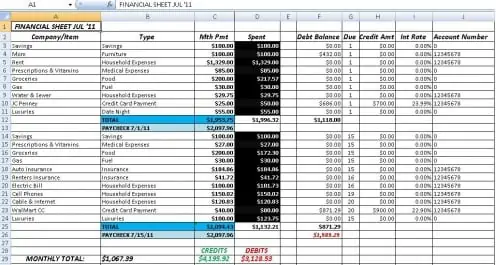

Excel Bookkeeping Worksheet
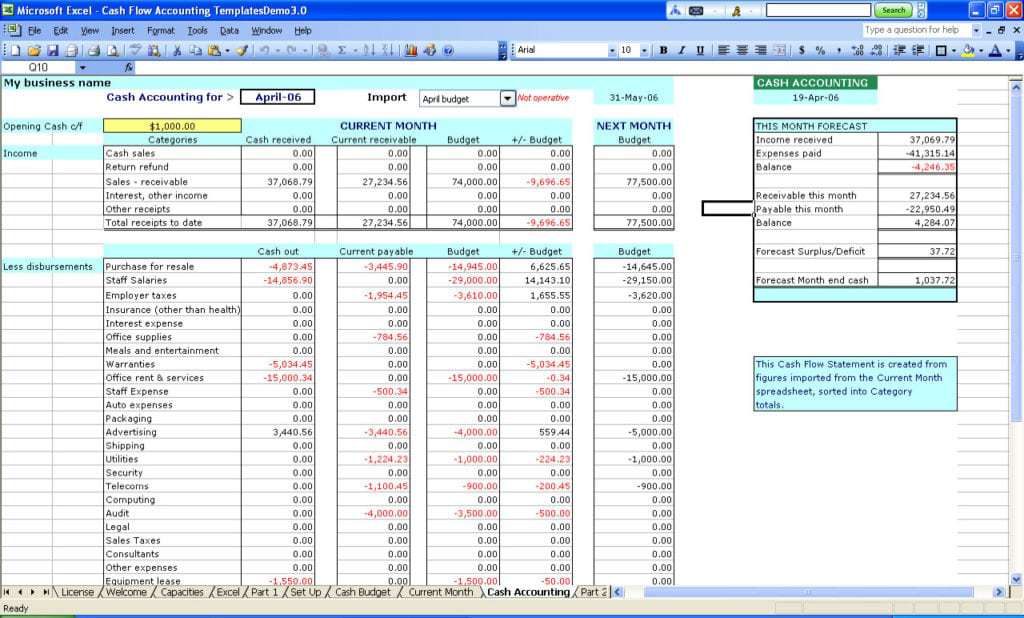
Company Bookkeeping Template Free
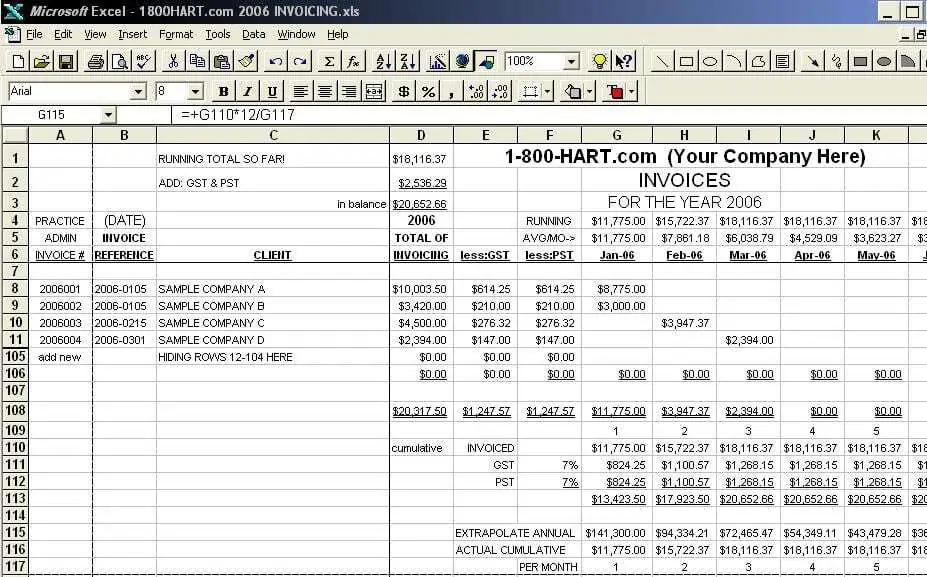
Bookkeeping Spreadsheet Template
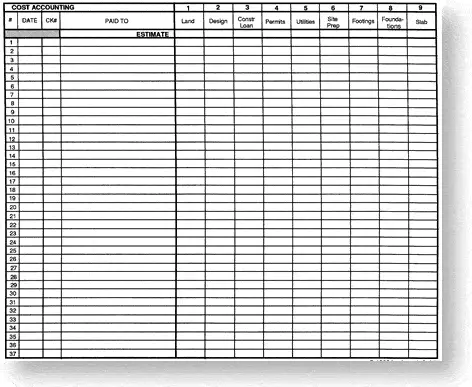
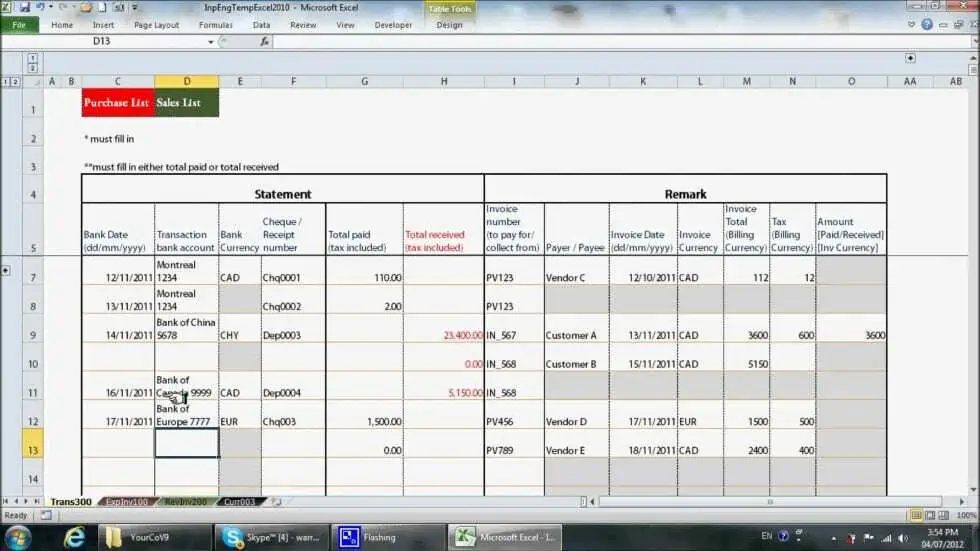
MS Excel Bookkeeping Example
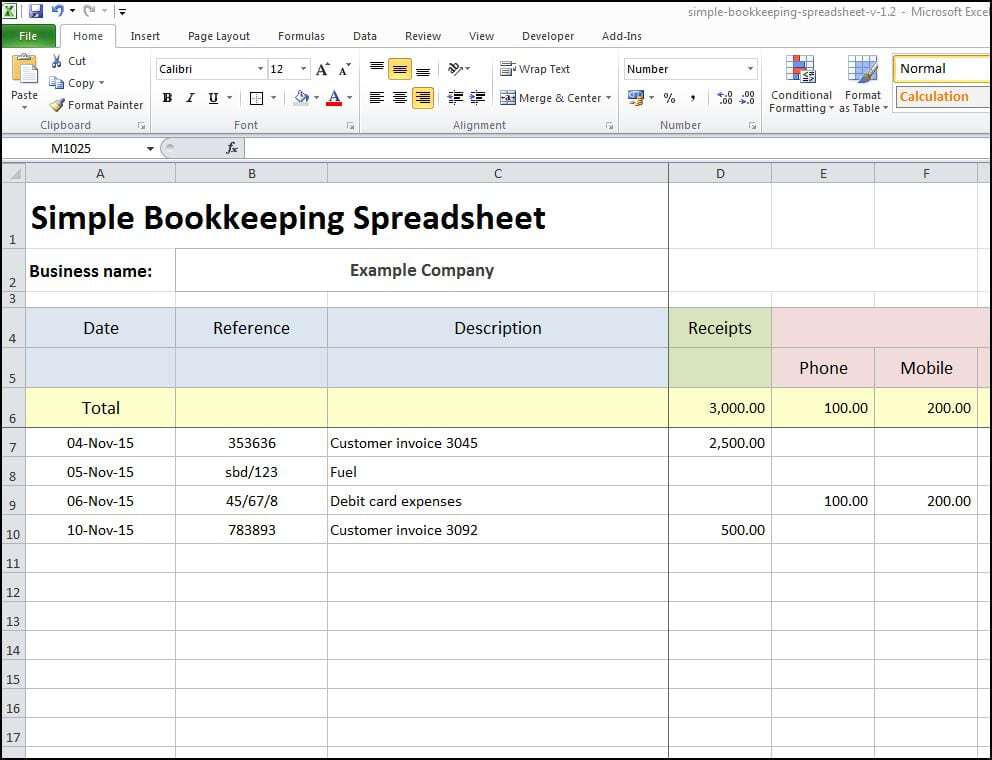
Simple Bookkeeping Spreadsheet
Make Bookkeeping Easy With This Template
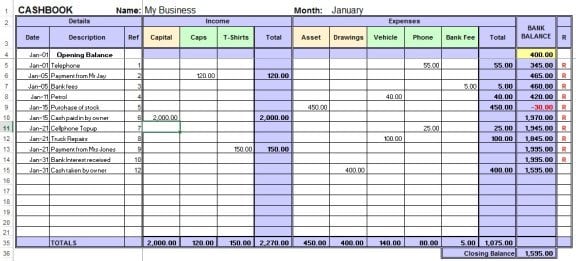
Business Bookkeeping Sample
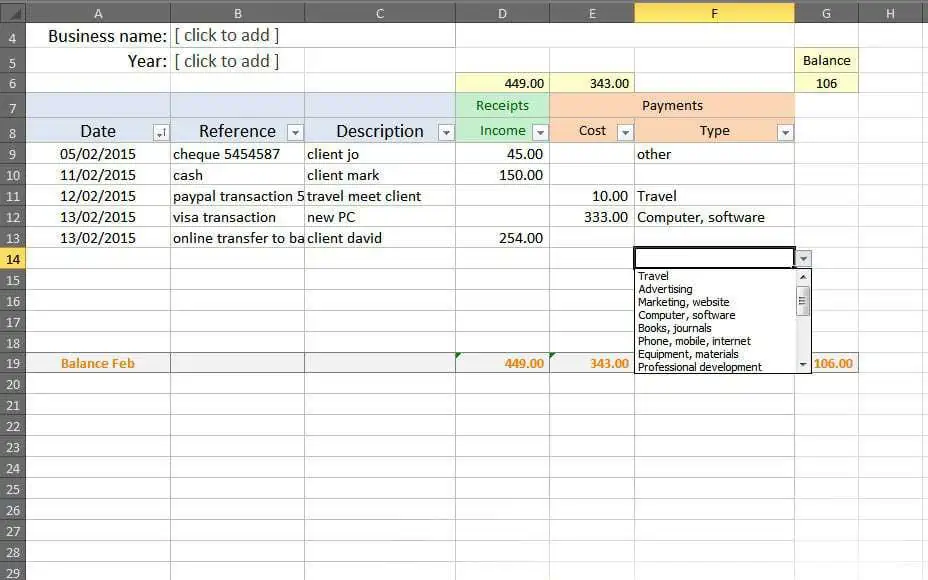
How to use the Excel bookkeeping template
Step 1. Set up the reporting period and categories. Organize account balances using general ledger templates.
Step 2. Enter transactions from supporting records and keep personal items separate. Reconcile account movements with checkbook registers.
Step 3. Reconcile bank activity and review totals before preparing reports.
Use a consistent reference for each source document so an entry can be traced back to a receipt, invoice, or bank record. Keep the original evidence according to the applicable retention requirements. A spreadsheet description alone may not explain an unusual transaction months later.
Separate cash movements from income and expense recognition where the bookkeeping method requires it. For example, borrowing changes cash and liabilities, while an owner transfer may have a different treatment from sales. Ask for appropriate accounting review when classifications are unclear.
Example and checks
A supplier payment should link to the relevant bill or expense record. Recording both without the proper accounting treatment can duplicate the cost.
Do not assume that every workbook uses double-entry accounting or contains reliable formulas. Test the chosen file with a small known example. Summarize verified records in financial statement templates.
Choose a bookkeeping structure for the records you need
Bookkeeping begins with identifying which transactions belong to the business and how they will be recorded. A simple cash record, a sales and purchase register, and a double-entry system are not identical arrangements. Choose a template that supports the required method rather than assuming every Excel file covers every accounting task. Identify the reporting period, entity, currency, and person responsible for maintaining the record. Those choices help determine what information each entry needs and which summaries will be useful.
Keep business and personal activity distinguishable. Where an owner pays a business cost personally or transfers money to the business, record the facts and use the appropriate accounting treatment. Do not label every receipt as sales or every payment as an expense. Borrowing, asset purchases, repayments, and owner transactions can have different purposes. A template can provide fields for review, but it cannot decide the correct classification from the appearance of a bank entry alone. Obtain appropriate accounting input when the treatment is unclear.
Create a consistent transaction entry routine
A basic transaction record should identify the date, reference, description, amount, and relevant category or account. Add customer, supplier, payment source, or project details when they support the process. Use the same conventions throughout the period. Several slightly different spellings of a supplier or category can split totals and make searching harder. Clear identifiers help keep records connected even when display names change. Enter information promptly enough that the supporting document and business purpose can still be found.
Use one main entry for each transaction under the chosen system and understand how summaries are produced. An invoice, a payment, and a bank statement line may all relate to the same underlying activity, but they do not automatically represent three separate expenses. The treatment depends on the method and transaction stage. Keep source references so a reviewer can follow the connection. A spreadsheet with accurate amounts can still overstate activity if the same item is captured several times without the appropriate accounting relationships.
Connect entries to supporting documents
Keep invoices, receipts, statements, and other relevant evidence organized so a recorded amount can be checked. A reference in the worksheet should lead to a recognizable document or record. The description should explain unusual items instead of relying entirely on the supplier name. A payment to a general retailer may relate to equipment, supplies, or a mixed purchase. Retaining the evidence allows the relevant classification and business purpose to be reviewed later.
Do not use the workbook as the only location for every sensitive document. It can hold a reference while supporting records are stored through the organization’s appropriate process. Restrict access to information that does not need wider circulation. If a document is missing, record the exception and the next action rather than inventing a reference or assuming the item is automatically acceptable. Complete recordkeeping includes the status of unresolved items. It does not require every line to appear final before the underlying evidence has been checked.
Reconcile cash and bank activity
Reconciliation compares recorded transactions and balances with independent evidence for the same scope and period. Check the relevant bank, card, and cash records rather than reviewing only one source. Look for omitted fees, duplicated payments, refunds, and timing differences. A transfer between the business’s own accounts should be understood as a transfer, not counted as fresh income in one summary and an operating expense in another. Keep the accounts identifiable so movements can be matched correctly.
When a difference appears, investigate its components. Do not insert an unexplained miscellaneous figure merely to force agreement. A payment recorded in the books may not yet appear in the latest statement, while a bank charge may have posted without being entered. Those situations require different explanations. Keep a reconciliation note for unresolved items and follow them through at the next review. A balance that agrees because of a hidden adjustment is less useful than a documented difference whose cause and next action are understood.
Review categories and period boundaries
At the end of a period, check that transactions are recorded in the relevant period under the chosen accounting basis. Payment date and invoice date may have different significance, so do not switch methods unintentionally. Review outstanding customer and supplier items where the system requires them. Keep the working schedules connected to the ledger or summaries rather than maintaining unrelated totals that cannot be reconciled. A period-end process should make the source of important balances clear.
Look for unusual categories, unexpected signs, and recurring exceptions. A large amount in a broad category may need more detail for meaningful reporting. At the same time, an excessive number of categories can make everyday entry inconsistent. Choose a structure that supports actual reporting needs and maintain it deliberately. If the chart of accounts or categories change, document the change and consider how comparisons with earlier periods will work. A new label should not silently make the business appear to have a new cost or income stream.
Check spreadsheet calculations and controls
Inspect formulas after adding rows, accounts, or periods. Totals may stop at an old range, charts may omit new entries, and copied formulas may point to the wrong cells. Test a small known example and compare the result independently. Keep input cells distinguishable from calculated cells. Basic protection can reduce accidental edits, but it does not verify the original formulas or prevent every error. The workbook still needs review by someone who understands the records and intended calculations.
Use a current master and a sensible backup routine. If several people enter records, define responsibilities and how conflicting updates are resolved. Keep dated copies at important reporting points without scattering numerous editable versions with unclear status. Training copies should use fictional records. The spreadsheet may contain financial and personal information, so share only what the recipient needs. These controls can remain simple; their purpose is to preserve a readable, accurate history that does not depend on one person’s memory.
Turn bookkeeping records into useful summaries
Once entries are complete and reconciled, they can support reports suited to the business. A category summary may help review expenditure, while ledger balances can support financial statements under the relevant accounting process. Keep the distinction between cash movements, performance over a period, and financial position at a date. A bank balance alone does not establish profit, and a profit figure does not explain every cash movement. Use the appropriate report for the question being asked.
Retain the completed records and supporting references according to the applicable requirements and the organization’s process. Do not delete the old period merely to reuse a template. Review the system as the business changes; more complex activity may need a different recordkeeping arrangement. Excel bookkeeping templates can provide a practical starting structure, but dependable bookkeeping comes from appropriate classification, consistent entry, accessible evidence, reconciliation, and review. Those practices make the file useful when questions arise long after the original transaction.
A simple example of avoiding a duplicate expense
Imagine a supplier invoice is recorded when received, and the later bank payment is also entered. Under a system that already recognizes the payable from the invoice, the payment settles that obligation rather than creating the same expense again. The exact entries depend on the accounting method, but the source references should make the relationship clear.
If the workbook instead treats both lines as ordinary expenses, its total can be overstated even though the bank amounts were copied correctly. A useful review checks transaction type and stage, not only arithmetic. The supporting invoice and payment reference help the reviewer identify the issue.
Use the example to test the intended bookkeeping workflow before entering a large volume of records. Understand how invoices, receipts, payments, and summaries connect in the chosen template. A consistent process that records the appropriate event once in the appropriate place is more dependable than correcting duplicated totals after every reporting period.
Frequently asked questions
Can I use a spreadsheet for a small business?
It may suit simple records, but choose a system that meets your reporting and control needs.
What is reconciliation?
It is checking your records against independent evidence, such as bank statements, and resolving differences.

You must be logged in to post a comment.