
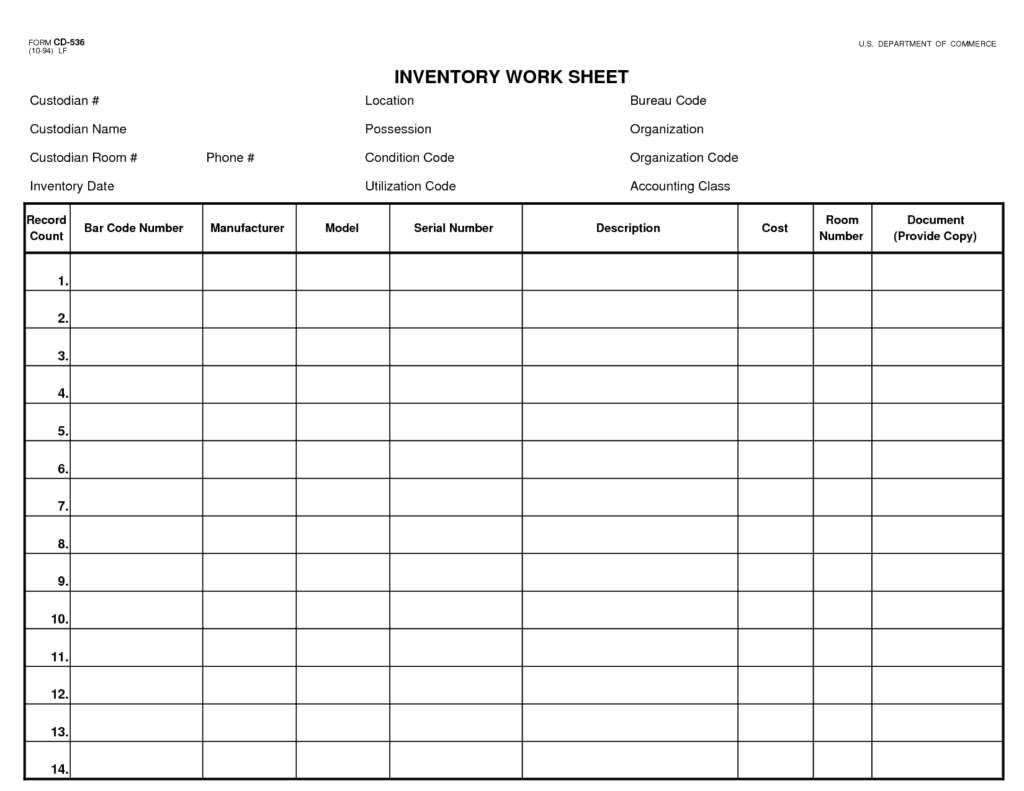
An inventory spreadsheet template lists items, quantities, locations, and other stock information. It can support a physical count, an item register, or an ongoing inventory record depending on the selected layout.
Choose the purpose first. A count sheet needs observed quantities; a master register needs stable item details; a movement log needs dated receipts and issues.
Template previews and downloads
Basic Inventory Spreadsheet
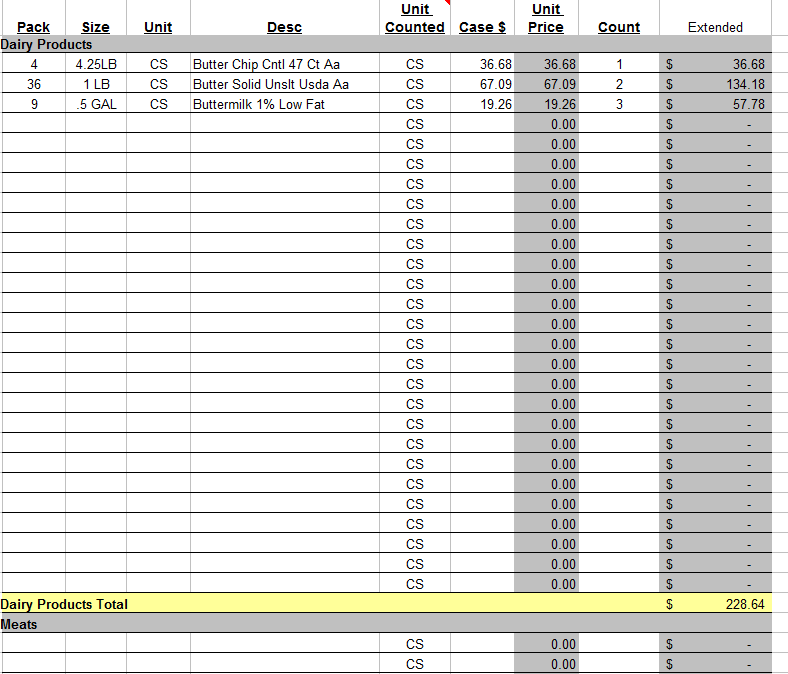

Inventory Spreadsheet For Home
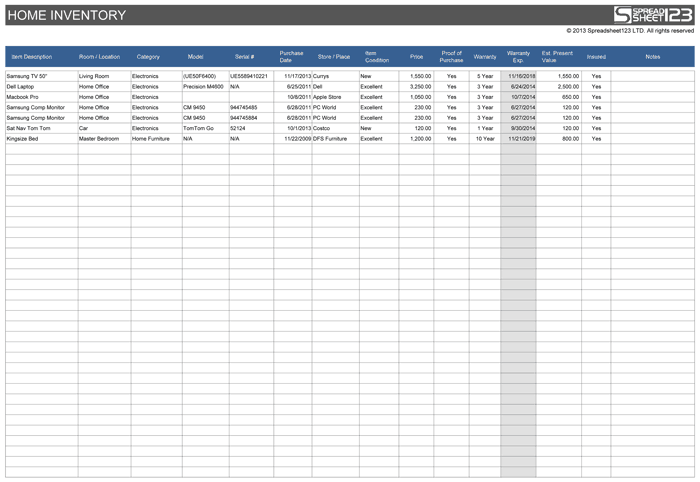
Blank Template For Inventory Spreadsheet
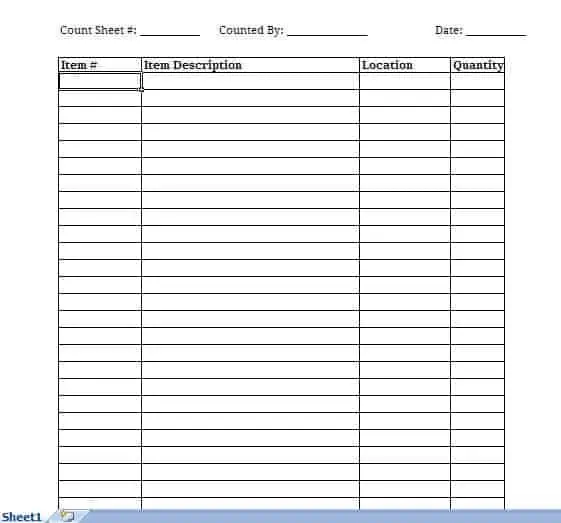
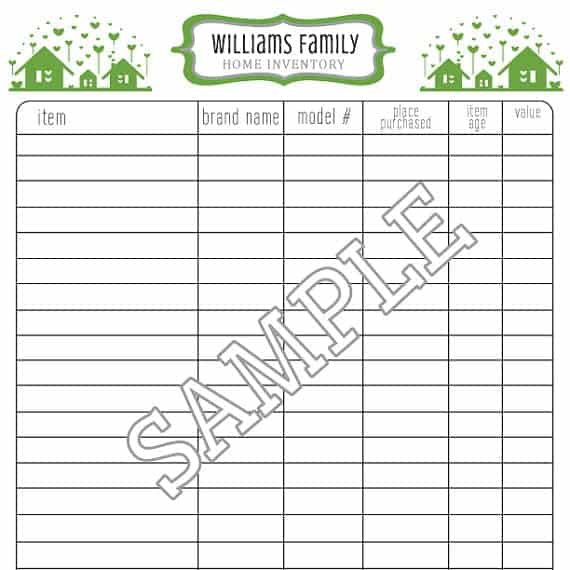
Home Inventory Worksheet Sample
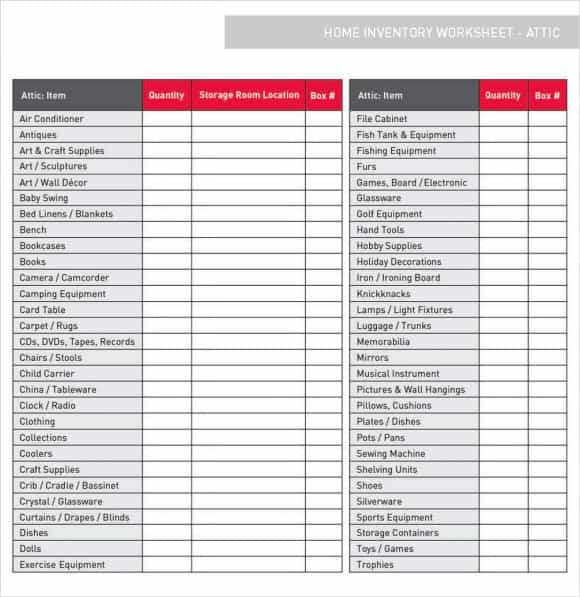
More Types of Inventory Spreadsheet Templates
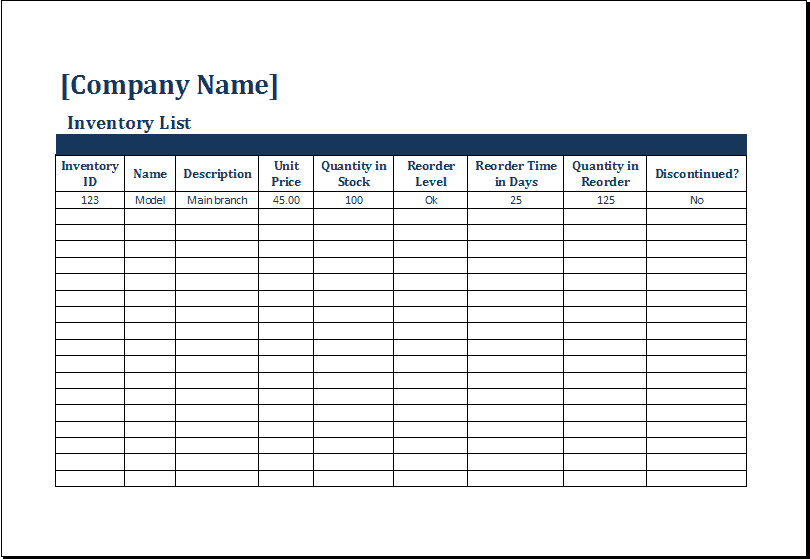
Inventory list templates
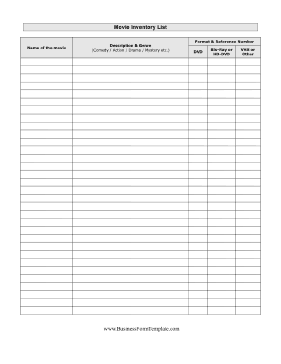
Jot down details and information about inventory available in the ware house or store of the company by using these inventory list templates. Through this way you can save a lot of your time as well as efforts when listing down items and goods available in the inventory of business or company. These inventory list templates have great excel editing features and lets a user to modify several elements as per business needs or requirements. Most of them are downloadable and others are inventory list template examples.
Examples Of Inventory List Templates
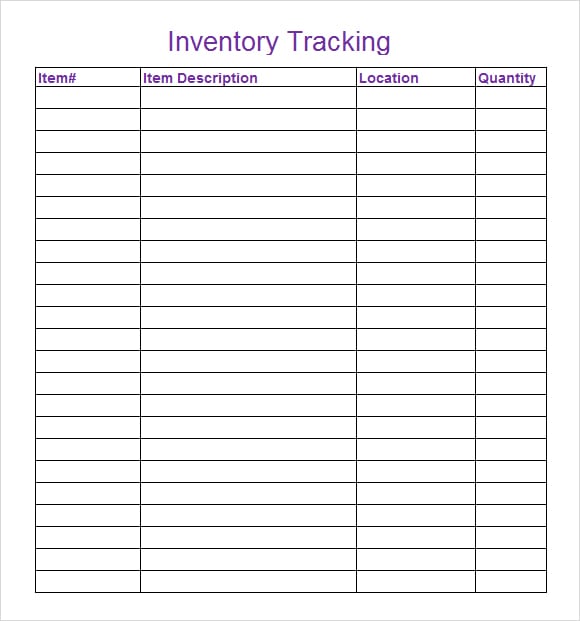
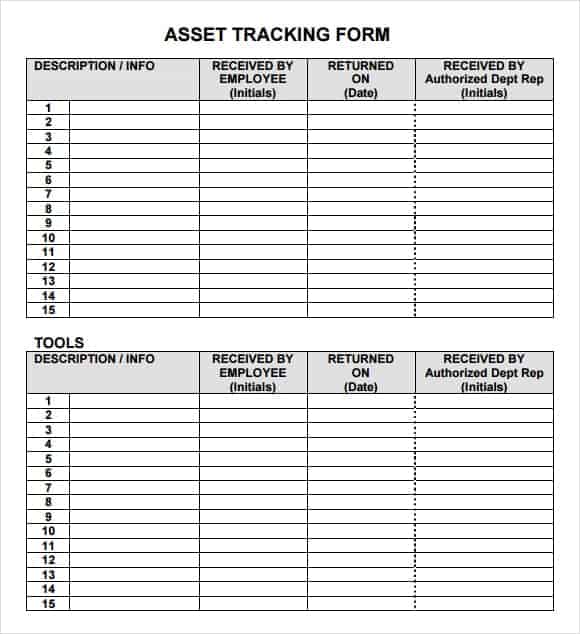
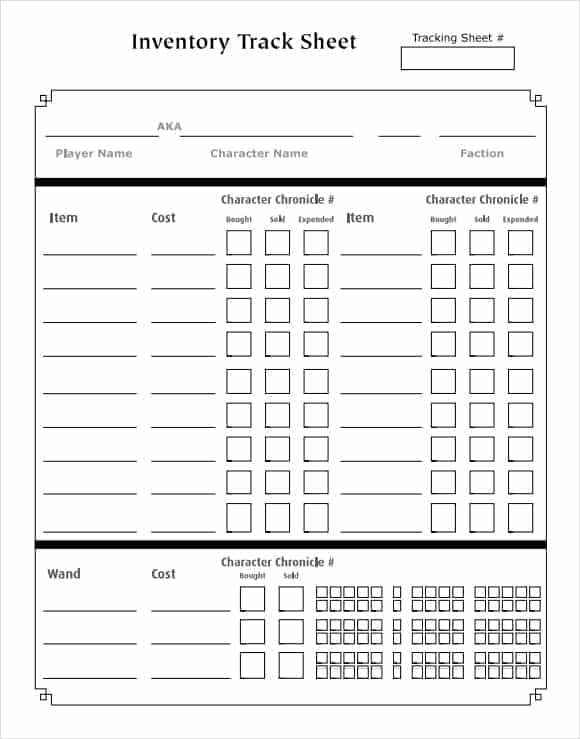
Inventory tracking spreadsheet templates
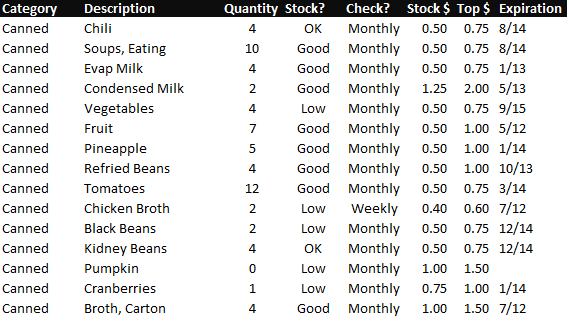
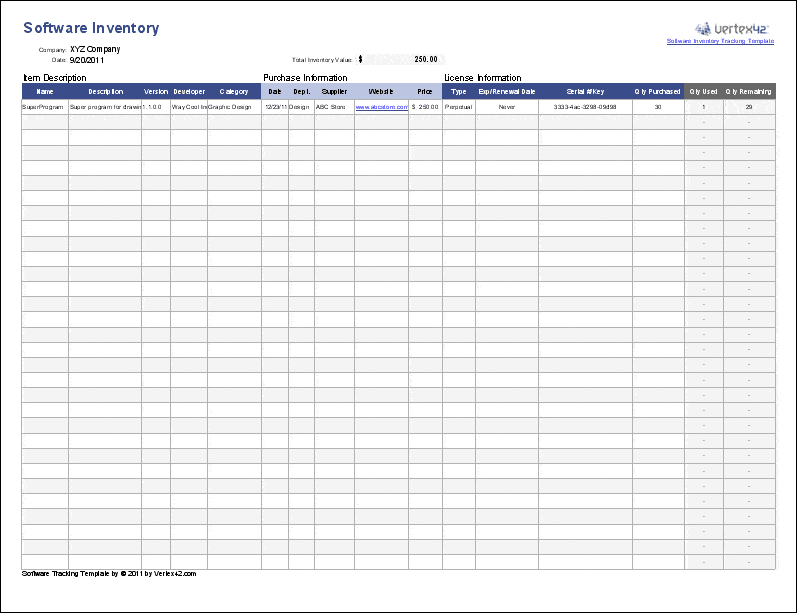
Easily editable and free inventory tracking spreadsheet templates are added here under the content. Inventory tracking should be a major concern for anyone who is in the wholesale distribution business or selling goods to customers’ at large scale. Inventory tracking spreadsheet is a superb tool to keep proper track of inventory in order to stay away from inventory related problems and lack of inventory to carry out various business operations. Have a glance at following free inventory tracking spreadsheet template and we hope you will like them to use for your business or retail store.
Examples Of Inventory Tracking Spreadsheet Templates
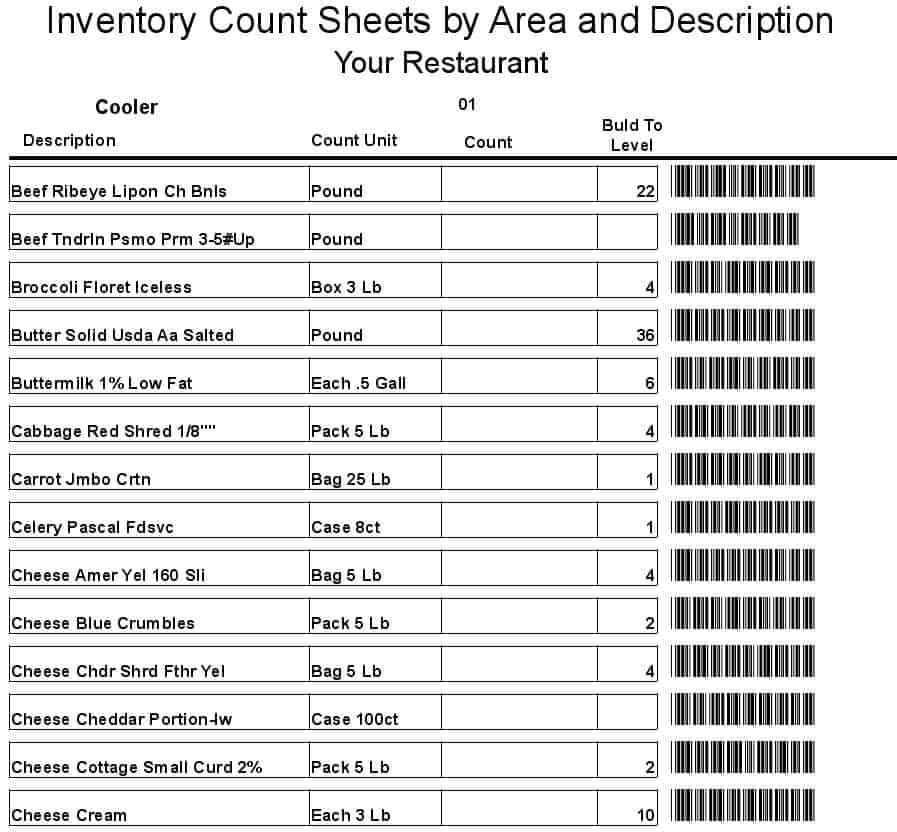
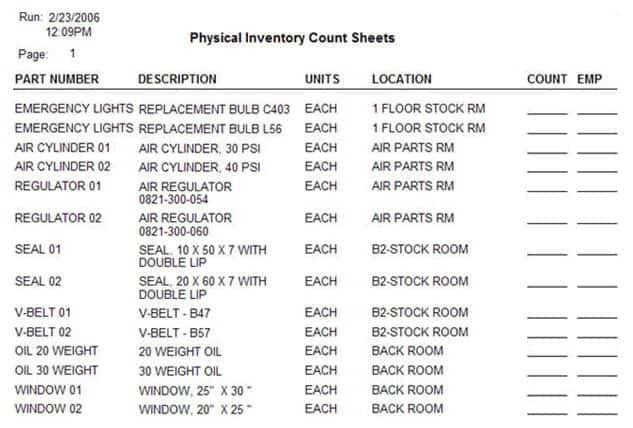
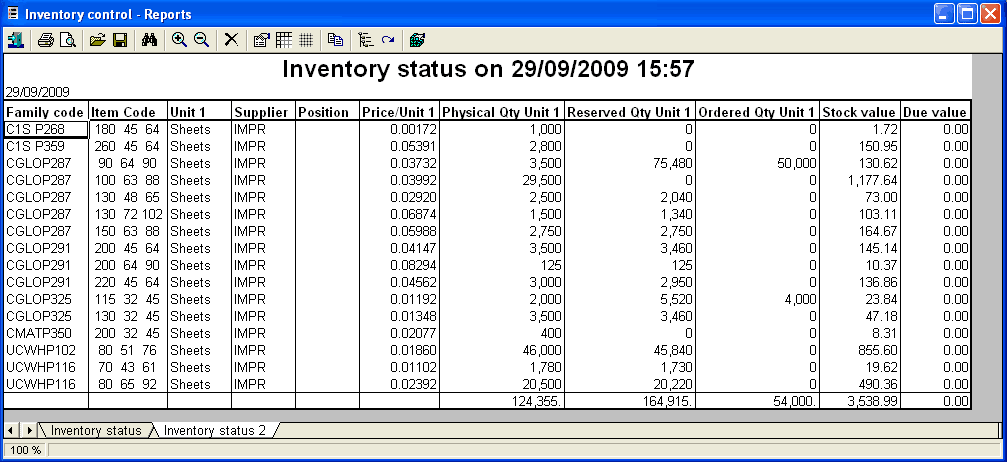
Inventory count sheet templates
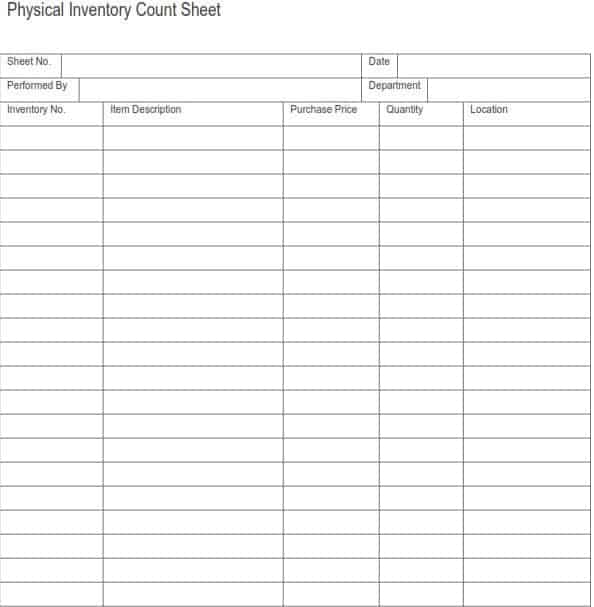
You can make inventory counting process easier and fluent with help of inventory count sheet templates because these are specially created to help employers and store owners in making inventory count sheets. Inventory count sheet sounds like a handy excel based spreadsheet loaded with basic and essential formulas that can count inventory automatically. A store keeper or company just need to add details about available physical inventory into the inventory count sheet template and then it will show all totals and status of inventory within seconds. Below listed inventory count sheet templates are already equipped with necessary excel formulas and information like inventory count sheet number, prepared by, date and title of the department or store etc.
Examples Of Inventory Count Sheet Templates

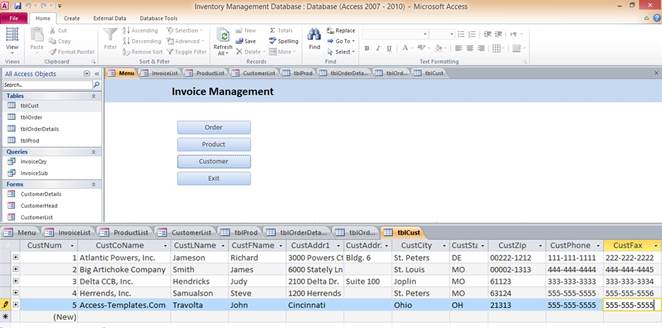
Excel inventory management templates
Since inventory management is vital aspect of any kind of business or company, here we have several excel inventory management templates for all our users to give them a helping hand in inventory management process. According to expert opinion, investment in inventory for a business or company should neither be excessive nor inadequate because it can directly have an effect on business in both situations so download our inventory management templates below and manage your inventory in professional and efficient manner.
Examples Of Inventory Management Templates
How to use the inventory spreadsheet template
Step 1. Assign unique item codes and consistent units. Record receipts and issues with stock management templates.
Step 2. Record quantities and locations using a clear count or transaction date. Keep replenishment contacts in supplier lists.
Step 3. Investigate differences and document authorized corrections.
Choose fields according to the inventory’s purpose. A household asset list may need serial numbers and locations, while a store’s item register may need unit, supplier, and reorder information. Avoid collecting irrelevant fields just because a template includes them.
For a physical count, make the count date and unit visible on every page. Record damaged or unusable stock separately where relevant. A spreadsheet balance should be checked against the items actually held, with differences investigated before adjustments are approved.
Example and checks
Two boxes containing 12 units each represent 24 units, not two units. Make the unit conversion clear before combining stock totals.
Quantity on hand does not establish inventory value by itself. Costing methods, damaged goods, and obsolete stock need separate consideration. Compare replacement items using product comparison templates.
Frequently asked questions
Can I use the sheet for household items?
Yes. Adapt fields for location, serial numbers, and purchase records.
What is the difference from stock management?
An inventory register identifies what is held; a stock movement log explains changes in quantities over time.

You must be logged in to post a comment.