
A printable time card captures an employee’s start time, finish time, and breaks for a defined period. It is most useful when the entries can be reviewed and approved before hours move into payroll.
Select daily or weekly cards according to the review cycle. Look for clear employee identification, dated rows, break fields, and a supervisor signature area.
Template previews and downloads
Monthly Time Card Sample
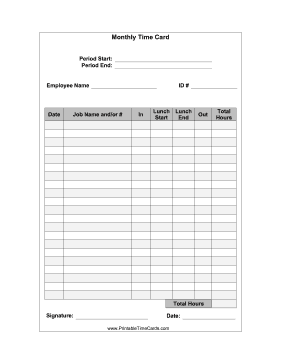

Employee Time Card Sample
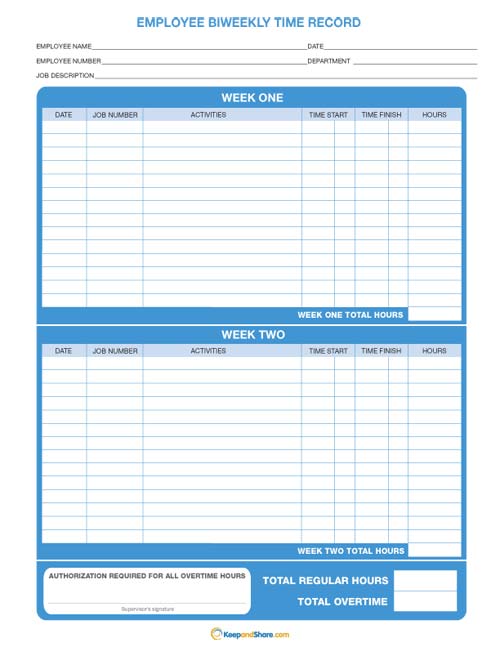
Time Card Printable Free
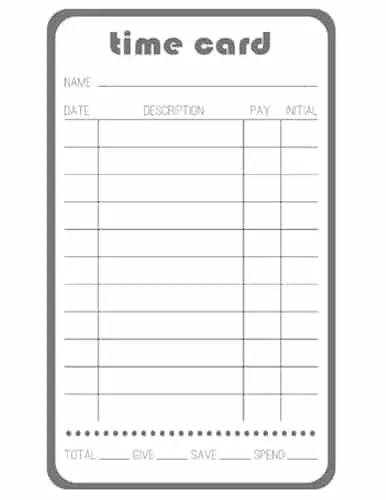
Time Card For Weekly Use
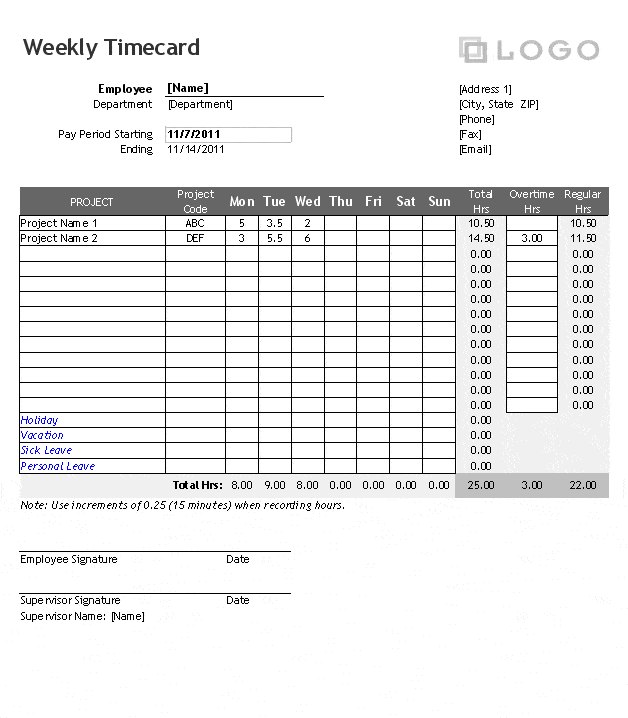
Weekly Time Sheet
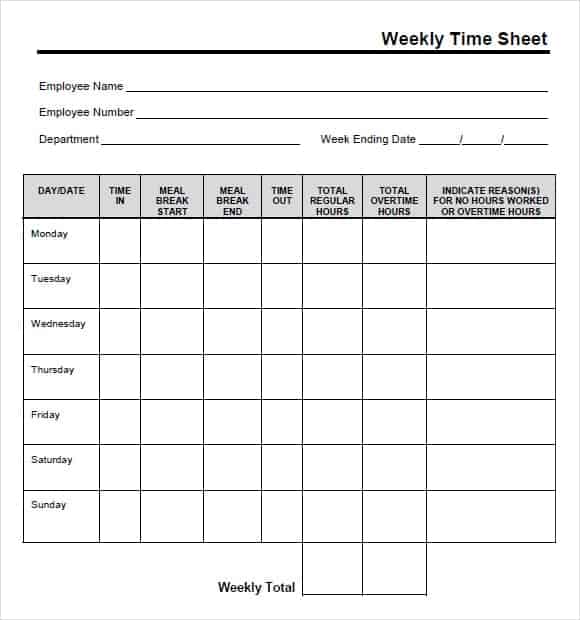
Blank Time Card Printable
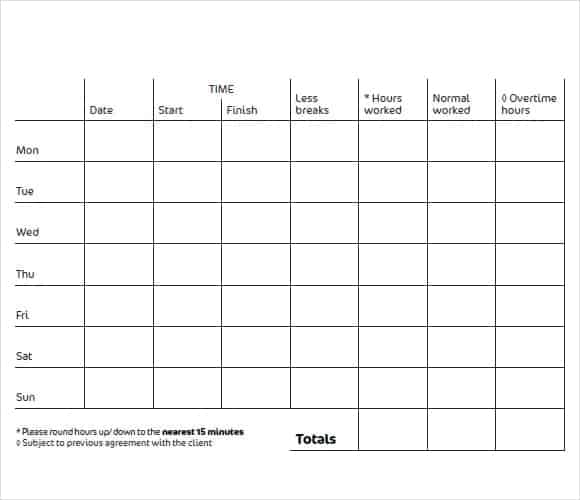
Daily Time Sheet
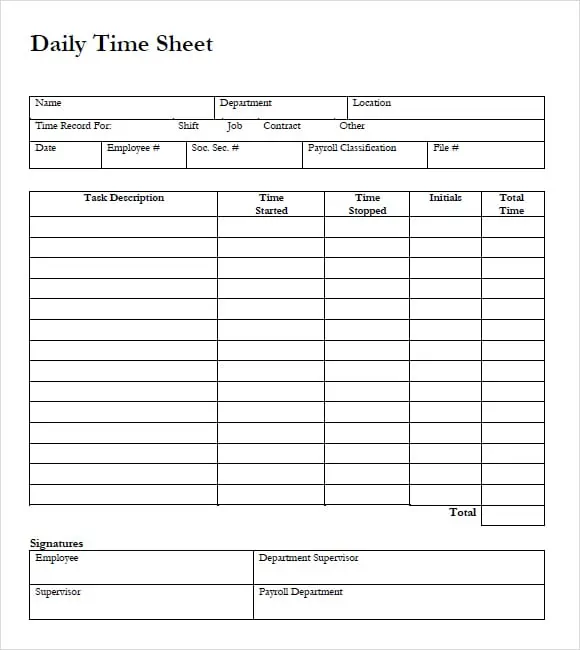
Excel Weekly Free Time Card
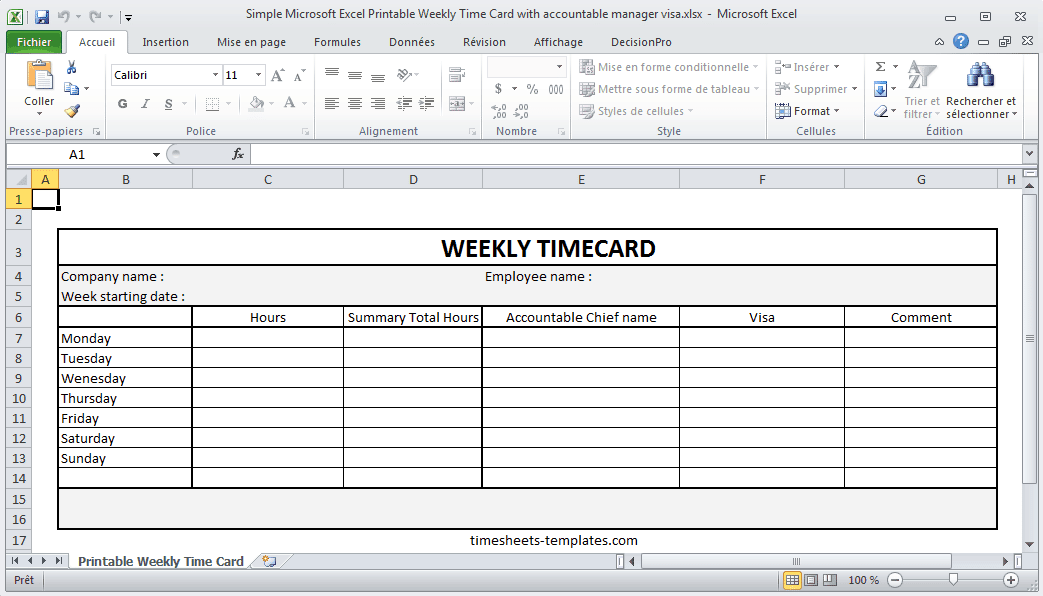
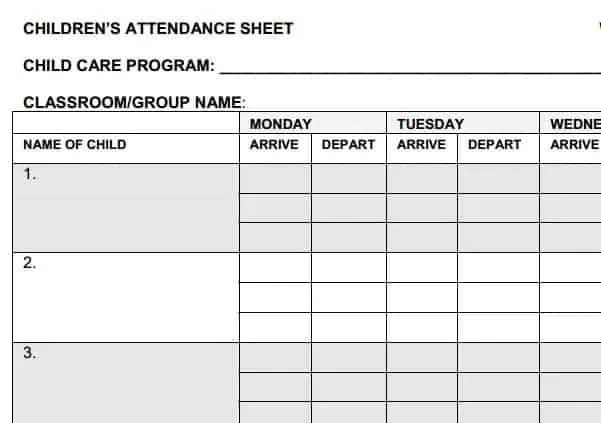
Time Card For Kids
How to use the printable time card template
Step 1. Label the employee and pay period before recording work. Combine approved cards into monthly timesheet templates.
Step 2. Enter actual clock times, unpaid breaks, and any corrections legibly. Keep planned shifts in daily work schedules.
Step 3. Total worked hours and have the employee or supervisor review discrepancies.
Use a clear correction method on paper cards: the original entry should remain readable, and the corrected value should be identifiable. When a card is later entered into a spreadsheet, check the transcription rather than assuming the handwritten total is correct.
Keep the card’s purpose narrow. It records time worked and supports review, while leave approvals and pay calculations may belong in different records. This reduces the chance of a planned shift, approved leave day, or unpaid break being mistaken for actual paid working time.
Example and checks
Two work blocks of 08:00–12:00 and 13:00–17:00 total eight hours. The hour between them is not worked time if it is an unpaid break.
A time card documents time; it does not establish the correct pay rate, leave entitlement, or overtime rule on its own. Review attendance status separately using monthly attendance sheets.
Decide how the time card will be used
A printable time card is a practical way to capture daily clock information before it is reviewed or transferred to a summary. Decide whether the card covers one day, one week, or another defined period. Identify the employee, department, and period clearly. A card without those details may become difficult to attribute after it is separated from a stack of forms. Choose a layout with enough room for actual entries and corrections rather than selecting only by appearance.
Define the relationship between the card and other records. A work schedule shows planned attendance, while the card records the relevant actual times. A monthly timesheet may summarize several cards, and payroll may apply separate rules to the approved totals. Keep those stages distinguishable. The card should not imply that it establishes an employee’s pay rate, overtime eligibility, or leave entitlement. Its role is to provide accurate information under the organization’s timekeeping process.
Make the entry fields easy to understand
Label start, finish, and break fields according to the required method. Some cards record separate work blocks, while others record one start and finish with a break duration. Use a consistent approach and explain what belongs in each field. A card with both methods can cause duplication if people subtract a break from time that already excludes it. Include dates and an understandable time format. When shifts cross midnight, make the change of date clear enough to avoid an apparently negative duration.
Keep identifiers and notes proportionate to the task. A worker reference may help distinguish similar names, while a job code may support project allocation. Do not add unrelated personal details to a paper record that may be handled by several people. If a job or location changes during the day, use the method required for recording that change. The aim is to capture the relevant facts once, clearly, and in a form that the reviewer can interpret without guessing what the employee intended.
Record actual times promptly
Enter times through the agreed process close to the event rather than reconstructing an entire period from memory. Do not copy the planned shift automatically if actual work differed. A late arrival, an authorized change, or an extended work period needs appropriate recording and review. The method should be clear about who enters information and who may correct it. A supervisor’s expectation and an employee’s actual record should not silently become the same thing simply because one is easier to write.
If an entry is missed, use the organization’s correction process and retain an explanation where required. Do not invent a time to make the card look complete. A record can identify that clarification is needed without presenting an unsupported estimate as final. Similarly, a blank row should have a defined meaning. It may represent a non-working day, an absence recorded elsewhere, or an incomplete entry. Clear statuses reduce the risk that different people interpret the same blank space differently.
Calculate elapsed time and break adjustments carefully
Check the relationship between clock entries and worked hours. A work period from 08:30 to 17:00 spans eight and a half elapsed hours. If a half-hour unpaid break is to be excluded under the relevant process, the resulting worked time is eight hours. The example explains the arithmetic, not a universal rule about which breaks are paid. Apply the applicable arrangements and keep the basis understandable. A time card should not make an unstated legal or payroll assumption.
Be careful when converting to decimal hours. Eight hours and fifteen minutes is 8.25 decimal hours, not 8.15. If paper records are later entered into a spreadsheet, specify the expected format and test the calculation. A reviewer should be able to compare the raw clock entries with the total. Retaining only a handwritten daily number can make errors harder to detect. Keep calculations transparent enough that a simple independent check can confirm what the card is reporting.
Use clear corrections and approvals
Paper corrections should remain readable and follow the organization’s procedure. Avoid obscuring the original entry so completely that nobody can understand what changed. Identify the corrected value and the person or process authorizing the correction where relevant. An altered card may already have been used in a summary, so later changes should be communicated to the responsible people. A neat final page is less useful than a clear history when a question arises about an adjustment.
Approval should identify the period and record reviewed. A signature field can support the process, but copying an old signature or signing before entries are complete does not verify later data. The reviewer should check completeness, unusual totals, and discrepancies with the relevant supporting information. If the organization uses an electronic approval process, the printed card can feed that process without creating an unnecessary duplicate decision. The important point is that the record’s status is clear and the approved version can be identified.
Transfer cards into summaries without duplication
When daily or weekly cards are consolidated, check that every relevant card is included once. Match the employee and period before entering totals. A duplicate card or a continuation page mistaken for a new period can overstate hours. Keep a reference from the summary back to the source cards so a total can be investigated later. If different job codes are used, confirm that the allocation totals agree with the intended measure and do not count the same work twice.
Review transcription as well as arithmetic. A correctly calculated card can still be entered incorrectly into a monthly worksheet. Use a small cross-check of dates, totals, and any adjustments before the summary is finalized. If a discrepancy is found, correct the relevant stage and preserve the explanation. Do not change the summary alone while leaving an inconsistent source record with no note. A connected process makes it easier to understand how the final figure was produced.
Prepare and store the printable cards reliably
Print a test copy at the intended size. Check writing space, date labels, and whether all required columns remain on the same page. Leave enough margin for handling and filing. Keep the blank master separate from completed cards and use fictional entries in training copies. An edited template should be reviewed for old employee details or dates that may remain in headers or sample rows. Small preparation checks can prevent a batch of confusing or incorrectly labeled forms.
Store completed cards according to applicable requirements and the organization’s process. Limit access to employee information and keep the period sequence easy to find. Review the template when work patterns or reporting needs change. A reliable printable time card is supported by clear fields, prompt recording, tested calculations, understandable corrections, and appropriate approval. Those habits help the paper record remain useful when its figures are transferred to payroll, a project summary, or another reporting system.
A paper-to-summary checking example
Imagine a weekly card contains five daily totals and one corrected finish time. Before transferring the weekly amount, the reviewer checks whether the corrected day was recalculated. A changed clock entry with an unchanged daily total can leave the weekly figure wrong even though the correction itself is readable.
The reviewer then confirms that the monthly summary includes this card once and under the correct employee and period. A continuation sheet should be recognized as part of the same record, not treated as a second complete week. References between the source cards and summary make those checks possible.
If an adjustment is needed after the summary has been approved, follow the agreed correction process and identify the affected version. Do not leave one total on the source card and a different unexplained total in the summary. The purpose is a traceable chain from recorded times to the reported amount, with enough clarity for a later question to be answered without relying on memory.
Frequently asked questions
Can I use a time card for salaried staff?
It can record hours where required, but payroll treatment depends on the employment arrangement.
Should I round entries?
Apply only the timekeeping method allowed by the applicable rules and your organization’s documented policy.

You must be logged in to post a comment.