
A simple project timeline template in Excel turns a project’s key dates into a readable sequence. This collection suits a quick overview of phases, milestones, and deadlines when a detailed task schedule would be harder to maintain.
Start with the decisions your reader needs to make. A milestone timeline works well for a presentation; a dated task list is better for a project owner who must update progress. Keep this overview focused on major events.
Template previews and downloads
Sample Project Timeline
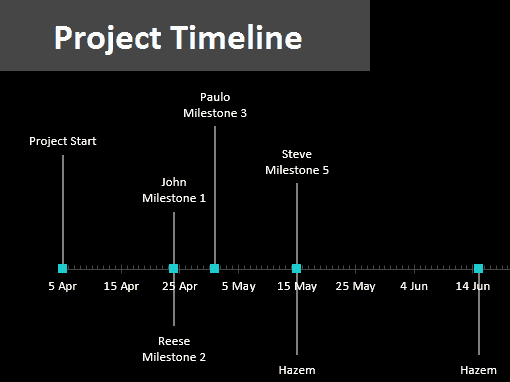

Project Timeline with Schedule
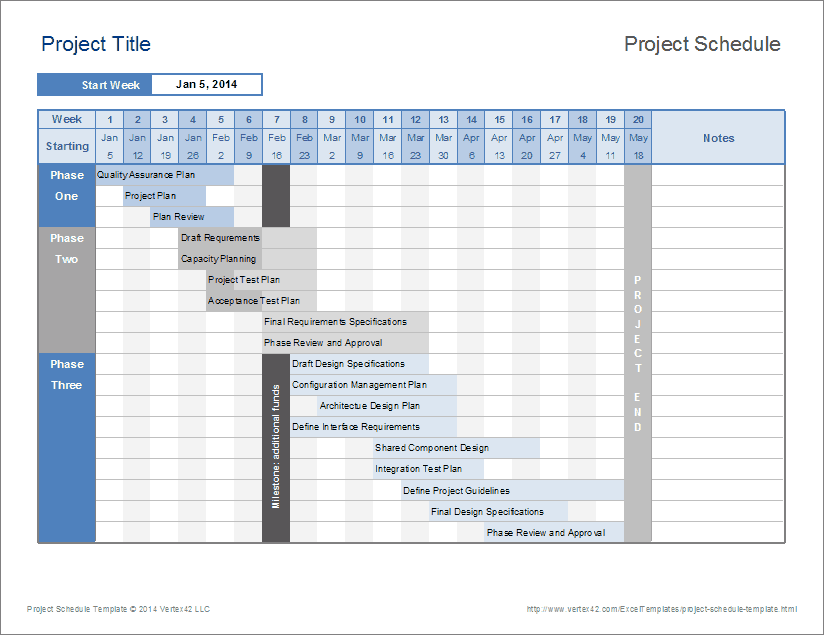
Project Timeline Maker
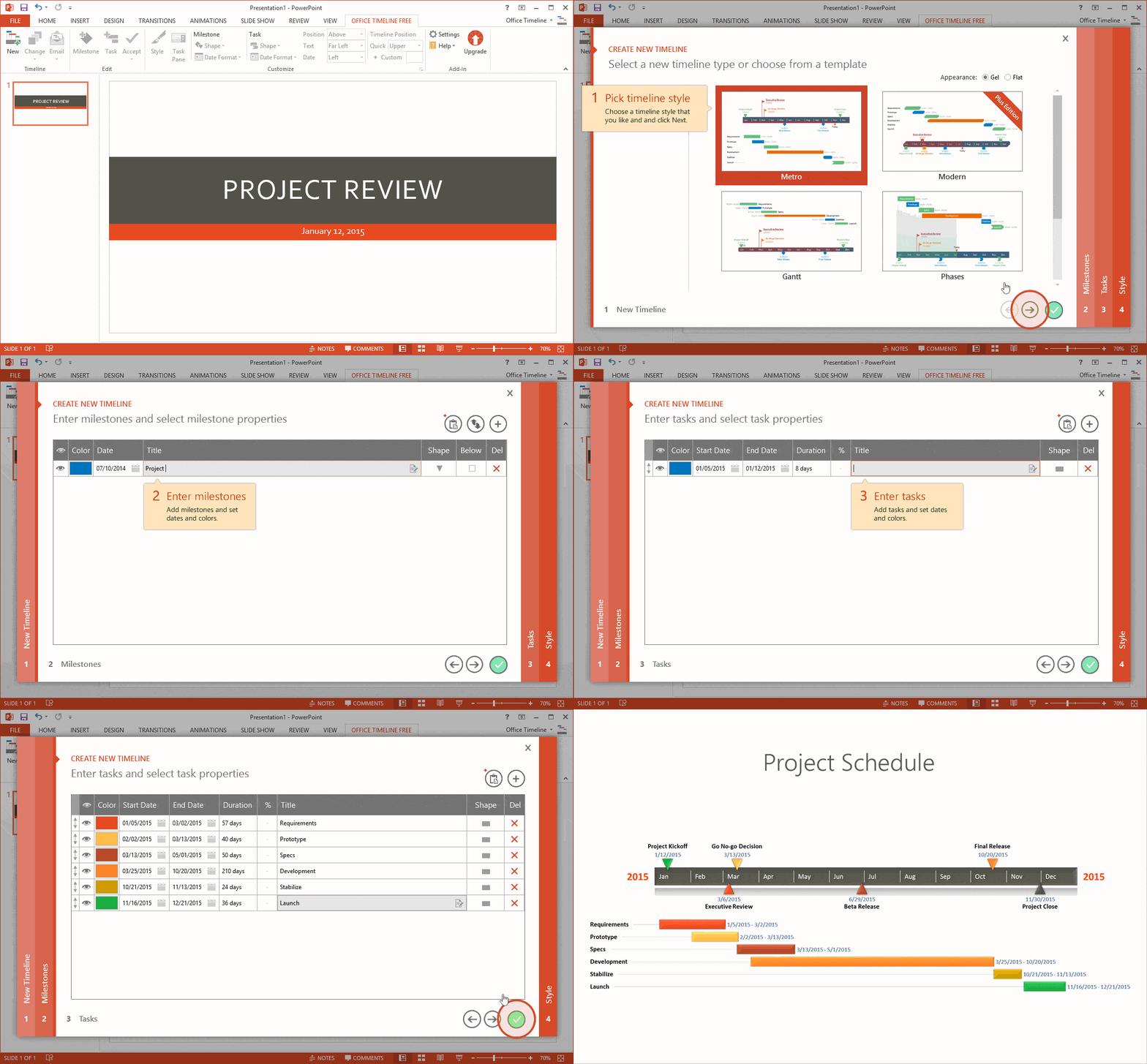
Sample Project Timeline
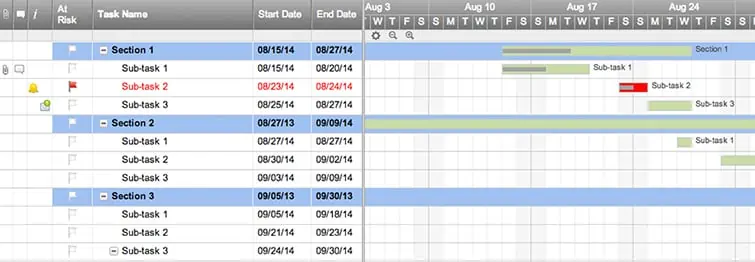
Project Management Timeline
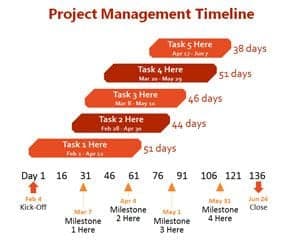
Project Timeline Example Free
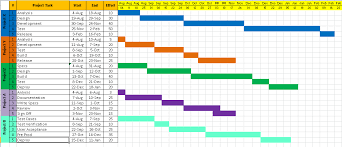
Excel Project Timeline
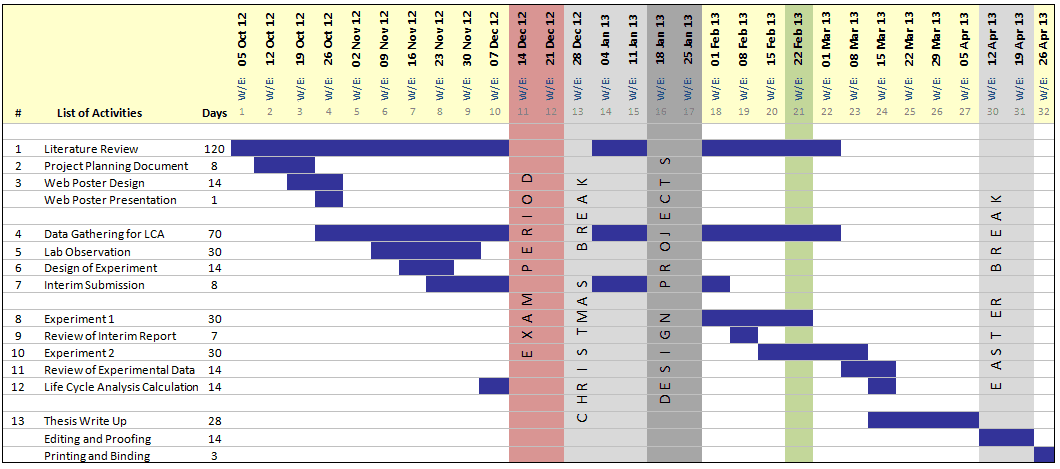
Project Timeline Layout
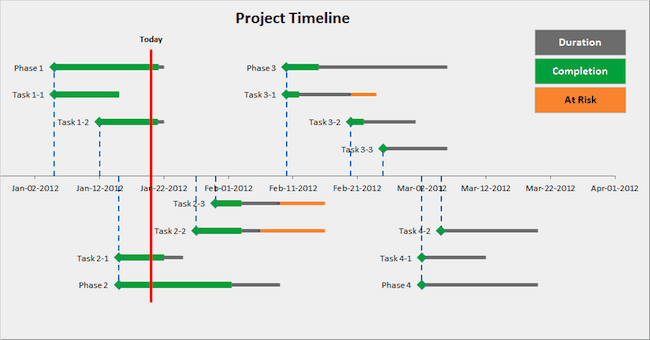
How to use the simple project timeline template
Step 1. Define the project start, target finish, and a small set of major deliverables. For a more detailed working schedule, compare the project timeline Excel templates.
Step 2. Put milestones in chronological order and assign an owner to each one. Note dependencies that could move later dates. Use Gantt chart templates when task duration and overlap need to be visible.
Step 3. Review the timeline at agreed intervals and record revised dates without losing the original commitment.
A milestone should describe a result, such as design approved, rather than an activity with an unclear ending, such as work on design. Decide who can confirm completion and whether another event depends on it. This makes a short timeline useful even when it contains only a handful of entries.
Keep planned and revised milestone dates in separate columns if changes need to be explained later. A presentation timeline can show the current approved dates, while the working spreadsheet retains the history. Add a short note for major changes instead of silently moving every date.
Example and checks
A website launch might show content approval on 5 May, testing on 12 May, and launch on 19 May. If content approval moves, review testing and launch dates rather than shifting only the first label.
Avoid treating a timeline as proof that the plan is achievable. Check resource availability and dependencies separately. Use clear date formats so 05/06 cannot be mistaken for two different dates. Translate the next milestone into assignments with daily work schedules.
Choose the audience for a milestone timeline
A simple project timeline is often most useful as a communication tool. It shows the major results and dates without requiring the reader to study every task in the working plan. Decide whether the audience is a client, a manager, a small team, or a presentation group. Each may need a different level of detail. A client may need approval and delivery dates, while a team may also need a few internal checkpoints. Keep the main purpose visible when selecting the layout.
Do not make the overview responsible for every aspect of project control. Detailed assignments, resource availability, and technical dependencies may belong in a separate working schedule. The simple timeline can summarize those records and point to the current source. This separation is especially helpful when a presentation needs to remain readable on one page. Adding every small action can make the overview harder to understand without improving the underlying plan. Select milestones because they explain progress or an important decision, rather than because there is empty space on the chart.
Write milestones as recognizable results
A milestone should identify an event or completed outcome. Examples include requirements agreed, draft reviewed, testing completed, or final handover accepted. A label such as work on design describes activity without saying what has been achieved. Use wording that another person can interpret consistently. Where an approval is involved, identify whose approval matters and what is being approved. A short note or reference can hold the detail without crowding the timeline.
Keep the number of milestones appropriate to the project and page size. There is no universal ideal count. A short project may need only a few checkpoints, while a longer one may need separate overviews for phases. Avoid combining unrelated events into one vague milestone merely to reduce the count. Similarly, do not divide a single small event into many labels just to make the timeline look substantial. The overview should let a reader understand the sequence and ask useful questions about what happens next.
Use dates and durations with a clear meaning
State the date format and the time scale. A timeline showing calendar dates differs from one showing weeks from project start. If the start date changes, relative weeks may remain useful, but the reader needs to know what they represent. A month name without a year can also become ambiguous when a project spans more than one year or an old file is reused. Label dates clearly and check that the visible order matches the actual sequence.
Distinguish a single milestone date from a phase that occupies a period. A design phase might run for several weeks, while design approval occurs at a particular checkpoint. A bar can represent the phase and a marker can identify the approval if the layout supports both. Do not give a point event an unexplained duration or imply that a long activity happens instantly. A simple visual can remain accurate when its labels explain what the date or span actually means.
Check the sequence against the working plan
Even a high-level timeline needs a realistic sequence. A final review cannot normally be completed before the material to be reviewed exists. Ask what each milestone depends on and whether those inputs are represented in the working plan. The overview does not need every dependency arrow, but it should not contradict the actual order of work. Confirm important dates with the people responsible rather than assuming that a neat spacing of labels means the schedule is achievable.
Look for commitments outside the team’s direct control. A client review, supplier delivery, or external decision may affect later milestones. Record the assumption or the agreed response time where needed. The timeline should make important uncertainty visible enough to discuss. Do not present a hoped-for response date as confirmed merely because a later delivery date relies on it. A concise note can distinguish a target from a commitment and prevent the audience from reading more certainty into the picture than the evidence supports.
Use the overview in a practical project example
Imagine a team preparing a training workshop. The milestone overview might show scope agreement, content review, participant registration closing, materials ready, workshop delivery, and feedback review. The working plan contains the actual tasks behind those events. The overview lets a manager understand the main sequence quickly, while the team retains enough detail elsewhere to prepare the event. The same approach can suit a small product launch, report, school project, or internal improvement.
If the content review moves, examine its effect on materials preparation and delivery. Some work may continue, but the revised overview should reflect the current approved plan. Record why an important milestone changed and communicate the effect to the relevant people. Do not move every marker automatically without understanding the relationships. A simple timeline is valuable when it supports that conversation. Its purpose is not merely to display dates, but to help people agree what the dates mean and what needs attention.
Keep versions and changes understandable
Label the timeline with a project name, update date, and owner where useful. A printed overview can continue circulating after the working plan has changed, so readers need a way to identify the current version. Keep the original approved dates available when they are needed for comparison. The current view can be the best supported plan now without erasing the history of earlier commitments. Use a short change note for important movements rather than turning the display into a long narrative.
Decide who may approve changes and how the revised view is shared. A team member updating a personal copy should not unintentionally create a new project commitment. If the timeline is used in a report, check that the report and source file agree at issue. Review dates after copying the layout for another project. Old labels can remain in charts, text boxes, or headers even when the main table has been changed. A clean master and a named current version reduce those errors.
Make the visual readable at its final size
Test the layout in the format the audience will actually see. A timeline that is readable on a large screen may have tiny text when inserted into a report or printed on ordinary paper. Use concise milestone labels, consistent spacing, and a limited color scheme. Colors can help distinguish phases, but the labels should still make sense without them. Avoid decorative graphics that compete with the dates and sequence the reader needs to understand.
Before sharing, check spelling, dates, milestone order, and any legend. Remove unnecessary detail and keep the related working plan accessible through the appropriate process. A simple project timeline succeeds when someone can quickly identify the current stage, the next important event, and any decision or date that needs attention. The template provides the visual structure; reliable source information, clear milestone definitions, realistic sequencing, and disciplined updates make the overview useful over the life of the project.
Decide what the next review must resolve
Before a timeline review, identify the few questions that need a decision. A milestone may need confirmation, an external response may be overdue, or a date may no longer be supported by the working plan. Put those questions beside the current overview so the discussion has a purpose beyond reading dates aloud.
End the review with an action owner and a next update point for each unresolved item. If a date remains uncertain, show that uncertainty appropriately instead of presenting a silent assumption as an approved commitment. This keeps the simple timeline useful as a shared communication tool while the detailed planning and evidence remain in the working records.
Frequently asked questions
How is this collection different from detailed project timelines?
This guide emphasizes a concise milestone overview. Use the related project timeline collection when you need a more detailed task-based plan.
Should every small task appear?
Include tasks only when they help explain the sequence or affect a key date; keep routine subtasks in a separate working plan.

You must be logged in to post a comment.