
A homework calendar template shows assignments, tests, and project deadlines across days or weeks. It helps students spot busy periods before several tasks become due together.
Choose a monthly calendar for deadlines and a weekly view for near-term planning. Keep assignment descriptions short and include the subject or course.
Template previews and downloads
Free Homework Calendar Template Excel
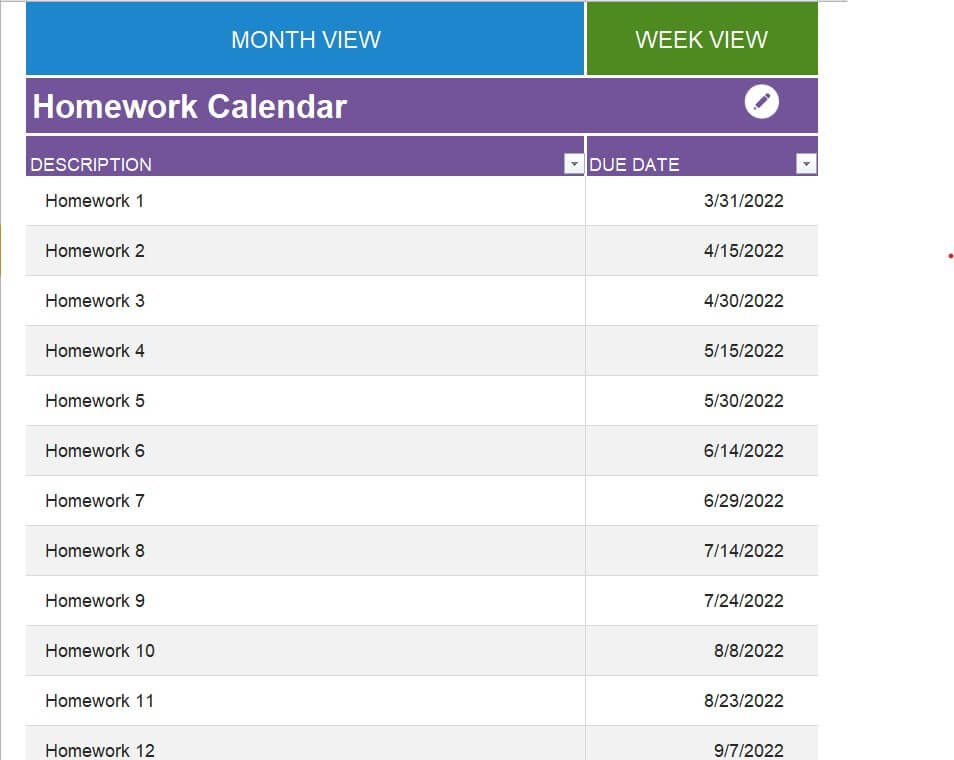
Student’s Homework Calendar Word Template
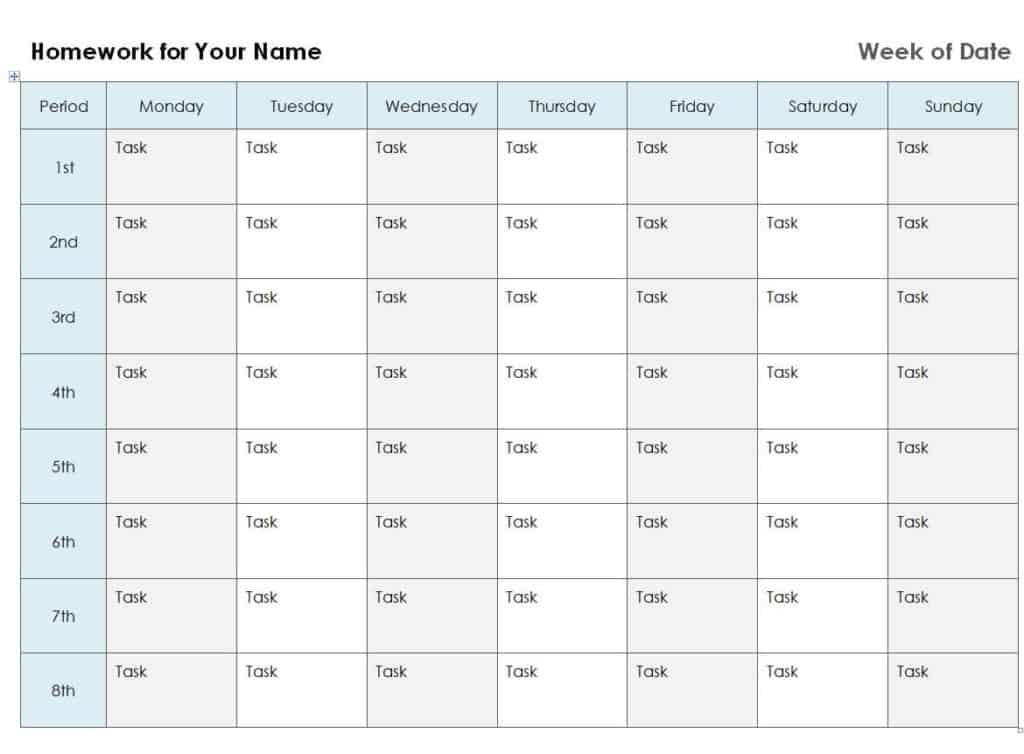
Editable Homework Calendar Template
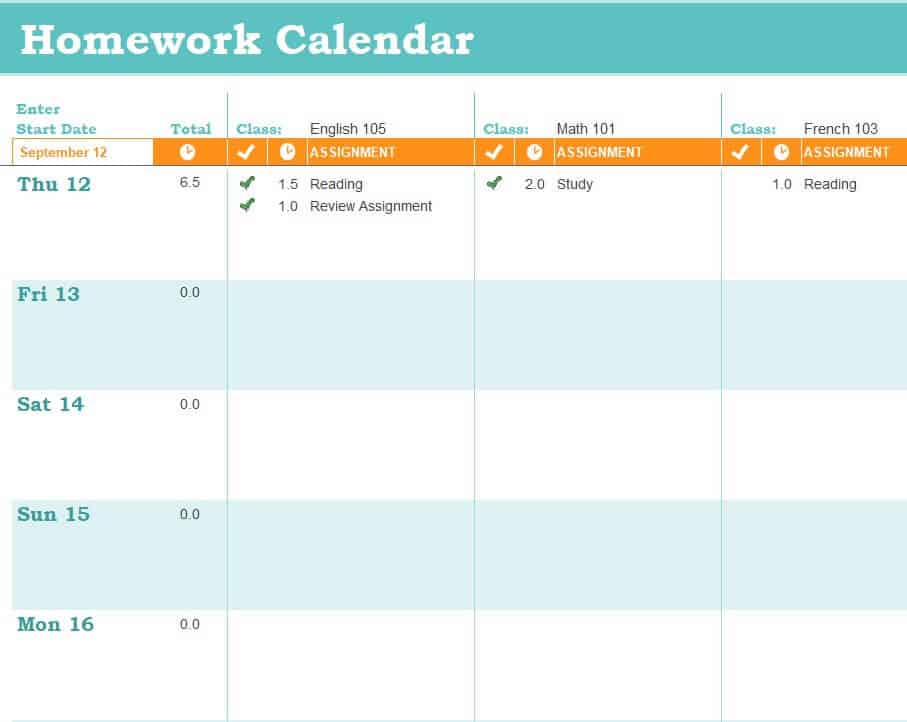
Simple Homework Calendar Template
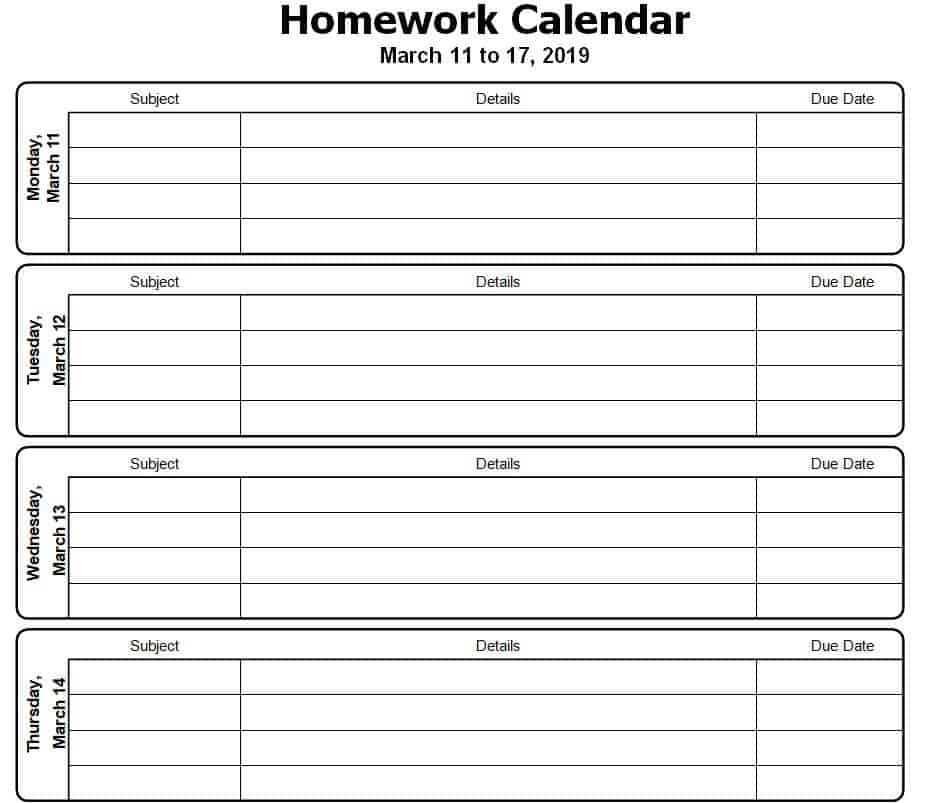
Printable Homework Calendar Template in XLSX Format
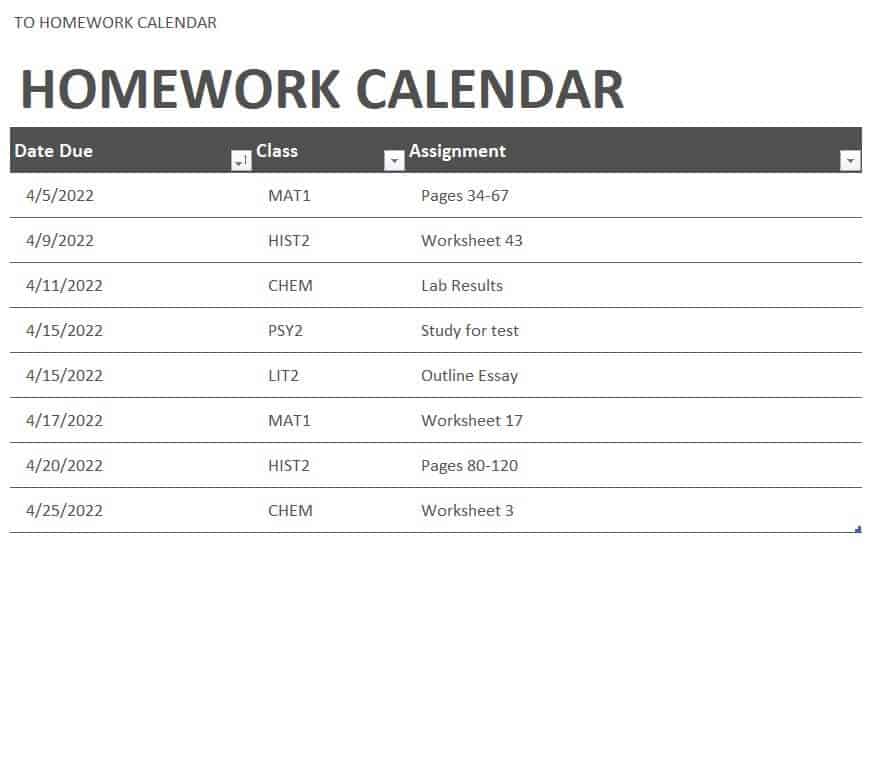
Sample Daily Homework Calendar Template
Official Homework Calendar Template
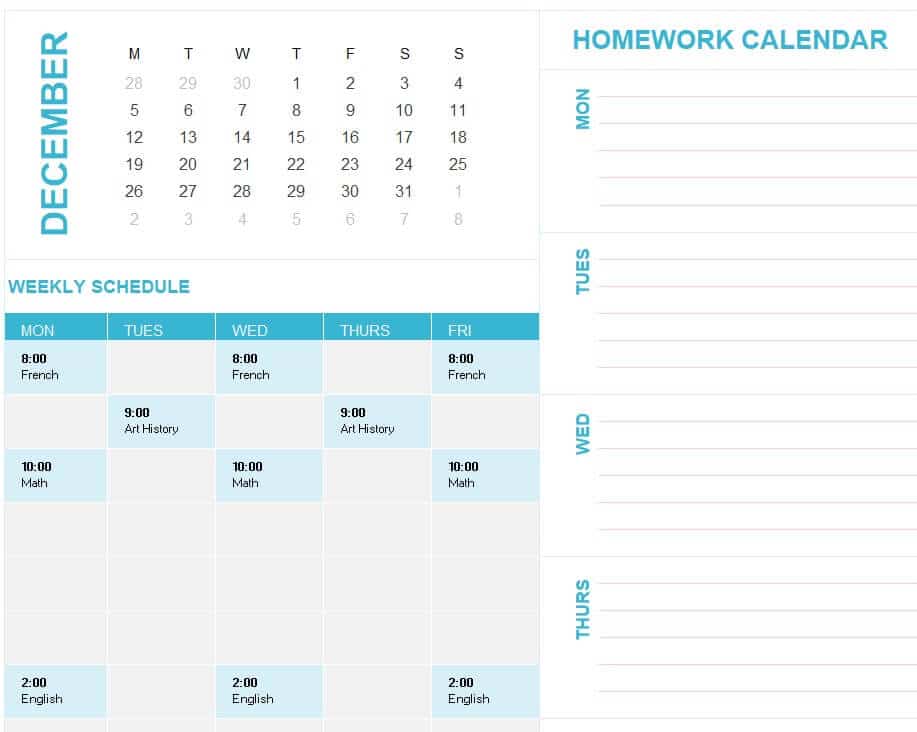
How to use the homework calendar template
Step 1. Enter confirmed deadlines as soon as they are assigned. Allocate study sessions using homework schedules.
Step 2. Add earlier checkpoints for large projects. Keep fixed lessons visible with class schedules.
Step 3. Review the calendar weekly and reserve separate work sessions before each due date.
Use the calendar for dated commitments and checkpoints, rather than copying the entire assignment brief into a small cell. Keep the detailed instructions elsewhere with a reference. This makes crowded weeks visible without making the calendar unreadable.
When a deadline changes, update the calendar and the related study plan. Mark completed submissions clearly so the next review focuses on remaining work. For shared family use, agree which calendar is current and who enters new assignments.
Example and checks
A project due on the 20th might have research, draft, and review checkpoints on the 10th, 14th, and 18th.
Writing a due date is not the same as scheduling the work. Use a study plan to reserve time for the tasks shown on the calendar. Coordinate school and personal commitments in weekly planners.
Choose a calendar that matches the school term
A homework calendar is easier to maintain when its date range matches the way assignments are issued. A monthly layout gives a useful overview of tests, projects, and busy submission weeks. A weekly layout provides more writing space when several subjects set work every day. Before editing a template, check the first day of the week, the number of teaching days, and whether weekend deadlines need to appear. A calendar that leaves out Saturday may be unsuitable for a course that accepts online submissions then. Match the layout to the student’s real timetable rather than expecting the student to remember dates that are not shown.
Choose between a reusable blank calendar and a dated working copy. The blank version is useful as a master, while the working version should identify the month, term, and student. If several children share a household calendar, use separate subject or student labels instead of depending entirely on colors. A printed black-and-white copy should still make sense. Keep enough space for assignment names and a short reference to the full instructions. Long task descriptions belong in an assignment list or notebook, where they can be read without crowding the date boxes.
Record assignments so they can be understood later
Enter a new assignment as soon as its deadline is confirmed. A useful entry identifies the subject, a short task name, the due date, and any important submission condition. For example, ‘Science: plant investigation, upload before 6 p.m.’ is more useful than ‘science work.’ If a teacher gives a provisional date, label it as provisional rather than treating it as final. Keep the source of the instruction accessible, whether that is a class notebook, learning platform, or handout. The calendar should point to the assignment, not become the only record of what the teacher asked for.
Use different labels for an assignment deadline, a test, and an internal checkpoint. These events require different preparation. A test date signals revision beforehand, while a draft checkpoint signals that a larger piece of work should already be partly complete. Mark a submission as finished only after it has actually been handed in or uploaded successfully. Completing the writing and completing the submission are separate actions. A small status note, such as ‘drafted,’ ‘checked,’ or ‘submitted,’ can prevent a finished file from being forgotten on a computer when the actual deadline arrives.
Plan backward from a large project deadline
A calendar becomes more valuable when it shows the stages leading to a deadline. Start with the final submission date and identify what must happen before it. A research assignment might require topic approval, gathering information, preparing an outline, drafting, checking references, and submission. Put the most important checkpoints on earlier dates. Allow some room between the last review and the deadline so a printer problem or missing reference does not create an avoidable emergency. These checkpoints are planning decisions, so adjust them if the teacher changes the scope or the student discovers that a stage needs more time.
Consider a history presentation due on Friday of the third week. The calendar could show a topic decision in the first week, a completed outline the following Monday, slide preparation by Wednesday, and a practice run on Thursday. The exact dates should reflect the student’s other commitments. If a mathematics test is already scheduled for Wednesday, bringing the outline forward may be more realistic than leaving both activities for the same evening. This is the main advantage of seeing several subjects together: the student can notice competing demands before each one becomes urgent.
Connect the calendar to realistic study sessions
A calendar records when work is due, but it does not automatically create the time needed to do it. During a weekly review, select the upcoming assignments and estimate the work still required. Then reserve study sessions around classes, meals, travel, activities, and rest. Use a homework schedule for the detailed time blocks and keep the calendar focused on dates and checkpoints. When estimating, think about the actual action: reading a chapter, solving ten questions, or revising a paragraph. ‘Do project’ is too broad to estimate reliably and makes it harder to recognize progress.
Start with a manageable plan and learn from completed sessions. If a worksheet repeatedly takes longer than expected, revise later estimates instead of packing more work into the same hour. Keep some unassigned time for new work and unexpected changes. A student who uses every available minute in the first plan has no flexibility when a teacher adds an assignment. For younger students, a parent can help review the plan without taking over every decision. The aim is to help the student recognize deadlines, choose next actions, and gradually maintain the calendar with less prompting.
Keep shared and digital versions consistent
Decide which version is the main record. A wall calendar, a printed binder page, and an editable file can all be useful, but conflicting versions create confusion. One practical approach is to keep an editable master and print an updated copy at an agreed interval. Another is to use the paper version as the master and enter changes there immediately. Whichever method you choose, identify who updates it. A shared family calendar works best when everyone understands whether a new assignment should be entered by the student, a parent, or both through a short review.
When using an Excel or Word calendar, save a clean master before adding term information. Check the page orientation, margins, and print area after changing fonts or adding rows. A layout that looks readable on screen can shrink to tiny text when it is fitted onto one page. If the student uses a phone to view the file, check whether long entries remain readable there too. Avoid placing private account details or learning-platform passwords in the calendar. It can reference the platform without carrying information that should remain in a separate, protected place.
Review the calendar without turning it into extra homework
A short, regular review is usually more sustainable than rebuilding the entire calendar after it has fallen behind. Look first at work due soon, then at larger tasks coming later. Check for completed submissions, changed dates, missing instructions, and evenings that are already overloaded. Remove or archive past entries in a way that leaves the current period readable. If a deadline is missed, record what happened and identify the next action, such as contacting the teacher or completing an outstanding section. The calendar should help resolve the situation rather than simply display the missed date.
At the end of a term, note which parts of the system were useful. Perhaps a monthly view made projects easier to see, but daily assignments needed more space. Perhaps too many colors became confusing, or a weekly review was scheduled at an inconvenient time. Use those observations when choosing the next template. A useful homework calendar is one the student can keep current and understand quickly. It does not need every decorative feature or every possible data field. Clear dates, recognizable task names, realistic checkpoints, and a simple updating routine provide a strong foundation.
A practical weekly review example
Imagine a student has a language exercise due Tuesday, a mathematics test on Thursday, and a science project due the following Monday. During the weekend review, the student first checks the exact instructions and enters all three dates. The language exercise needs one short session, the test needs several revision sessions, and the project needs research and a draft. The calendar makes these different demands visible before the week starts.
The student can place a science research checkpoint on Wednesday and a draft checkpoint on Saturday, while using the homework schedule to reserve actual work time. If an activity already occupies Wednesday evening, the checkpoint may need to move earlier. The decision is based on real availability rather than a rule that every subject must receive the same amount of time each day.
At the next review, the student checks whether each submission was completed, whether the test date stayed the same, and how much science work remains. A missed internal checkpoint can be revised while there is still time to act. The calendar is successful when it supports that early decision, not when every square contains writing.
This example also shows why one calendar should remain the current reference. If the teacher changes Monday’s submission date, update the master and any printed copy. Then adjust the study sessions affected by that change so the deadline record and the work plan continue to agree.
Frequently asked questions
Should I include exams?
Yes. Label exams distinctly from assignment submissions.
Can several subjects share one calendar?
Yes. Use readable subject labels and a small consistent set of colors if helpful.

You must be logged in to post a comment.