
A monthly timesheet template records hours worked across a month or payroll period. It should distinguish attendance records from scheduling: a timesheet records actual work, while a schedule describes planned work.
Choose a layout with employee details, work dates, start and finish times, unpaid breaks, hours, and approval fields. Check that it accommodates every date in the month.
Template previews and downloads
Monthly Timesheet Sample
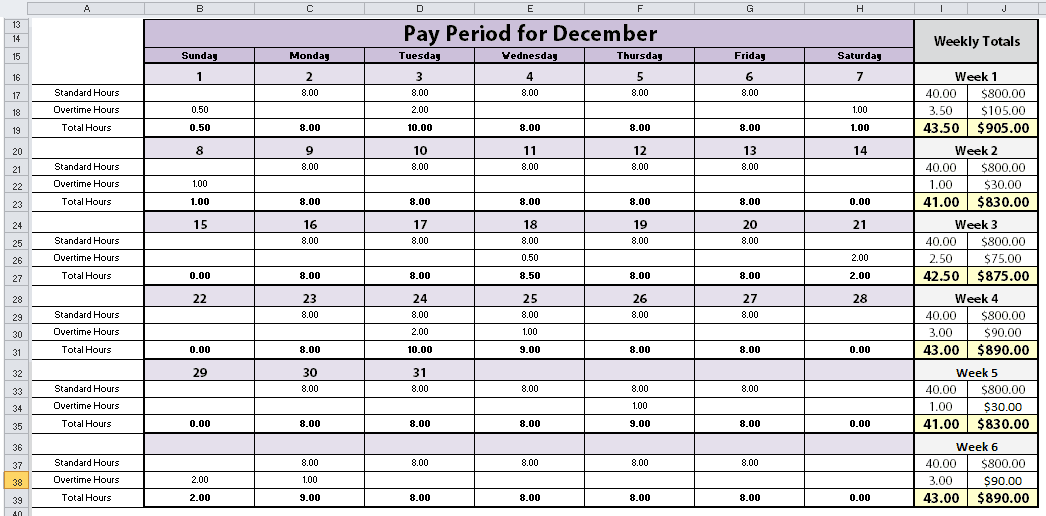

Monthly Employee Timesheet Template
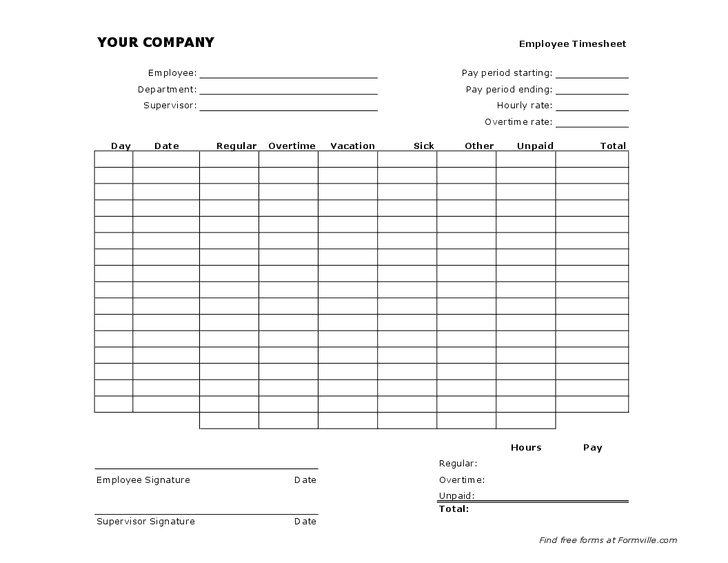
Monthly Timesheet Example Free
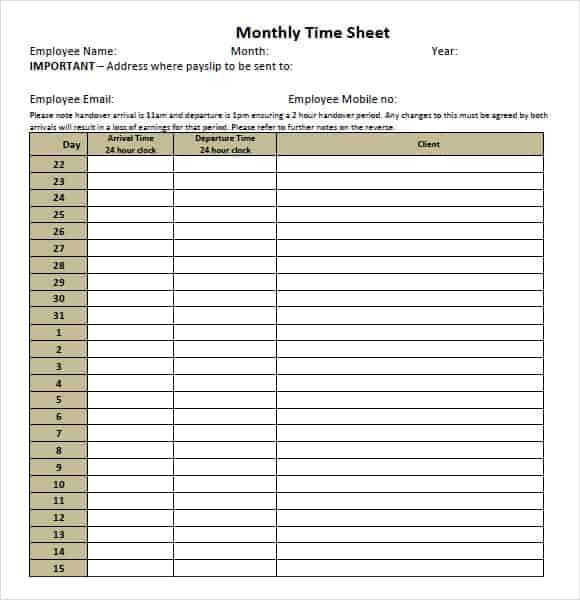
Monthly Timesheet Printable
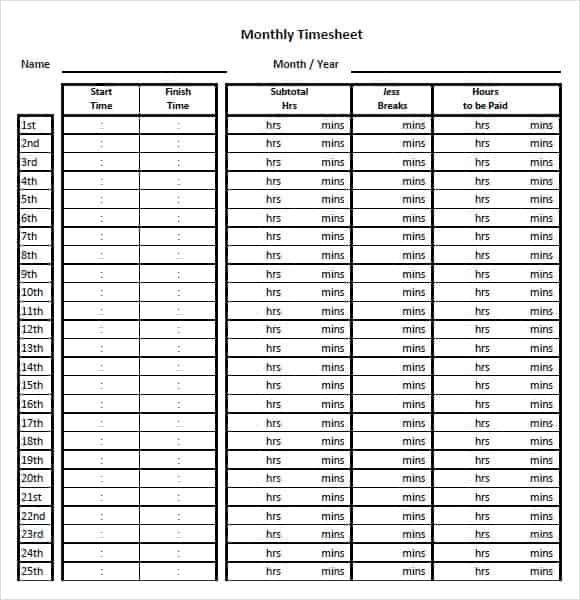
Monthly Timesheet Tracker
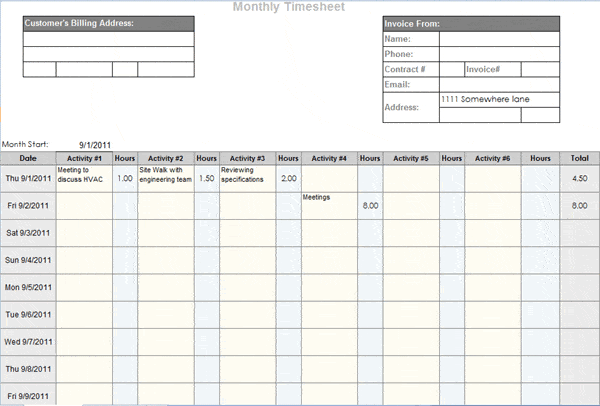
Monthly Company Timesheet Template
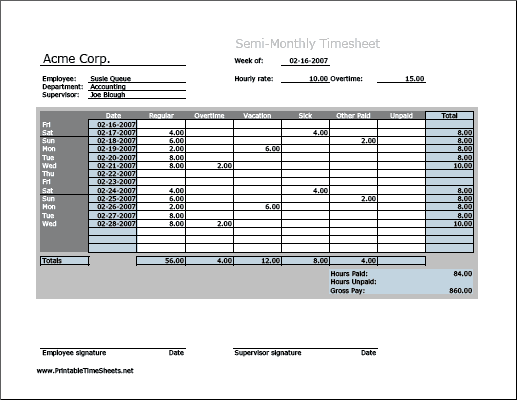
Monthly Timesheet Template Free
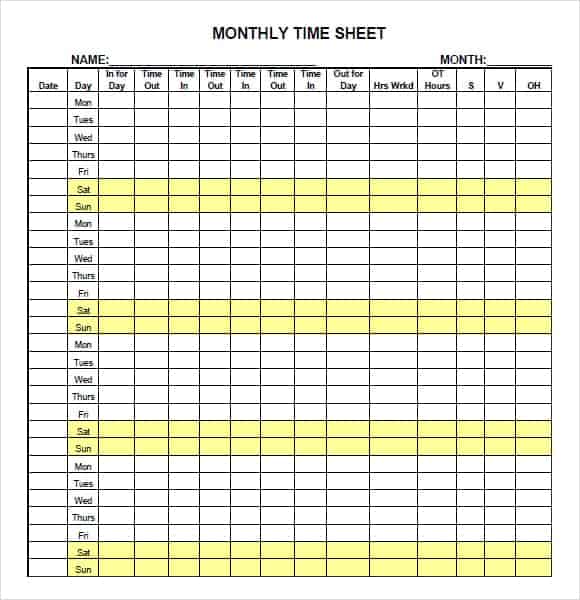
Monthly Timesheet With Lunch
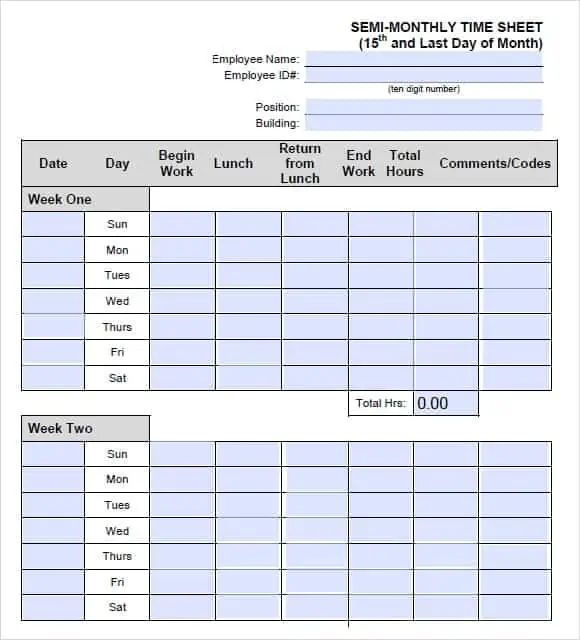
Monthly Timesheet Maker
How to use the monthly timesheet template
Step 1. Enter actual start and finish times and record unpaid breaks consistently. Use printable time cards for individual daily clock records.
Step 2. Calculate each day’s worked time and review overnight shifts carefully. Track attendance status separately with monthly attendance sheets.
Step 3. Total the period, check missing entries, and obtain approval before payroll uses the record.
Pay periods do not always align with calendar months. Label the exact start and end dates and check how shifts crossing a period boundary should be reported. If several employees use the same workbook, give each record a unique employee identifier and a clear approval status.
Test time calculations with ordinary shifts, unpaid breaks, and an overnight example before relying on totals. A formula that works for daytime hours can produce a negative result after midnight. Keep approved records stable and document later corrections rather than replacing the original entry without explanation.
Example and checks
A shift from 09:00 to 17:30 with a 30-minute unpaid break equals eight worked hours. Whether any hours count as overtime depends on applicable rules and employer policy.
Do not apply an assumed overtime multiplier to every employee. Keep decimal hours separate from clock notation: 7.5 hours means seven hours and 30 minutes. Plan assignments in advance using daily work schedules.
Choose the correct month and payroll period
A monthly timesheet should state exactly which dates it covers. A calendar month and a payroll period are not always identical, so use the period required by the receiving organization. Enter the employee or worker identifier, team, and relevant supervisor before recording hours. Check that the layout accommodates all dates in the period, including months with different lengths. A template copied from an earlier month can retain old dates or day names even after its title has been changed.
Decide whether the sheet records one employee, one project, or several people. A personal monthly log needs different detail from a team summary. If several employees share a workbook, every entry should remain attached to the correct person when data is sorted or filtered. Keep the master version identifiable and define where supporting daily records are kept. The monthly sheet should consolidate actual information rather than become a second independent set of estimates that cannot be reconciled with the original time records.
Define worked time, breaks, and other categories
Agree what each column means before people begin entering data. Start time, finish time, unpaid break, paid time, leave, and overtime describe different things. A single number labeled hours can be ambiguous if different people include breaks differently. Use categories that fit the organization’s process and applicable requirements. The template should not impose an assumed entitlement or pay rule merely because it contains a preformatted column. Keep the calculation basis understandable to the employee and reviewer.
Separate planned hours from hours actually worked. A scheduled shift may explain the expected work pattern, but it does not prove that the person worked those exact hours. Similarly, approved leave and attendance status may need records separate from working time. The monthly timesheet can reference them without confusing their purposes. If the organization records project time, identify whether entries represent total attendance, time allocated to a job, or both. Those totals should not be combined as though they were separate amounts of work.
Record ordinary and overnight shifts clearly
Use one consistent time format and include dates where necessary. A daytime shift from 09:00 to 17:00 is straightforward, but an overnight shift can be misleading if the sheet stores only clock times. The finish time may appear earlier than the start time even though work continued into the next day. Use a method designed for that situation and check the organization’s rule for assigning the shift to a reporting date. Do not fix a negative result by entering an arbitrary positive total.
Test the calculation with a known example. Work from 22:00 to 06:00 the following day spans eight elapsed hours before any relevant break adjustment. A formula must account for the change of date. If the period closes during that shift, follow the required reporting method for allocating hours. Keep the underlying start and finish information available rather than retaining only the final total. This allows a reviewer to check whether the result reflects the actual record and the intended calculation.
Keep decimal hours distinct from clock notation
Decimal hours and hours-and-minutes notation are easy to confuse. Seven hours and thirty minutes can be expressed as 7.5 decimal hours, while a clock-style display may show 7:30. A number entered as 7.30 does not automatically mean seven hours and thirty minutes. Label the expected input format and use appropriate cell formatting. If a workbook calculates totals from time values, verify that the resulting number is interpreted correctly before it is transferred to another system.
Run a small check across several days. Two entries of seven hours and thirty minutes total fifteen hours. If the monthly summary gives fourteen point six because 7.30 was treated as a decimal twice, the format or entry method needs correction. Do not rely on a familiar appearance alone. A spreadsheet can display a value attractively while storing something different. Clear instructions and a few tested examples are particularly useful when several employees enter their own records into the same template.
Review completeness before approving the period
A month-end review should look for missing dates, duplicate entries, unusual totals, and corrections that need explanation. A blank field may mean no work, an incomplete entry, or a non-working day, so define how those situations are recorded. Confirm that totals include every relevant row. Adding dates to a template does not necessarily expand its formulas. If different projects are summarized, check that their allocations do not unintentionally exceed the recorded working time or duplicate the same activity.
Ask the employee and reviewer to resolve discrepancies while the events are still reasonably recent. Retain an understandable explanation for material corrections. Approval should identify what period and version were reviewed; a signature copied from an old sheet is not a review of new entries. If the organization uses electronic approval, follow that process rather than assuming a printable signature box is required. The purpose is a clear, supported record that can be used by the people responsible for the next stage.
Separate hours reporting from payroll decisions
A timesheet can support payroll, billing, or project review, but the meaning of its totals depends on the process. Overtime eligibility, rates, rounding, and leave treatment can vary with applicable rules and arrangements. Do not build a universal multiplier into a generic file and present it as correct for everyone. Keep recorded hours distinguishable from later pay calculations. Where the sheet includes a payroll estimate, label the assumptions and have the relevant rules confirmed before relying on it.
Project billing can also differ from attendance. Some recorded time may not be billable, while a fixed-fee project may not invoice every hour directly. Use separate fields for billable status or project classification when needed. A monthly total is a record of the defined measure, not automatic authority to charge a customer or pay a particular amount. This distinction helps the same underlying time records support different reviews without turning every summary into an unsupported financial conclusion.
Keep a usable monthly history
Save the completed period with a consistent name and retain the clean template separately. A useful filename or index can identify the employee, period, and approval status without exposing unnecessary personal information. Avoid overwriting last month’s completed sheet to prepare this month’s record. If a later correction is approved, preserve the relationship between the original and corrected versions. That history is more dependable than a final number whose changes cannot be explained.
Before printing or sharing, check page breaks, repeated column labels, dates, and the visibility of totals. Restrict access to employee information appropriately and use fictional records for demonstrations. Review the template when work patterns or reporting requirements change. A practical monthly timesheet combines precise dates, consistent entry formats, appropriate calculations, a completeness check, and clear approval. The layout saves setup time, but accurate daily records and a reliable review routine make the monthly summary useful.
A practical month-end cross-check
Suppose an employee submits daily records that total 160 hours, while the monthly summary shows 168. Check the individual dates and formulas before accepting either total. The difference might come from a duplicate day, an omitted break, or a formula including an unrelated cell. An unexplained eight-hour adjustment would hide the cause rather than resolve it.
After the discrepancy is understood, correct the relevant record through the agreed process and have the revised period reviewed. Retain enough information to explain the change if the summary has already been used elsewhere. This is particularly important when hours flow into payroll, customer billing, or a project report.
Finally, check the next month’s blank sheet. If the problem came from the template, correct the master so the same error is not repeated. If it came from unclear entry instructions, improve those instructions. A month-end check is most valuable when it improves the ongoing recording process as well as correcting the current total.
Frequently asked questions
Does a timesheet calculate payroll automatically?
Only if the selected file has the necessary formulas and pay rules. Verify those features before relying on totals.
How do I handle work past midnight?
Use dates with times or a formula designed for overnight shifts, then test it on a known example.

You must be logged in to post a comment.