
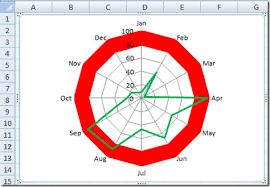
A spider chart, also called a radar chart, compares several variables on axes arranged around a center. It can show a profile across criteria when the values use comparable scales.
Choose criteria that can be interpreted together. If one axis uses a percentage and another uses currency, normalize the values or choose a different chart.
Template previews and downloads
Spider Chart Maker
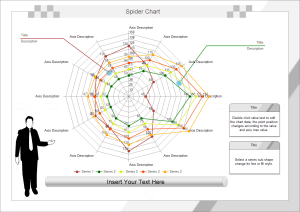

Spider Chart Example
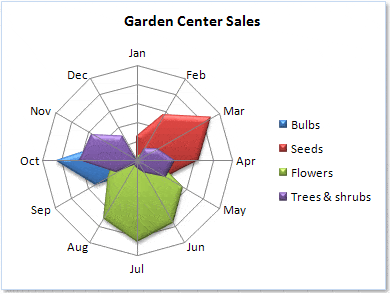
Spider Chart Free
Spider Chart Making Guide
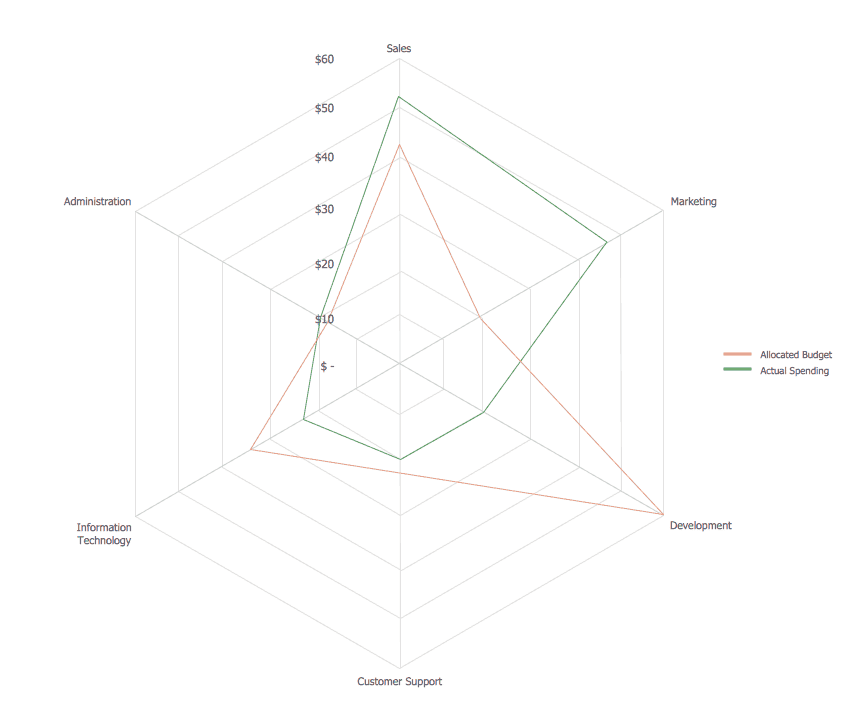
Spider Chart PPT Template
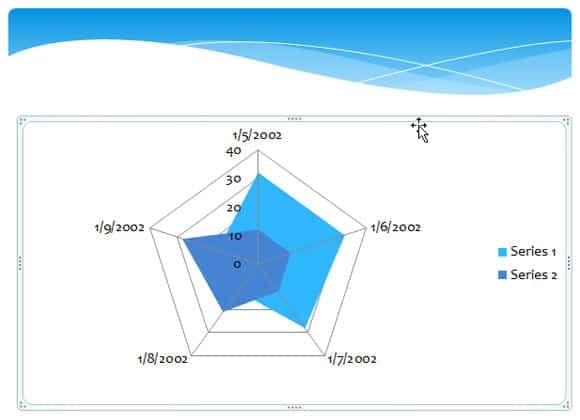
Example Of Spider Chart
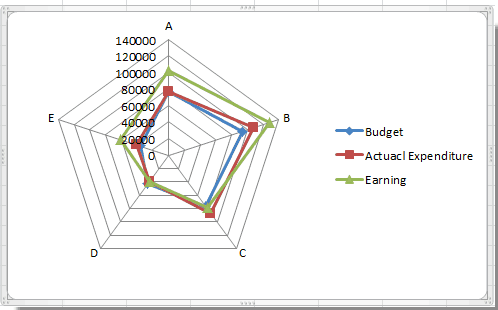
Printable Spider Chart
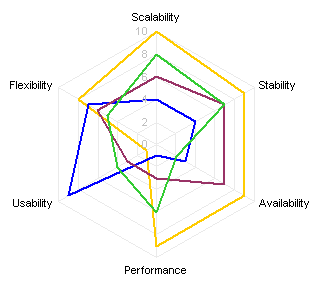
Spider Chart For Sales Report
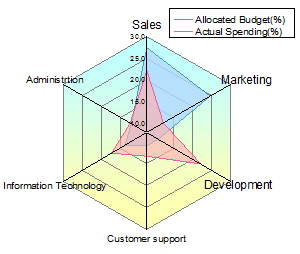
Blank Spider Chart
How to use the spider chart template
Step 1. Define the criteria and a consistent scoring direction. Prepare comparable criteria with product comparison templates.
Step 2. Enter values with the same scale or an explained normalization. Organize source values in spreadsheet templates.
Step 3. Label series and axes clearly and compare the profile without relying only on polygon area.
Keep the same minimum, maximum, and axis direction across profiles. A larger shape can appear better even when one measure, such as cost or error rate, is preferable at a lower value. Explain any reversal or normalization so the comparison is transparent.
A table beside the chart often makes exact values easier to inspect. Use the chart for the overall profile and the table for the detailed comparison. If several series overlap heavily, separate the views rather than relying on more colors and increasingly complex legends.
Example and checks
Scores of 1 to 5 for quality, service, and reliability can be compared if 5 consistently means better. A cost measure may need a reversed or separate treatment.
Changing axis order can alter the chart’s shape. Keep the order consistent when comparing versions. Keep prices separate using pricing templates when scales differ.
Decide whether a spider chart suits the comparison
A spider chart displays several variables on axes arranged around a central point. It can be useful for comparing profiles, such as products assessed against the same criteria. It is less suitable when the main question is how one value changes over dates or when the audience needs to compare exact quantities quickly. Start by writing the question the chart should answer. Choosing a chart because its shape looks impressive can make the result harder to interpret than a simple table.
Keep the number of criteria manageable and use categories that belong in the same comparison. A product profile might show usability, support, durability, and compatibility on an agreed rating scale. The chart should not combine unrelated measures merely to create more axes. If the underlying judgments are uncertain, preserve that information in a supporting table. A polished polygon does not remove subjectivity from the inputs. The useful chart is one whose axes and values can be explained clearly to the intended reader.
Prepare a consistent source table
Organize the source data with criteria in a stable order and a separate series for each option being compared. Use clear labels and one defined scale where possible. For a one-to-five rating, state what the end points mean and whether higher always represents a more favorable result. Apply the same definitions to every option. Otherwise a score of four for one product may not be comparable with four for another, even though the chart makes them look equivalent.
Keep the source values available alongside the visualization. Record where ratings came from, who assessed them, and the relevant date when those details matter. Missing information should not silently become zero unless zero genuinely has that meaning in the scoring system. An unknown warranty detail is different from a confirmed poor rating. Mark the uncertainty or resolve it before using the profile to support a decision. A chart built from a clean, understandable table is easier to check and update.
Handle different units and scoring directions
Values measured in different units should not be placed on identical-looking axes without a defensible method. Price, weight, battery duration, and a satisfaction rating represent different scales. One approach is to convert each to an explained common rating, but that conversion introduces assumptions that should remain visible. Another is to use separate charts or a comparison table. Do not let a large raw number dominate the shape simply because its unit happens to produce a larger value.
Check the direction of desirability as well. A higher durability rating may be favorable, while a higher price or error count may be unfavorable. If all axes are meant to show better performance farther from the center, any reversed scale needs a clear explanation. Keep the raw values in the supporting record. A normalized score should not be presented as if it were the original measurement. Readers need enough information to understand what the shape actually represents and what has been transformed.
Control axis order, limits, and presentation
Use the same axis order for profiles that will be compared across versions. Rearranging the criteria can change the polygon’s shape even when the underlying values are unchanged. Keep minimums, maximums, and intervals consistent across comparable charts. A profile displayed on a narrowed scale may appear more dramatic than one shown on the full scale. The design should support interpretation rather than magnifying small differences through unexplained formatting choices.
Use readable labels and a limited number of series. Overlapping lines and filled areas can quickly become difficult to distinguish. If several options need comparison, consider separate small views with the same scale or a table beside the chart. Check the appearance in the format the audience will use, including a printed black-and-white copy if relevant. A legend that depends only on subtle color differences may not be enough. The chart should remain understandable without requiring readers to guess which line belongs to which option.
Interpret the profile without overstating the result
A spider chart can highlight tradeoffs, such as one option having stronger support while another has better compatibility. It does not automatically identify the best choice. The importance of each criterion, any mandatory requirements, and the reliability of the ratings still matter. A product that fails an essential requirement should not be selected simply because it produces a larger overall shape. Keep that decision rule separate from the visual display.
Do not treat the polygon’s area as an automatic score unless a valid method has been deliberately defined for the purpose. The shape depends on the ordering and scaling of the axes as well as the values. Use the supporting table for exact comparisons and any documented weighted calculation. The chart can communicate the pattern, while the decision record explains why a particular option is preferred. This division keeps an attractive visualization from carrying more authority than the underlying evidence supports.
Check and maintain the Excel chart
After editing the source table, confirm that the chart includes the intended rows and series. Adding a new criterion or option may require an update to the data range. Check labels, legend entries, scale settings, and the treatment of blanks. Test a small set of values whose profile you can predict, then compare the plotted result with the table. This is more reliable than assuming that the template’s original formatting will remain correct after every change.
Keep a clean master and save a dated working copy when a comparison supports an important decision. Use fictional data in demonstrations and protect sensitive commercial assessments where appropriate. Review the chart when product information or assessment criteria change instead of treating an old profile as permanently current. A useful spider chart template combines consistent data, transparent scaling, restrained presentation, and an explanation of the tradeoffs. Those practices make the visual easier to trust and more helpful than a complex chart without clear assumptions.
A product-profile example with a common rating scale
Imagine three products are being assessed for usability, durability, support, and compatibility. The team chooses a one-to-five scale and writes a short definition for each criterion. Every assessor uses those definitions, and the raw observations are retained in a separate table. The chart then displays the four ratings for each product using the same order and the same axis limits.
Suppose one product has strong support but weaker compatibility with an essential system. The chart can make that tradeoff easy to notice. The final decision still needs the mandatory compatibility rule and the evidence behind the rating. A visually strong profile cannot compensate for a requirement the product does not meet.
If the comparison later adds delivery time, review how that measure should be represented. Simply entering the number of days beside one-to-five ratings would mix incompatible scales. The team may define an explained rating or keep delivery in the supporting table instead. The choice should be documented so the additional axis does not imply a comparison that has not actually been designed.
After the decision, retain the assessed date and the information used. A new product version or a changed requirement may justify a new profile. Keep the old view identifiable rather than overwriting it without explanation. This makes it possible to understand both the original decision and the reasons a later comparison may produce a different result.
Treat missing values as a review issue
Before presenting the chart, inspect any blank or unavailable values. Ask whether the information is unknown, not applicable, or genuinely zero under the defined scale. These meanings should not be combined. If the software draws a point that visually implies poor performance, make sure the source record actually supports that interpretation.
When a criterion does not apply to one option, a different comparison format may be clearer. A table can show a note without forcing every item into the same geometric shape. Choosing another format is a useful analytical decision when it makes uncertainty and differences easier to understand. The template should support the question, rather than dictate how every comparison must be displayed.
Frequently asked questions
Is a radar chart suitable for a time series?
A line chart is usually clearer for showing change across dates.
Can I compare many products at once?
Too many overlapping series become difficult to read; use a small selection or separate charts.

You must be logged in to post a comment.