
A time off request form records proposed absence dates and gives managers a clear basis for reviewing coverage. Submission is a request; approval should be recorded separately.
Look for employee name, leave category, dates, total time requested, manager decision, and review date. Avoid requesting unnecessary personal or medical detail.
Template previews and downloads
Employee Time Off Request
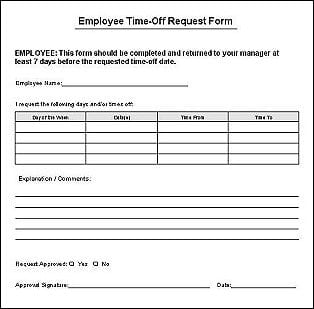

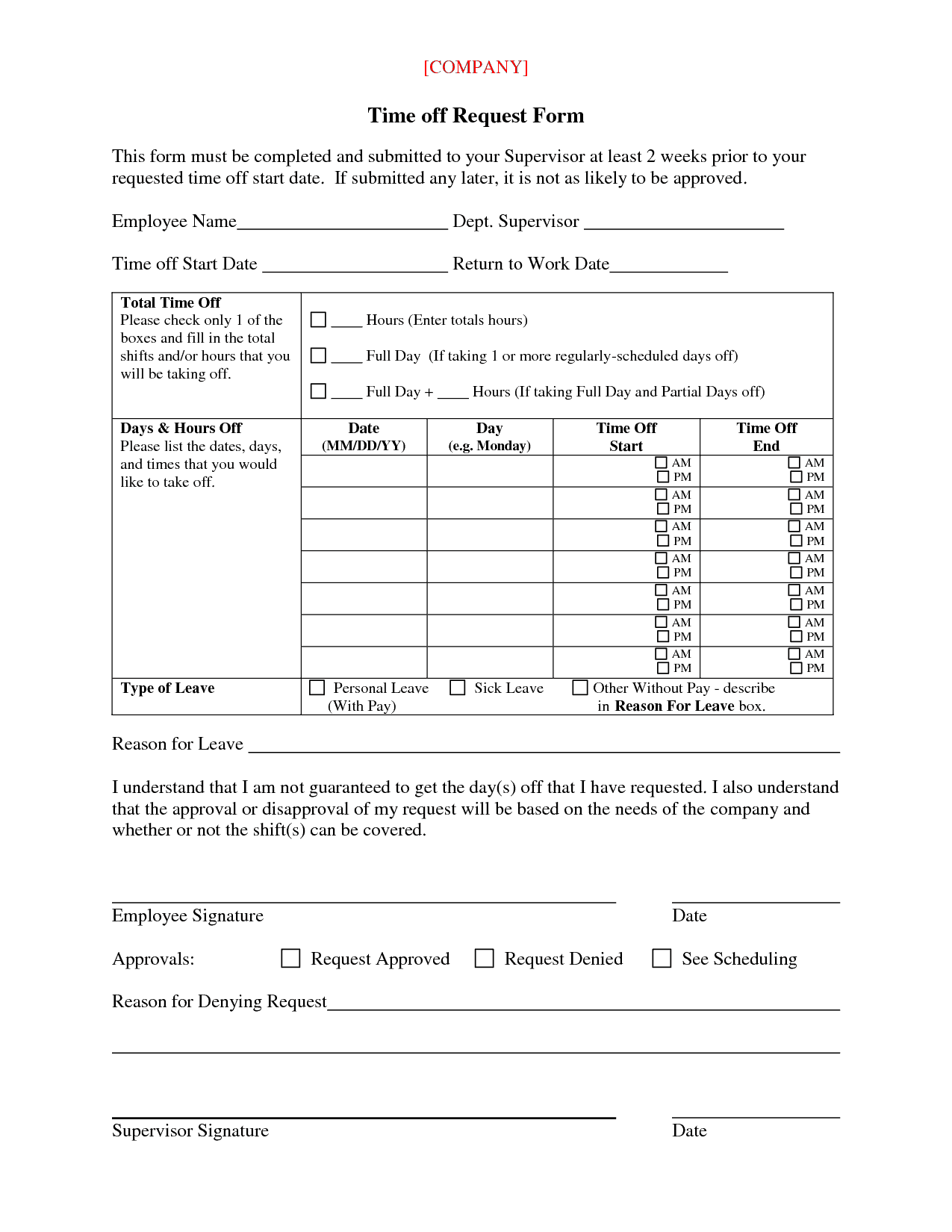
Time Off Request Form
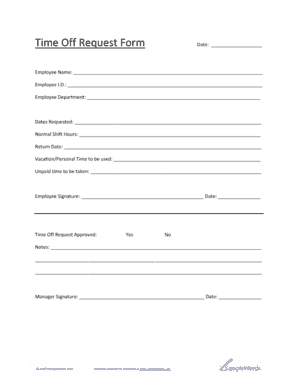

Time Off Request Template 
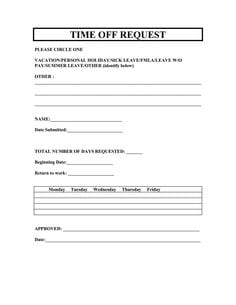
Time Off Request Form Sample
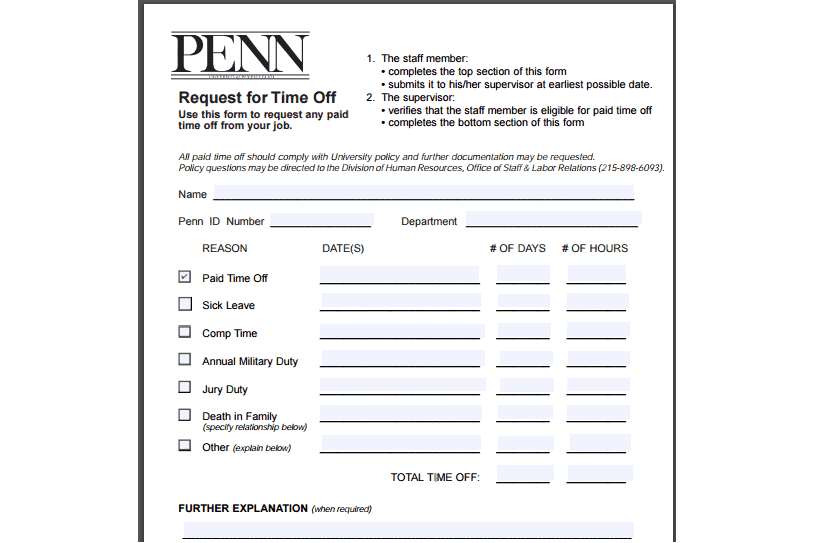
Time Off Request Form For Employees
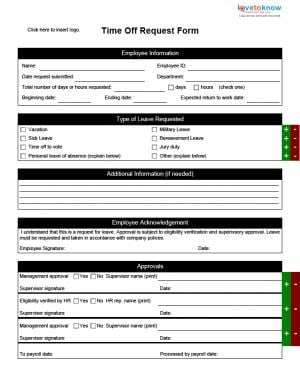
Student/Employee Time Off Request
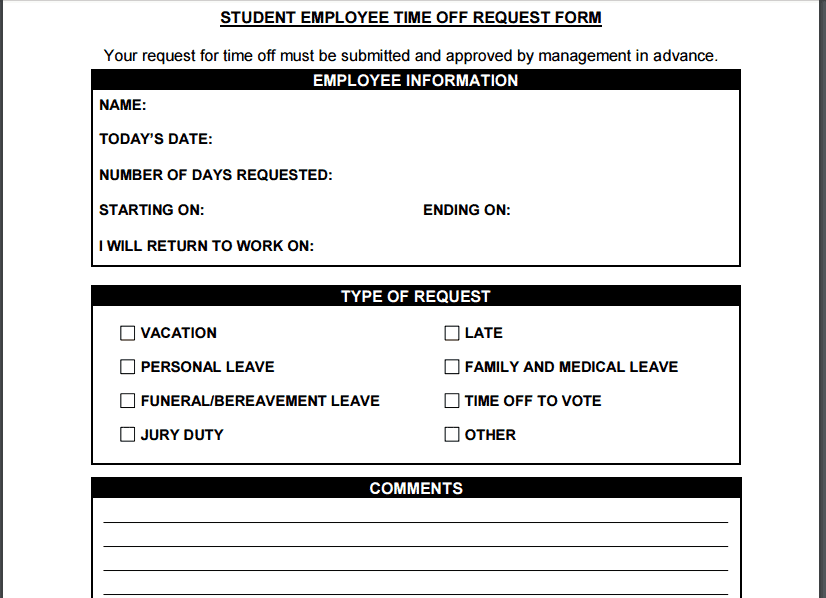
Time Off Request Form Free
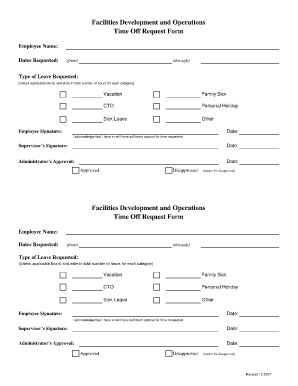
Time Off Request Printable
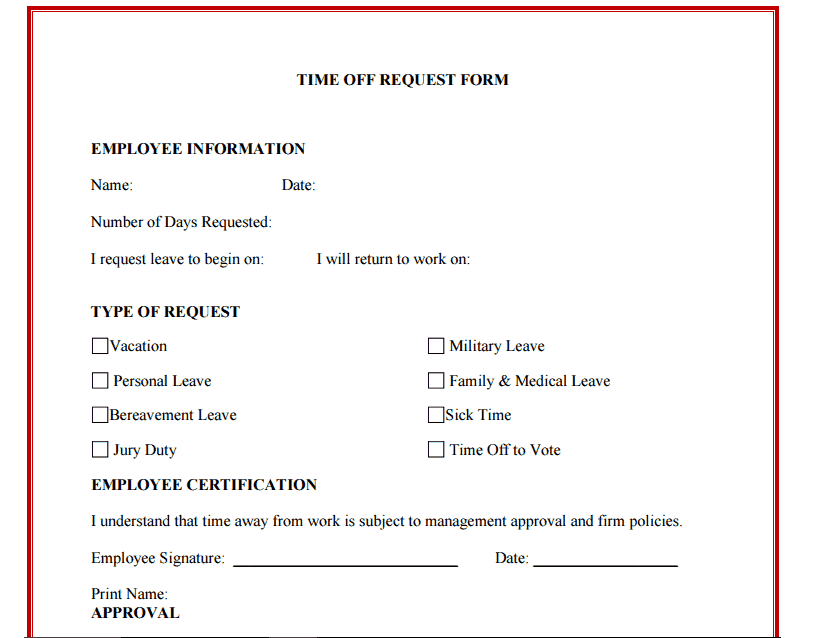
Employee Time Off Request
Staff Time Off Request
How to use the time off request form
Step 1. Enter the exact dates or partial-day hours requested. Record approved absence in vacation trackers.
Step 2. Check available leave records and discuss work handover where necessary. Reflect actual attendance using monthly attendance sheets.
Step 3. Submit through the agreed process and retain the approval or refusal.
Use precise date ranges and explain whether the first and last dates are included. For partial days, record hours or the relevant portion of the shift. This makes coverage planning more reliable than a request that simply says ‘next week.’
Keep the reason field proportionate to the process. Sensitive supporting information should follow the organization’s restricted handling procedure rather than being circulated in a general team schedule. After approval, communicate the absence dates and handover arrangements to the people who need them.
Example and checks
A request for Friday afternoon should specify the hours involved, rather than simply marking one full day.
A template does not establish leave entitlement. Apply the relevant employment rules and your organization’s current policy. Plan cover with daily work schedules.
Choose a request format that fits the organization
A time off request form should support the organization’s actual process for requesting and reviewing absence. Before editing a template, identify who submits the request, who reviews it, and where the decision is recorded. A small team may use a simple signed form, while a larger organization may require a particular system or additional approval. The downloadable layouts can help organize information, but they should not be used to bypass the official process or imply that a request is approved automatically.
Choose fields that explain the proposed absence without collecting unnecessary private detail. Basic fields may include the employee identifier, department, leave category, requested dates, hours or days, and manager decision. Separate a request from a record of leave already taken. Those records can be connected, but they serve different purposes. The request asks for a decision; the leave tracker records the relevant balance or approved absence. Keeping the distinction clear helps prevent an unapproved request from appearing as a confirmed booking.
Enter dates and units precisely
Write dates in an unambiguous format and specify the start and end of the requested absence. If both dates are included, make that clear. For part-day requests, record the relevant hours or portion of the shift. A note such as ‘Friday afternoon’ may be understandable informally but insufficient for coverage and recordkeeping. Identify the actual period requested according to the work pattern. The form should give the reviewer enough information to determine what time would be affected without repeatedly asking for clarification.
Use consistent units when totaling the request. Hours and days are not interchangeable without an agreed basis, especially where people work different schedules. A three-day calendar span may include non-working days and may not equal three days of leave. The organization should apply the relevant policy and rules to determine the recorded amount. A template can show the calculation and its basis, but it should not impose a generic conversion that may be unsuitable for the employee’s arrangement.
Record leave categories without assuming entitlement
Use the categories recognized by the organization, such as annual leave, unpaid leave, or another applicable type. Do not assume that every category has the same eligibility, evidence, notice, or approval process. The form should identify the category being requested and point the reviewer to the relevant policy where needed. Applicable employment requirements can also affect the process. A generic form is an administrative structure, not a complete statement of the employee’s rights or the employer’s obligations.
Keep sensitive supporting information separate when appropriate. A manager planning cover may need the absence dates without needing detailed medical or personal information. Define who receives supporting records and how they are handled. Avoid requiring a long personal explanation merely because the template has a large reason box. The amount of information requested should be proportionate to the process. Clear categories and an appropriate restricted route for supporting documents can make the form both easier to complete and easier to review.
Plan handover and coverage where relevant
For planned absence, a short handover section can identify work that needs attention while the employee is away. Record important deadlines, the person expected to cover a task, and where the relevant information can be found. Keep the handover practical rather than asking the employee to list every routine activity. Coverage arrangements should be confirmed through the organization’s process. Writing a colleague’s name on the form does not establish that the colleague has accepted the responsibility or has enough capacity to perform it.
Distinguish the absence decision from the detailed work plan. The request form may record that a handover is required, while the actual task information sits in a separate current document. This prevents private leave details from being copied into a general team schedule. Once an absence is approved, share the dates and relevant work arrangements with the people who need them. Keep the scope of that communication appropriate. The team usually needs to know how work will be handled rather than the employee’s full personal circumstances.
Keep the decision and approval trail clear
Provide a distinct area for the decision, reviewer, decision date, and any relevant conditions or follow-up. Pending, approved, declined, and withdrawn requests should not look identical. A signature or confirmation field should identify what is being confirmed. For example, acknowledging receipt is different from approving leave. The employee should be able to tell whether a decision has been made and what dates or hours it covers. Avoid ambiguous markings that require an informal conversation to interpret later.
If a request changes, retain enough information to understand the revised decision. A different start date, a shorter absence, or a withdrawal can affect coverage and recorded balances. Use the organization’s amendment process rather than editing a previously approved form without explanation. Connect related versions with a reference where useful. A clear record reduces later disagreement about what was requested and agreed. It also helps staff distinguish a current approved arrangement from an earlier proposal that was never finalized.
Connect approved requests to attendance and leave records
After approval, update the relevant leave tracker and scheduling records using the agreed dates and units. Do not enter the same absence several times through separate forms without checking for duplicates. If a balance calculation distinguishes future approved leave from leave already taken, maintain that distinction. It helps employees and managers understand both the planned absence and the remaining allowance. The calculation should follow the relevant rules and policy rather than assuming that every approved date immediately has the same effect on every balance.
When the absence occurs, review any change from the approved plan through the appropriate process. The request record, attendance record, and actual leave taken may need reconciliation. For example, a canceled trip does not automatically explain whether the employee attended work or whether the leave record has been changed. Keep the underlying events clear and avoid using one record as proof of every other fact. A connected process is useful when each record has a defined role and discrepancies lead to a review.
Prepare a form people can complete reliably
Use clear labels, readable dates, and enough space for the information actually required. Remove irrelevant fields and explain abbreviations that may be unfamiliar. A printable form should remain legible at the intended paper size, while an editable version should identify which fields the employee and reviewer complete. Check that sample information is removed before use. A template containing another person’s name or old dates can lead to avoidable errors when it is copied quickly.
Keep one current master and identify who maintains it. Review the form when the organization’s process changes, and retire outdated copies where practical. Completed requests may contain personal information, so store and share them appropriately. Before submission, the employee can check the dates, units, category, and required supporting information. Before recording the outcome, the reviewer can check the decision and affected period. These simple checks make a time off request form a useful part of a clear process rather than a piece of paperwork whose meaning depends on assumptions.
A request example with a partial working day
Suppose an employee wants to leave partway through a scheduled working day. The form should identify the date, the proposed absence hours, and the relevant leave category. The reviewer can then check the actual work pattern and the organization’s process. Calling the request ‘one day’ would obscure the fact that only part of the shift is affected.
The employee can note any time-sensitive handover, while the manager records the decision and the period it covers. If the request is approved with different hours, the final record should show those hours clearly rather than leaving the original proposal as the only visible date information.
After the absence, the relevant records can be checked against what actually occurred and any later approved change. This example shows why precise units, a distinct decision area, and a connection to the attendance process are useful. The template supports those steps without assuming the employee’s entitlement or the outcome of the request.
Frequently asked questions
Does submitting the form approve the leave?
No. The approval process and decision need to be recorded.
Can the form cover unpaid leave?
Yes, if the leave category and approval conditions are clearly identified.

You must be logged in to post a comment.