
A service log template records maintenance, repairs, inspections, and future service requirements for an asset. It provides a history that can support planning and handover.
Choose a vehicle, equipment, or general asset layout according to what is being maintained. Include an asset ID, date, work completed, provider, and next review trigger.
Template previews and downloads
Sample Vehicle Service Log
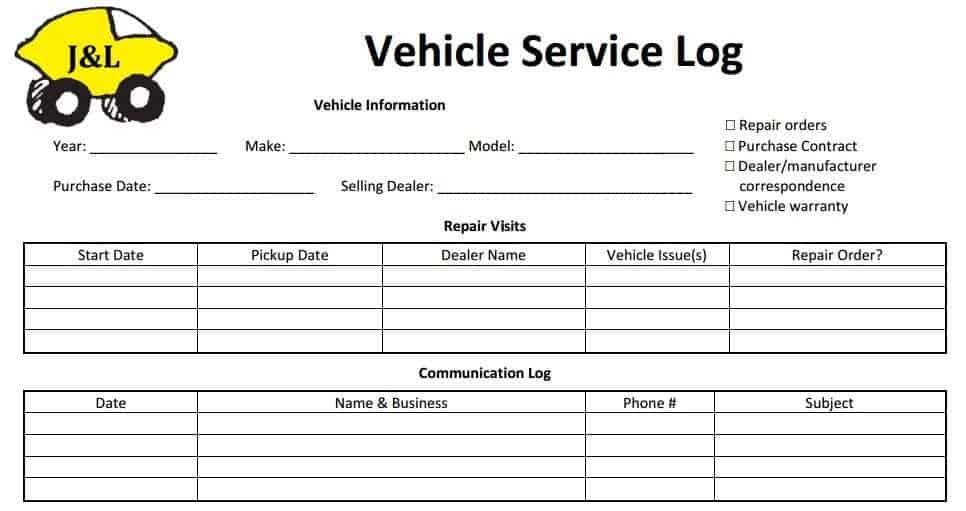

Local Service Log Example
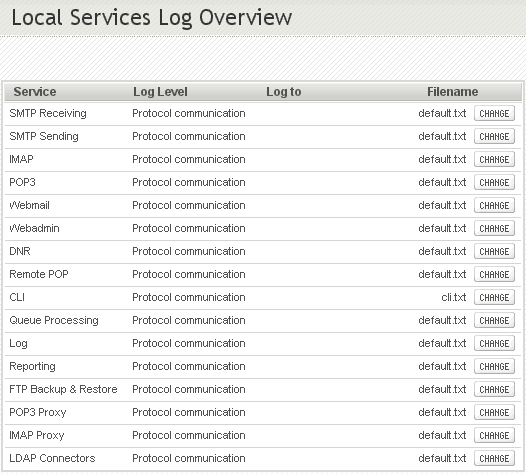
Blank Service Log Editable
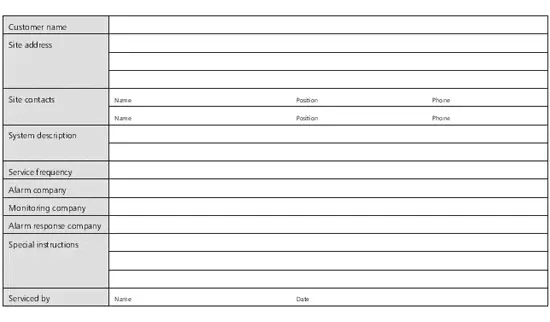
Company Service Log Sheet Template
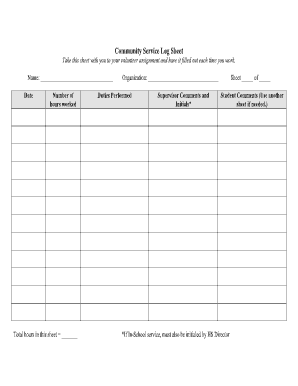
Service Log For Personal Use
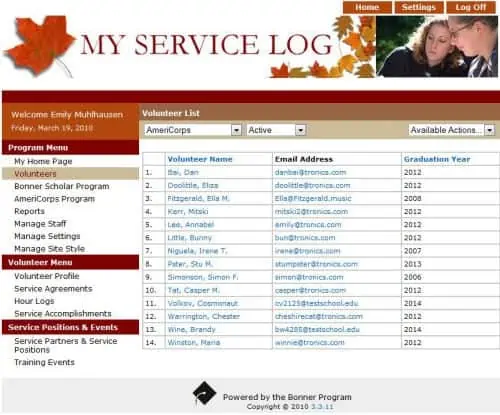
Community Service Log Blank Template
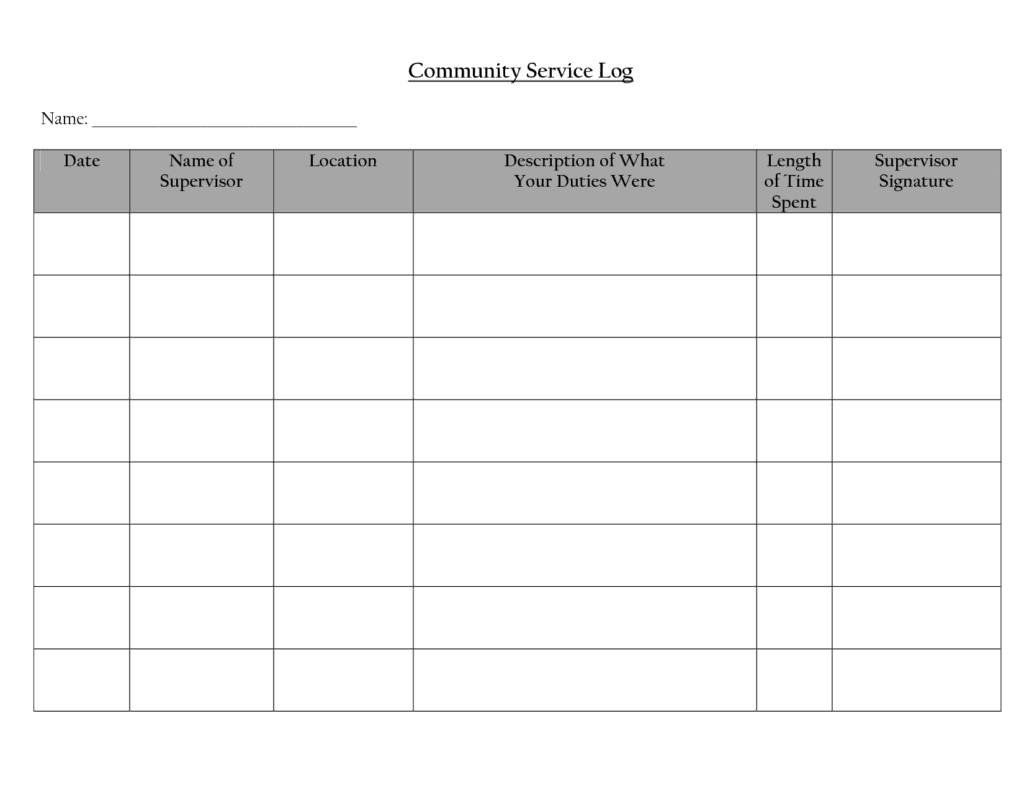
Service Appointment Log Template
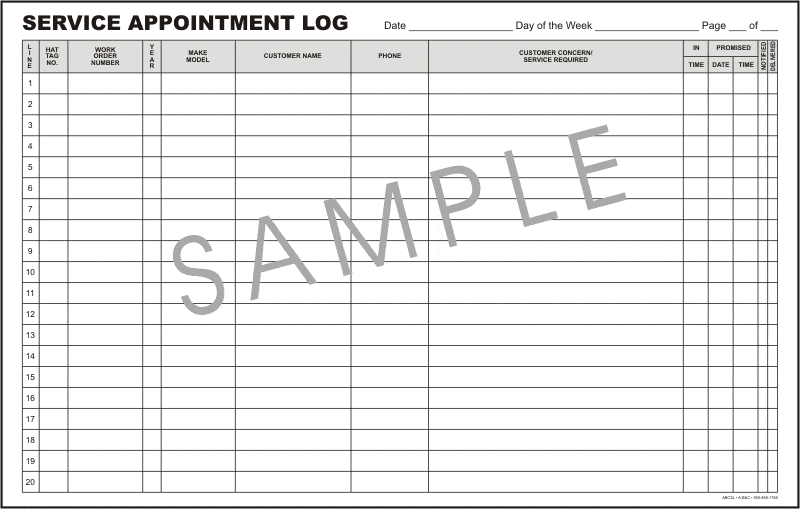
Service Log Example Free
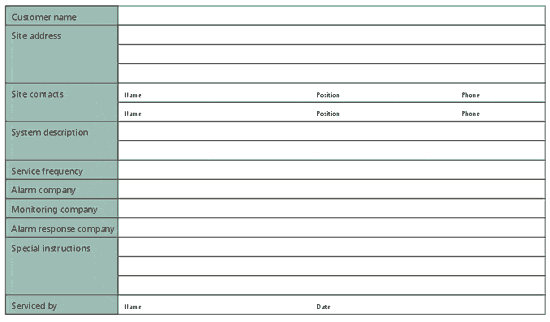
Sample Vehicle Service Log
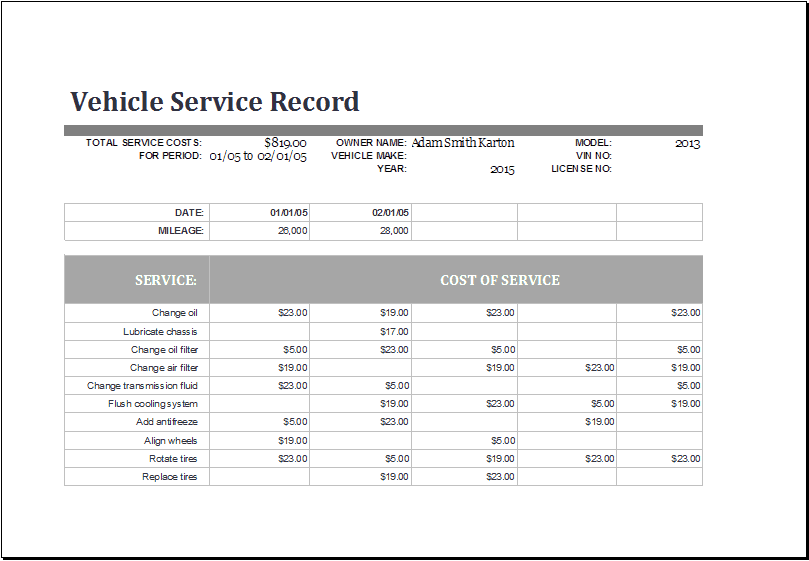
Customer Service Log Free Template
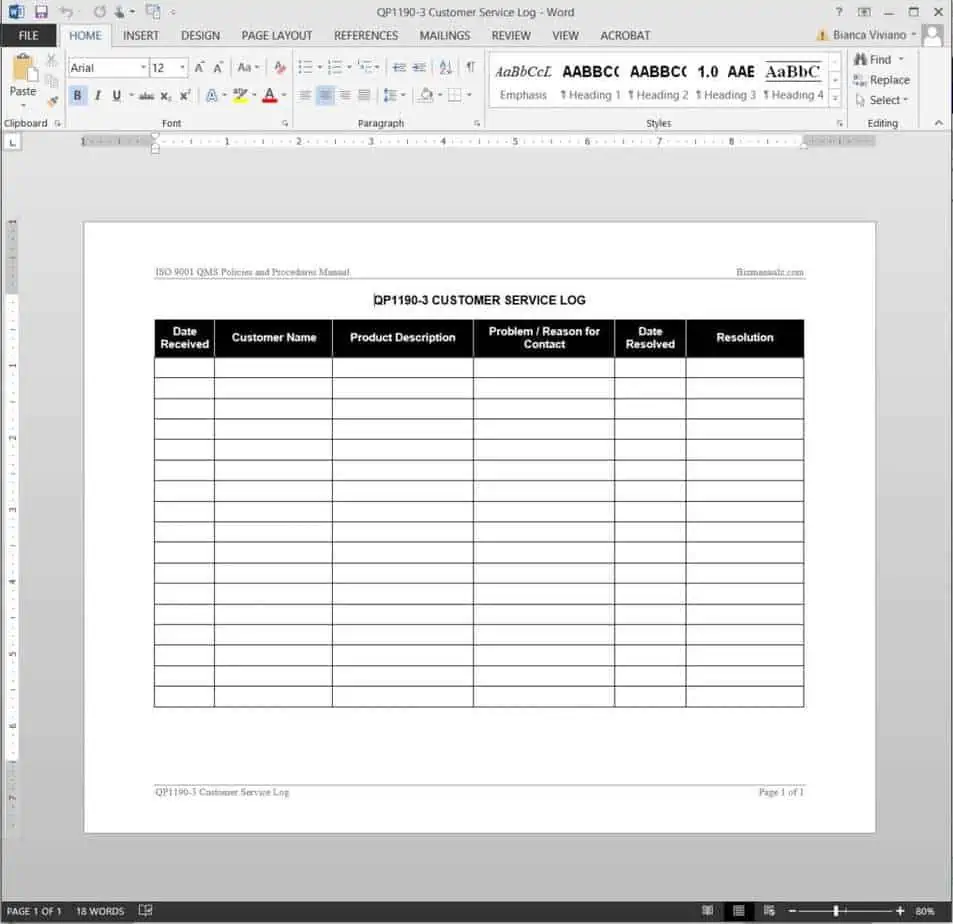
Society Service Log Template
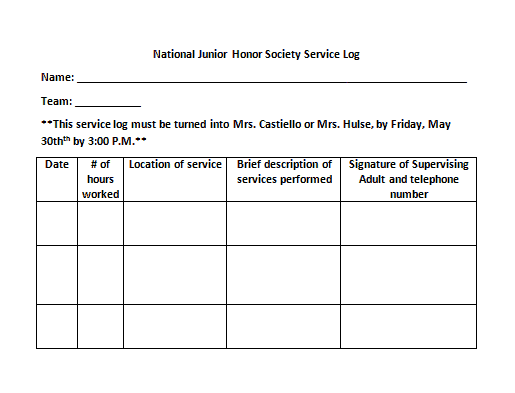
How to use the service log template
Step 1. Identify the asset and its current readings or condition. Use facility maintenance checklists to structure building inspections.
Step 2. Record each service with work details, parts, cost, and supporting reference. Track vehicle usage with mileage logs.
Step 3. Set the next review by date or usage using the manufacturer’s guidance.
Describe work in terms that a later reviewer can understand. Include the fault reported, action completed, parts replaced, and provider reference where available. A note that says only ‘serviced’ gives little help when the same problem returns.
Review repeated failures rather than looking only at the next due date. Several repairs to the same component may justify a technical assessment or replacement review. Keep this decision separate from routine scheduling and use the relevant asset guidance when deciding future service intervals.
Example and checks
A vehicle service may be due at a date or mileage threshold, whichever comes first if that is the specified requirement. Record both triggers when relevant.
A completed log entry does not prove equipment is safe. Inspections and technical work need appropriately qualified people. Record related expenditure in expense trackers.
Choose the asset and the purpose of the log
A service log should identify the asset being maintained and explain the history that needs to be recorded. A vehicle, a printer, a generator, and a building system have different service needs. Choose a template that can hold the relevant identifiers, readings, work details, and future service triggers. Avoid treating a general log as a technical maintenance schedule. The schedule should come from the appropriate manufacturer information, operating requirements, and qualified advice for the asset involved.
Decide whether one file covers a single asset or a group. A single-asset log can place identifying details at the top, while a shared register needs an asset ID on every entry. Names such as office machine are not precise enough when several similar devices are present. Include serial, registration, location, or internal reference information where appropriate. Keep the identifiers stable so a repair history does not become detached from the asset merely because it moves to another room or receives a new display name.
Distinguish a reported problem from completed work
A useful log can show the problem reported, the work authorized, and the work actually completed. These stages should not be collapsed into one vague note. A request to inspect a fault does not mean the fault has been repaired. Record the date, person or provider, work description, and relevant document reference. If a contractor supplies a report, retain a reference that allows it to be found. The service log can summarize the event without replacing the detailed technical record.
Use clear descriptions that make sense later. Repaired equipment is less informative than a concise description of the affected component, action taken, and test or follow-up reported by the responsible person. Do not add technical conclusions you cannot support. If the provider has identified an unresolved issue, record its status rather than presenting the whole asset as fully restored. A readable distinction between reported symptoms and verified completed work helps a later reviewer understand why an item returned for service.
Record dates, usage readings, and service triggers
Some maintenance is scheduled by time, some by use, and some by condition or another specified trigger. Record the basis that actually applies. A vehicle log may use distance readings, while other equipment may use operating hours. Label units explicitly and avoid mixing them in one total. A reading of 500 operating hours is not comparable with 500 days in service. The log should identify where the reading came from and when it was observed.
Where a next service is due under more than one criterion, record those criteria clearly according to the relevant guidance. A date alone can overlook heavy usage, while a usage threshold alone can overlook a time-based requirement. Do not invent an interval from a generic example. Keep the source of the service requirement available so it can be checked when circumstances change. If an asset is used differently, stored for a long period, or subject to a technical change, seek the appropriate review rather than simply copying the old next-due entry.
Track parts, costs, and supporting evidence
A parts or materials field can help explain what changed during a service. Record useful identifiers and quantities where the information is supplied, and connect them to the provider’s report or invoice. This can be valuable when a similar fault occurs or a warranty question arises. Avoid assuming that an invoice description proves a part was fitted without the relevant work record. The log should distinguish the evidence received and keep its reference understandable.
Keep cost information separate from technical completion. An amount paid does not establish that every issue is resolved, and unpaid work may still have been completed. If the log is used for cost review, identify whether the figure includes parts, labor, transport, and other charges. Record currency and relevant totals consistently. Deposits and final balances can belong to one service commitment, so avoid counting them as separate full costs. Use the business’s accounting process to determine the appropriate treatment rather than treating the service log as a complete accounting system.
Maintain open actions until they are resolved
A service visit can produce further work, an observation to monitor, or a recommendation for a specialist review. Give each important follow-up an owner, target date, and status. A completed service entry should not make those actions disappear. Keep the distinction between work performed and work still required. Where the asset may need restricted use or another control, follow the responsible technical or organizational process and record the relevant instruction rather than making an unsupported safety decision in the spreadsheet.
Review overdue actions and repeated defects at an interval suited to the asset. The same component failing several times may warrant investigation beyond another routine repair. A log can make that pattern visible, but it cannot determine the technical cause from repetition alone. Use the history to support an appropriate review. Include the context and evidence needed by the qualified person instead of presenting a guess as a diagnosis. This makes the record useful for decisions about further inspection, replacement, or changes in maintenance.
Use a practical service-history example
Consider a shared office printer that repeatedly produces poor output. The first entry records the reported symptom, asset ID, and date. A provider then cleans and adjusts the equipment and supplies a work reference. The log records that completed action and any follow-up recommended. If the issue returns, the next entry refers to the earlier event instead of describing it as an unrelated first occurrence. The history can then be reviewed as a sequence.
The example does not require every technical detail to fit in one cell. The log holds a readable summary, while the provider report holds the detailed findings. If a part is replaced later, its reference and the associated document can be added. Costs can be reviewed separately from the technical outcome. This structure lets a manager find the relevant history, identify what remains open, and provide useful information to the next service provider without pretending that the spreadsheet itself diagnoses or repairs the equipment.
Keep the log current and easy to transfer
Enter service information promptly and assign responsibility for maintaining the master record. If several people can report problems, define how those reports reach the person updating the log. Multiple uncoordinated files can leave each one with an incomplete history. Save completed records with consistent asset references and retain supporting documents according to the relevant requirements. If responsibility for an asset changes, include the current service status and open actions in the handover.
Check the workbook after adding assets, dates, or summary formulas. Filters should include complete records, and any cost totals should cover the intended period only once. A printed copy should show the asset identity and column labels clearly. Keep sensitive provider or account details out of broadly shared versions where they are unnecessary. A good service log provides a continuous, supported history: what was reported, what was done, who did it, what evidence exists, and what needs attention next.
Prepare the history for an asset handover
When an asset moves to another team or owner, prepare a short summary of its current service position. Identify the asset, the latest completed work, open actions, and the next relevant review trigger. Include references to important provider reports rather than expecting the recipient to interpret an unorganized folder of invoices.
Check that the person receiving the asset knows where the authoritative record is maintained and who will update it. A copied log that nobody owns can become outdated immediately. If the asset has unresolved technical questions, communicate those through the appropriate process instead of making the handover summary imply that everything is complete.
This handover view can also help when a different service provider is engaged. It gives a clear starting point for understanding reported issues and completed work. The log remains a record of evidence and actions; technical decisions about condition, use, and further maintenance still belong with the relevant qualified people and asset guidance.
Frequently asked questions
Can I track several assets together?
Yes, provided every record includes a unique asset identifier.
Should repairs and routine service be separate?
Use separate categories so recurring maintenance and unexpected failures can be reviewed.

You must be logged in to post a comment.