
A business expense tracker records what the business spends, when it spends it, and which category or project the cost belongs to. A useful log connects each entry to a receipt or other supporting record.
Look for date, supplier, category, description, amount, payment method, and receipt reference fields. Add a project code if costs need to be compared across jobs.
Template previews and downloads
Sample Weekly Business Expense Tracker
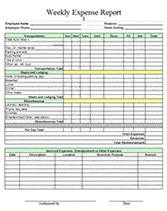

Business Expense Sheet Sample
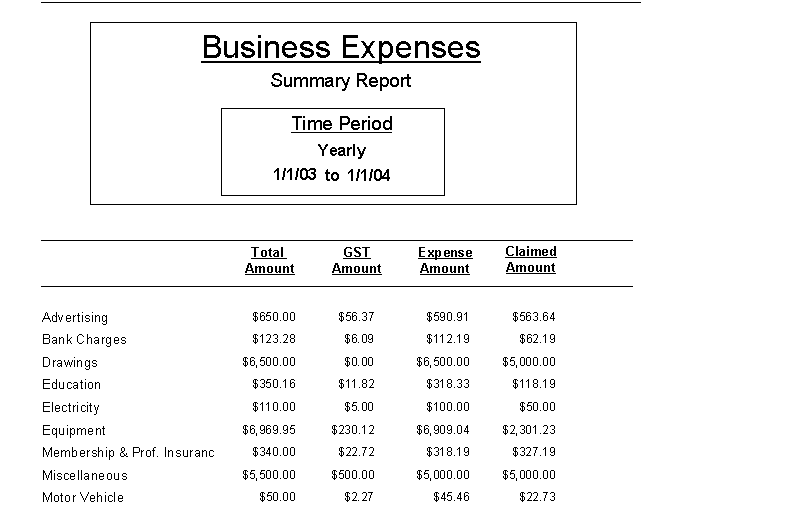
Business Expense Report Template
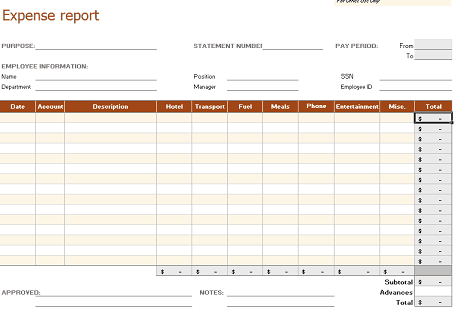
Business Expense Tracking Sheet
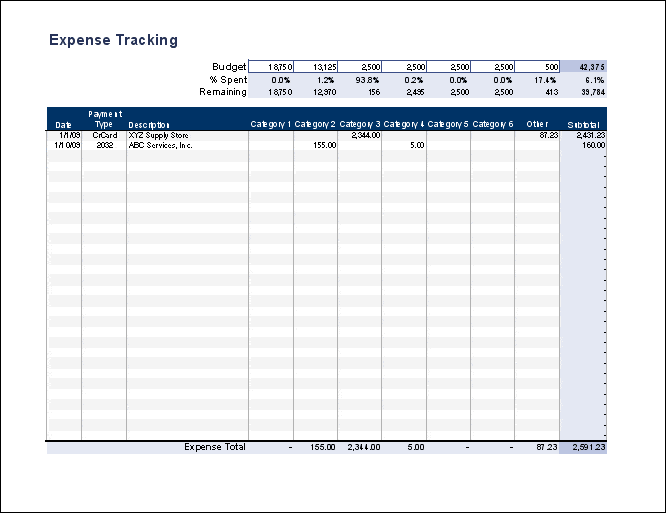
Fancy Expense Tracker For Business Use
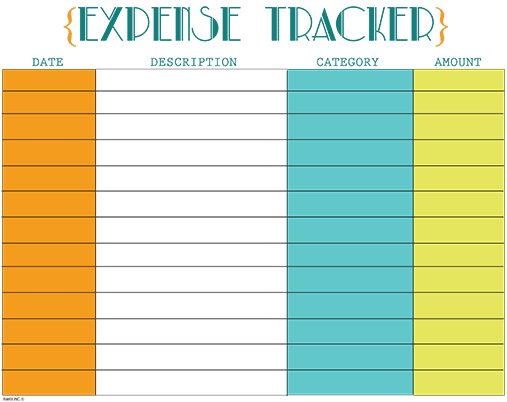
Excel Business Expense Tracker
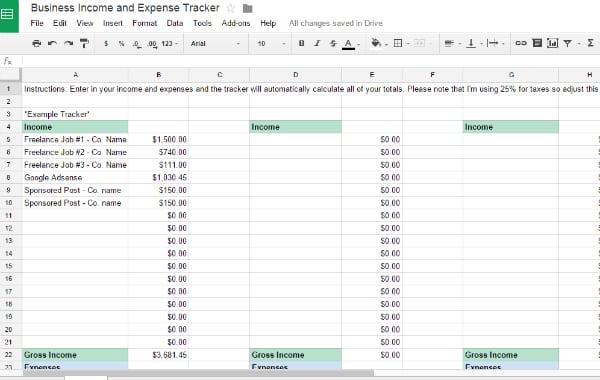
Business Expense Tracker MS Excel
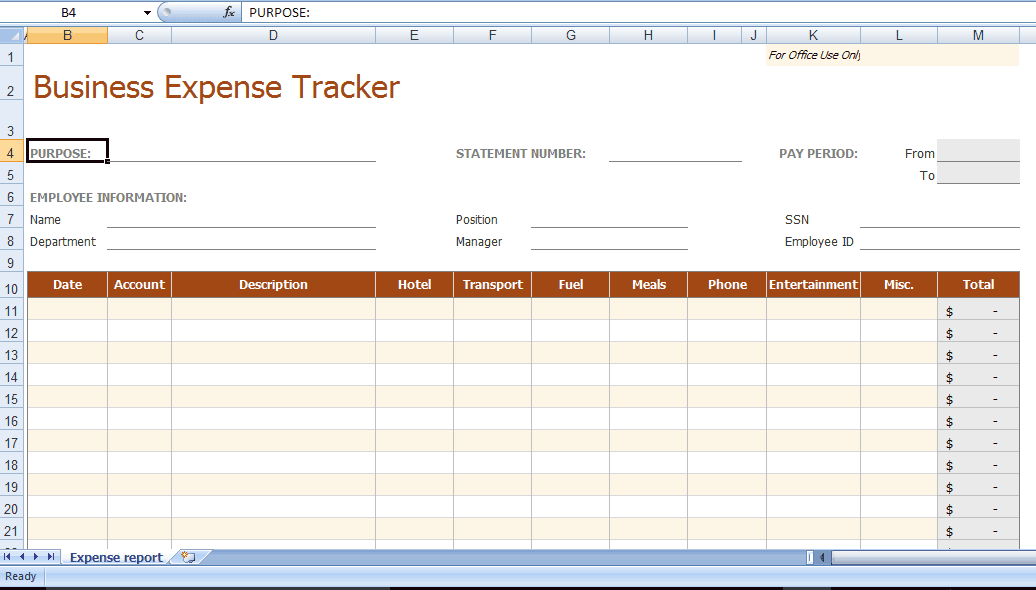
Editable Business Expense Tracker Template
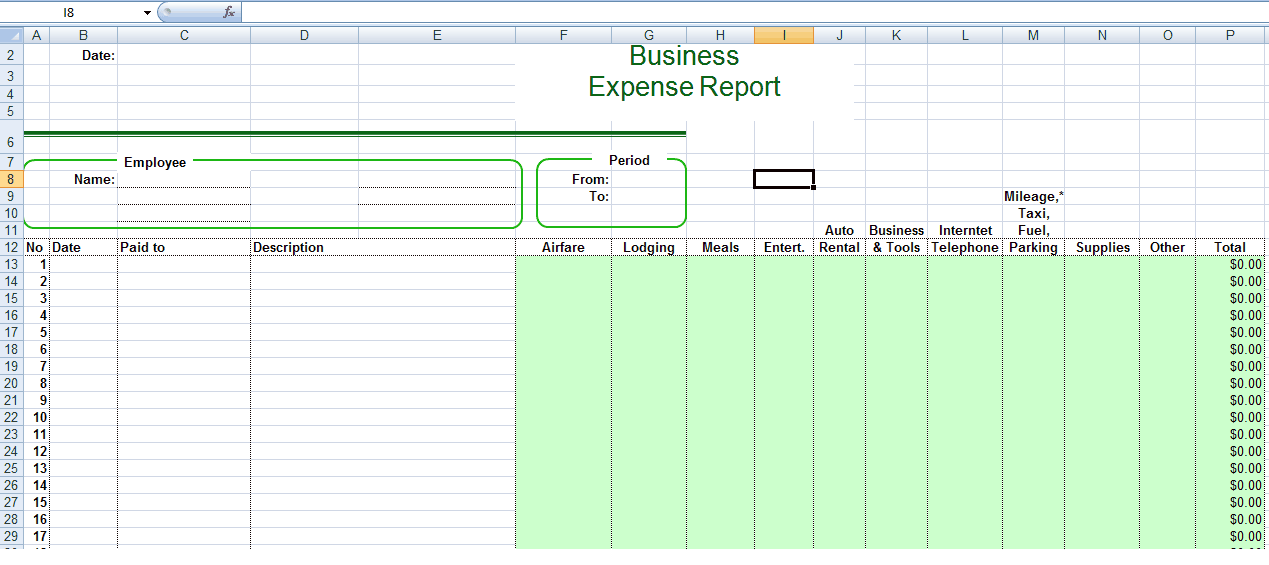
How to use the business expense tracker
Step 1. Agree categories and use the same names throughout the period. Summarize a reporting period with expense report templates.
Step 2. Enter each transaction from its receipt or bank record and keep a reference to the evidence. Handle employee reimbursement requests using expense claim forms.
Step 3. Reconcile the log with bank and card activity, then review totals by category.
Separate the transaction date from the date entered if records are updated later. Add a receipt reference that can be found without opening every document in a folder. For project-based work, use a stable project code rather than slightly different spellings of the same project name.
When reviewing costs, compare like periods and investigate the largest changes. A higher total may reflect increased activity, a one-off purchase, or a recording error. The tracker should help you ask those questions; it should not label the business successful or unsuccessful from expenditure alone.
Example and checks
Three deliveries costing 20 each total 60 in delivery expenses. Recording them under one consistent category lets you compare that cost with the next month’s total.
An expense tracker alone cannot tell you whether a business is profitable. Profit also depends on revenue and accounting treatment; bank cash movements are not all expenses. Compare categorized costs with revenue using profit and loss templates.
Choose expense fields that support real decisions
A business expense tracker should make it possible to answer who was paid, what was purchased, when the cost arose, and how it relates to the business. A basic table can include transaction date, supplier, description, category, amount, payment method, and receipt reference. Add project or department fields when managers need those views. Avoid adding fields that nobody uses or understands. A smaller set of consistently completed fields is usually more useful than a large decorative worksheet with gaps. Define the purpose of the tracker before adapting a template so its structure supports your review process.
Decide how detailed each row should be. One row per receipt may work for simple purchases, while a mixed receipt may need separate rows for different categories. If one document is split, retain the same reference and identify each portion clearly. Never enter both the full receipt and its component amounts as ordinary expenses, because that duplicates the cost. Record original currency and conversion information separately if foreign purchases are common. The amount used in the reporting total should have a clear basis rather than being an unexplained number copied from a card statement.
Create a practical category list
Categories should match the business and remain stable enough for comparison. Common examples include delivery, travel, office supplies, software, advertising, and professional services, but these labels will not suit every operation. Define categories in plain language so different staff members classify similar purchases consistently. A short reference list can explain ambiguous items. For example, a delivery charge associated with a particular customer order may need different treatment from general office postage in a project’s management view. Agree the distinction before relying on category totals to compare performance.
Keep accounting classification questions separate from the convenience of data entry. Equipment purchases, loan repayments, owner transfers, and inventory purchases may not be ordinary operating expenses in the relevant accounting records. The tracker can capture the transaction while marking it for review. Avoid forcing every bank payment into an expense category simply because the sheet is called an expense tracker. Use a review or transaction-type field for items that need different treatment. This allows the log to remain complete without implying that every captured payment belongs in the same financial report.
Enter transactions with supporting references
Choose an entry routine that keeps records close to the transaction date. A receipt photographed or filed immediately is easier to match than one reconstructed months later. Give documents consistent names or references and record that reference in the tracker. The description should explain the business purpose, especially when the supplier name alone is unclear. ‘Materials for client installation’ is more informative than ‘purchase.’ For staff spending, identify the employee and whether payment was made personally or with a company card. That distinction matters when reimbursement is reviewed.
Use a separate status for transactions awaiting evidence or approval. Do not silently exclude them from the log if they may affect available cash or a project commitment. Equally, do not describe an unsupported entry as approved merely because it has been typed into the worksheet. A record can show that a payment occurred while review is still outstanding. Keep corrections understandable by noting what changed and why. If an amount was entered incorrectly, preserve enough information to trace the corrected figure back to the original receipt or bank entry.
Reconcile the tracker with payment records
Reconciliation checks whether the recorded transactions agree with independent evidence. Compare the tracker with the relevant bank, card, and cash records for the same period. Look for missing charges, duplicate entries, refunds, fees, and differences caused by payment timing. A card payment settling the monthly balance should not create a second expense for purchases already recorded individually. Transfers between the business’s own accounts also need separate treatment. If several payment methods are used, identify each one so a missing transaction can be traced to the right source.
Suppose five receipts total 425 but the relevant statement shows 455 in charges. The difference may be a missing 30 fee or purchase, but it should be investigated rather than automatically added to miscellaneous expenses. Check the dates, transaction references, and any adjustments. A payment posted after the review period may be a timing difference instead of an error. Record unresolved items in a short reconciliation note with the next action. This approach keeps the tracker tied to evidence and makes the next review easier than repeatedly changing totals until they appear to match.
Use summaries to understand spending patterns
Once records are complete and consistently categorized, summaries can reveal where review is useful. Compare spending by category, project, supplier, or period according to the business question. Use matching periods and explain one-off costs. A higher monthly total could result from greater activity, an annual subscription, a price increase, or an error. The tracker should help distinguish those possibilities. It should not declare that a business is profitable or failing from expenditure alone. Revenue, accounting adjustments, and the wider context are needed to understand performance.
Consider a delivery category that rises from 300 to 450. If the number of deliveries increased from 30 to 45, the cost per delivery remained 10. If volume stayed at 30, the average rose to 15 and may deserve a closer look. This example shows why a useful summary sometimes needs an activity measure alongside the expense total. Add such measures only when their definitions are reliable. An elaborate dashboard built from incomplete records can look convincing while hiding basic problems. Check the underlying entries before changing suppliers or spending limits based on a chart.
Maintain a tracker that staff can keep current
Assign responsibility for entering, reviewing, and approving records. In a very small business one person may perform several roles, but the distinctions should still be understood. A shared workbook needs a clear master version and an agreed method for handling simultaneous updates. Keep a dated copy at important reporting points and avoid circulating several editable versions with the same name. If employee information or sensitive commercial details are included, limit access to the people who need them. A public demonstration copy should use fictional records.
Check spreadsheet behavior after adding categories, rows, or reporting periods. Totals, filters, charts, and summaries may not include the new data automatically. Test a known example and verify that a refund or negative adjustment is handled as intended. Keep a clean template for the next period, but do not delete the completed records merely to reuse the layout. The best business expense tracker combines prompt entry, meaningful categories, accessible evidence, and a regular review. Those habits provide more dependable information than appearance alone and make the worksheet useful when the business grows or its reporting needs change.
A simple month-end expense review
Consider a business that records supplier purchases, staff travel, and software subscriptions in one tracker. At month end, the reviewer first checks that every payment source has been covered. The bank account, company card, and petty cash records may each contain transactions that are absent from the others. Combining them carefully provides a more complete view than reviewing only the bank statement.
The reviewer then checks duplicate document references and unusually large amounts. A software renewal recorded once from the invoice and again from the card statement can inflate the category total. The supporting reference makes the duplicate easier to identify. A legitimate annual renewal should remain visible with a note explaining why the month differs from an ordinary month.
Next, the reviewer resolves pending approvals and separates any item that is not an ordinary expense. The remaining category totals can be compared with the budget or prior period. Important differences become questions for the relevant person, rather than automatic conclusions about waste or performance.
Finally, the completed period is retained with its reconciliation notes and supporting records. A new reporting view can be prepared from the same structured data without deleting history. This small routine makes the tracker useful for management, reimbursements, and later accounting review while keeping the underlying evidence accessible.
Frequently asked questions
Should I record transfers between business accounts as expenses?
Keep them separate from operating expenses so spending is not overstated.
Can I track reimbursable purchases?
Add employee, approval, and reimbursement-status fields, and retain the receipt.

You must be logged in to post a comment.