
A church directory template organizes contact information for members or households. It should make communication easier while respecting each person’s sharing preferences.
Choose a household-based or individual layout. Include only the fields needed for the directory’s purpose and define who can access printed or digital copies.
Template previews and downloads
Sample Church Directory
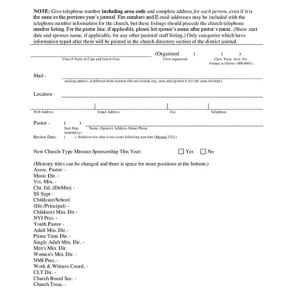

Printable Church Directory Example
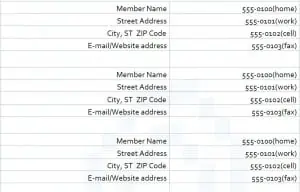
Church Members Directory Template
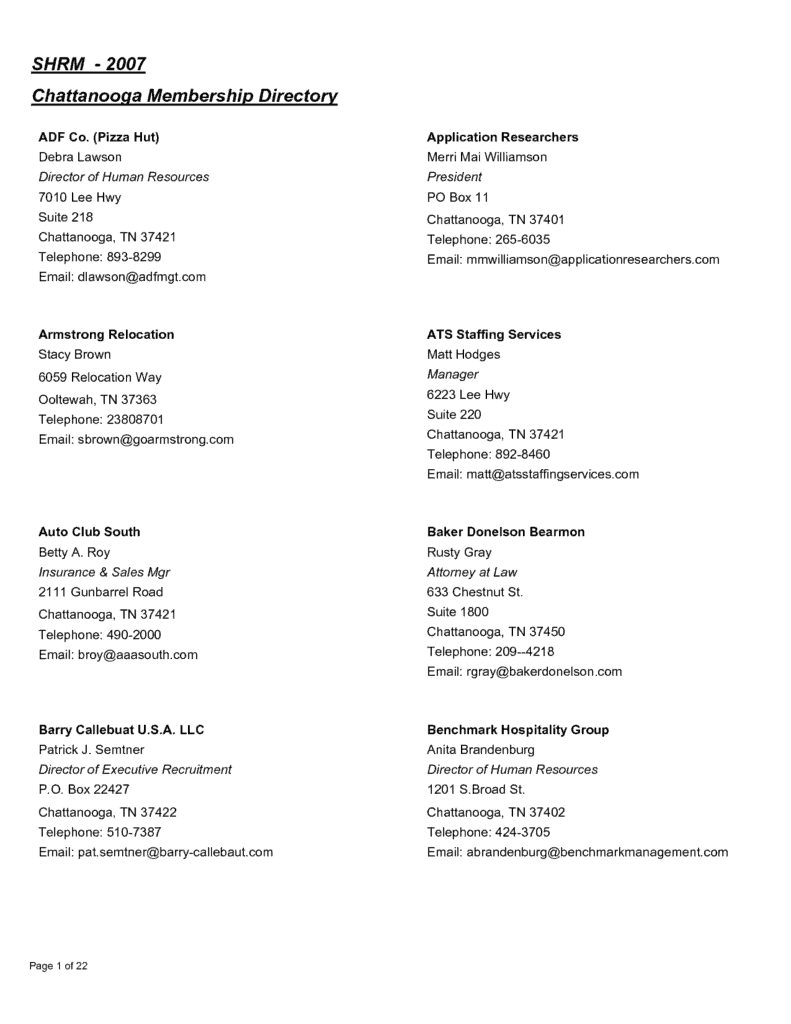
Detailed Church Directory Maker
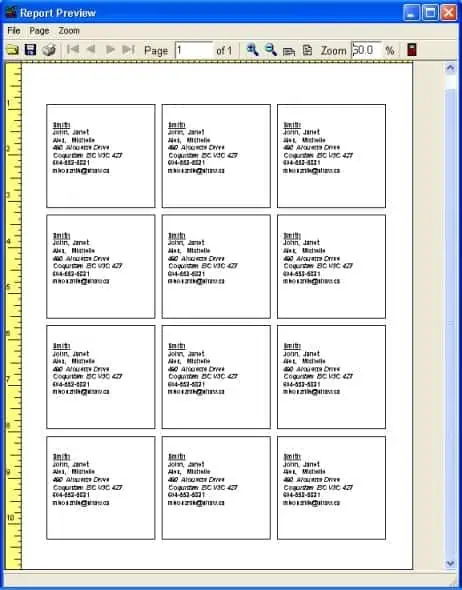
Church Members Address Directory
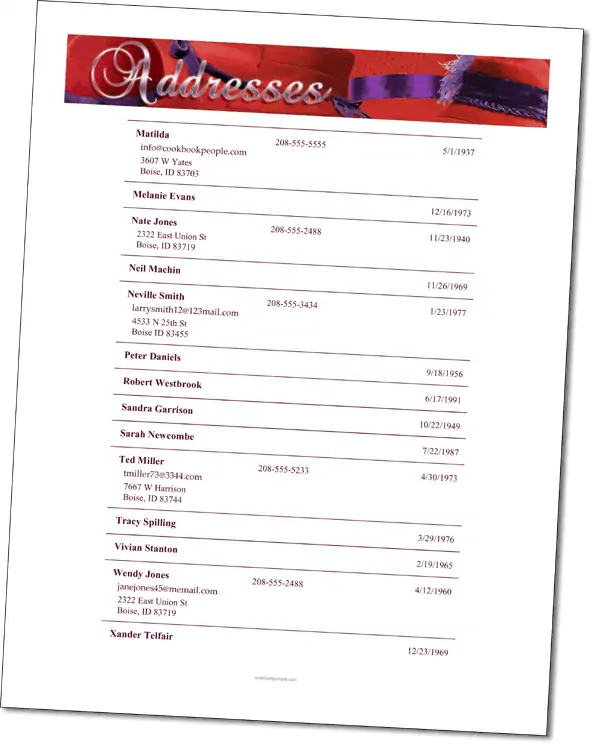
How to use the church directory template
Step 1. Agree the information to collect and how sharing preferences will be recorded. Keep event attendance separate using sign-in sheets.
Step 2. Verify names and contact details with the relevant people. Maintain session records in attendance records.
Step 3. Review access, distribute the current version, and provide a way to request corrections.
Decide whether the directory is intended for administrators, members, or a smaller group. Those audiences may need different information. A version for broad distribution should not automatically include internal notes, safeguarding information, or details supplied only for pastoral contact.
Use a clear correction and removal process. Membership and contact preferences change, so a dated version and a named maintainer are useful. When distributing a new version, consider how older copies will be replaced or withdrawn where practical.
Example and checks
A household entry may list a shared address and preferred contact, while individual members may have different permissions for phone or email sharing.
Do not automatically publish personal contact information or details about children. A directory is not a public mailing list by default. Handle organizational financial planning separately with nonprofit budget templates.
Choose the directory’s purpose before collecting details
A church directory can support member communication, household contact, or a particular ministry, but those purposes do not require identical information. Decide who will use the directory and what they need to do with it. An administrator’s internal contact file may need different fields from a copy distributed to members. A volunteer team may need only a name and preferred communication method. Starting with the audience helps avoid gathering information simply because a template contains an empty column. It also makes the finished directory easier to explain to the people whose details appear in it.
Choose whether records represent individuals, households, or both. A household layout can keep a shared address together, while individual records allow different phone numbers and communication preferences. Neither structure fits every congregation automatically. Some people have more than one relevant household connection, and family circumstances can change. Use respectful, flexible labels instead of forcing everyone into one assumed structure. If a member prefers not to have information distributed, the directory process should be able to record that choice without deleting the internal information needed for an appropriate administrative purpose.
Design fields that are clear and proportionate
Start with a small set of useful fields, such as member or household identifier, display name, preferred contact method, and last-confirmed date. Add an address, phone number, email, or photograph only when it serves the directory’s agreed purpose and sharing arrangements. Distinguish information required for administration from optional information for distribution. A single checkbox saying that someone is a member does not explain which details they have agreed to share or with whom. Keep those choices understandable and capable of being updated.
Use a short explanation when asking people to provide details. It should identify the intended use, audience, and correction process in language members can understand. Avoid putting sensitive pastoral notes, health information, safeguarding records, or private financial details into a general directory. Those records have different purposes and access needs. Similarly, a photograph useful for an internal team may not belong in a widely circulated version. The template provides a structure for a directory; the organization still needs a thoughtful process for deciding what belongs in that structure.
Collect and verify information through a consistent process
A directory is more reliable when members or their appropriate representatives can check the details before publication. Provide a simple way to submit information and identify the person responsible for resolving unclear entries. Confirm spellings, preferred names, contact details, and household connections rather than assuming an old list is still correct. If information is supplied on behalf of someone else, handle it according to the organization’s process. Avoid treating a forwarded message or an attendance sheet as automatic permission to distribute every detail it contains.
Use identifiers to distinguish people with similar names and keep those identifiers stable when display details change. Check for duplicate households and repeated contacts before merging records. Two entries may refer to the same person, but they may also represent different people with the same name. Keep a review date so staff can see when information was last confirmed. An empty field should remain empty when the person has not supplied or approved that detail. Guessing a phone number or completing a family relationship from memory can make the directory inaccurate and difficult to correct.
Prepare printed and digital versions for their audiences
A printable church directory should remain readable at the actual paper size. Check font size, spacing, page breaks, and the way long addresses wrap. If entries are arranged alphabetically, use a consistent rule that readers can follow. A small index or household grouping may help a larger directory, but avoid making the document more complicated than necessary. Review sample pages with fictional information first. This lets the layout be checked without exposing member details to everyone involved in designing or printing the format.
For digital distribution, decide whether recipients need a fixed copy or access to a controlled current version. An editable spreadsheet passed between many people can develop conflicting versions and unintended changes. A fixed copy reduces that problem but may become outdated, so label it with its issue date. Restrict distribution to the agreed audience and explain how corrections should be sent. Before sharing, inspect hidden columns, additional worksheets, comments, and document properties where relevant. A member-facing copy should not accidentally include internal notes that were never intended for that audience.
Maintain the directory as circumstances change
Assign responsibility for updates and provide a recognizable contact or process for corrections. Changes can include new contact information, a different sharing preference, a household change, or a request to leave the distributed directory. Record the change in the master file and consider which existing copies need to be replaced. Editing a digital master does not automatically correct a printed booklet already in use. A practical update process should acknowledge that limitation and make the current issue easy to recognize.
Schedule an occasional confirmation exercise, but do not wait for that exercise when a member reports an important correction. Review inactive and duplicate records carefully rather than deleting them solely because they have not appeared on an attendance list. Membership, attendance, and directory distribution are related administrative subjects, but they are not identical. Keep a clear distinction between the working contact record and the version approved for circulation. This makes it possible to maintain useful information without assuming that every field should be visible to every person who receives a directory.
Use the directory responsibly in everyday communication
A directory can make it easier to contact the right person, but it should not be treated as an unrestricted marketing list. Use contact information in line with the purpose and preferences communicated when it was collected. A person who shares a phone number for a ministry team may not expect it to be added to unrelated groups. Establish a simple process for requests involving wider distribution or a new use. This is particularly important when a member asks for details about someone else rather than contacting the person through an existing appropriate channel.
Before issuing a new directory, check a small set of practical points: names are accurate, permissions and audience choices are reflected, outdated details have been reviewed, and the issue date is visible. Confirm who can maintain the master and how members can ask for changes. The downloadable templates can save time on layout and organization, but trust depends on the way the information is collected, checked, shared, and maintained. A directory that people understand and can correct is more useful than a larger collection of details whose purpose and distribution are unclear.
Frequently asked questions
1. What is a church directory template?
A church directory template is a pre-designed document used to organize information about church members, families, and their contact details.
2. What information can be included in a church directory?
A church directory may include names, phone numbers, email addresses, addresses, family information, ministry involvement, and other details the church chooses to maintain.
3. Can I create a church directory in Excel?
Yes. An Excel church directory template can be customized with member information and updated as the congregation changes.
4. Who can use a church member directory?
Church administrators, pastors, ministry leaders, staff members, and authorized members may use a directory for communication and organizational purposes.
5. Can a church directory include families?
Yes. Family members can be grouped together so that households are easier to identify and contact.
6. Can I print a church directory?
Yes. After entering and reviewing the information, you can print the directory for authorized church use.
7. Can I update a church directory template?
Yes. An editable template makes it easy to add new members, remove outdated records, or update contact information.
8. Should church directory information be kept private?
Yes. Churches should consider the privacy of their members and limit access to personal information to authorized individuals. Only information appropriate for the intended audience should be included.
Should every member receive the full directory?
Distribution should follow the permissions and access policy agreed for the directory.
How can outdated details be corrected?
Provide a named contact or process for changes and label each directory version with its date.

You must be logged in to post a comment.