
A daily work schedule template assigns tasks, appointments, and responsibilities to the time available in a day. It helps you plan realistically before work begins.
Choose an hourly planner for fixed appointments or a task-based layout for flexible work. Team schedules need an owner and clear handover information for each assignment.
Template previews and downloads
Daily Work Schedule Template
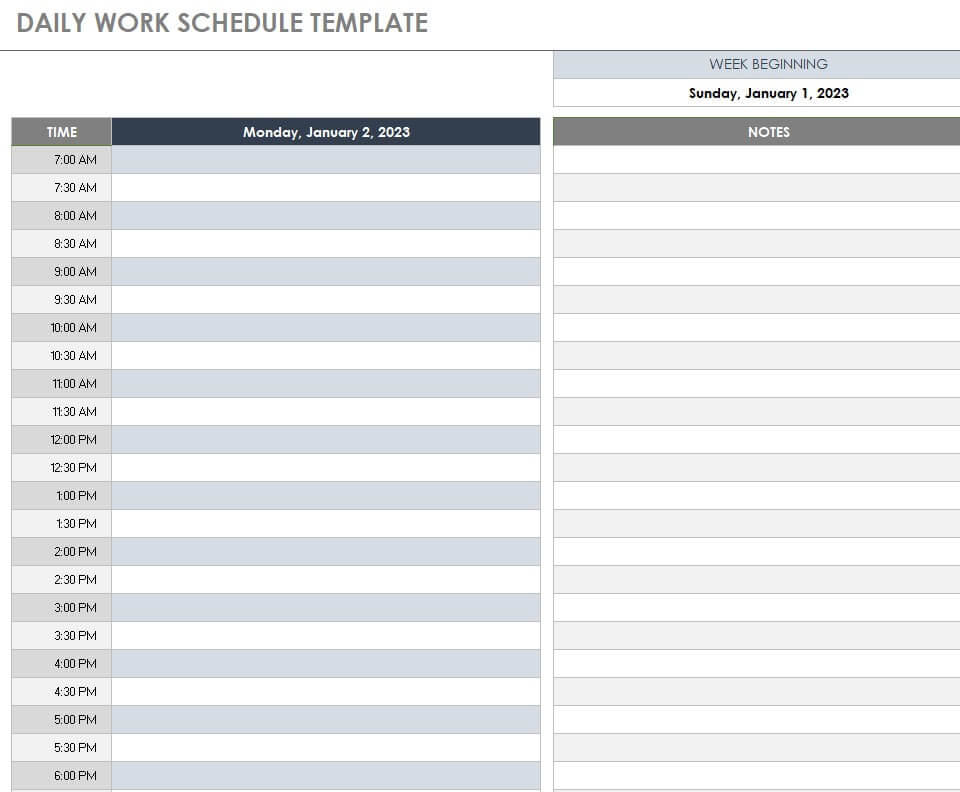
Simple Daily Schedule Excel Template
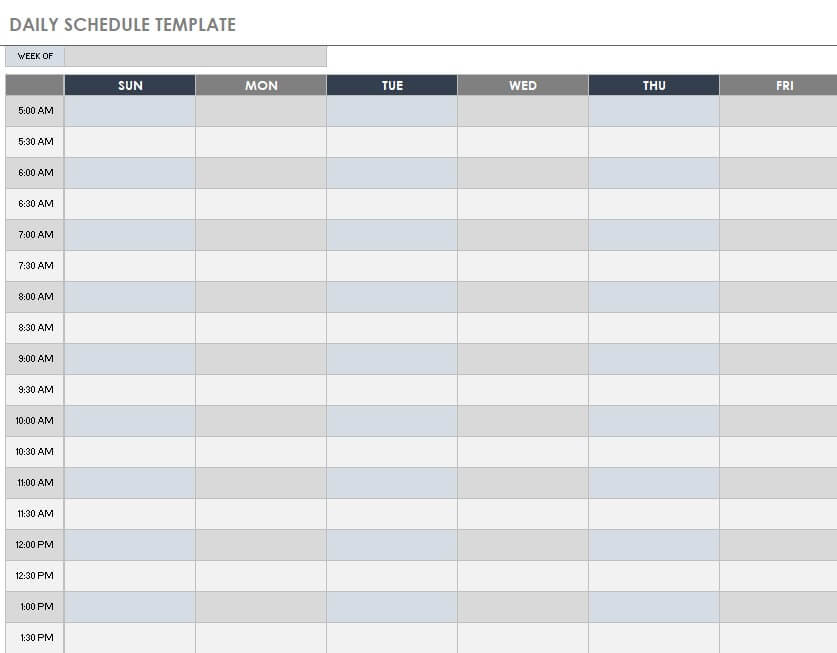
Printable Daily Planner Template
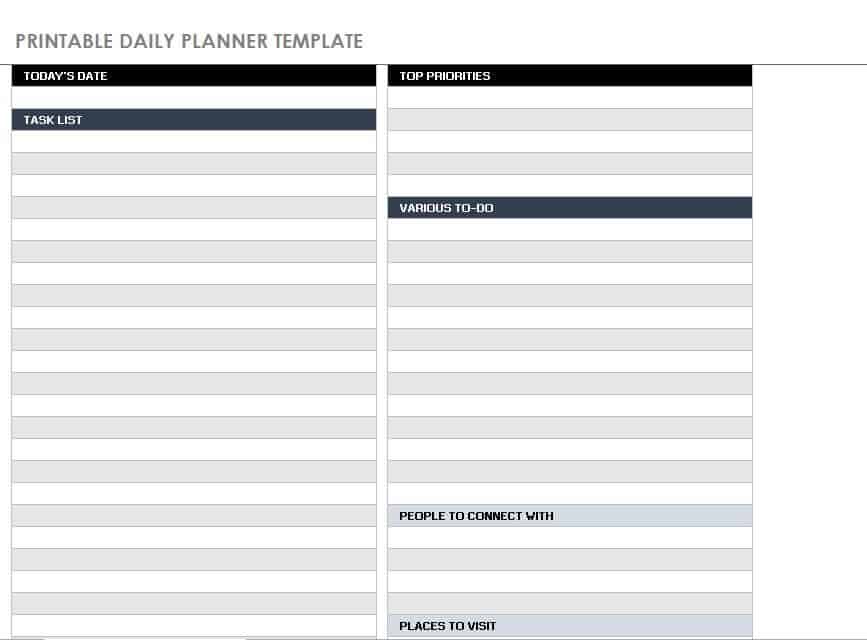
Detailed Site Visit Daily Schedule Template
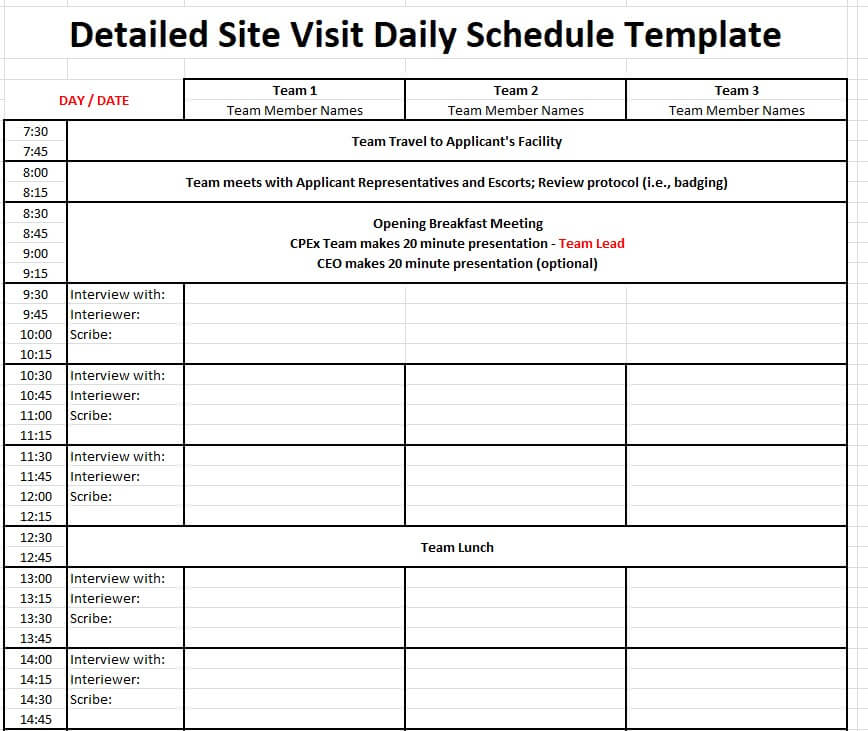
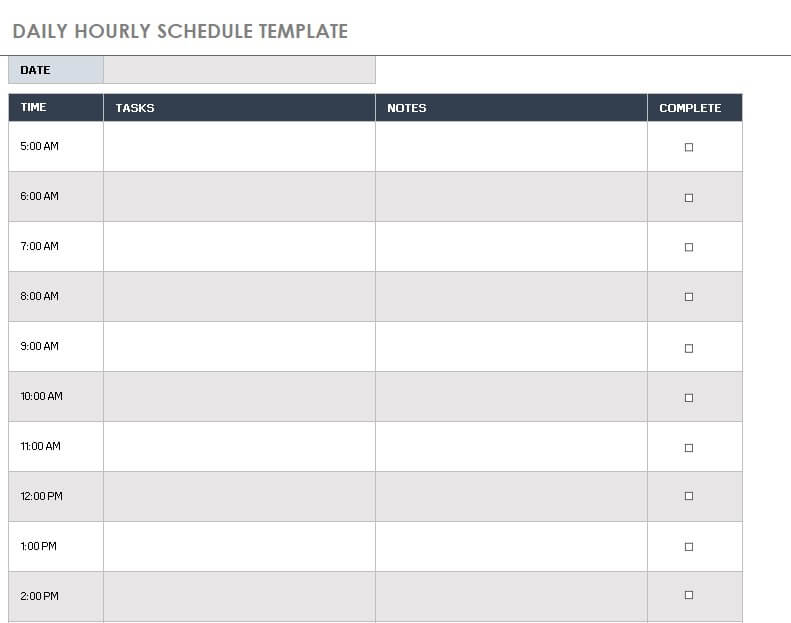
Daily Hourly Work Schedule Template
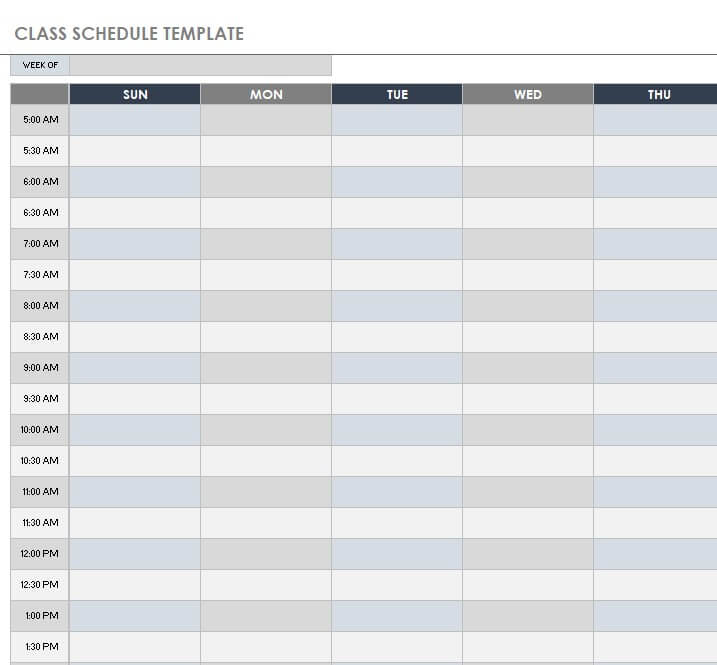
Sample Daily Class Schedule Template
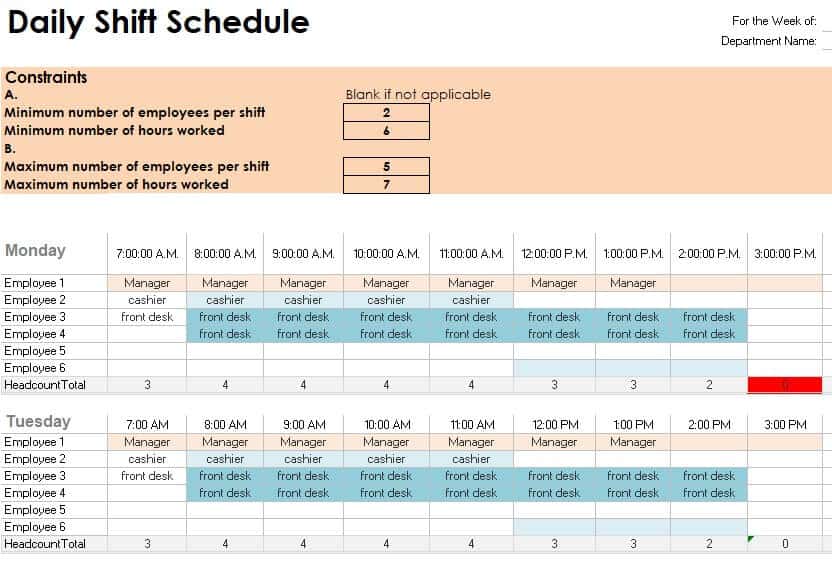
Daily Work Shift Schedule Template EXCEL
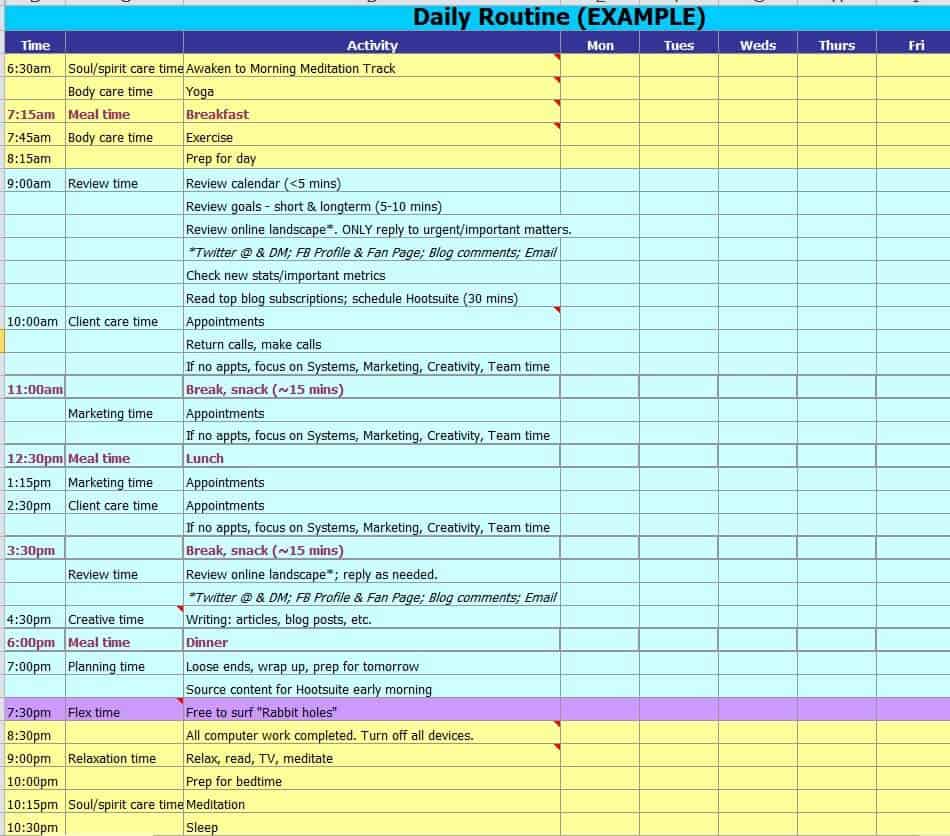
Example Daily Routine Template
Blank Daily Work Schedule Template
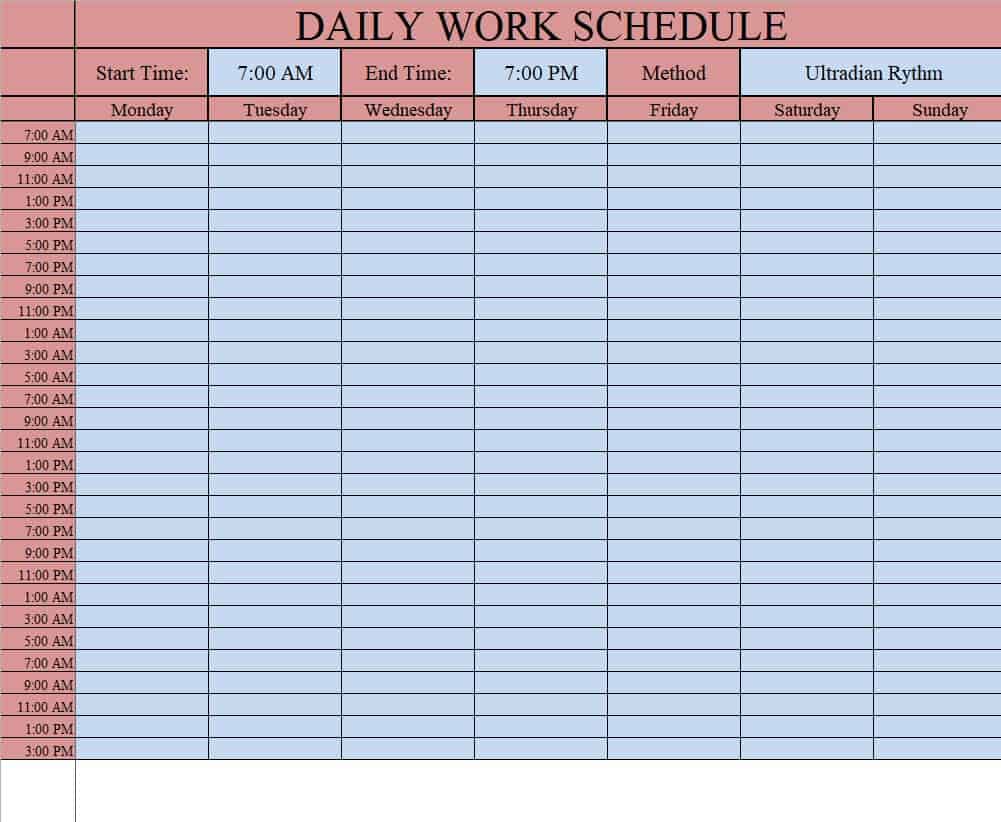
Daily Employee Work Schedule Template
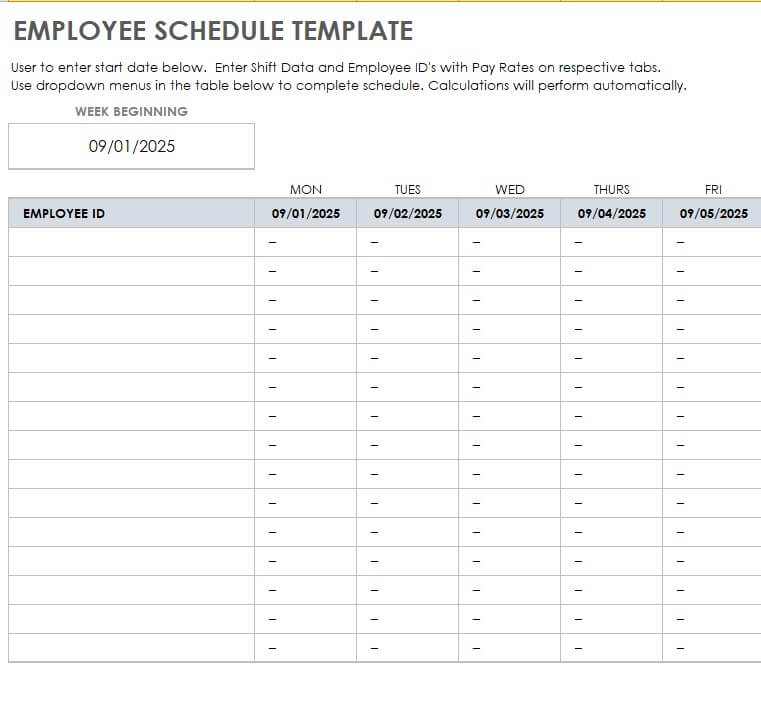
Free Online Daily Work Schedule Template
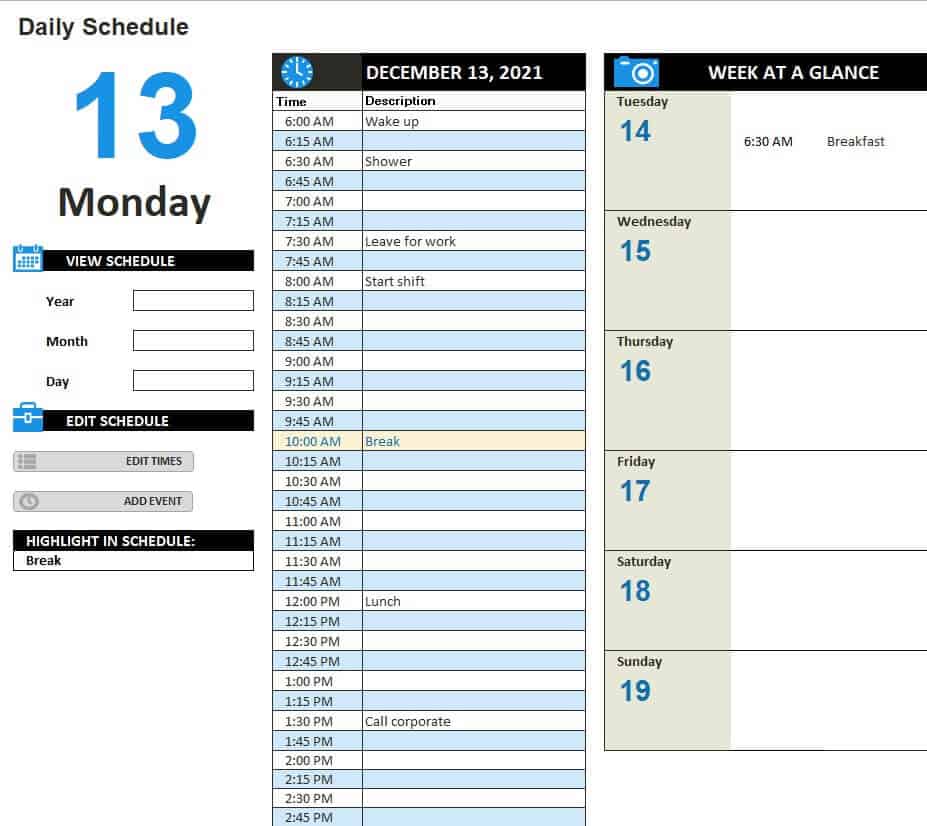
Company’s Daily Task Schedule Template
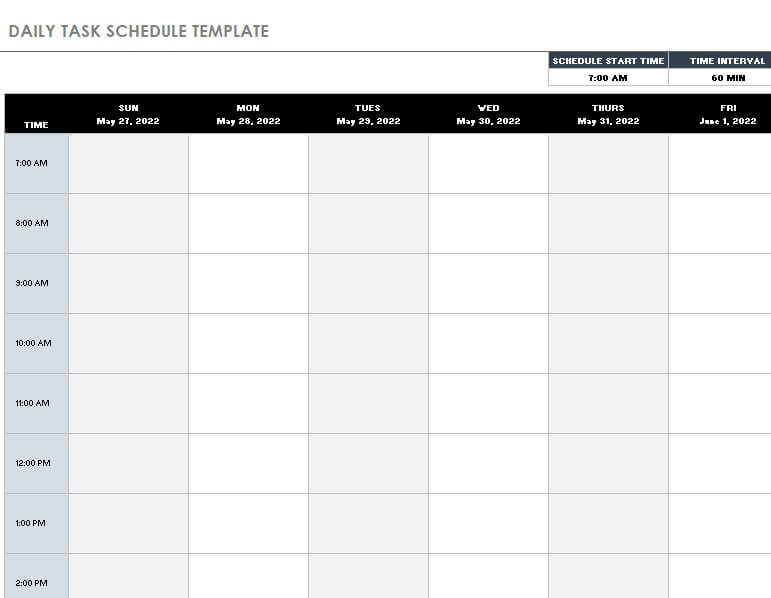
Factory Employees’ Daily Work Schedule Template
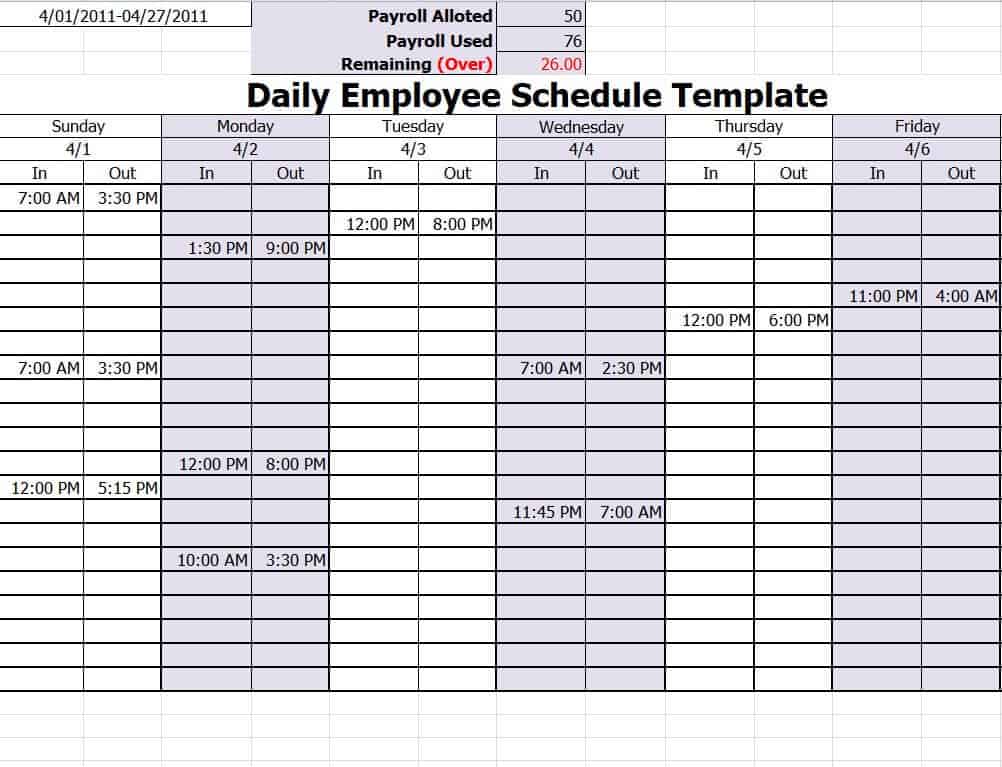
Editable Daily Shift Schedule Template
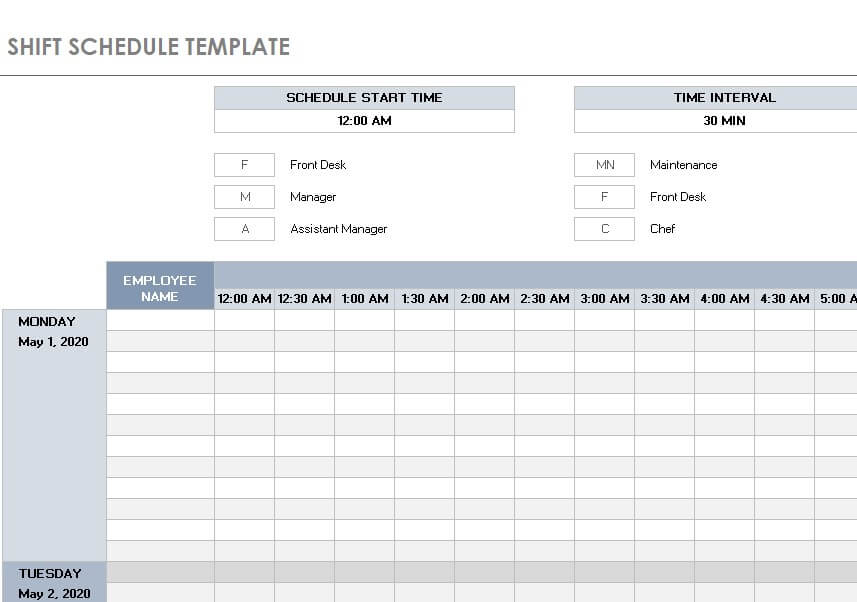
How to use the daily work schedule template
Step 1. Enter fixed meetings, shifts, and other commitments. Set the wider priorities in weekly schedule templates.
Step 2. Estimate priority tasks and reserve realistic work blocks. Keep unscheduled actions in to-do lists.
Step 3. Review changes during the day and decide what to move or delegate.
Distinguish a task’s deadline from the time reserved to work on it. Enter preparation and travel where they consume part of the day. If a schedule contains only meetings, important work may still be left without any realistic place to happen.
For team assignments, include the person responsible and any dependency on another task. A shared plan should make handovers visible. When urgent work arrives, revise the affected commitments openly rather than keeping a schedule that no longer reflects the day.
Example and checks
A 90-minute task needs more than a one-hour opening. Split it into defined stages or find a longer block.
A daily plan is not a record of actual hours worked. Use a timesheet when payroll or time reporting needs actual start and finish times. Record actual worked hours using monthly timesheets.
Frequently asked questions
1. What is a daily work schedule template?
A daily work schedule template is a pre-designed document used to organize tasks, activities, appointments, meetings, and working hours for a particular day.
2. Can I use these daily work schedule templates in Excel?
Yes. The templates on this page are designed for Microsoft Excel and can be edited to add your own tasks, times, priorities, notes, and other information.
3. What should a daily work schedule include?
A daily work schedule can include time slots, task descriptions, priorities, deadlines, employee assignments, notes, and completion status. The exact fields can be customized according to your needs.
4. Who can use a daily work schedule template?
Employees, managers, business owners, freelancers, students, teachers, factory supervisors, and people working from home can all use a daily work schedule to organize their activities.
5. What is a daily hourly work schedule template?
A daily hourly work schedule divides the day into specific time periods so that you can assign tasks and activities to particular hours. It is useful for managing busy or time-sensitive workdays.
6. Can I create an employee daily work schedule in Excel?
Yes. An employee daily work schedule can be created in Excel to assign employees to tasks, shifts, departments, or specific working hours. The collection includes an employee work schedule format.
7. Can I print a daily work schedule?
Yes. After completing an Excel schedule, you can print it and use a physical copy at your workplace, home, classroom, or other location.
8. Can I customize a blank daily work schedule template?
Yes. A blank template provides a flexible starting point. You can add your own time slots, tasks, priorities, notes, employees, or other fields to create a schedule that fits your routine.
Should I schedule every minute?
Leave a reasonable margin for interruptions and tasks that take longer than expected.
How can I handle urgent work?
Review the priorities and explicitly move displaced tasks rather than simply adding more work.

You must be logged in to post a comment.