
A donation receipt template acknowledges a contribution received by an organization. It should clearly identify the recipient organization, donor, date, and what was received.
Choose a cash or non-cash format according to the contribution. Add jurisdiction-specific acknowledgment wording only after checking the applicable requirements.
Template previews and downloads
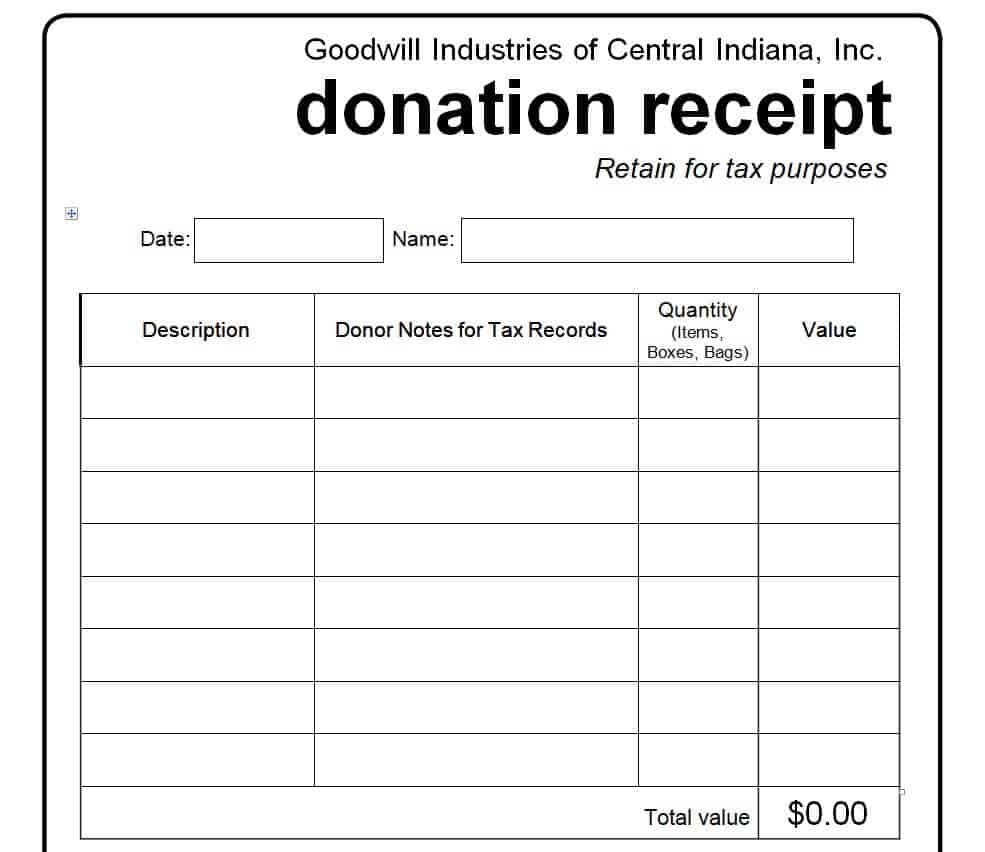
Goodwill Donation Receipt Template
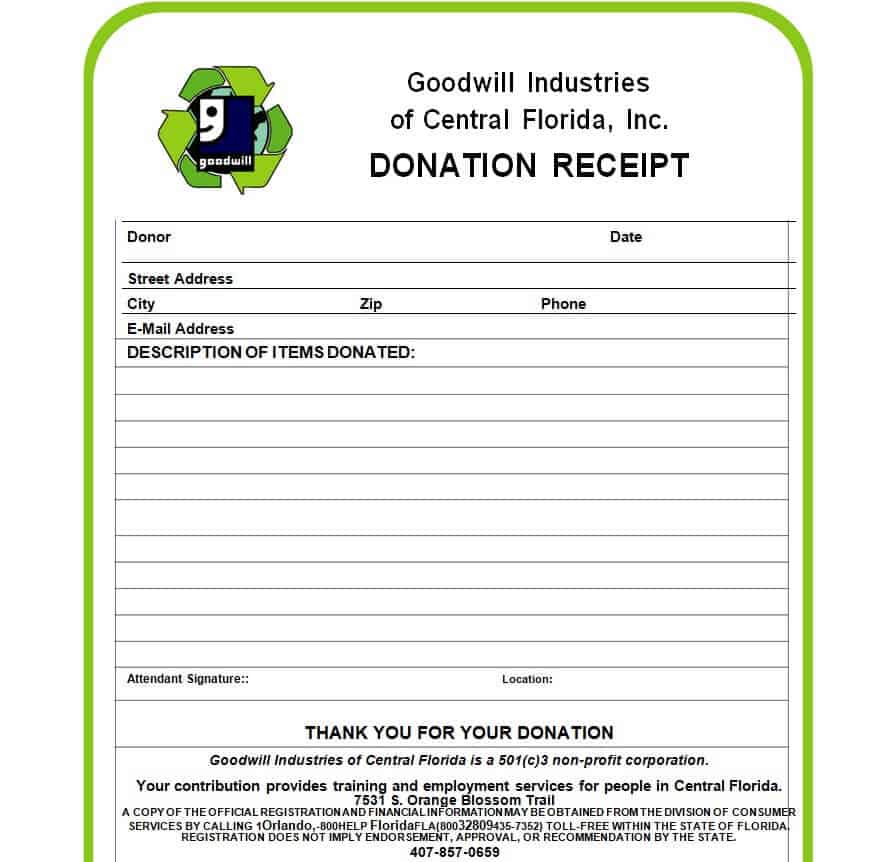
Donation Receipt Form Template
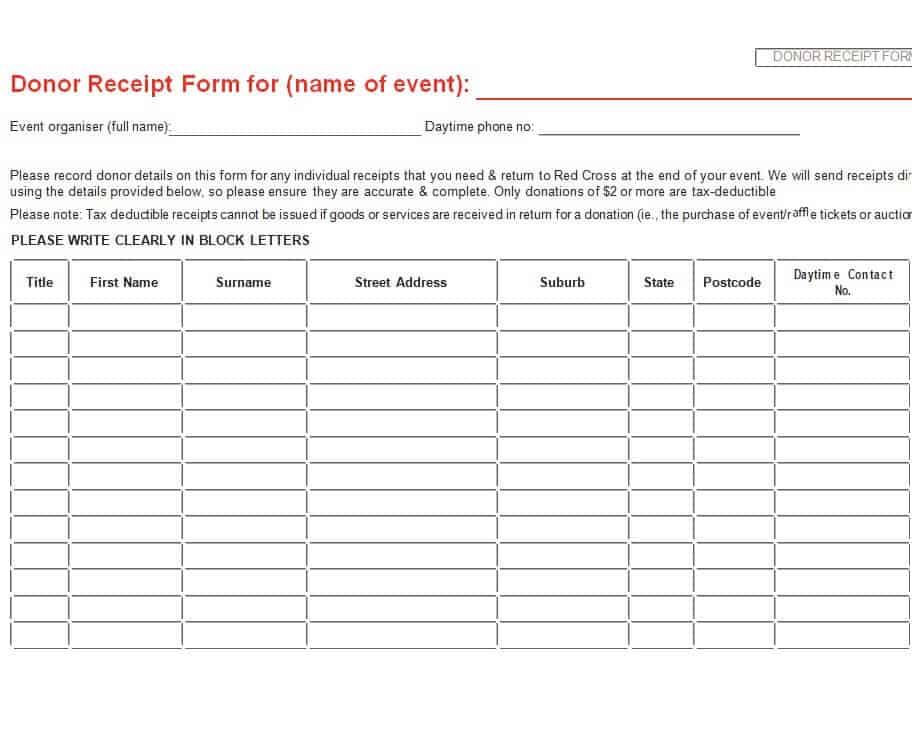
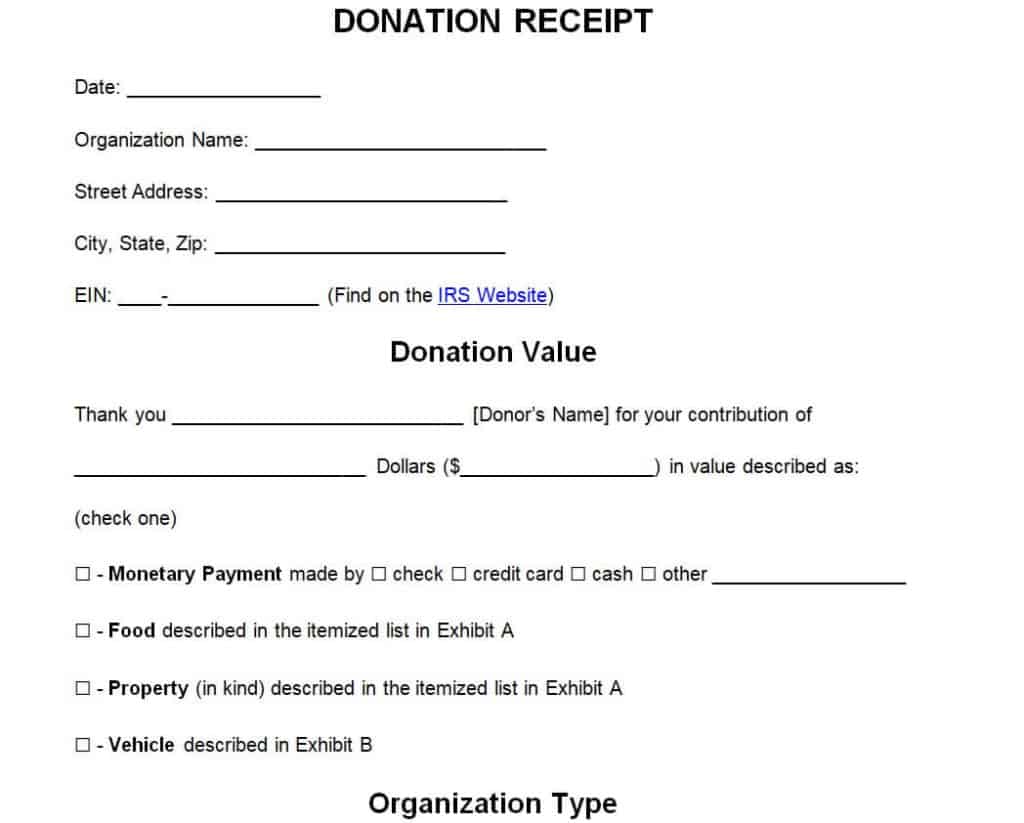
Official Donation Receipt Template WORD
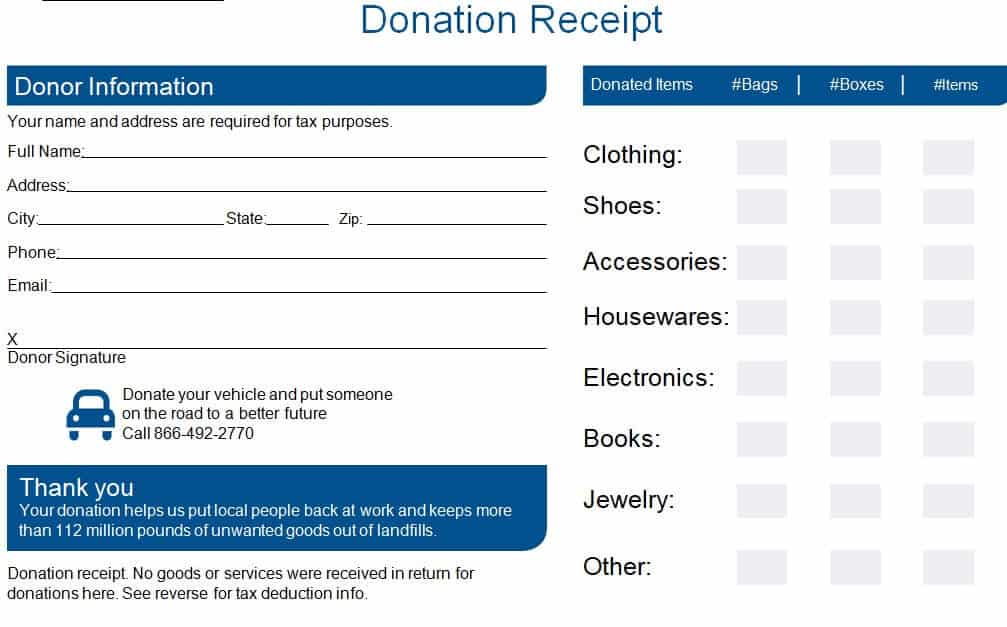
Organization’s Donation Receipt Template
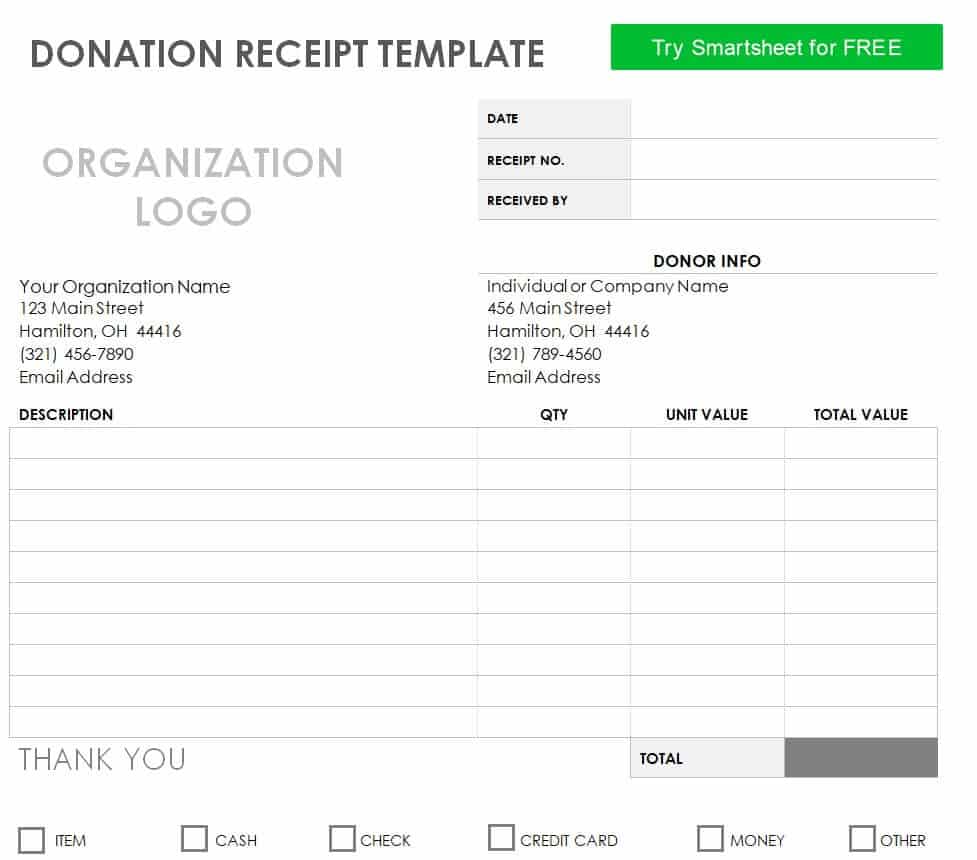
Blank Donation Receipt WORD Template
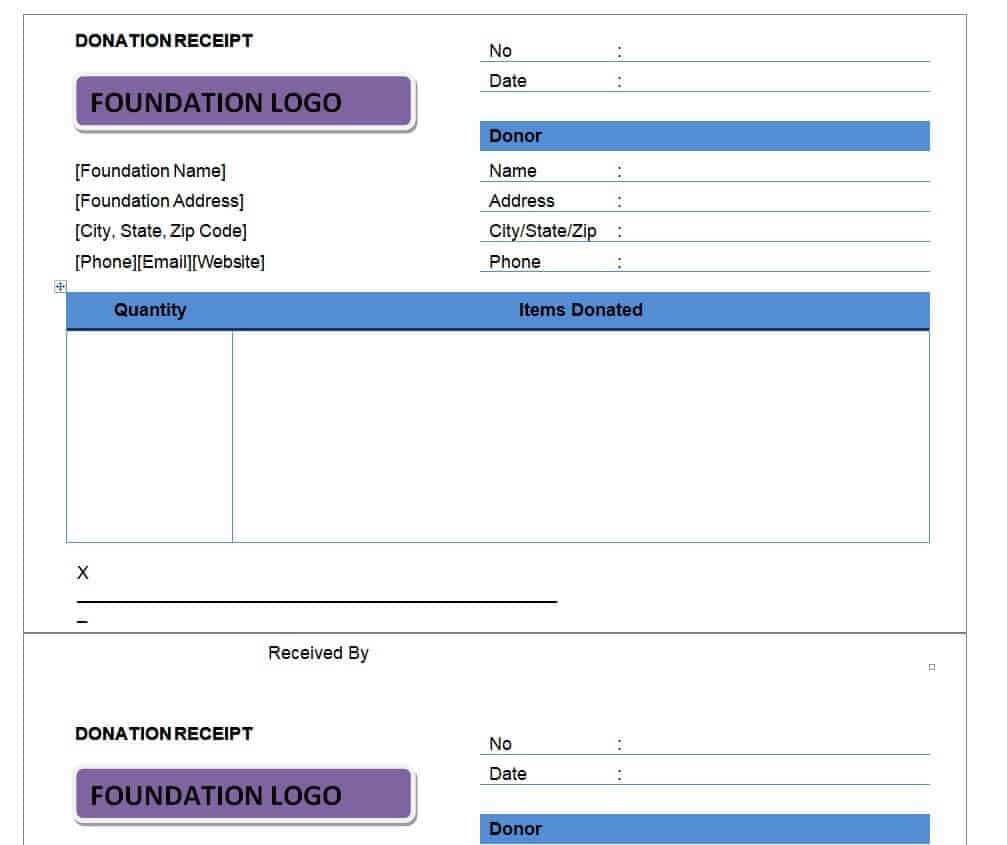
Sample Tax Donation Receipt Template
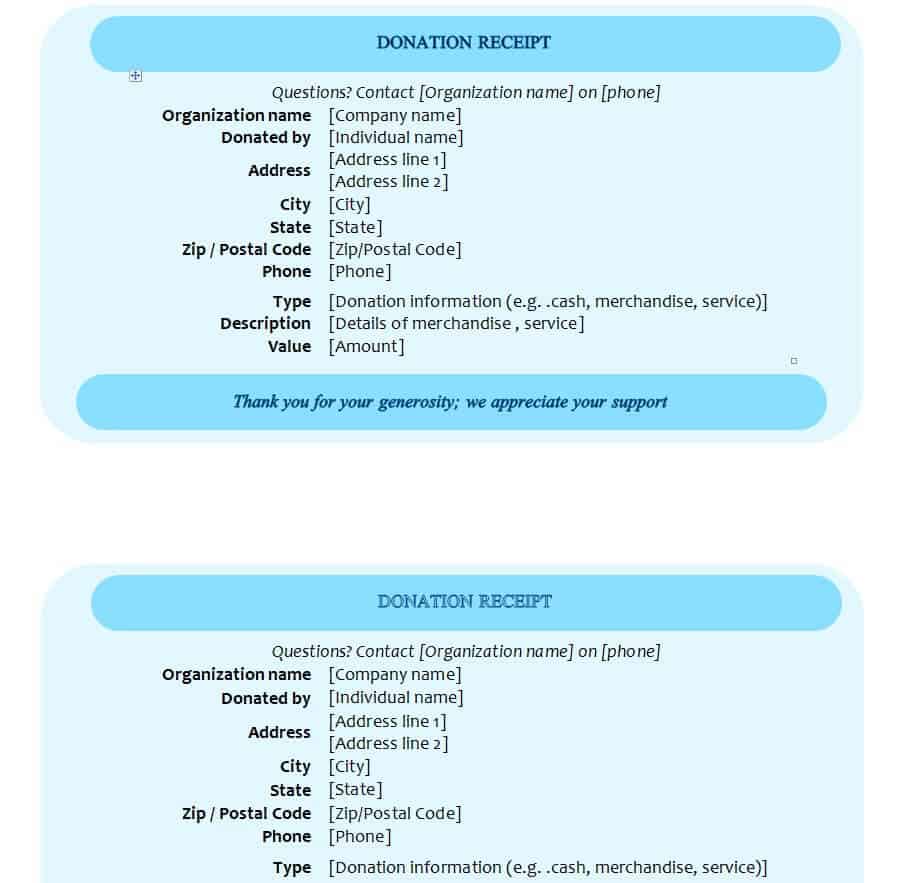
Basic Donation Receipt Template in DOC Format
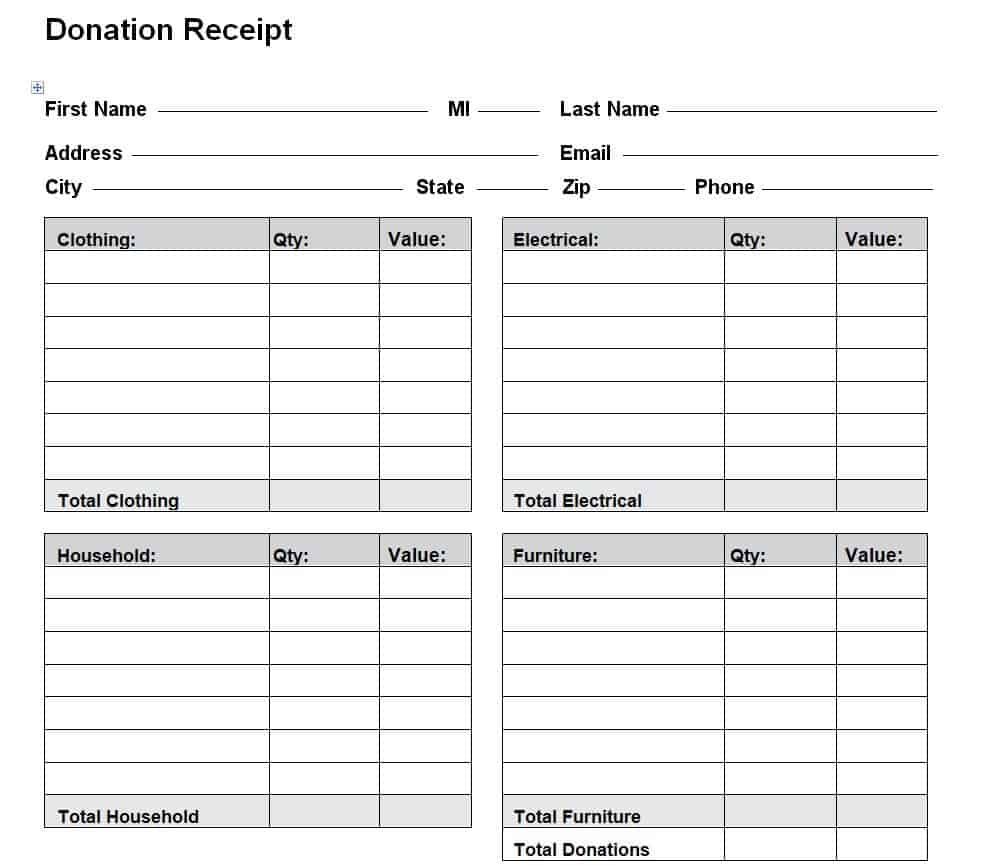
Free Printable Donation Receipt Template
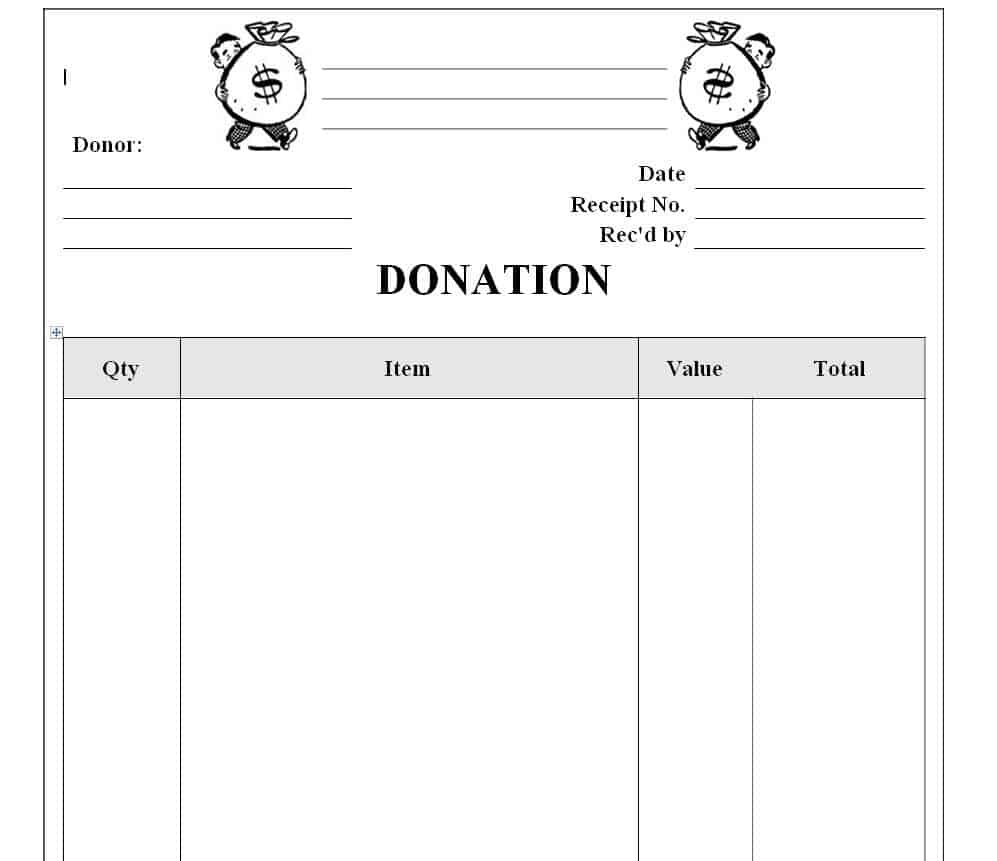
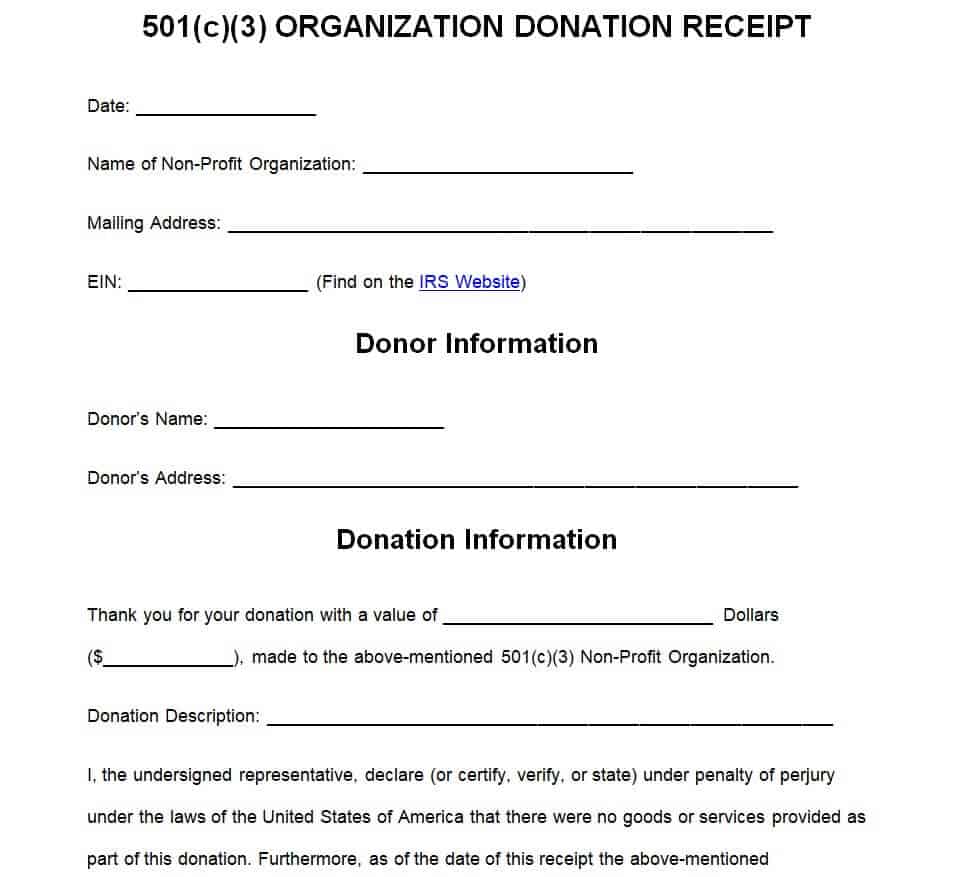
501(c)(3) Organization’s Donation Receipt Template
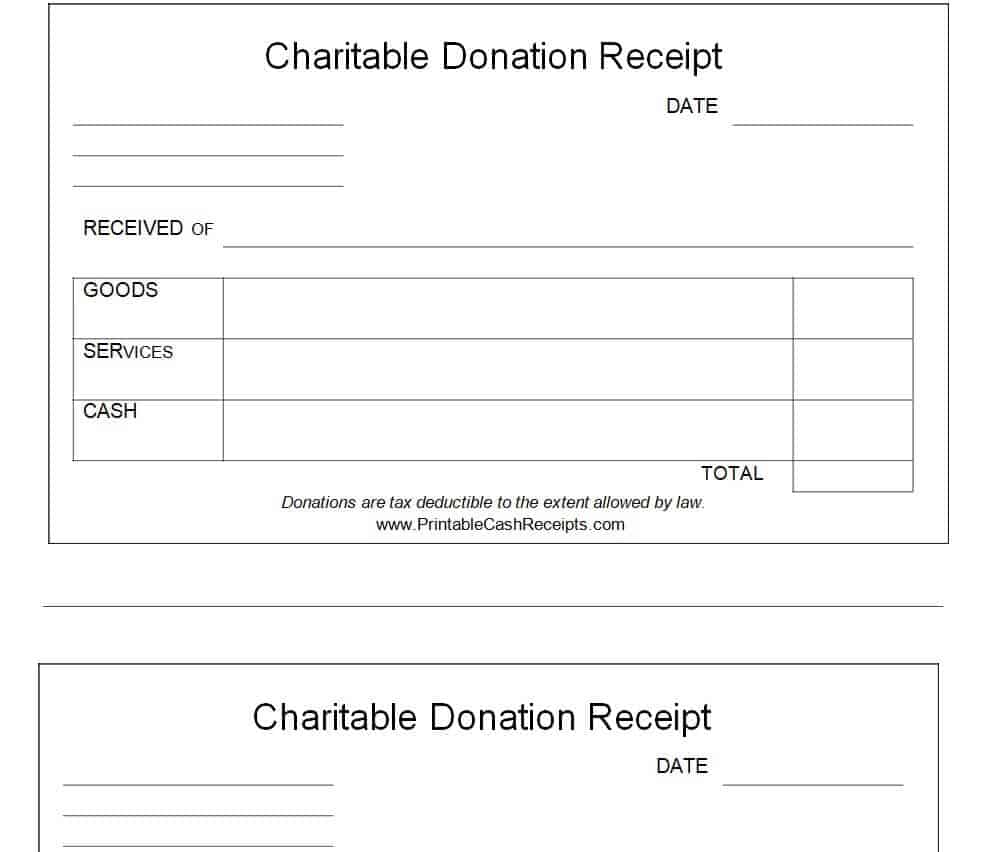
Sample Charitable Donation Receipt Template
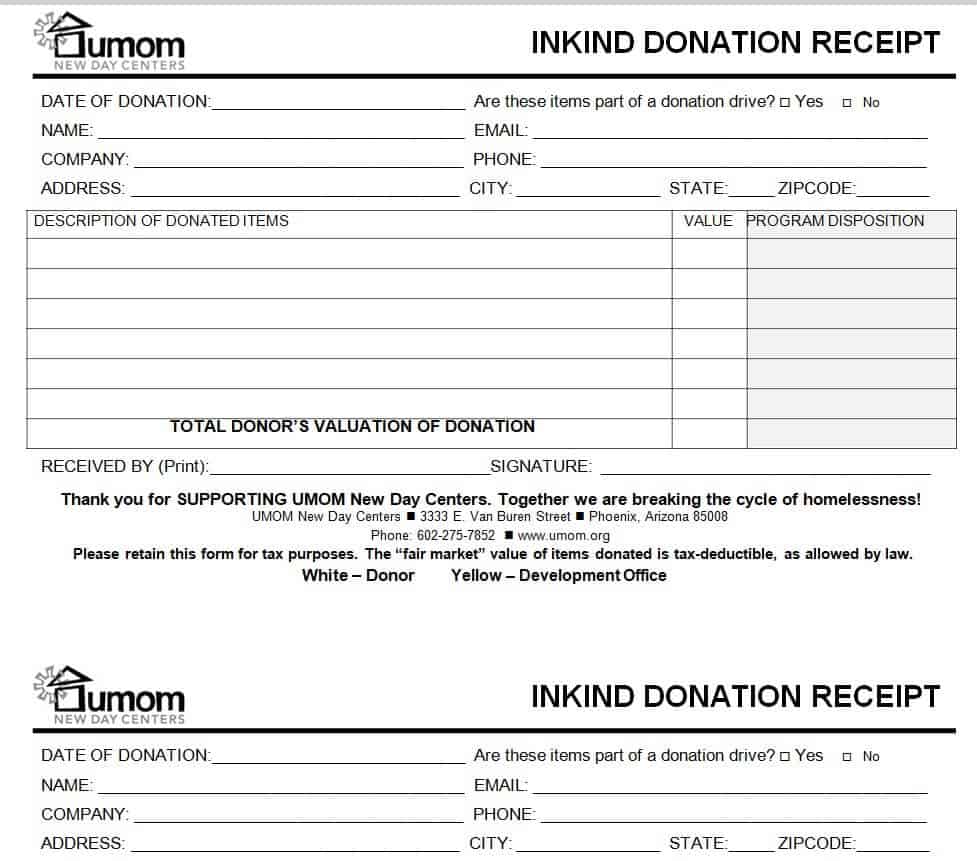
Example In-kind Donation Receipt Template
Free Online Donation Receipt Template
Elemental Donation Receipt MS WORD Template
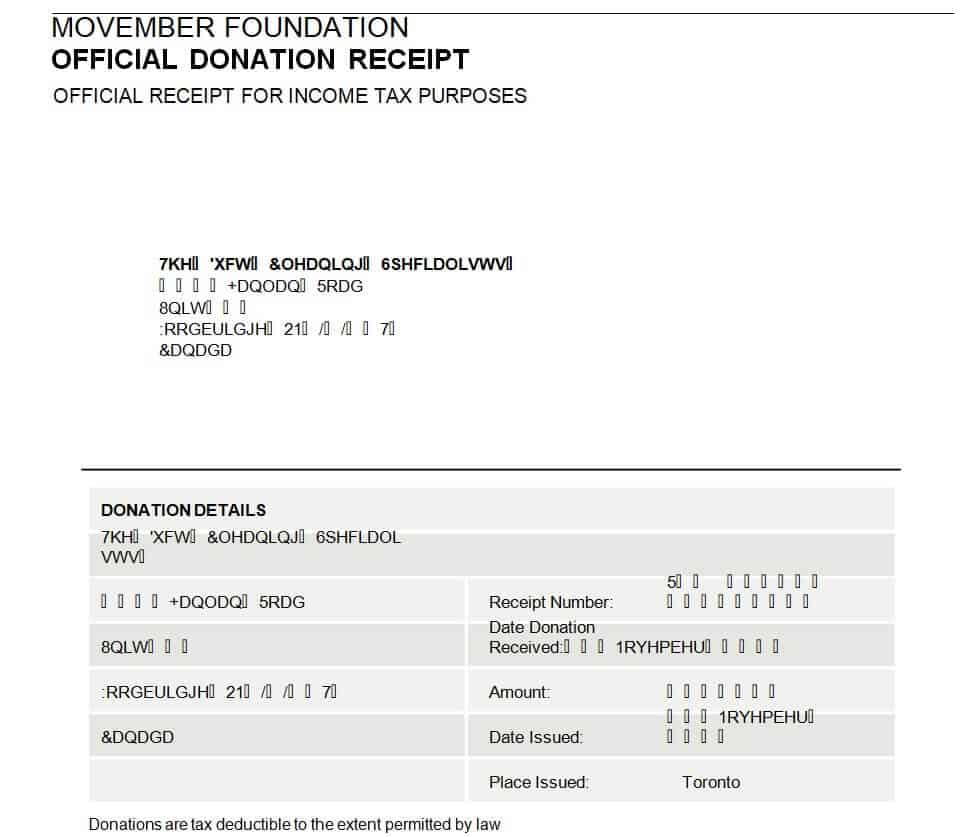
Foundation’s Official Donation Receipt Template
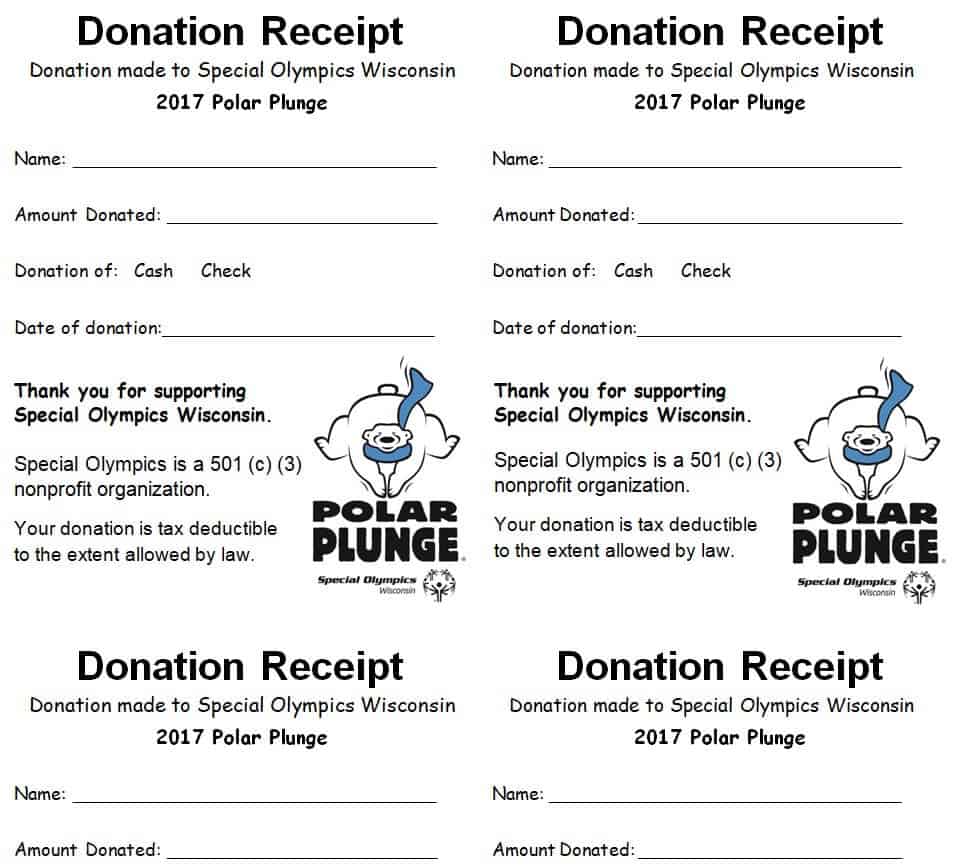
Special Donation Receipt Template
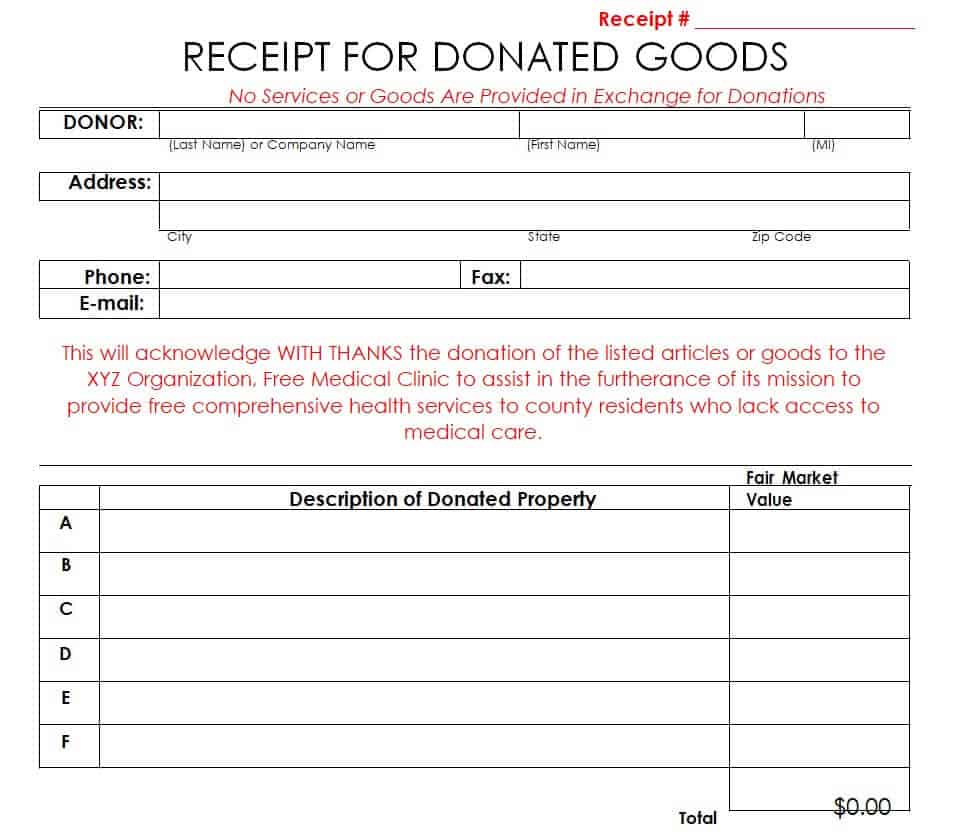
Free Editable Goods Donation Receipt Template
How to use the donation receipt template
Step 1. Confirm the donor details and the contribution received. Plan the use of funding with nonprofit budget templates.
Step 2. Enter the date, reference number, and amount or description as appropriate. Record the corresponding entries using bookkeeping templates.
Step 3. Review required wording, issue the receipt, and retain a copy linked to the organization’s records.
Use consistent receipt references so the acknowledgment can be linked to the contribution record. Cash, donated goods, and contributions connected with an event may need different wording. Keep the donor’s requested contact details and the organization’s issuing details accurate.
For U.S. acknowledgments, official IRS guidance distinguishes a description of non-cash property from its value and addresses benefits provided in return. Other jurisdictions can have different requirements. Confirm the applicable wording instead of assuming a general Word layout is automatically tax-compliant.
Example and checks
For donated equipment, record an accurate description. Do not automatically insert an estimated value into acknowledgment wording that requires description only.
A generic receipt does not guarantee tax deductibility. Organization status, benefits provided in return, and local requirements may affect the acknowledgment. Keep member contact information separately in church directories where relevant.
For the relevant U.S. requirements or method, consult the IRS written acknowledgment guidance.
Choose the right acknowledgment for the contribution
A donation receipt should describe the contribution actually received and identify the organization issuing the acknowledgment. Begin by distinguishing money from donated property and from other arrangements that may require different documentation. A Word template can make the document consistent, but the appropriate wording depends on the facts and applicable requirements. Do not assume that every receipt issued by any organization establishes a donor’s tax entitlement. Keep the acknowledgment’s role clear: it records relevant information about a contribution.
Choose a layout that supports the organization’s normal process. A simple contribution may need a concise acknowledgment, while a recurring program may use a reference number and a separate contribution record. Where the donor receives something in return, the acknowledgment may need specific wording. Contributions involving unusual property or special arrangements can require additional review. It is better to identify those cases before issuing the document than to force every transaction into the same generic text because the template is already formatted.
Complete donor and organization details accurately
Use the organization’s correct name and relevant contact information. Add a logo only if it is an authorized version and remains readable in print. Check the donor’s preferred name and address for the acknowledgment, and avoid copying personal details from an unrelated contact list without review. The contribution date, receipt issue date, and any internal reference should be understandable. If the organization uses sequential references, follow its established method and keep the receipt connected to the corresponding contribution record.
Distinguish the amount or description received from other information about a campaign or pledge. A promise to contribute later is different from money or property actually received. Likewise, an event registration payment may need review before it is described as an unrestricted donation. The person preparing the receipt should be able to trace the facts to the relevant records. If a name, date, or amount is unclear, resolve the issue before sending an acknowledgment that appears definite but is based on an assumption.
Describe monetary and non-cash contributions carefully
For a monetary contribution, record the amount and currency clearly. Use the contribution records to identify the relevant payment rather than copying a figure from an informal message. Keep payment references appropriate to the audience; a donor-facing receipt does not need to expose full financial account details. If several contributions are included in one acknowledgment, make the individual dates and amounts understandable and check the requirements relevant to that approach. A total without an explained period can be difficult to reconcile later.
For non-cash property, use an accurate description rather than automatically inserting a guessed value. In the United States, IRS guidance for required written acknowledgments distinguishes a description of contributed property from a value supplied by the organization and addresses benefits provided in return. Other jurisdictions can have different rules. Keep any internal valuation or accounting record separate from acknowledgment wording where appropriate. The Word layout should not imply that a staff member’s estimate resolves a donor’s valuation or reporting obligations.
Use consistent records and issue controls
Give the organization a simple process for preparing, reviewing, and issuing acknowledgments. Identify who can issue them and who checks unusual or corrected documents. Keep a copy or an appropriate record linked to the contribution so a later question can be answered. A donor may ask for a replacement, or an internal review may identify a mismatch. A reference number and a clear issue history make those situations easier to manage than a folder of documents with similar names and no connection to the original entries.
If a receipt needs correction, document the change rather than silently editing the only copy. The organization should be able to identify which version is current and why it replaced an earlier version. Avoid issuing a second acknowledgment in a way that makes one contribution look like two. A replacement can be labeled according to the organization’s process and applicable requirements. The purpose of control is a clear record, not unnecessary paperwork. A small, consistent routine can prevent duplicate documents and make later reconciliation much easier.
Prepare the Word document for practical use
Save a blank master and use a separate working copy for each acknowledgment or batch. Replace all sample fields and check for old dates, names, and amounts in headers, footers, and text boxes as well as the main body. Long donor names or addresses can change page flow, so review the completed document rather than assuming the original layout remains intact. Keep the essential information prominent and avoid decorative elements that compete with the acknowledgment’s purpose.
Check how the receipt will be delivered. A printed copy needs readable text and appropriate space for any required signature or authorization. A digital copy should be reviewed in the format the donor will receive. If it is exported to a fixed format, confirm that page breaks and characters display correctly. Keep private internal notes out of the donor-facing version. Do not send an editable master containing other donors’ details merely because it is convenient to reuse. The final document should contain only the information intended for that recipient.
Reconcile acknowledgments and answer donor questions
Periodically compare issued acknowledgments with the contribution records for the same period. Look for missing references, duplicate documents, corrected amounts, and contributions still awaiting review. A difference should lead to an investigation, not an unexplained adjustment that makes totals agree. Keep the status of uncertain or exceptional items visible so they are not forgotten. This review helps the organization maintain a dependable process while recognizing that the acknowledgment and the accounting record may serve different purposes.
Provide a clear contact route for a donor who notices an error or needs a replacement. Respond using the organization’s verified records and avoid giving an unsupported assurance about the donor’s tax outcome. Where a question concerns legal or tax treatment, use the applicable official guidance or appropriate advice. The templates on this page support consistent document preparation. Their practical value comes from accurate facts, suitable wording, controlled issuance, appropriate privacy, and a process for corrections. Those features matter more than an elaborate design that has not been checked against the contribution received.
Frequently asked questions
1. What is a donation receipt template in Word?
A donation receipt template in Word is a pre-designed document that can be edited to acknowledge and record a donation received by an organization.
2. Can I edit these donation receipt templates in Microsoft Word?
Yes. The templates are designed to be editable in Word, allowing you to change text, add organization details, insert a logo, and customize the receipt.
3. What information should a donation receipt include?
A donation receipt can include the organization name, donor name, donation date, contribution amount or description, receipt number, and other relevant details.
4. Can I add my organization logo to the receipt?
Yes. An editable Word template allows you to add your organization’s logo and other branding elements to create a more professional receipt.
5. Can I print a donation receipt template?
Yes. After completing the template in Word, you can print the donation receipt and provide a physical copy to the donor.
6. Who can use a donation receipt template?
Charities, nonprofits, schools, churches, community organizations, fundraising groups, and other organizations that receive donations can use these templates.
7. Can I reuse an editable donation receipt template?
Yes. You can keep the original Word template and create a new receipt whenever you receive another donation by updating the donor and contribution information.
8. Are these donation receipt templates free to edit?
The editable Word format allows you to customize the available template according to your organization’s requirements after downloading it.
Can one format cover money and donated goods?
It can if the relevant sections are clearly separated and required wording is checked.
Who decides the tax treatment?
The receipt records the contribution; applicable tax rules determine its treatment.

You must be logged in to post a comment.