
A debt calculator spreadsheet estimates repayment using balances, interest rates, payment amounts, and timing. It helps compare scenarios when its assumptions match the actual accounts.
Choose a single-loan calculator for one balance or a multi-debt layout for a repayment plan. Confirm whether the file includes fees, variable rates, and extra payments.
Template previews and downloads
Debt Calculator Spreadsheet Template
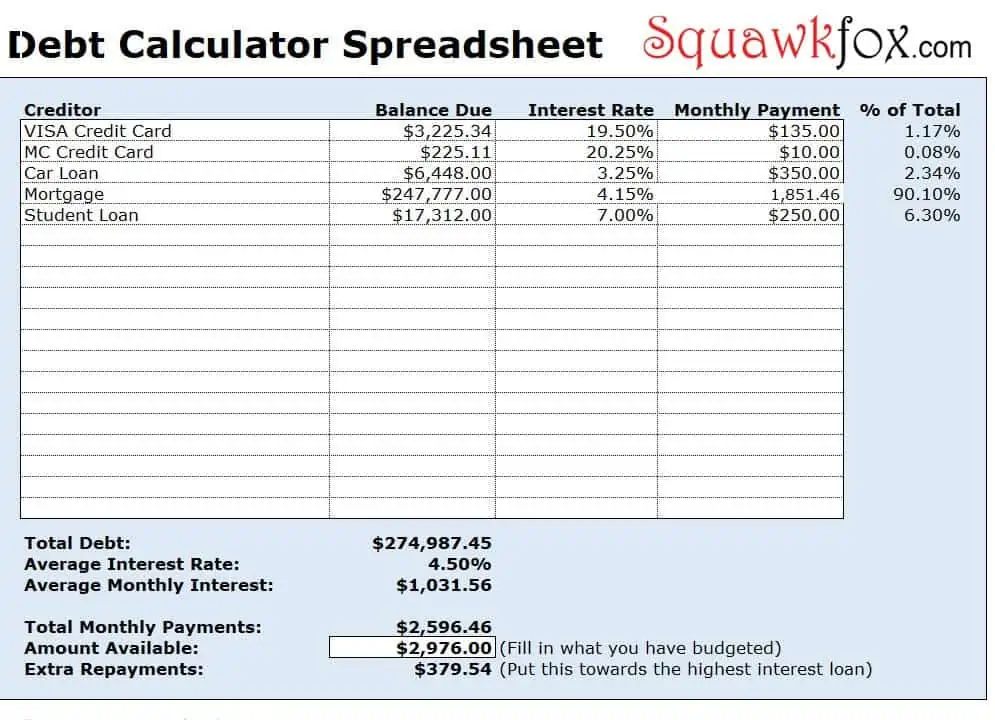
Debt Reduction Calculator Excel Template
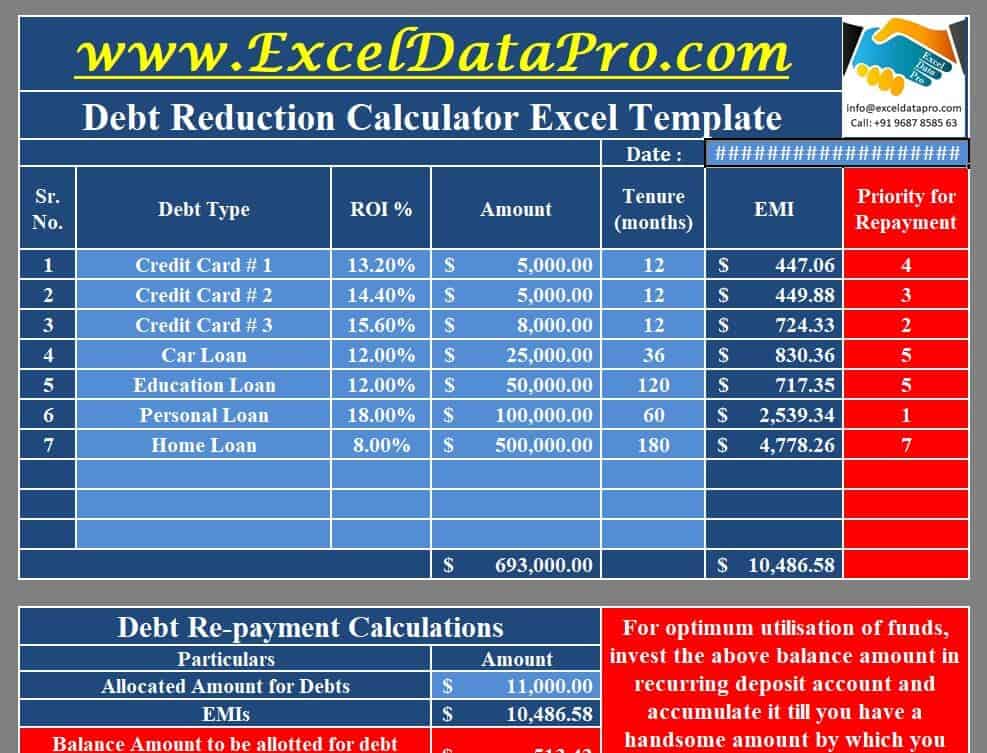
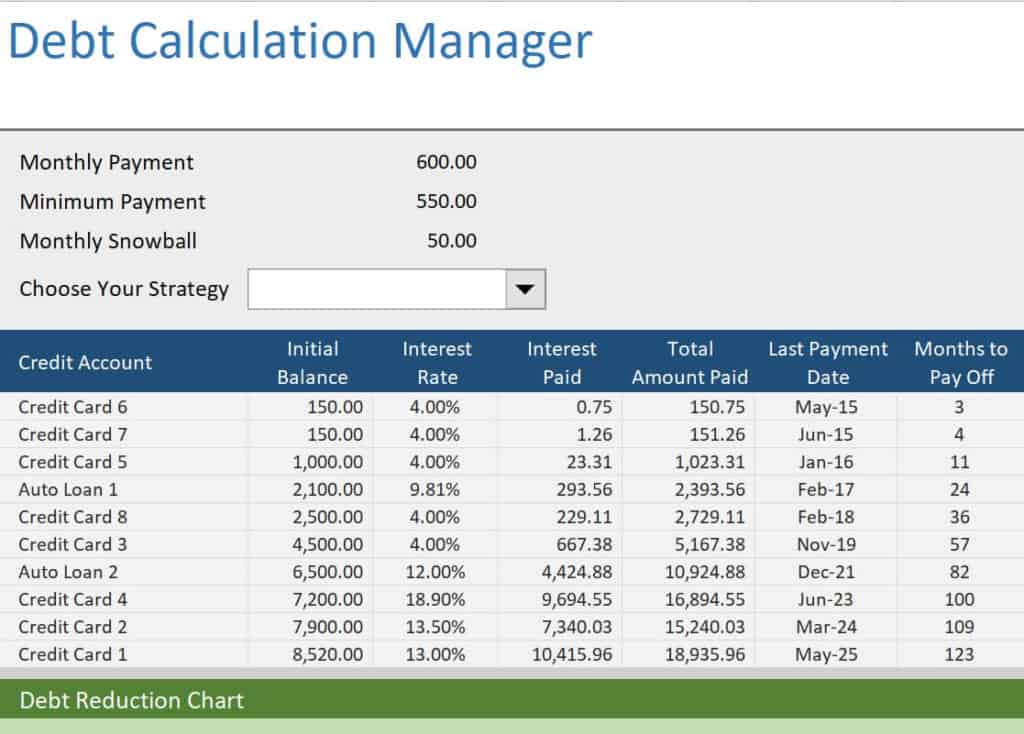
Sample Debt Calculation Manager Template
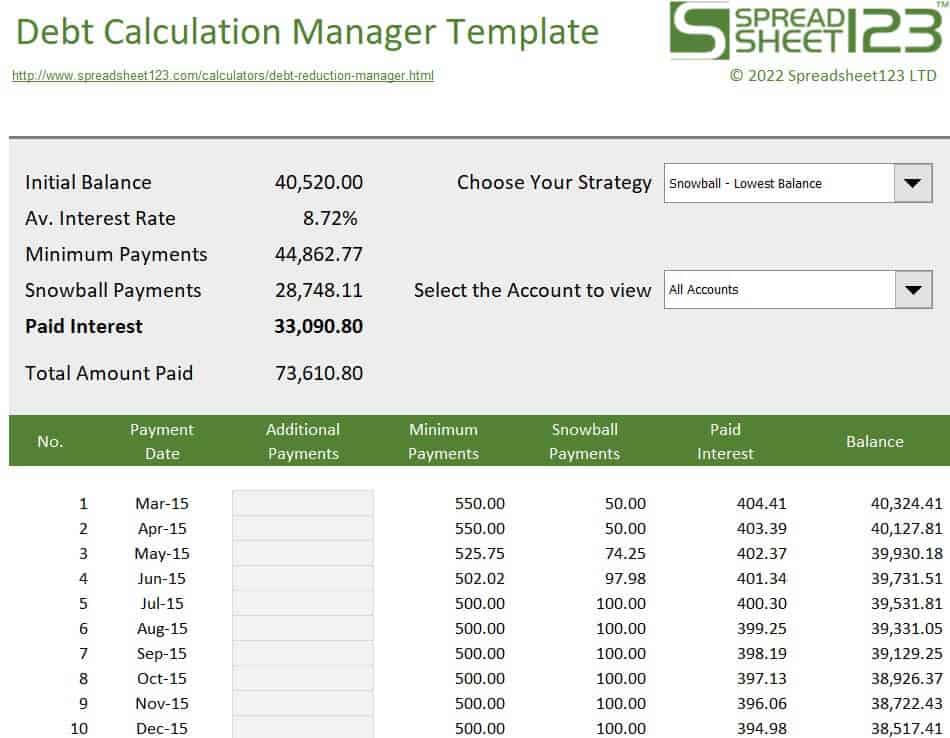
Simple Debt Calculator Template Excel
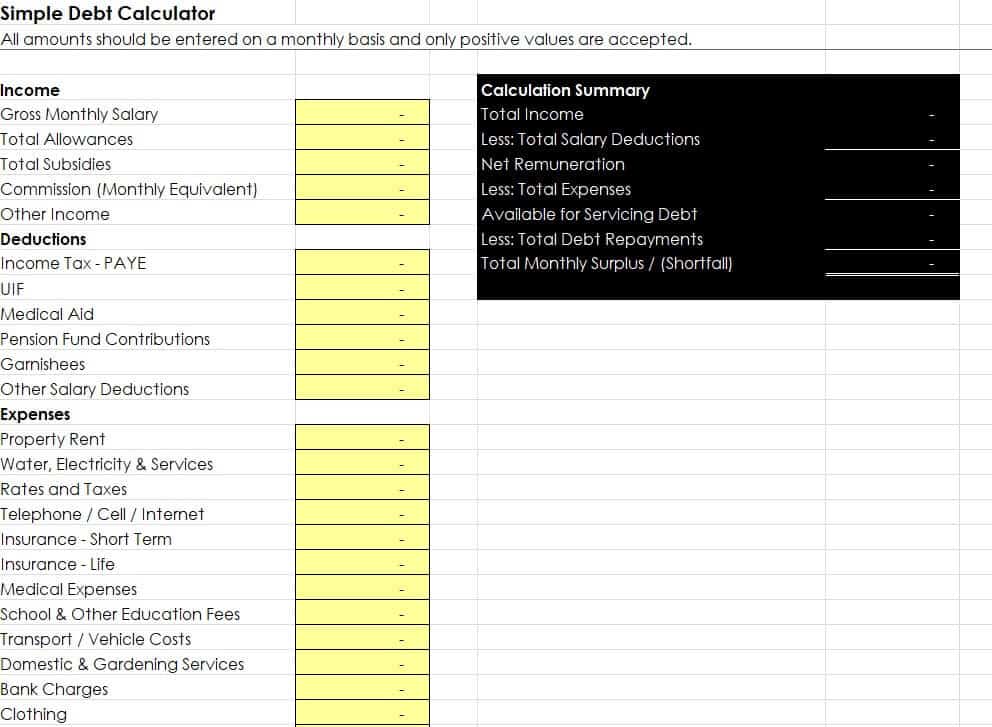
Example Debt Calculation Spreadsheet Template
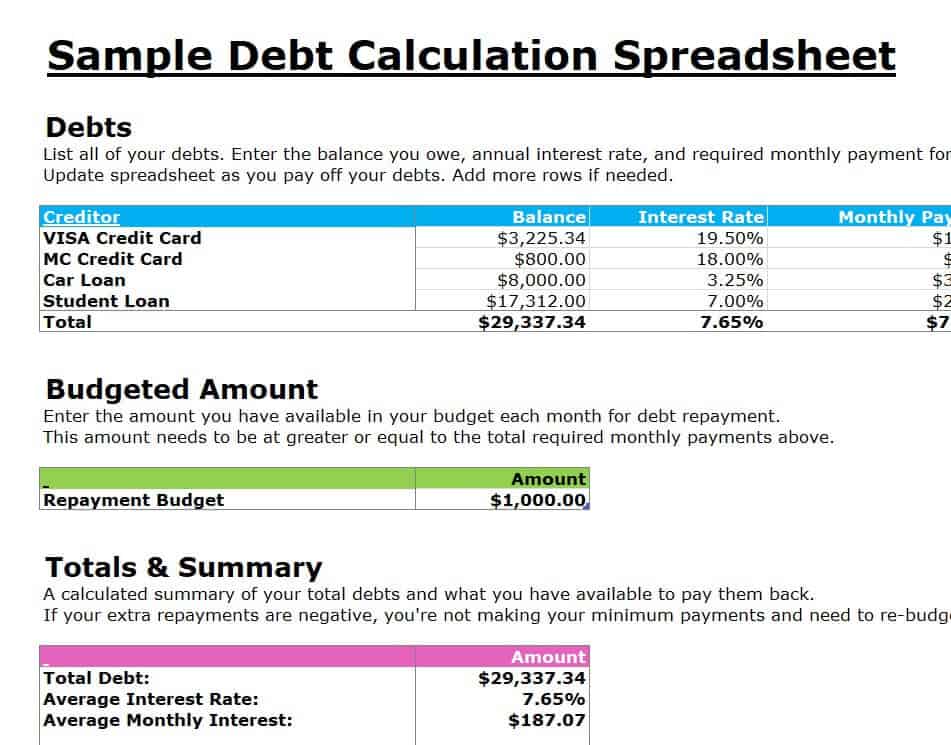
Model Debt Reduction Calculator Template
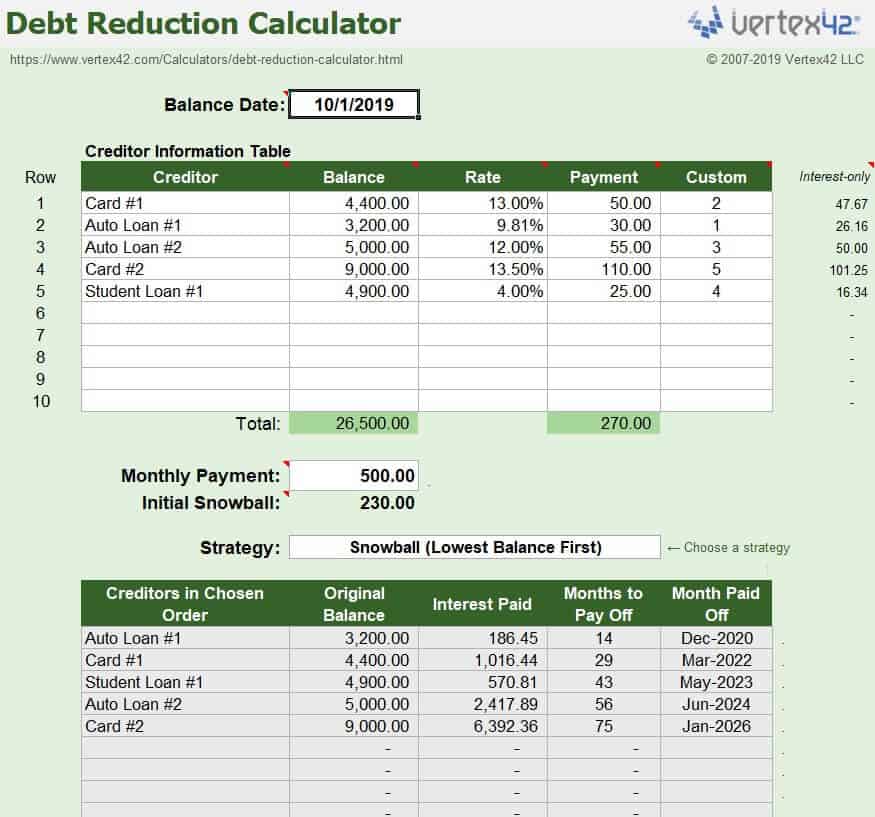
Interest Only Loan Calculator Template
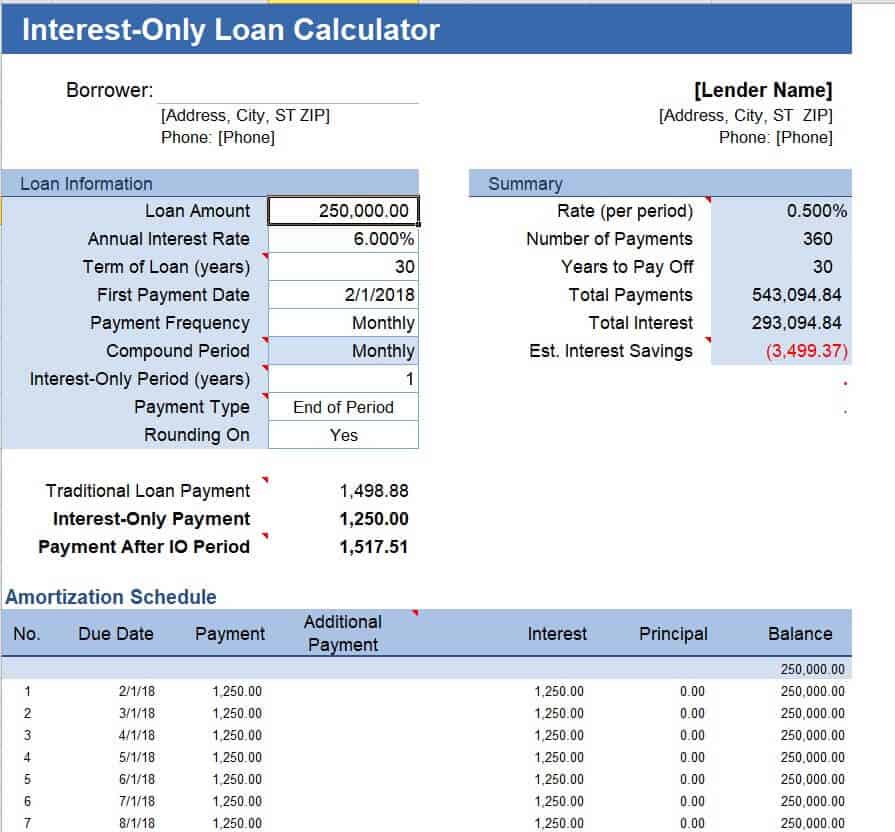
Consumer Debt Calculator Template
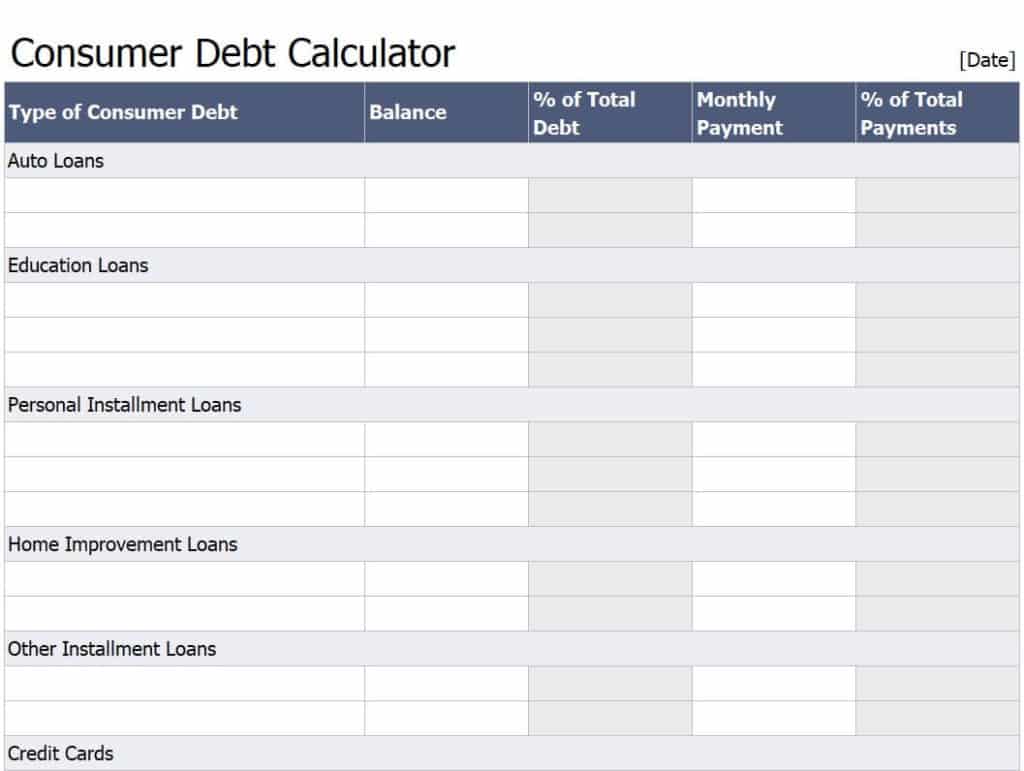
Free Printable Debt Calculation Manager Template
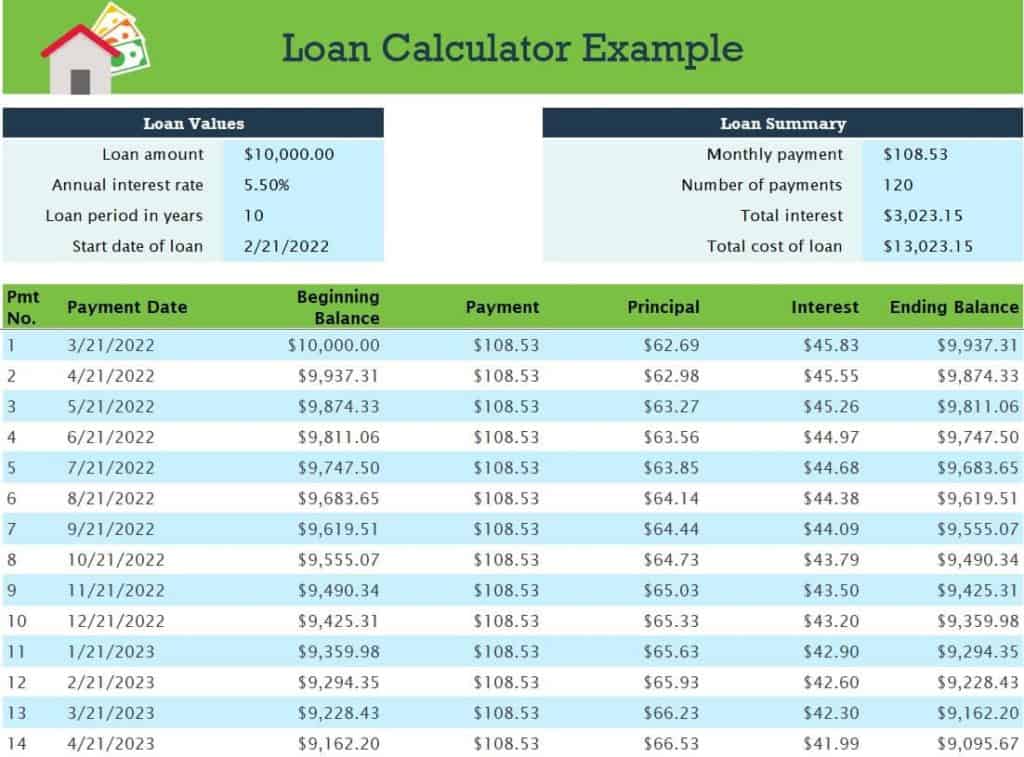
Detailed Loan Calculator Example Template
How to use the debt calculator spreadsheet
Step 1. Enter current balances and the relevant interest and payment assumptions. Compare a smallest-balance-first approach with debt snowball spreadsheets.
Step 2. Test the normal payment and an affordable alternative. Review payment-by-payment loan balances using amortization schedules.
Step 3. Update the projection with actual statement figures and investigate differences.
Compare scenarios using the same starting date, balance, and interest basis. Otherwise a shorter payoff estimate may come from a changed assumption rather than a better payment strategy. Keep the planned extra payment separate so you can test what happens when it is reduced or paused.
Reconcile with actual lender information after payments post. Minimum-payment formulas, introductory rates, fees, and daily interest can make a simple spreadsheet diverge from the account. The useful outcome is a clearer view of assumptions and options, not a prediction presented as certain.
Example and checks
Increasing a monthly payment may shorten repayment, but the result depends on interest, fees, and how the lender applies extra payments.
Do not use a projected payoff date as a guarantee. A simple monthly model may differ from daily interest calculations or promotional terms. Check payment affordability in budget worksheets.
Frequently asked questions
Why might the result differ from my statement?
Interest timing, fees, rounding, variable rates, or payment application may differ from the model.
Can I compare repayment strategies?
Yes, when each scenario uses the same starting balances and clearly stated payment assumptions.

You must be logged in to post a comment.