
An Excel checkbook register tracks account transactions and a running balance. It is useful for checking payments and deposits against the bank’s records.
Choose a register with dates, descriptions, payment and deposit columns, and a cleared-status field. Use one account per register unless accounts are clearly separated.
Template previews and downloads
Checkbook Register Excel Template
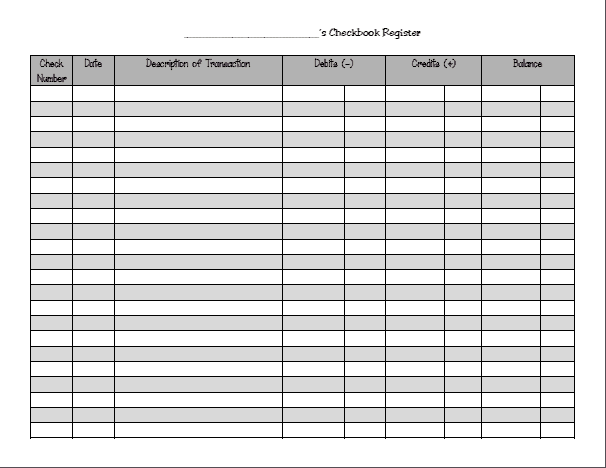

Account Checkbook Register Sample
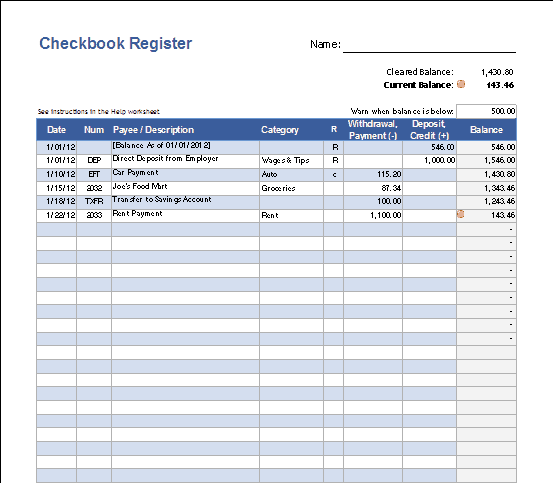
Checkbook Register Editable Free
Check Register For Personal Account
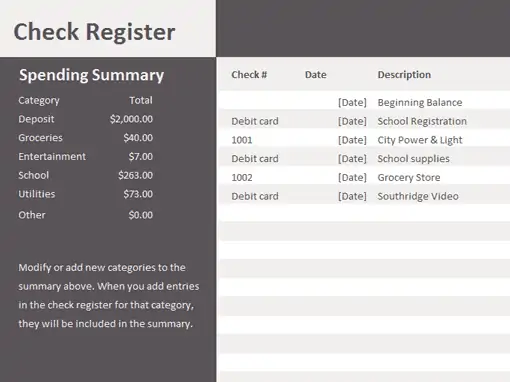
Check book Register Example
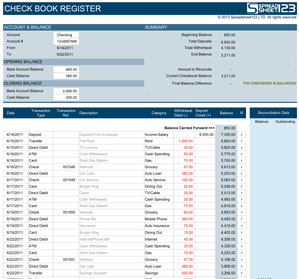
Check Register Printable Free
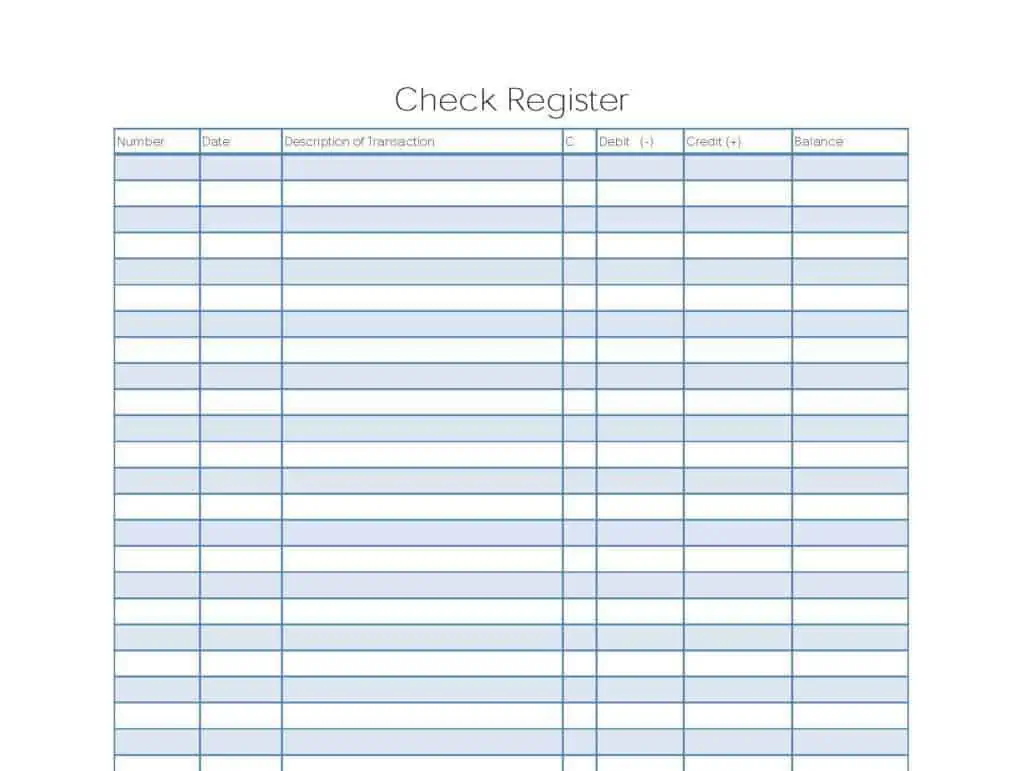
MS excel Checkbook Register
Checkbook Register Free Template
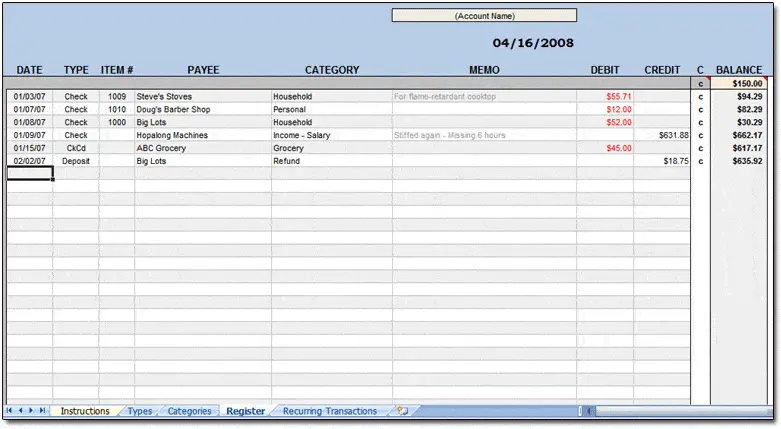
How to use the Excel checkbook register
Step 1. Enter the verified opening balance. Connect reconciled transactions to bookkeeping templates.
Step 2. Record deposits and payments once, using a reference for each transaction. Classify business entries using general ledger templates.
Step 3. Mark cleared items during reconciliation and investigate unmatched entries.
Use separate fields for the transaction date and cleared status. An issued payment can reduce the register’s available balance while still being absent from the latest statement. Keeping uncleared items visible makes reconciliation easier than repeatedly changing the opening balance.
When a difference appears, compare entries for omitted fees, duplicated deposits, incorrect amounts, and timing differences. Work from supporting records. A balancing entry without an explanation may conceal the error and make the next reconciliation more difficult.
Example and checks
Starting with 500, a deposit of 200 and payment of 80 produce a register balance of 620.
The register balance can differ from the bank’s displayed balance because some payments have not cleared. Reconcile rather than overwriting the difference. Plan available spending with daily budget templates.
Frequently asked questions
Should pending payments be recorded?
Record committed payments consistently and mark them as uncleared until confirmed.
Can I delete a mistaken entry?
Keep a clear correction trail, especially when the register supports business accounts.

You must be logged in to post a comment.