
A stock management template records receipts, issues, and balances for products or materials. It helps you see what is on hand and which items need attention.
Choose a transaction-based layout when movements need an audit trail. Add item codes, units, locations, and reorder levels that reflect your operation.
Template previews and downloads
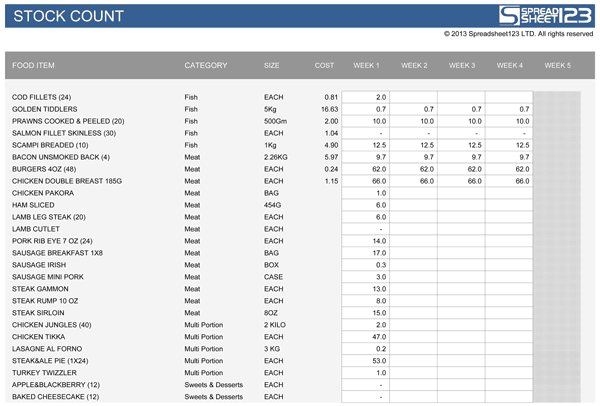
Excel Stock Count Spreadsheet

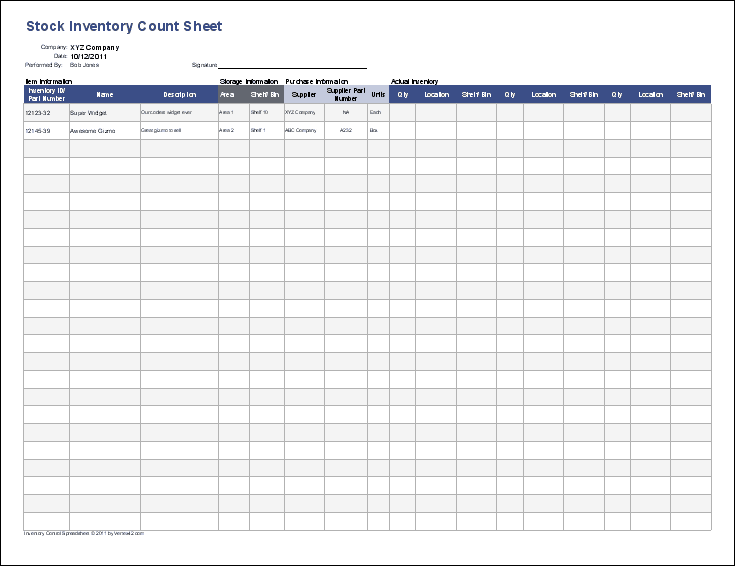
Stock Inventory Count Sheet Template
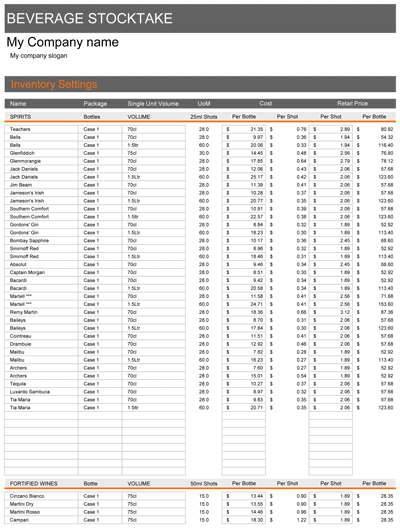
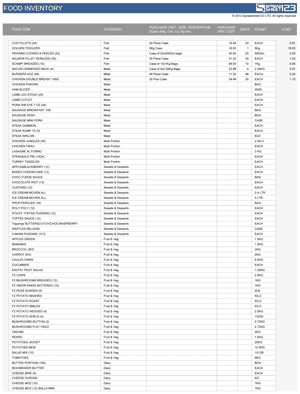
How to use the stock management template
Step 1. Create an item list with unique codes and consistent units. Compare broader item registers in inventory spreadsheets.
Step 2. Enter opening stock, receipts, issues, and adjustments with dates and references. Keep replenishment contacts in supplier lists.
Step 3. Compare calculated balances with physical counts and explain discrepancies.
Keep the item master separate from the movement history when practical. The master contains stable details such as item code and unit; the movement log records dated receipts, issues, and adjustments. This avoids repeatedly overwriting the only explanation for a balance change.
Physical counts are most useful when count dates and locations are clear. Stop or account for stock movements during the count, record discrepancies, and require an explanation for adjustments. Negative balances can signal late data entry, incorrect units, or a missing receipt rather than an actual negative quantity.
Example and checks
Opening stock of 50 units plus 20 received minus 15 issued leaves 55 units. A physical count of 53 needs investigation and an authorized adjustment.
Do not mix boxes and individual pieces without a conversion. A stock count and a stock valuation are different tasks. Compare replacement products using product comparison templates.
Frequently asked questions
Can one product have several locations?
Yes. Track location as a separate field so balances remain meaningful.
Does the template reorder automatically?
A reorder flag may be possible, but purchasing still needs checking and approval.

You must be logged in to post a comment.