
A weekly schedule template gives tasks and appointments a place in the coming week. It works best when fixed commitments are entered first and the remaining time is assigned realistically.
Use an hourly grid for meetings and shifts, or a daily task list for work that has flexible timing. Choose a five-day or seven-day week that matches your routine.
Template previews and downloads
Practical Weekly Schedule Template
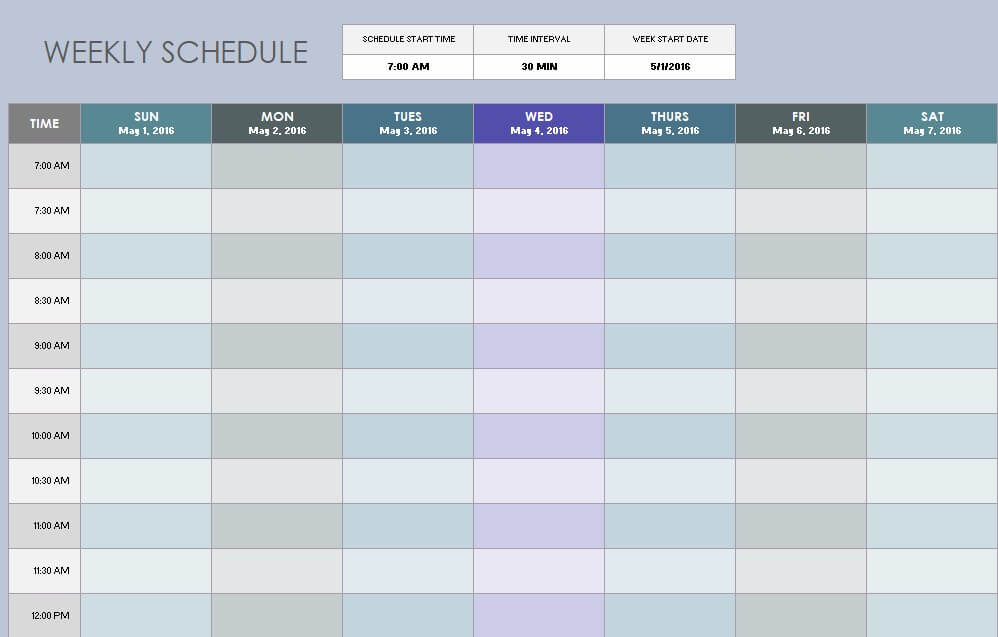
Sample Weekly Schedule Template
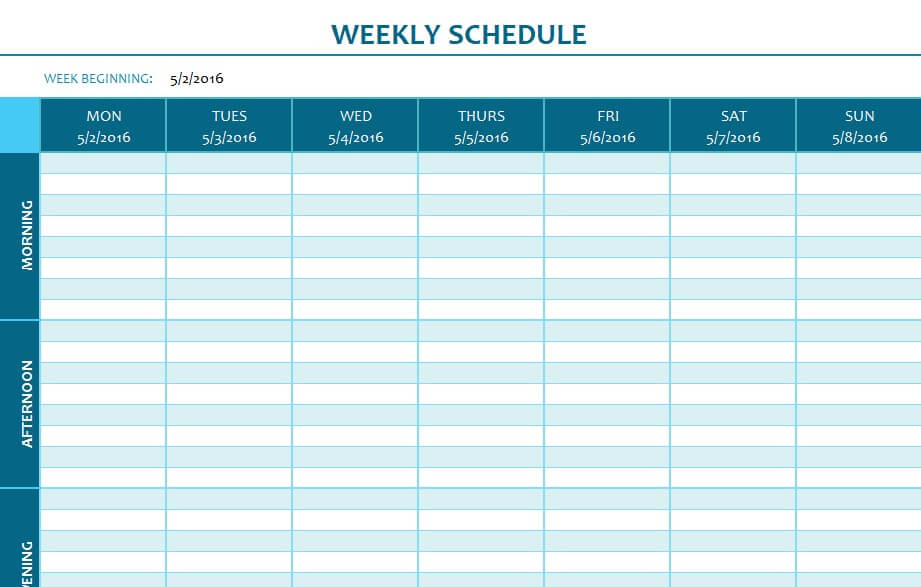
Weekly Shift Schedule Template Excel
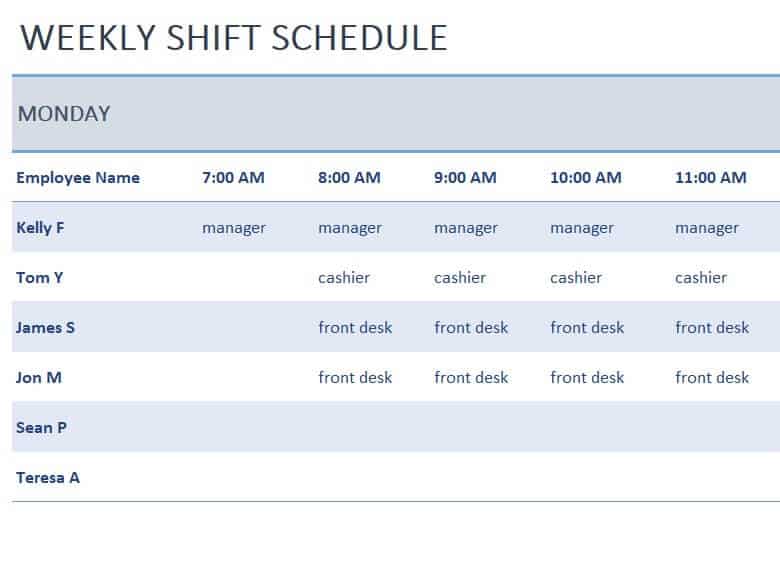
Editable Weekly Task Schedule Template
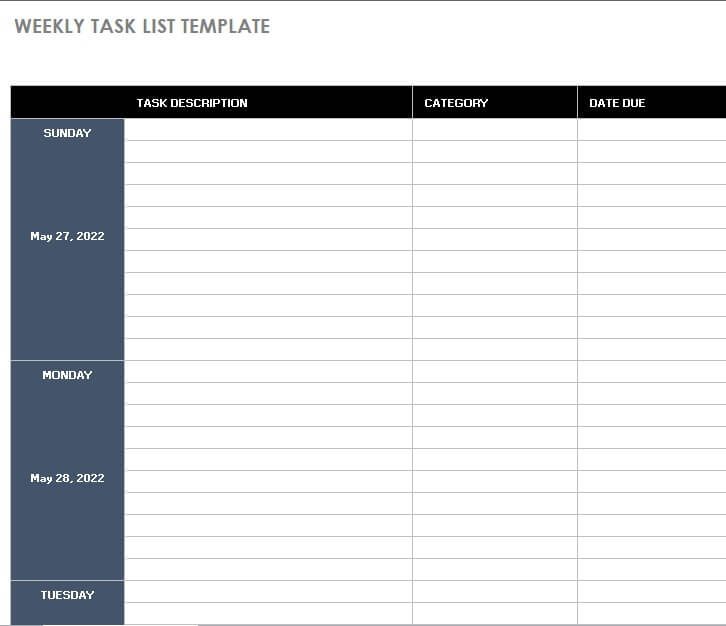
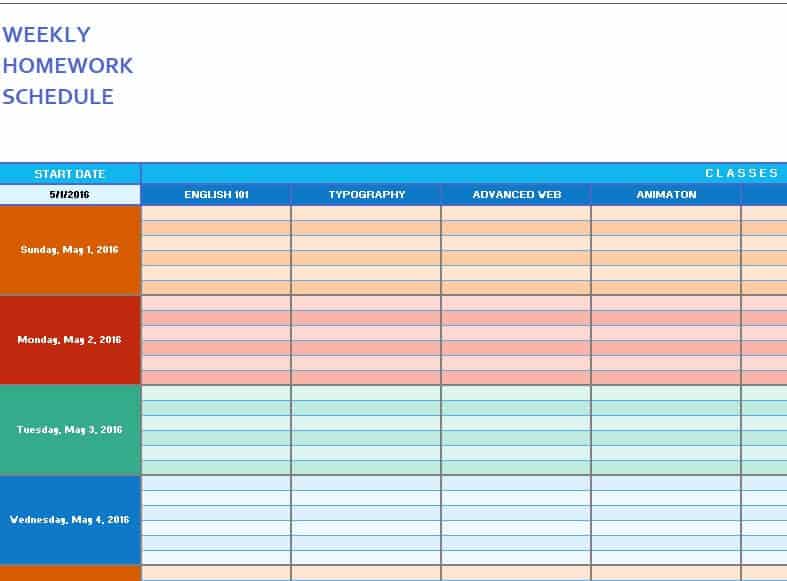
Weekly Homework Schedule Template
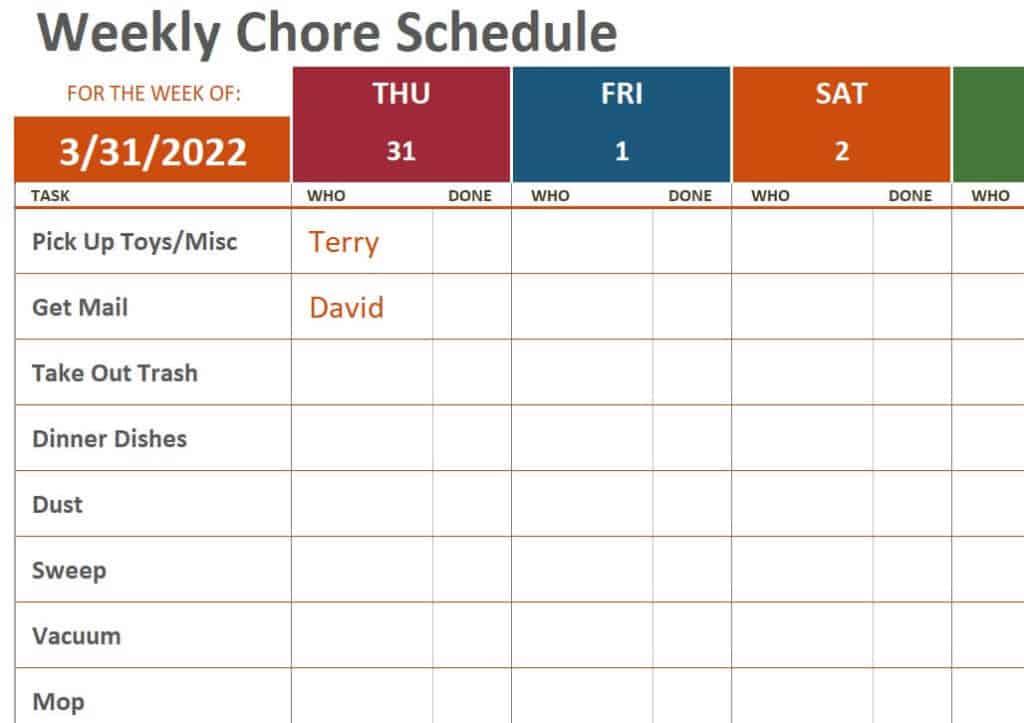
Printable Weekly Chore Schedule Template
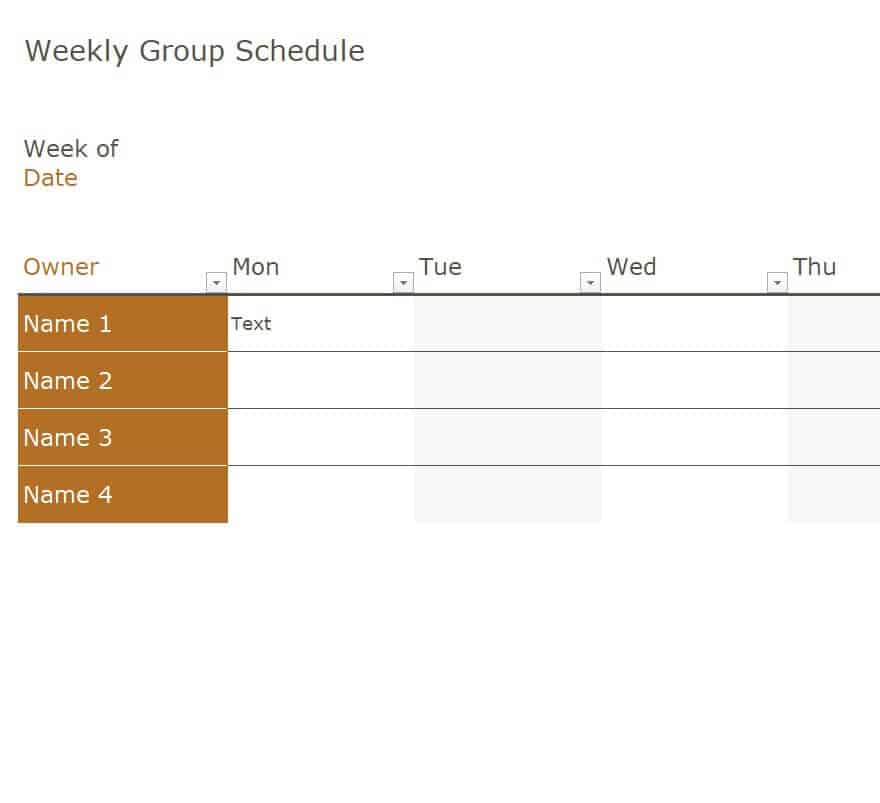
Weekly Group Schedule Excel Template
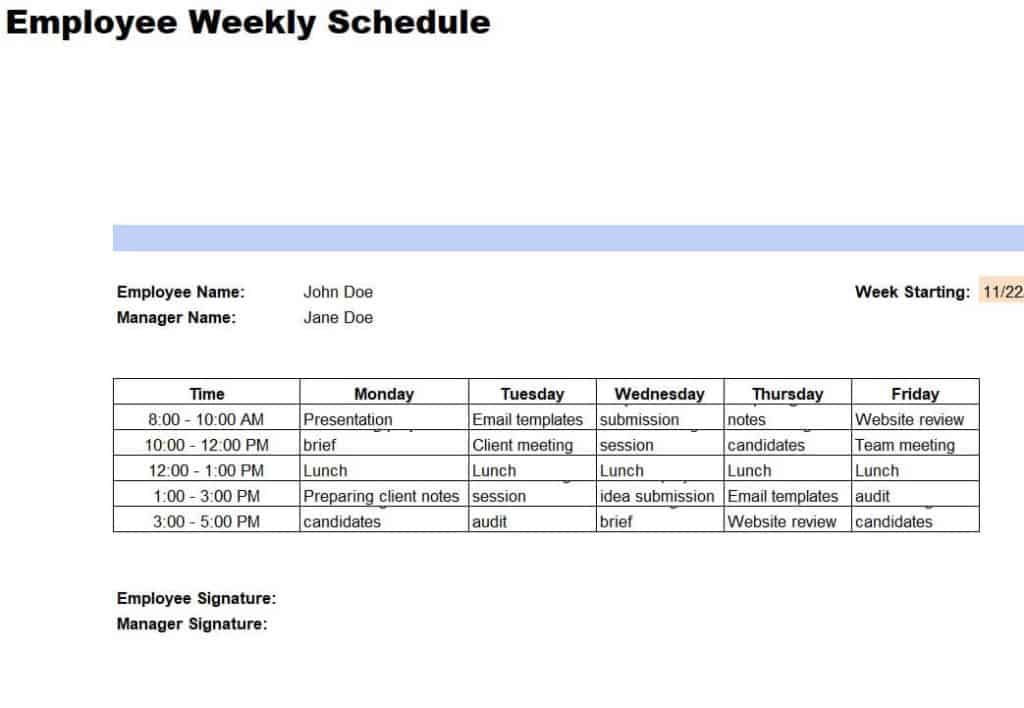
Employee Weekly Schedule Sample Template
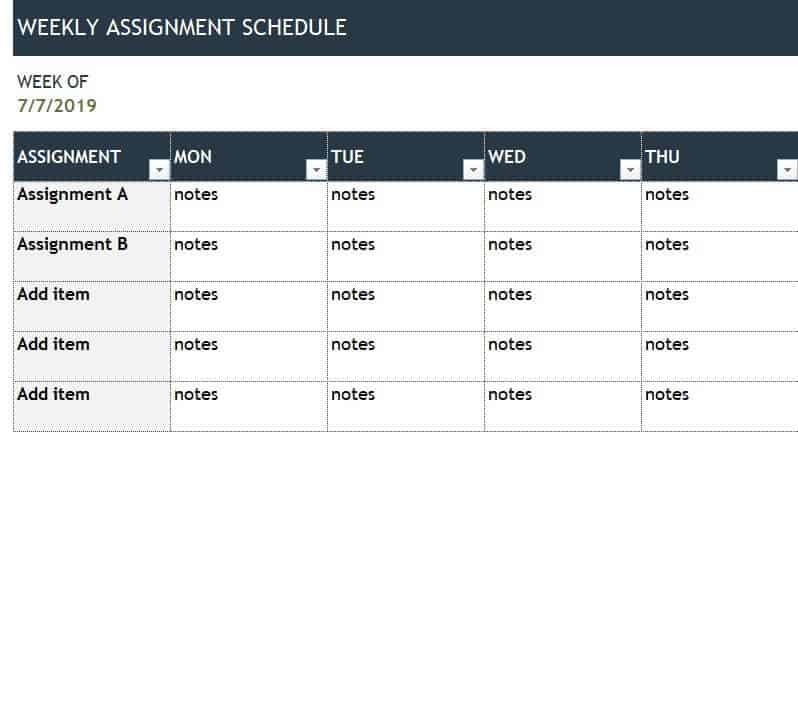
Weekly Assignment Schedule Template
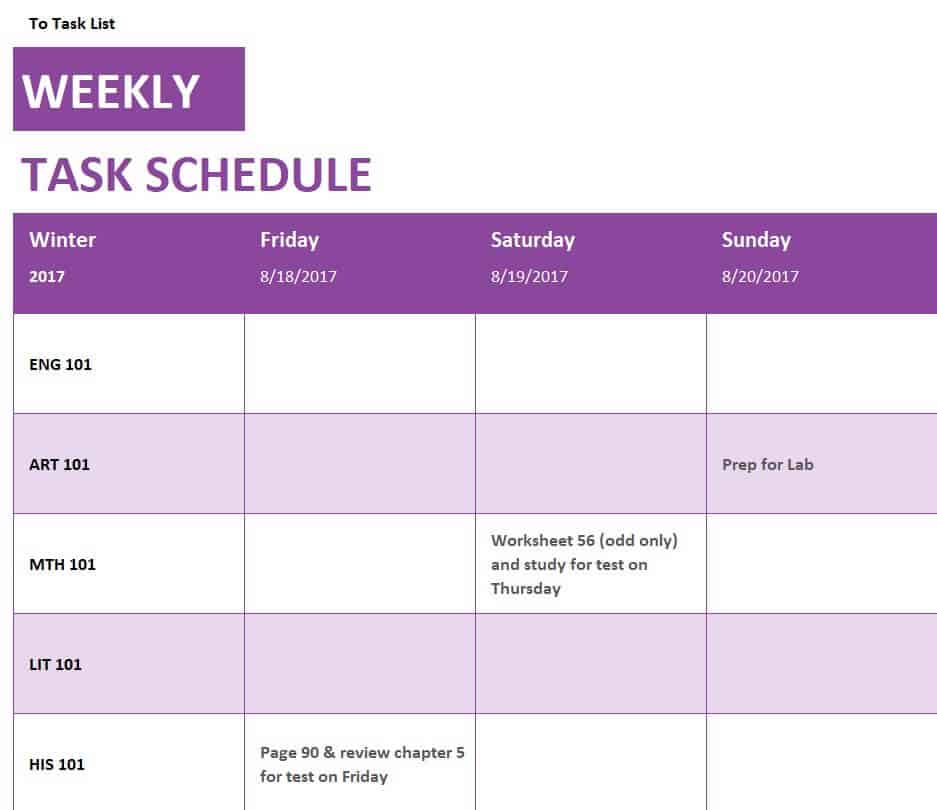
Example Weekly Task Schedule Template
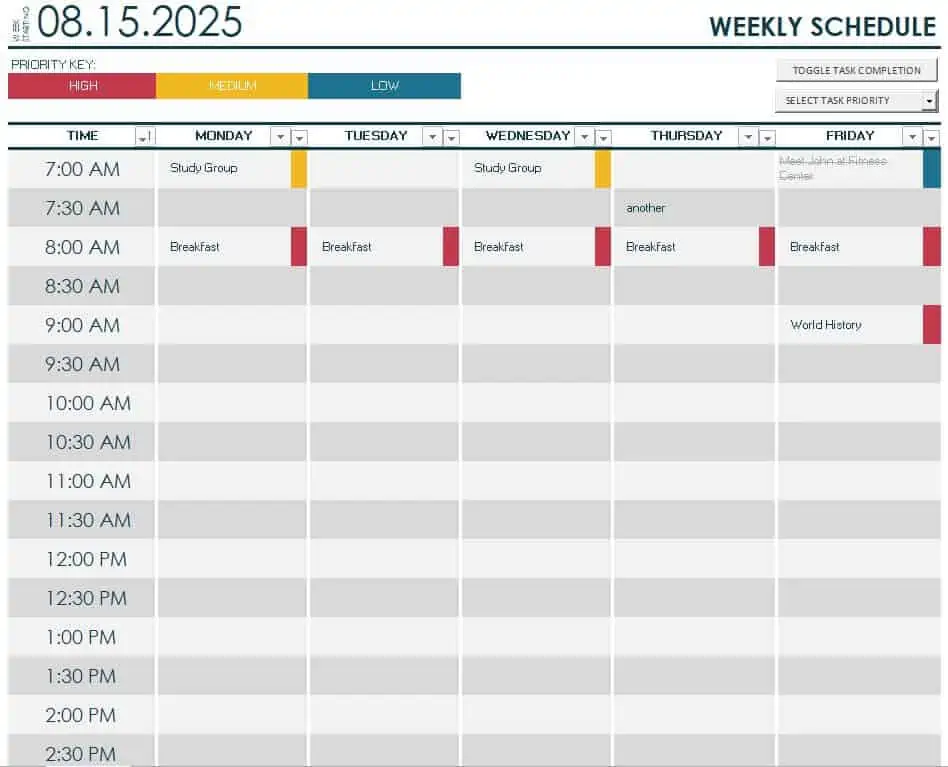
Online Weekly Schedule Template
How to use the weekly schedule template
Step 1. Enter fixed appointments, working hours, and personal commitments. Break a busy day into timed assignments using daily work schedules.
Step 2. Estimate task durations and put the most important work into available blocks. Keep flexible tasks in to-do list templates.
Step 3. Leave room for delays and review unfinished work before planning the following week.
Keep deadlines distinct from the time allocated to complete the work. A report due Friday may need several sessions earlier in the week. Put preparation and follow-up beside meetings when those activities require time, rather than treating the meeting itself as the entire commitment.
For a team schedule, identify an owner and a handover point. Check that a person is not assigned to two overlapping activities and that required equipment is available. If a shared schedule changes, agree which version is authoritative so people do not work from conflicting copies.
Example and checks
A two-hour report cannot fit into a 30-minute gap between meetings. Split it into defined stages or reserve a longer block instead of overcrowding the schedule.
A schedule reduces forgotten tasks but cannot guarantee that nothing will be missed. Check workloads and deadlines when circumstances change. Use daily checklists for recurring routines.
Choose a weekly view for the decisions you make
A weekly schedule should help you allocate the time available across a defined week. Decide whether you need an hourly calendar, a daily task overview, a staff assignment sheet, or a combination. These views are related but not interchangeable. A meeting-heavy week benefits from visible time blocks, while flexible work may need a clearer task and priority view. Choose the template according to the work pattern rather than assuming the most detailed grid will always be easiest to use.
Label the week with dates and use a five-day or seven-day view that matches your commitments. A schedule copied from an earlier week can retain old date labels even when the tasks have changed. If several people use the same sheet, identify the person or team associated with each assignment. Keep one current master for shared work and decide how changes are communicated. The schedule should reduce uncertainty rather than create competing versions of the plan.
Enter fixed commitments before flexible work
Start with meetings, shifts, appointments, travel, and other commitments that already have a time. Include preparation and transition time where they use meaningful capacity. A meeting lasting one hour may also require reading beforehand and follow-up afterward. If those activities are omitted, the week can look available on paper while the real workload is already full. The template should represent the actual constraints on the plan.
Once the fixed pattern is visible, identify realistic blocks for flexible work. Do not fill every gap automatically. Some intervals may be too short for a particular task or may need to remain available for ordinary interruptions. Keep the distinction between available time and time suitable for concentrated work. A useful weekly plan allows the person responsible to make deliberate choices instead of treating every blank cell as a promise that another task can fit.
Translate priorities into specific work blocks
Choose priorities from actual commitments and consequences rather than marking every item urgent. Break large work into actions that can be estimated and reviewed. A label such as annual report may be too broad for a single block, while draft the results section gives the session a clear purpose. Keep the full project detail in an appropriate task record and use the weekly schedule to identify when the relevant work will happen.
Estimate the duration and check that the action fits the chosen block. If an activity is likely to take two hours, a thirty-minute opening does not make it feasible. Split the work deliberately or reserve a longer period. Record any dependency that could prevent the session from starting, such as a missing input or required approval. This helps distinguish a scheduling problem from a task that is not yet ready to be worked on.
Coordinate people, resources, and handovers
A team schedule needs more than colored cells. Identify who owns each assignment and whether another person or resource is required. Two tasks may fit on different rows while still needing the same employee, room, or equipment at the same time. Review those conflicts before treating the schedule as agreed. The layout can reveal the issue, but someone must make a decision about priorities or resources.
Make handovers visible when one person’s output enables another person’s work. Include the relevant deadline and what is expected at that point. An assignment described as finished can still leave the next person waiting for information or access. Use a short note or reference rather than crowding the schedule with full instructions. A clear handover makes the weekly plan a coordination tool instead of a collection of individual intentions that do not connect.
Allow for changes without hiding the impact
Unexpected work and changed priorities can affect the week. When a new commitment arrives, identify what it displaces or whether additional capacity is genuinely available. Adding every urgent item without revising the old plan creates an increasingly unrealistic schedule. Communicate affected commitments and record the current decision. The template should make the tradeoff visible rather than preserve a plan that nobody can actually complete.
Keep the original commitment identifiable where comparison matters. A revised date may be reasonable, but silently moving unfinished work every week can hide a recurring problem. Review why the work did not happen: the estimate may be too small, the time block unreliable, or the action unclear. A useful schedule supports learning about those patterns. It should not become a ritual of copying every unfinished entry into the next empty column.
Review the week at useful points
A short review near the beginning of the week can confirm fixed commitments, priorities, and missing information. A midweek check can address changes before every remaining task is pushed into the final day. The appropriate rhythm depends on the work, but the review should lead to decisions. Reading the sheet aloud without clarifying next actions does not necessarily improve coordination.
At the end of the week, distinguish completed work, work still in progress, waiting items, and tasks no longer needed. Move or revise each remaining item deliberately. Record a specific next action instead of carrying forward a vague project label. If the schedule supports a team, confirm ownership and any revised handover. These checks allow the next week to begin from the current position rather than from an outdated copy of what everyone hoped to do.
Keep the layout practical in daily use
Check readability at the size and format you will use. A detailed spreadsheet may work well on a large screen but poorly on a phone or printed page. Use concise labels, clear dates, and a limited color scheme. Important distinctions should remain understandable in black and white. If the file includes totals or workload summaries, verify their ranges after adding rows or changing the number of people.
Save the clean template separately and retain completed schedules only where they serve a useful purpose. Use appropriate access for personal or commercially sensitive details. Remove unused fields and improve labels that repeatedly cause confusion. A reliable weekly schedule combines realistic capacity, clear actions, visible dependencies, sensible flexibility, and a review habit. Those practices help the template support actual work instead of becoming a neat display of commitments that exceed the time available.
A realistic example of revising a busy week
Suppose a person plans two substantial drafting sessions, several meetings, and routine support work. An urgent request arrives that will use most of one drafting block. The weekly schedule should make the effect visible. The person can then decide whether the original task moves, its scope changes, or another commitment is renegotiated.
Simply adding the urgent request to a full day does not create the missing time. The review needs a specific decision and, where relevant, communication with the person expecting the displaced work. A revised schedule should show the current commitment rather than preserve the original date as if nothing changed.
At the end of the week, the person reviews why the interruption was difficult to absorb. Perhaps every available interval had been committed, or the drafting task was too broad to divide. The next plan can use a more realistic capacity estimate and clearer actions.
If a team is involved, the same review checks handovers and shared resources. Moving one person’s task may affect someone else’s planned start. The useful outcome is an agreed sequence with identifiable owners, not a collection of independently moved cells.
This example treats the schedule as a working decision tool. Its purpose is to connect priorities with actual capacity and to show the consequences of change. A plan remains useful when it is updated honestly and reviewed, rather than judged only by how complete it looked at the beginning of the week.
Frequently asked questions
How much detail should a weekly plan contain?
Include the commitments and tasks that affect your available time; keep supporting notes elsewhere.
What should happen to unfinished work?
Review its deadline and priority before moving it, rather than copying every task automatically.

You must be logged in to post a comment.