
A daily checklist template records repeatable actions and whether they have been completed. It works well for routines that need a simple confirmation rather than a timed appointment.
Choose a short checklist with clear action verbs. Add an owner or evidence field when completion must be reviewed by someone else.
Template previews and downloads
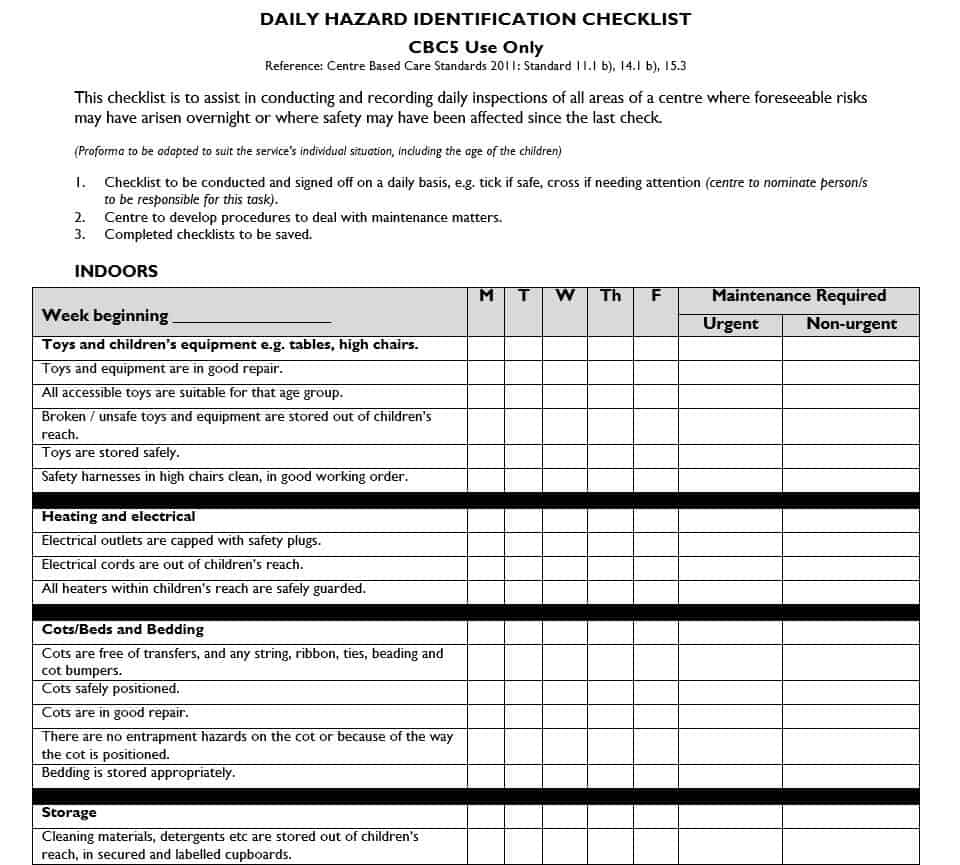
Daily Hazard Identification Checklist Template
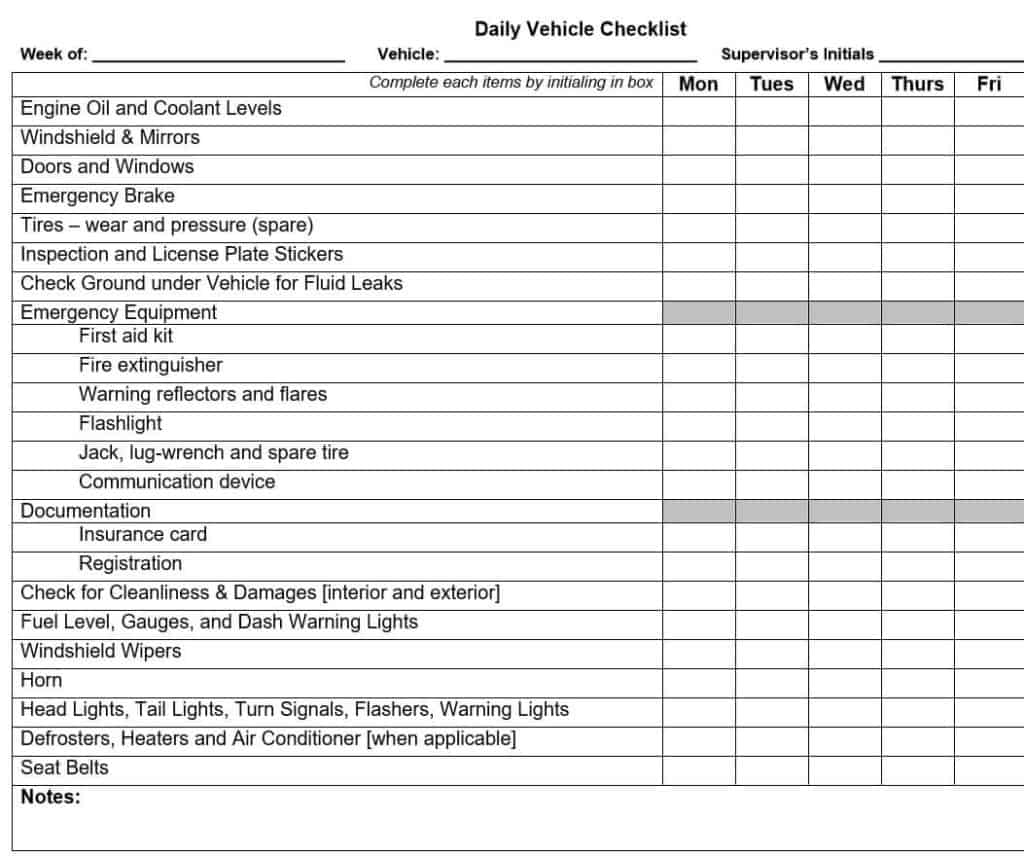
Daily Vehicle Checklist Template PDF
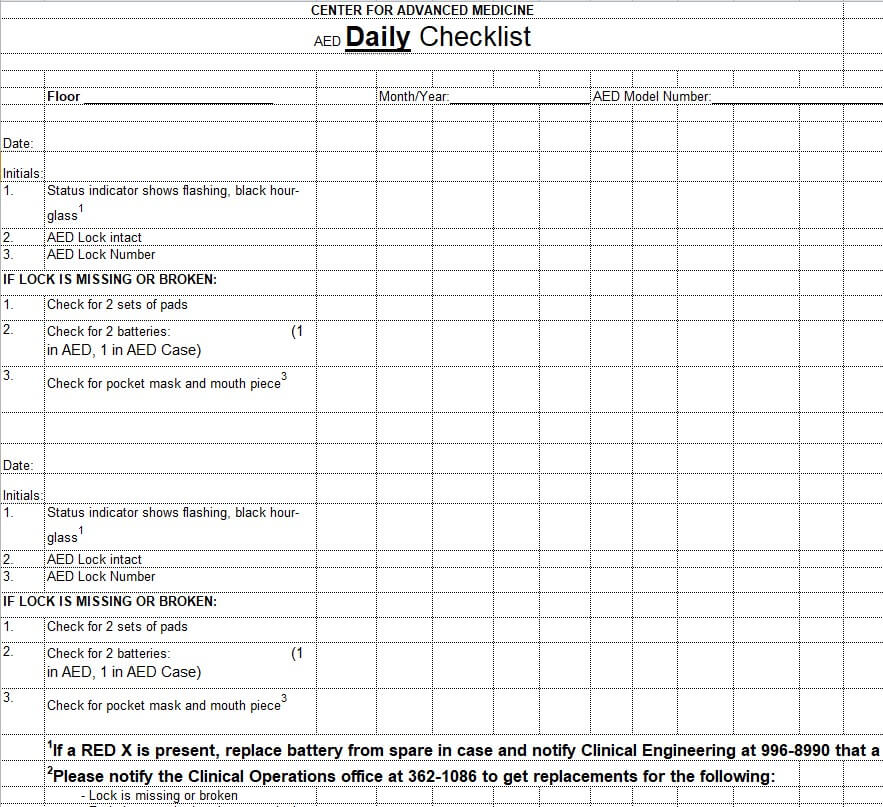
Sample Daily Checklist Template EXCEL
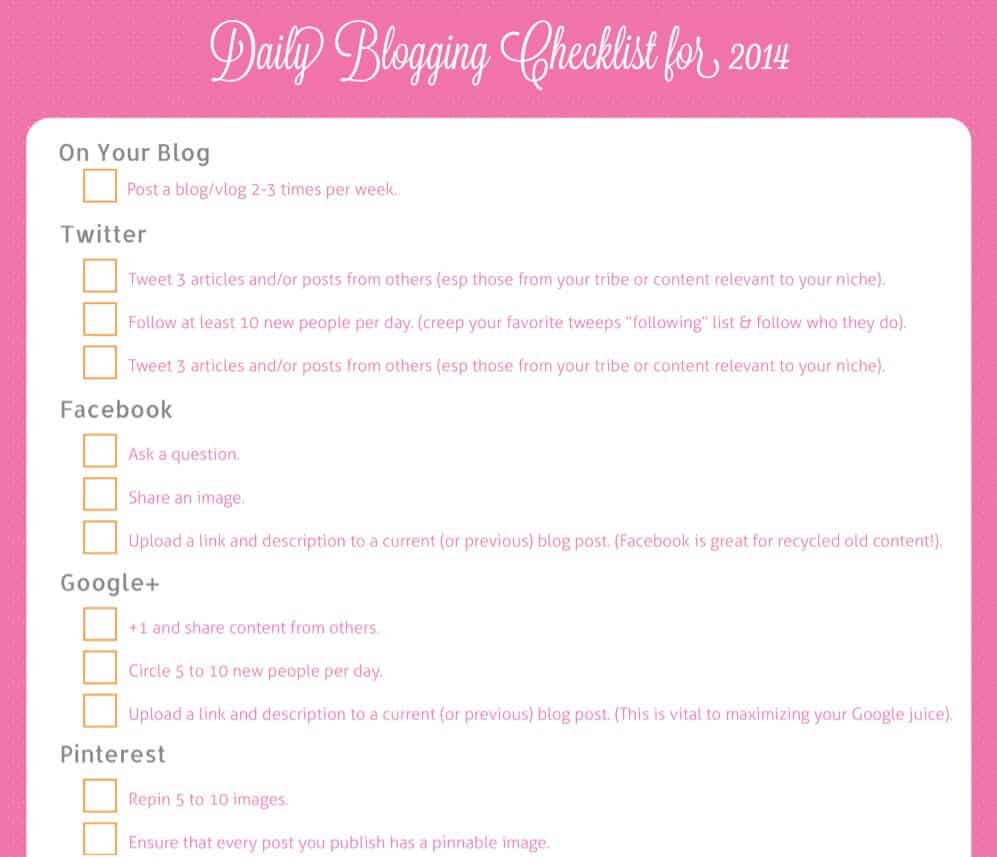
Daily Blogging Checklist Template
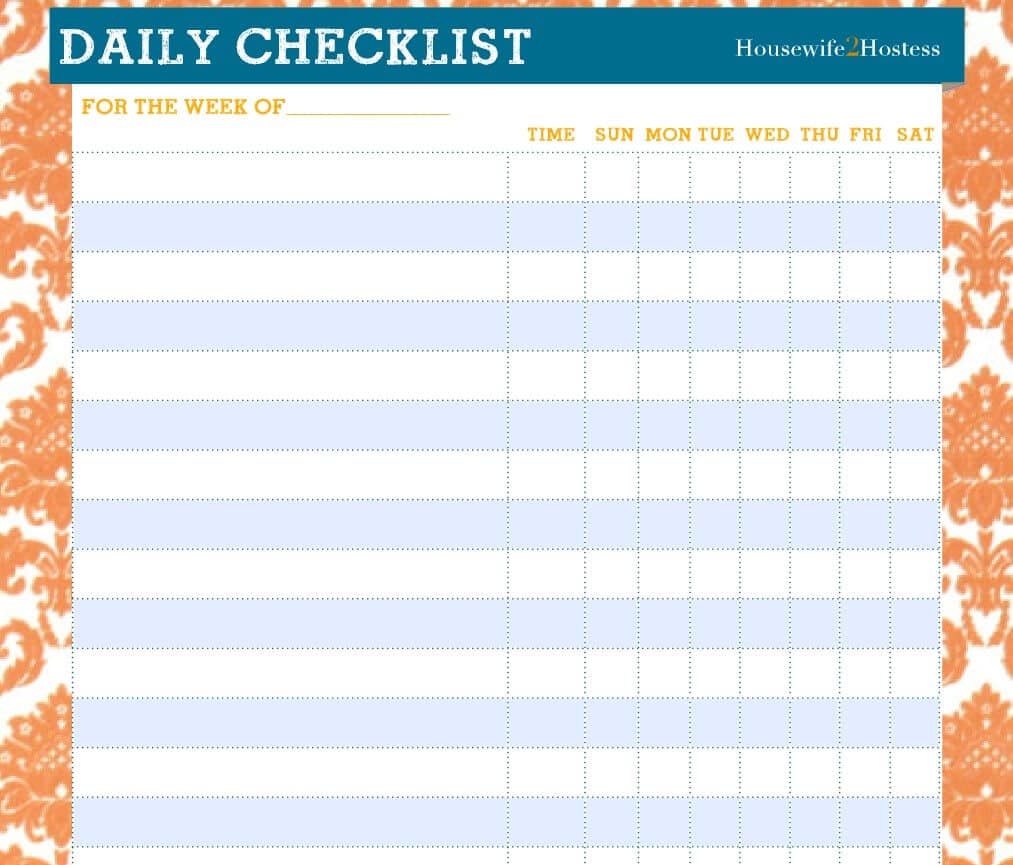
Printable Household Daily Checklist Template
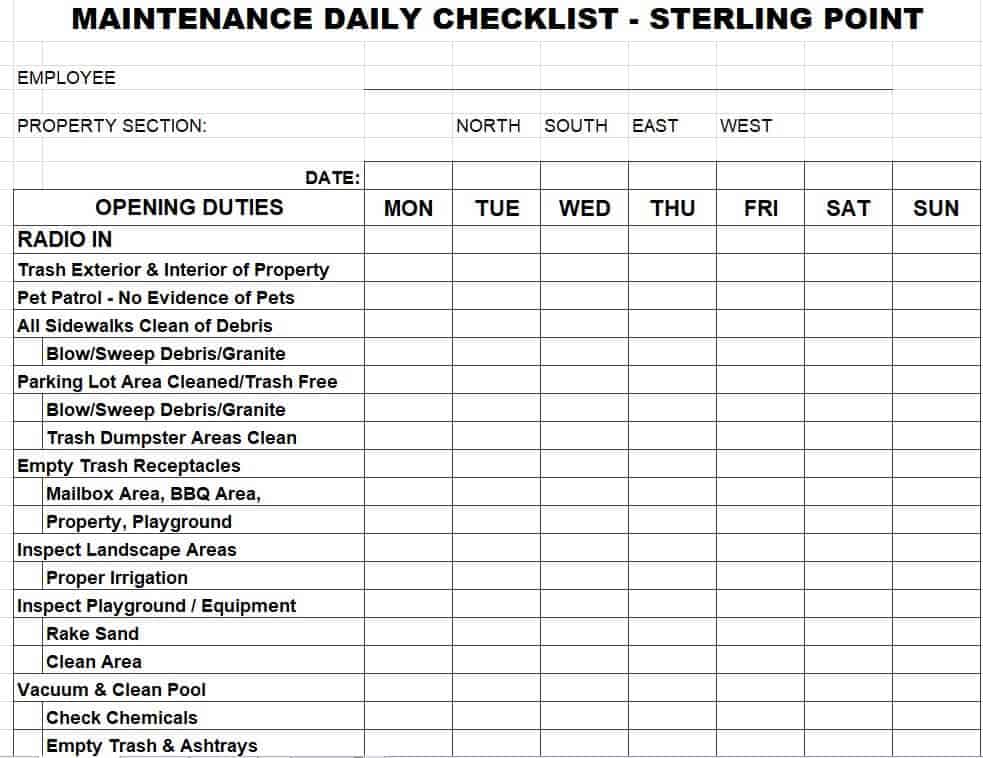
Maintenance Daily Checklist Excel Template
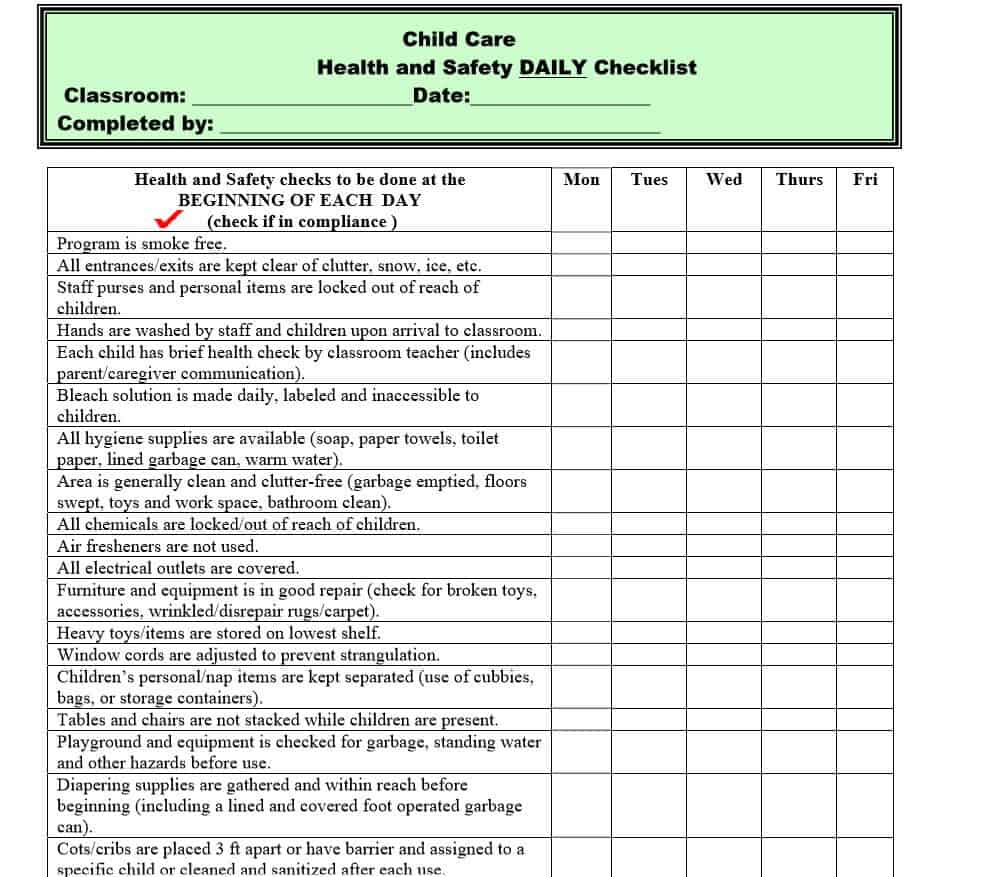
Health and Safety Daily Checklist PDF Template
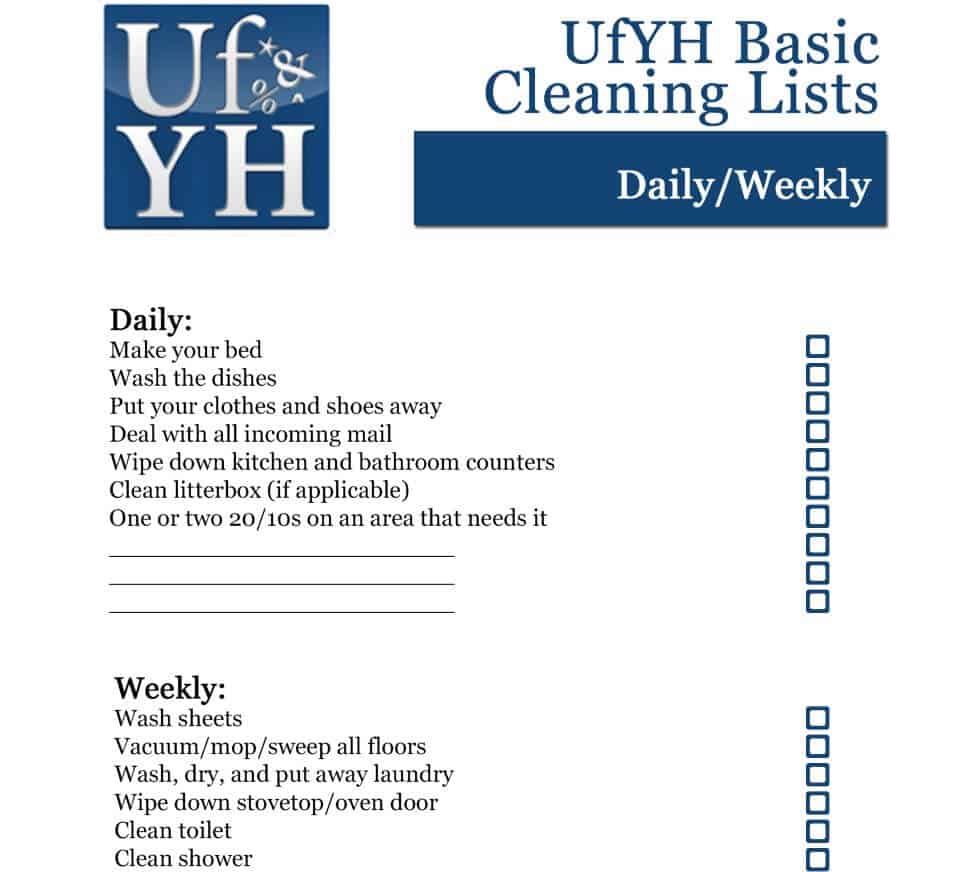
Daily Cleaning Checklist Template Free Printable
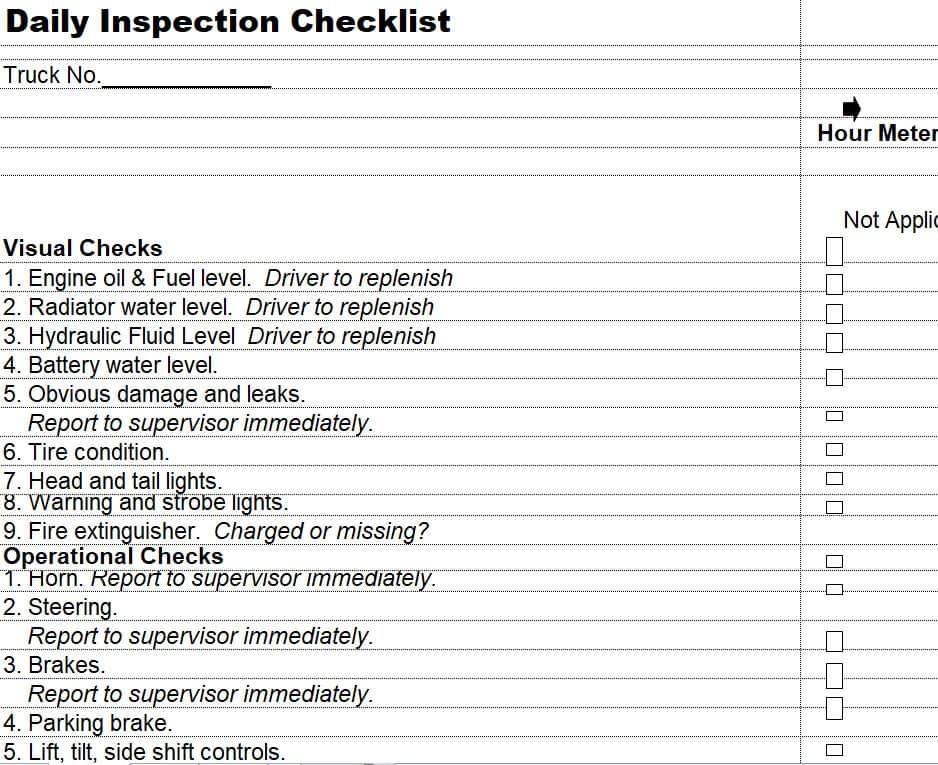
Daily Inspection Checklist Template in XLSX Format
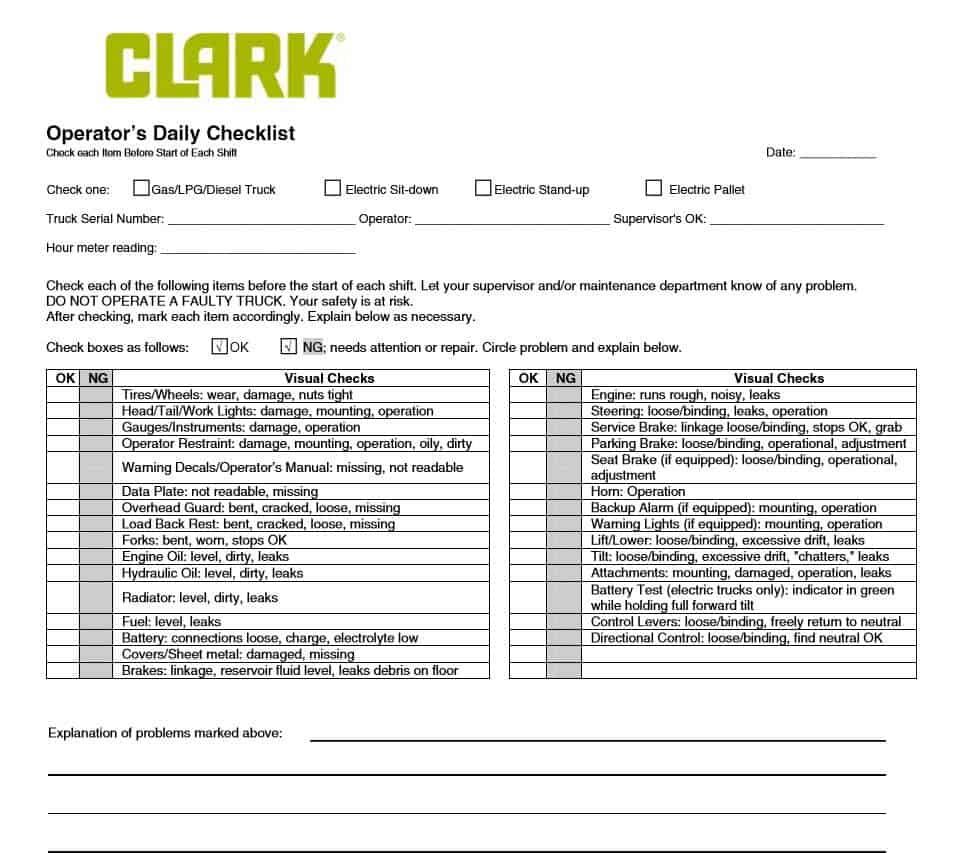
Operator’s Daily Checklist Sample Template
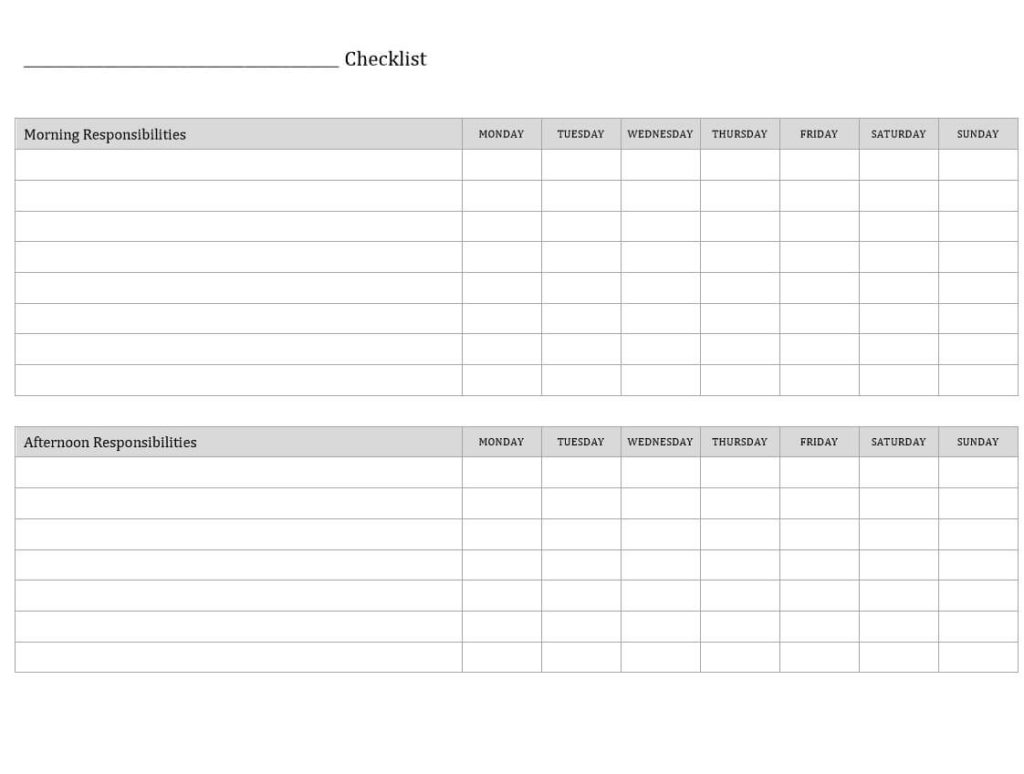
Practical Daily Chores Checklist Template
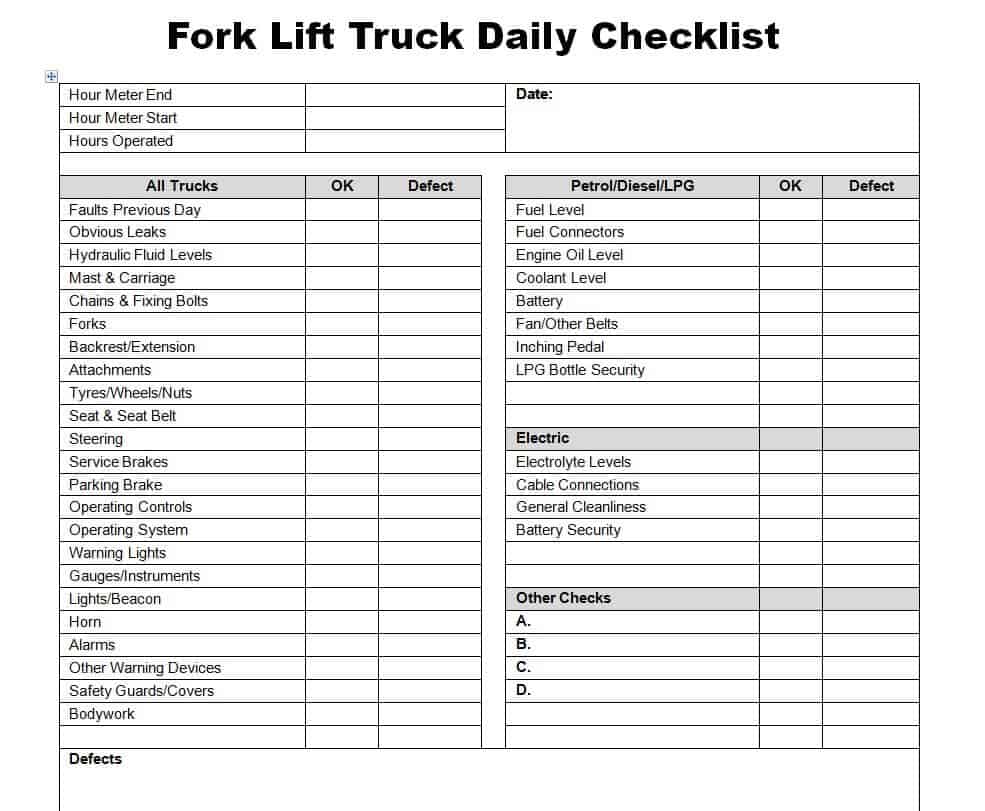
Fork Lift Truck Daily Checklist Template WORD
How to use the daily checklist template
Step 1. List tasks in the order they are performed. Allocate time to activities with daily work schedules.
Step 2. Define what completed means and include a place for exceptions. Manage one-off tasks in to-do lists.
Step 3. Review unchecked items at the end of the day and reset a clean copy for the next cycle.
Write each checklist item so two people would agree on whether it is complete. For example, ‘review yesterday’s unresolved requests’ is clearer than ‘administration.’ If evidence matters, add a reference or note field rather than forcing every exception into a tick box.
For recurring work, distinguish not started, completed, and not applicable. A blank field can otherwise mean several things. Review repeated exceptions and decide whether the routine or responsibility needs to change, instead of copying the same unresolved item indefinitely.
Example and checks
Replace a vague item such as ‘office ready’ with ‘check meeting room equipment’ and ‘confirm visitor appointments.’ Specific actions are easier to verify.
A tick should mean the task was completed, not merely noticed. Record skipped or inapplicable items clearly. Use facility maintenance checklists for building-related inspections and follow-up.
Frequently asked questions
Should every task go on the checklist?
Include important repeatable actions and keep the list short enough to use consistently.
Is a checklist a schedule?
No. A schedule allocates time; a checklist confirms completion.

You must be logged in to post a comment.