
An Excel general ledger template groups transactions by account so balances can be checked and financial reports prepared. It is more detailed than a simple list of cash received and paid.
Choose a layout with account codes, transaction dates, journal references, descriptions, debits, and credits. Opening balances need to match the previous period’s closing records.
Template previews and downloads
Editable Template For Making General Ledger
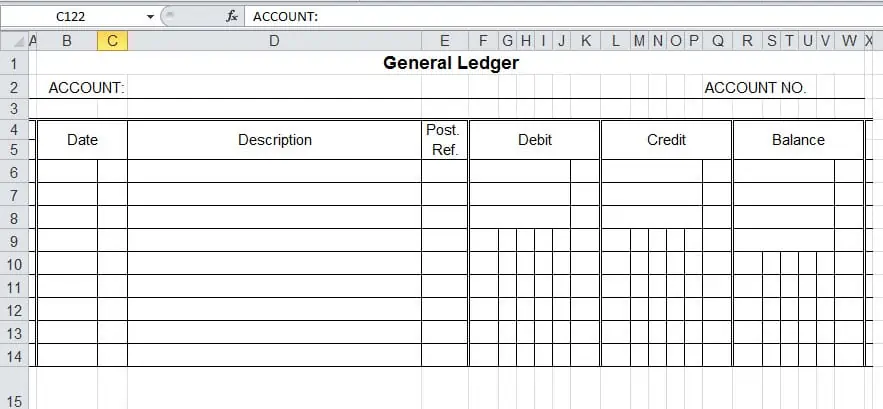

General Ledger Sheet Example
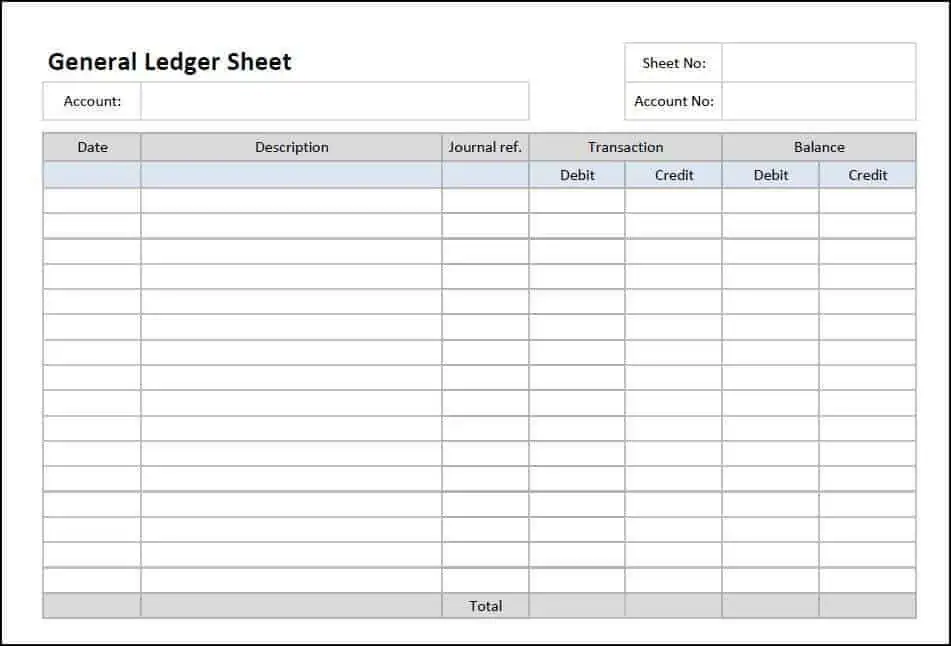
General Ledger Making Guide
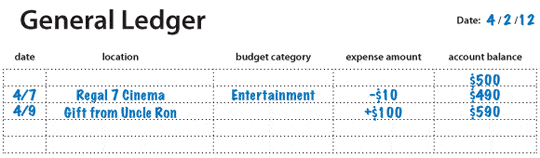
General Ledger Sheet Template
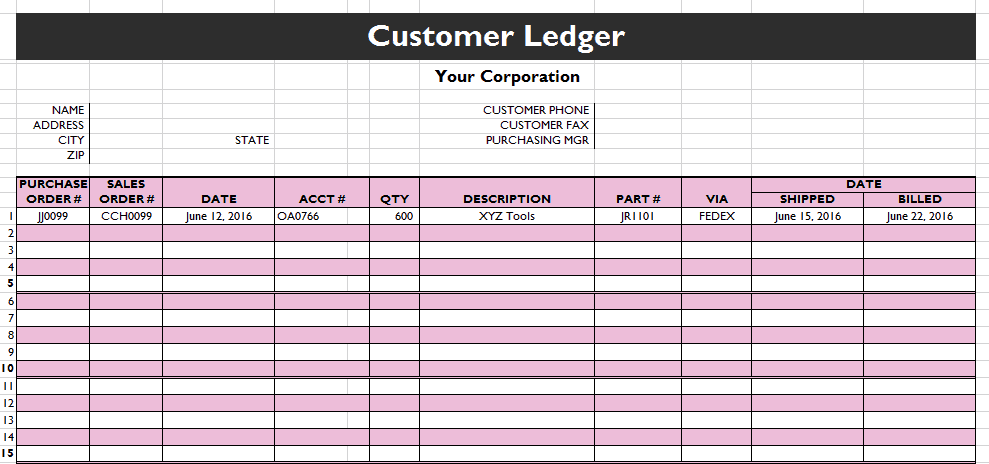
General Ledger Templates Examples:
General Ledger Excel Template
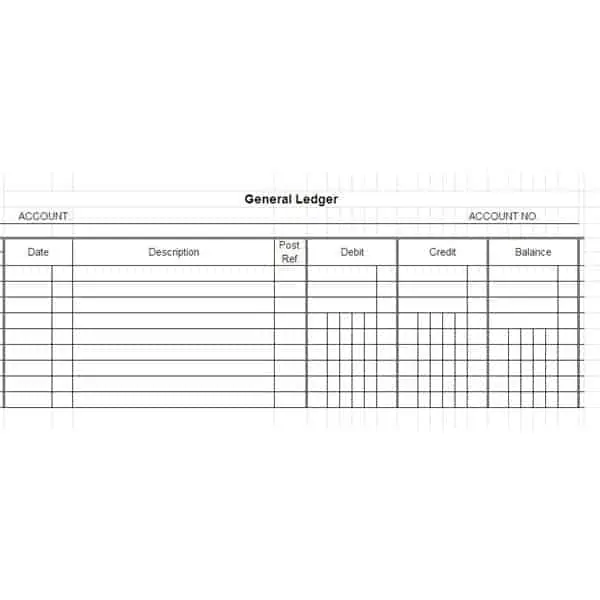
Ledger For Accounts Payable
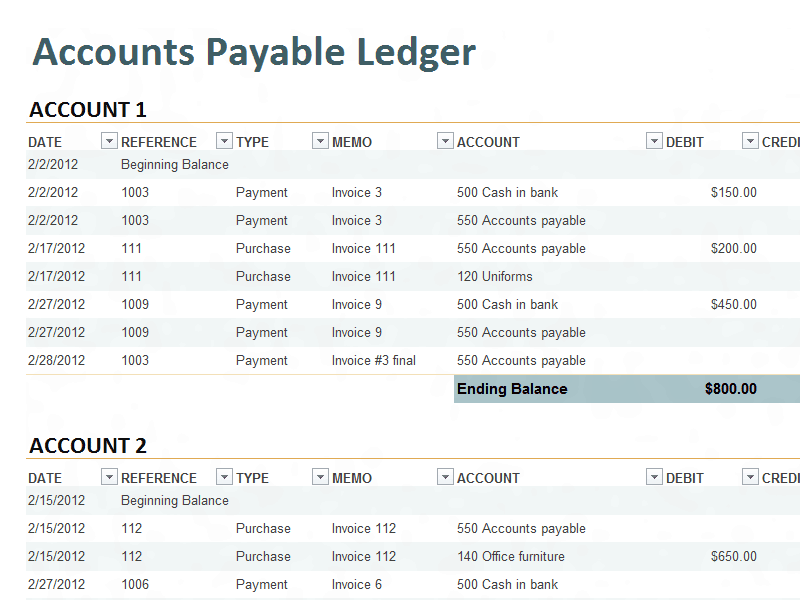
General Ledger Excel Spreadsheet
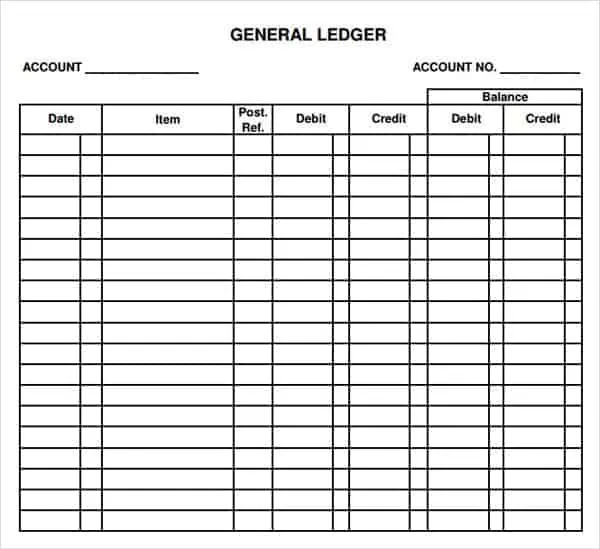
General Ledger For Cash Account
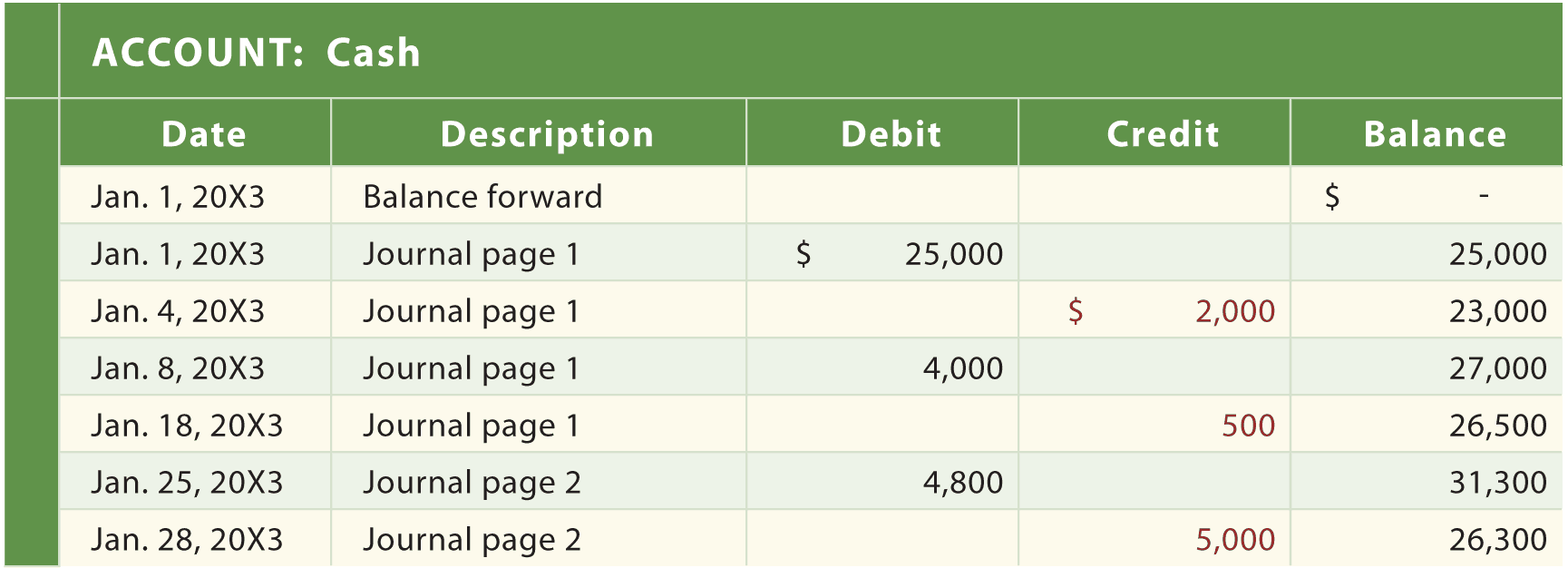
Account ledger templates
Account ledger templates are obtainable here and available in MS excel format. These all account ledger templates are created according to basic business needs and accounting requirements. Account general ledger is one of the fundamental business documents where all account activities and accounting entries are posted with debit and credit details. Account ledgers are prepared for different accounts of the company or business. For example a bank account ledger will include only bank related transactions, deals and entries along with grand total of all accounting activities under the bank account ledger. We have added blank account ledger templates below that come with editing features which means a user can simply customize and alter details and elements of a favorite account ledger template as needed. These account ledger templates can work as a good starting point for beginners.
Download Account Ledger Templates Here
Account Ledger In Excel
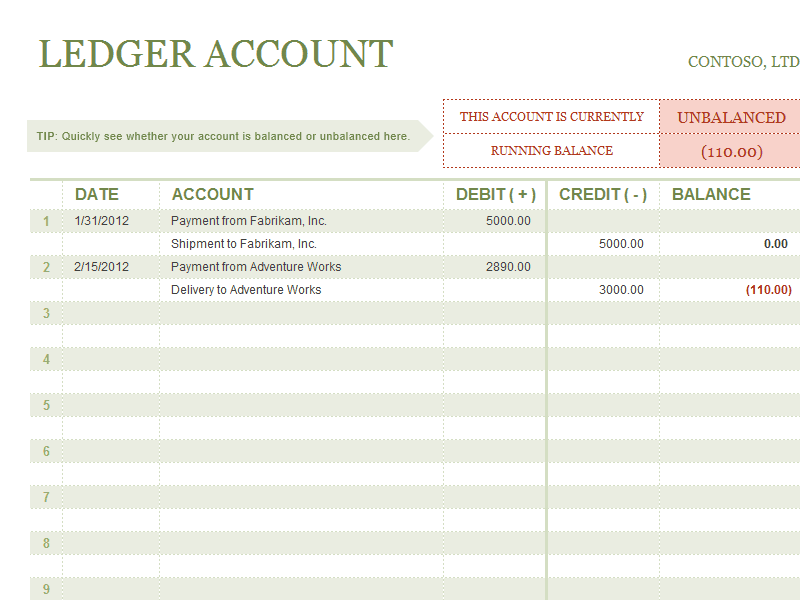
Sample Account Ledger
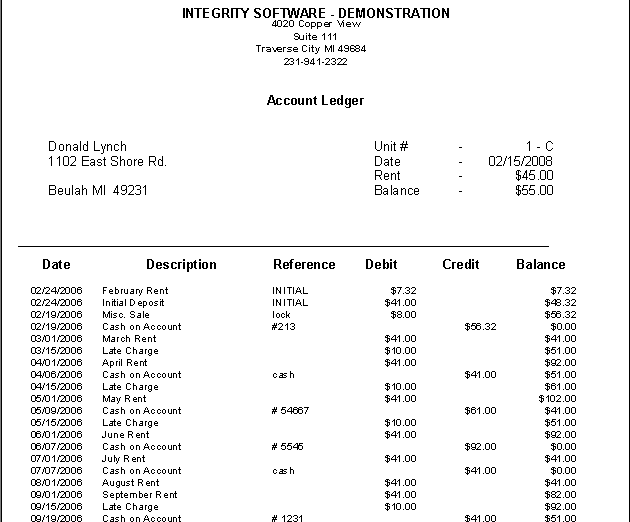
MS Excel Account Ledger Template
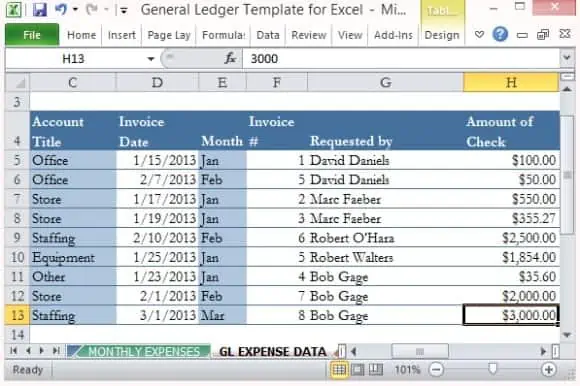
Sample Account Ledger Sheet
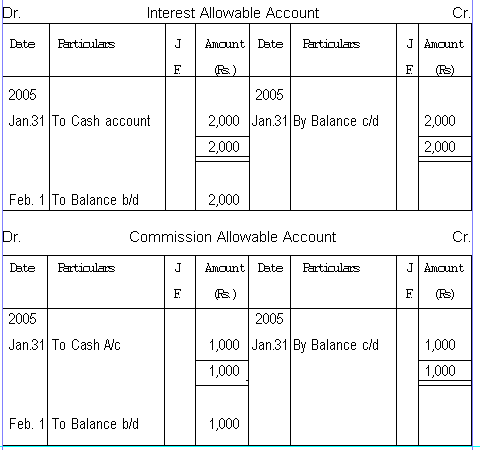
How to use the Excel general ledger template
Step 1. Set the chart of accounts and enter verified opening balances. Start the recordkeeping process with bookkeeping templates.
Step 2. Post supported transactions to the correct accounts with references. Compare supporting worksheets in accounting templates.
Step 3. Reconcile control accounts and review the trial balance before reporting.
An account code helps keep entries consistent even if account names are shortened or changed. Use separate fields for the transaction reference and supporting document reference when they differ. Avoid entering subtotal lines as ordinary transactions, because those totals may then be counted twice.
Review individual accounts for unexpected signs or balances. A debit and credit total that agrees can still include a payment posted to the wrong supplier or a transaction in the wrong period. Reconciliation and supporting schedules are essential parts of the review.
Example and checks
A purchase on credit affects an expense or asset account and a payable account; paying the supplier later settles the payable. The payment should not create the same expense twice.
A balanced ledger can still contain classification errors or omissions. Review evidence as well as arithmetic. Prepare reports from reviewed balances using financial statement templates.
Frequently asked questions
Is a ledger the same as a journal?
A journal records entries in sequence; the ledger groups them into accounts.
Does a spreadsheet guarantee balanced accounts?
No. Check formulas, source entries, and reconciliation independently.

You must be logged in to post a comment.