
A spreadsheet template provides an existing layout for a task such as tracking costs, organizing information, or planning work. The best choice depends on what you need to enter and what result you need to obtain.
Start with the task rather than the appearance. A transaction log, calculation sheet, and printable form need different structures even when they look similar.
Template previews and downloads
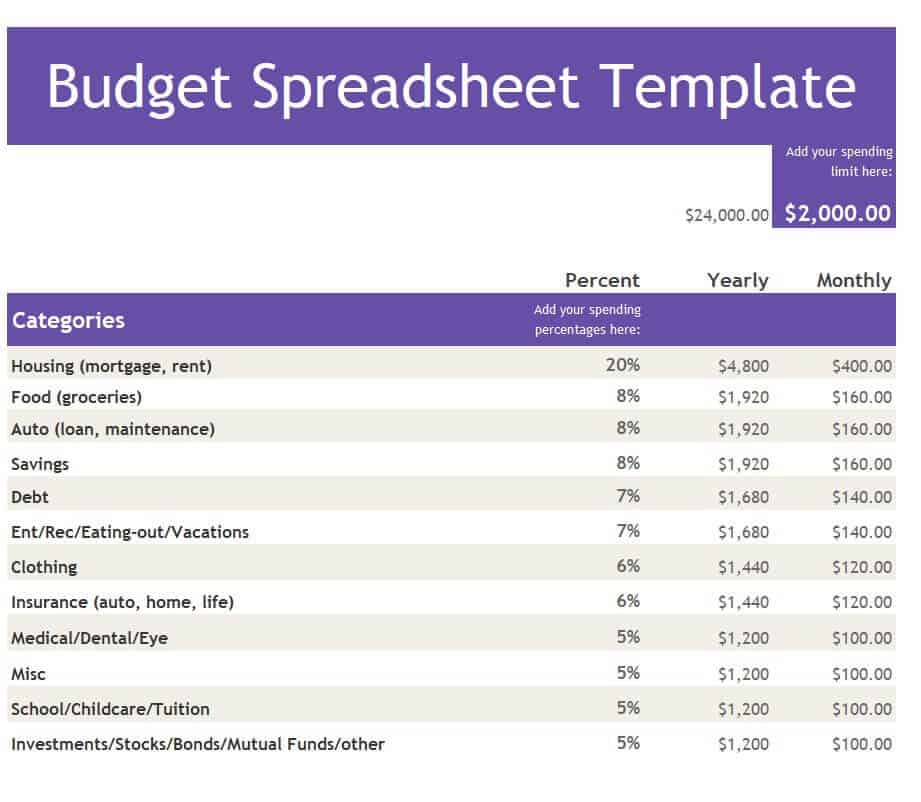
Budget Spreadsheet Template EXCEL
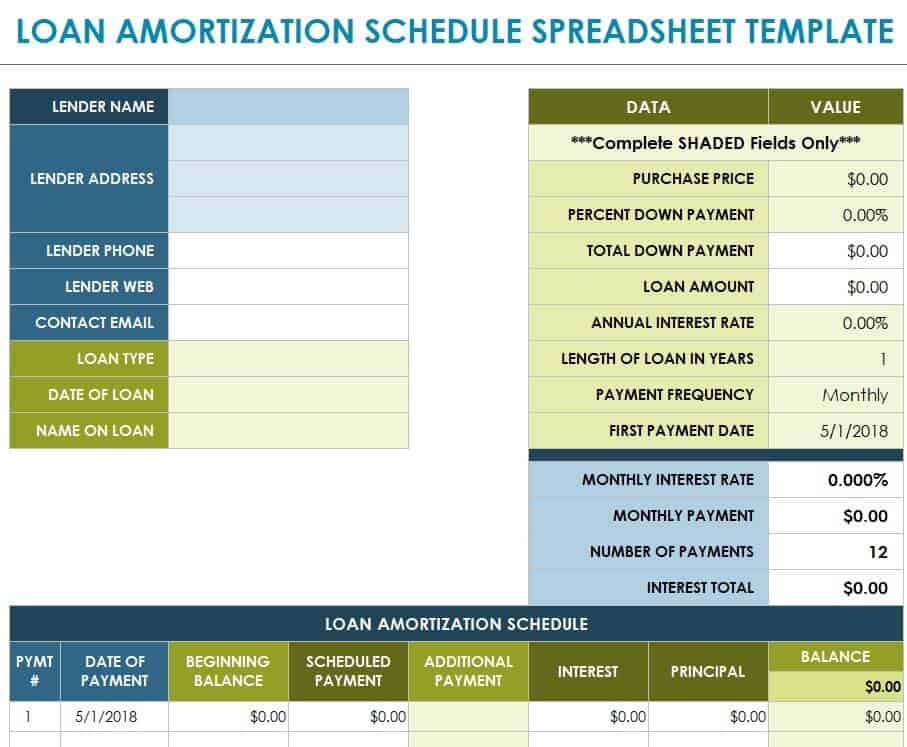
Loan Amortization Spreadsheet Template
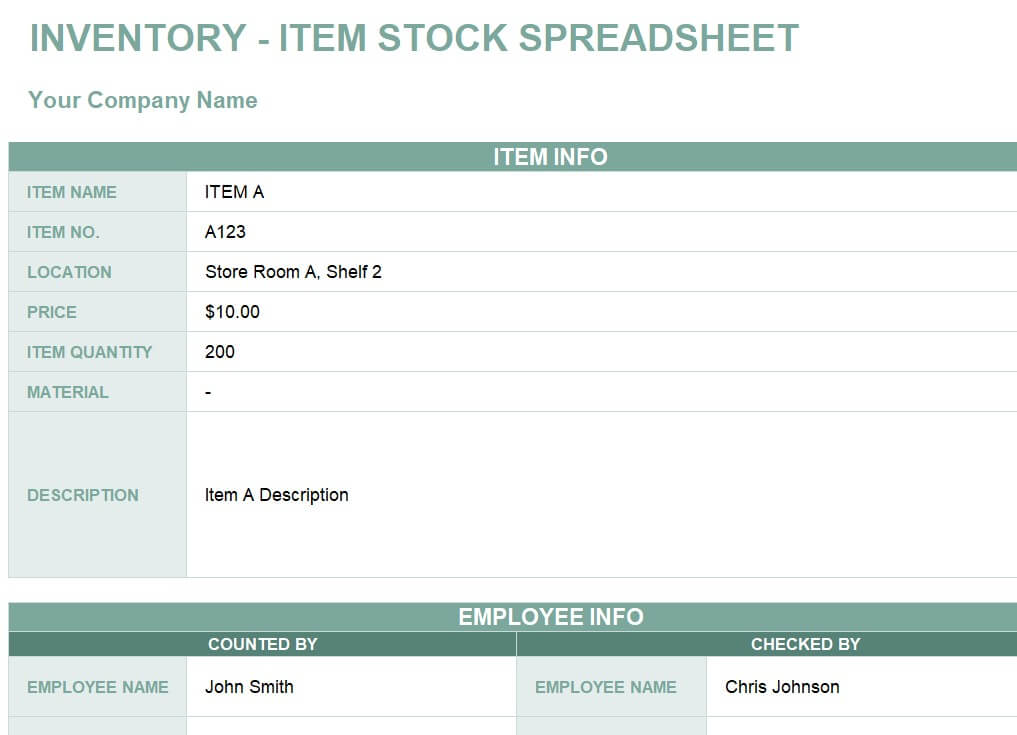
Free Inventory Item Spreadsheet Template
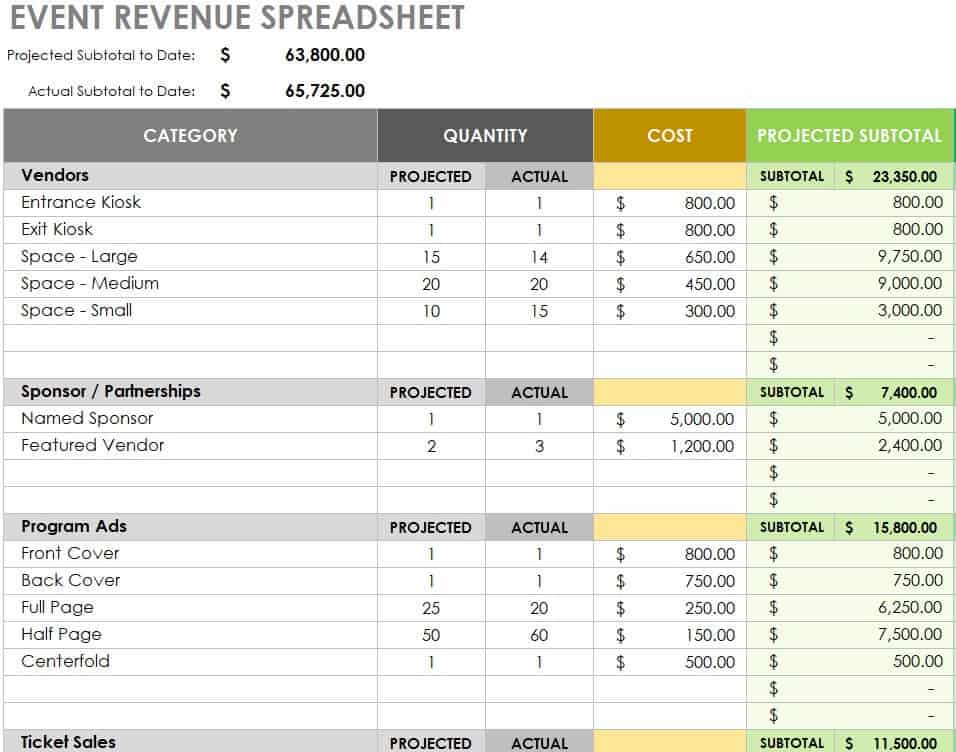
Detailed Event Revenue Spreadsheet Template
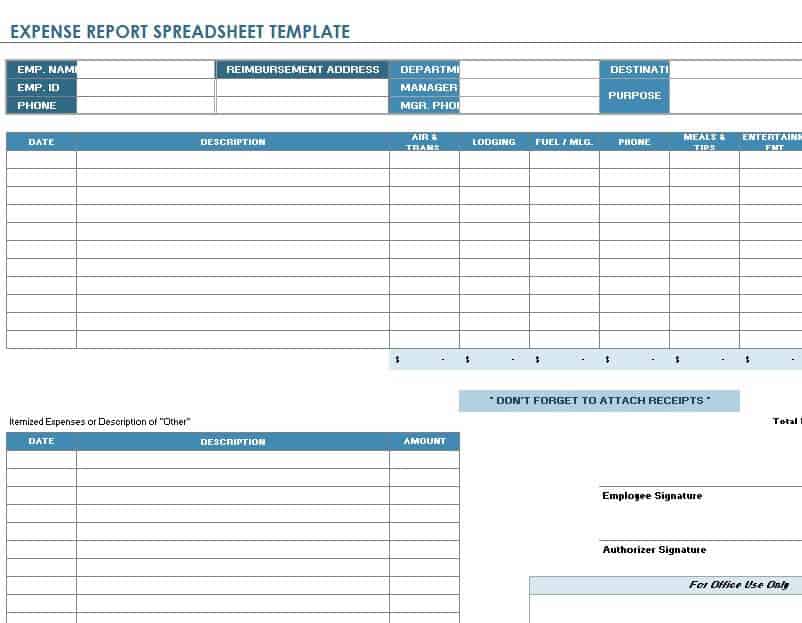
Sample Expense Report Spreadsheet Template
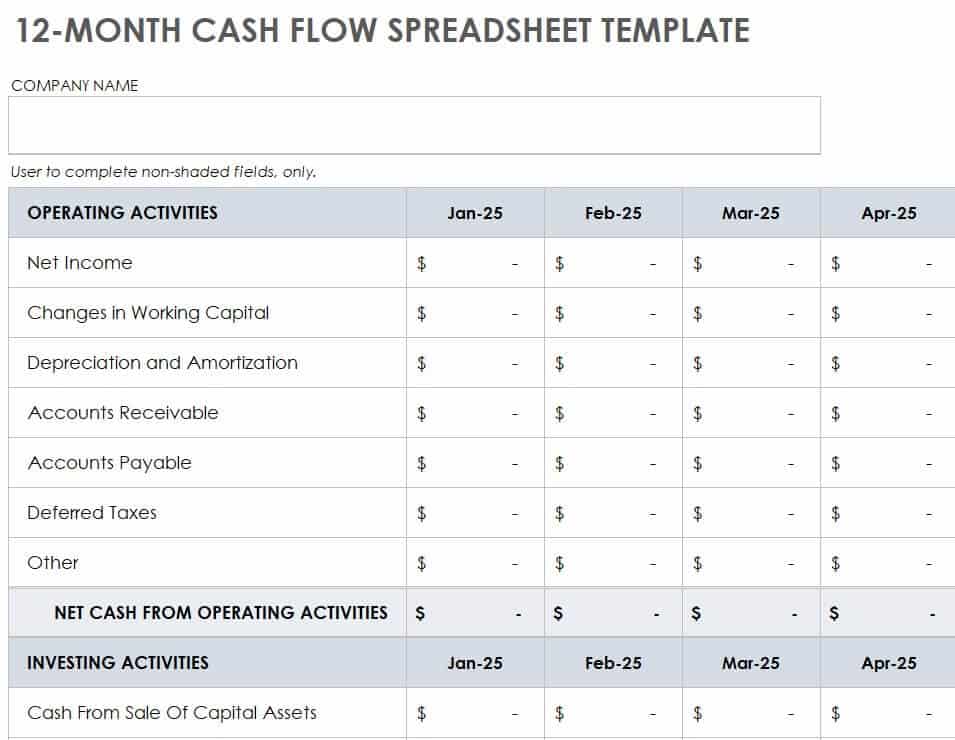
12-Month Cash Flow Spreadsheet Template
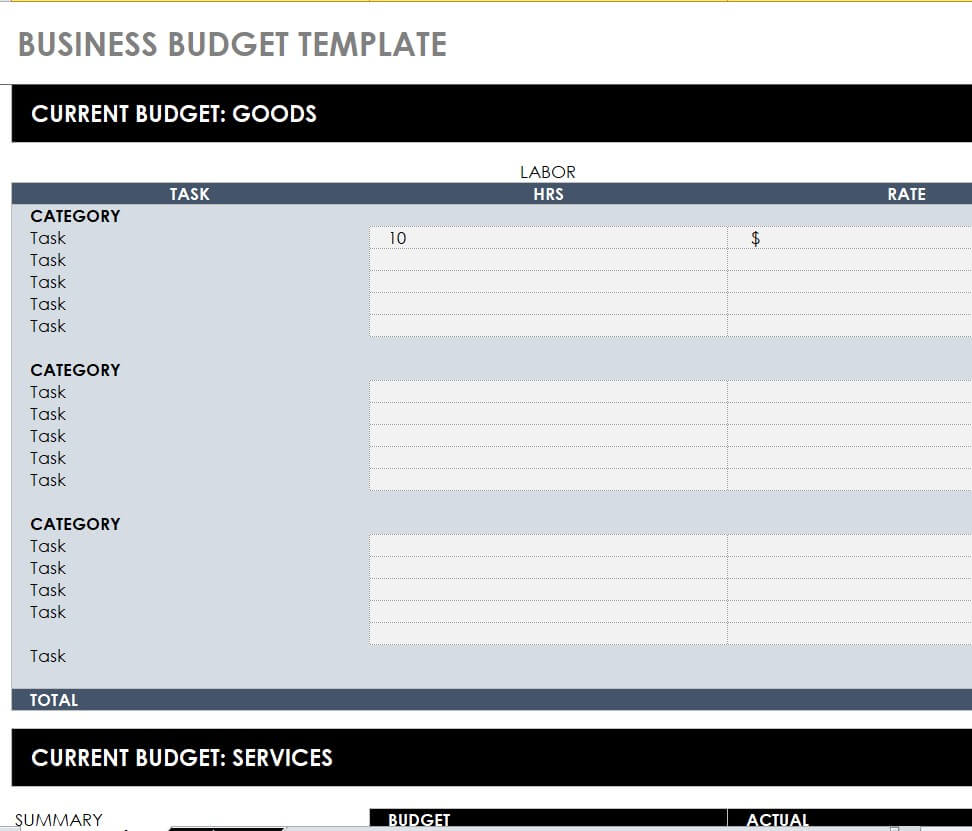
Printable Business Budget Spreadsheet Template
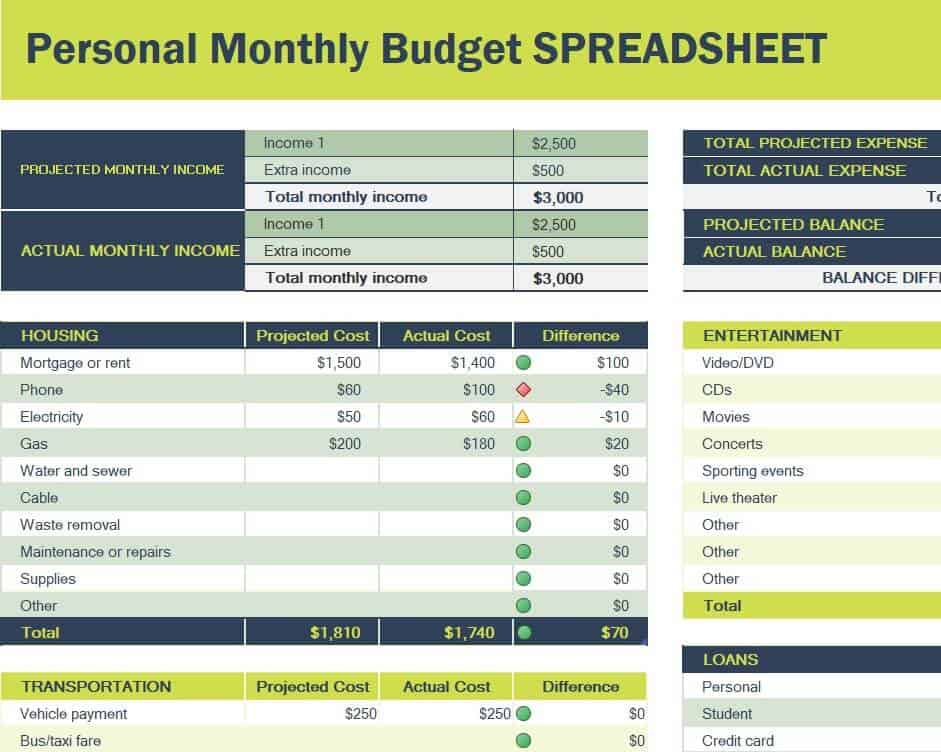
Personal Monthly Budget Spreadsheet Template
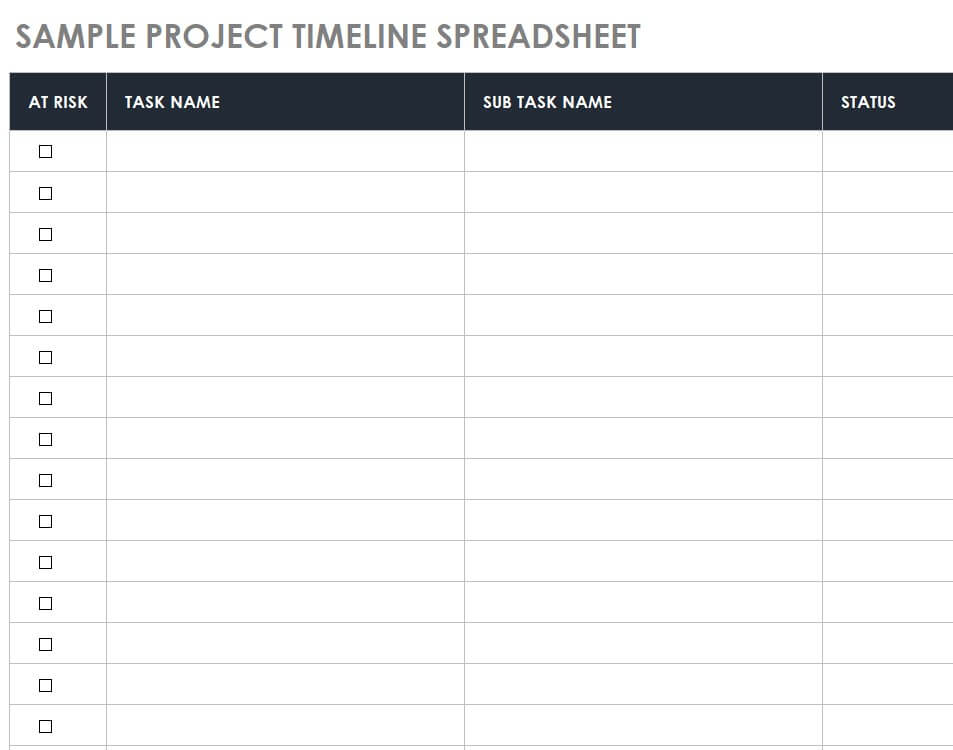
Sample Project Timeline Spreadsheet Template
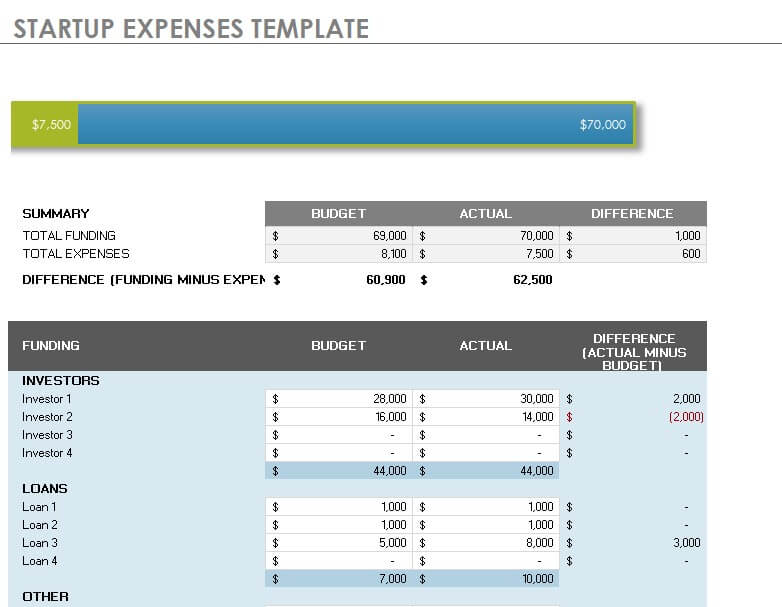
Business Startup Expenses Spreadsheet Template
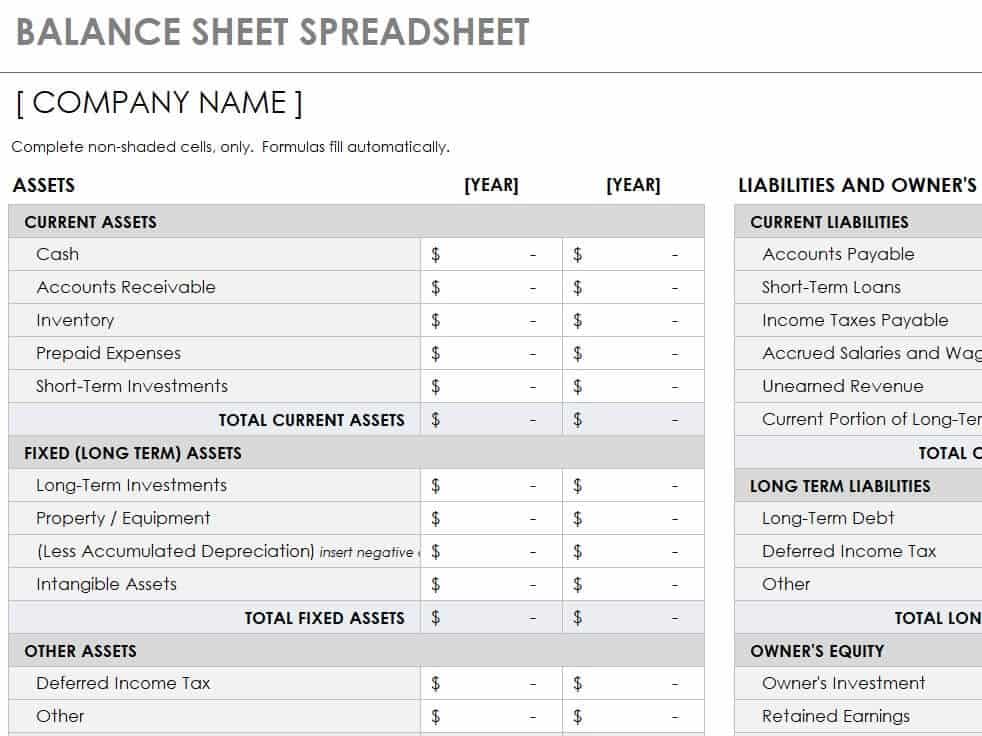
Example Balance Sheet Spreadsheet EXCEL Template
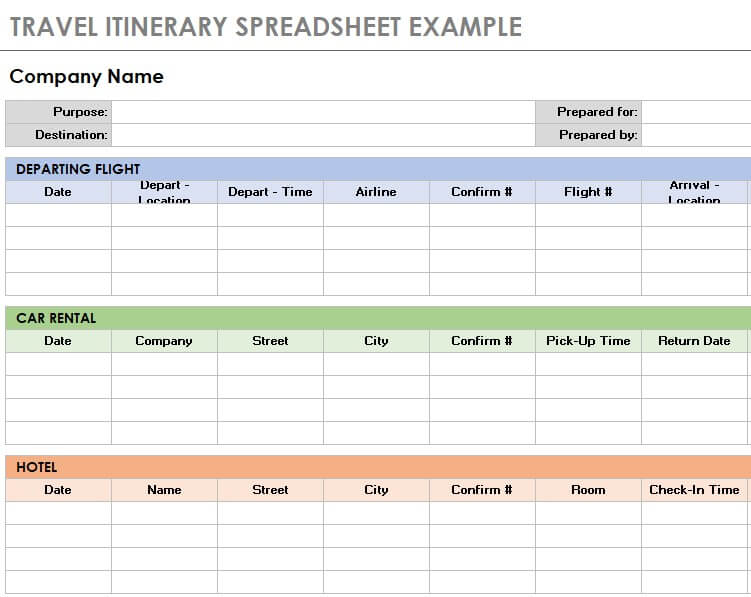
Travel Itinerary Spreadsheet Example
How to use the spreadsheet template
Step 1. Identify the required inputs and output. For spending plans, start with budget worksheets.
Step 2. Inspect headings and test formulas with a small example before adding live information. For item records, compare inventory spreadsheets.
Step 3. Keep a clean master and save dated working copies when changes need to be tracked.
Keep inputs, formulas, and outputs visually distinguishable without relying only on color. A label or short instruction helps another person understand what can be edited. Avoid merging cells inside a data table if the file will be sorted or filtered.
Before adopting a template, test a small realistic case and check the answer independently. Then try an added row and a blank entry. These simple checks can reveal range errors or assumptions that are invisible in a polished preview image.
Example and checks
A budget worksheet compares planned and actual spending. An expense log records individual transactions. The two can support one another but serve different purposes.
Formatting does not prove that a workbook contains formulas or that those formulas are correct. Verify the file’s actual behavior. For time planning, use daily work schedules.
Frequently asked questions
1. What is a spreadsheet template?
A spreadsheet template is a pre-designed worksheet with organized rows, columns, headings, and sections that can be customized with your own information.
2. What are spreadsheet templates used for?
Spreadsheet templates can be used for budgeting, scheduling, accounting, planning, tracking, calculations, lists, business records, and many other organizational tasks.
3. Can I edit spreadsheet templates in Excel?
Yes. Excel spreadsheet templates can be edited by entering your own data, changing headings, adding rows or columns, modifying formulas, and adjusting the formatting.
4. Are spreadsheet templates useful for businesses?
Yes. Businesses can use spreadsheet templates for financial records, budgets, project tracking, sales information, inventory, employee records, and other administrative tasks.
5. Can I use spreadsheet templates for personal tasks?
Yes. Personal spreadsheet templates can help with household budgets, expenses, schedules, lists, planning, and other everyday record-keeping needs.
6. What is an Excel spreadsheet template?
An Excel spreadsheet template is a pre-formatted spreadsheet designed for a specific purpose that can be customized and used within Microsoft Excel.
7. Can I print a spreadsheet template?
Yes. After entering and formatting your information, you can print the completed spreadsheet for meetings, records, planning, or other purposes.
8. Can I reuse an editable spreadsheet template?
Yes. You can keep an original copy of the template and create additional copies whenever you need to organize a new set of information.
Can I add rows or columns?
Yes, but check that formulas, charts, and print areas expand correctly.
Will every Excel file work identically elsewhere?
Compatibility varies, so test formulas and layout in the software you intend to use.

You must be logged in to post a comment.