
A Gantt chart Word template presents tasks as bars against a timeline. It suits a readable schedule in a report or meeting document when manual updates are manageable.
Choose a layout with enough space for task names and the dates you need to show. A Word chart is often simpler to present than to maintain as a complex project plan.
Template previews and downloads
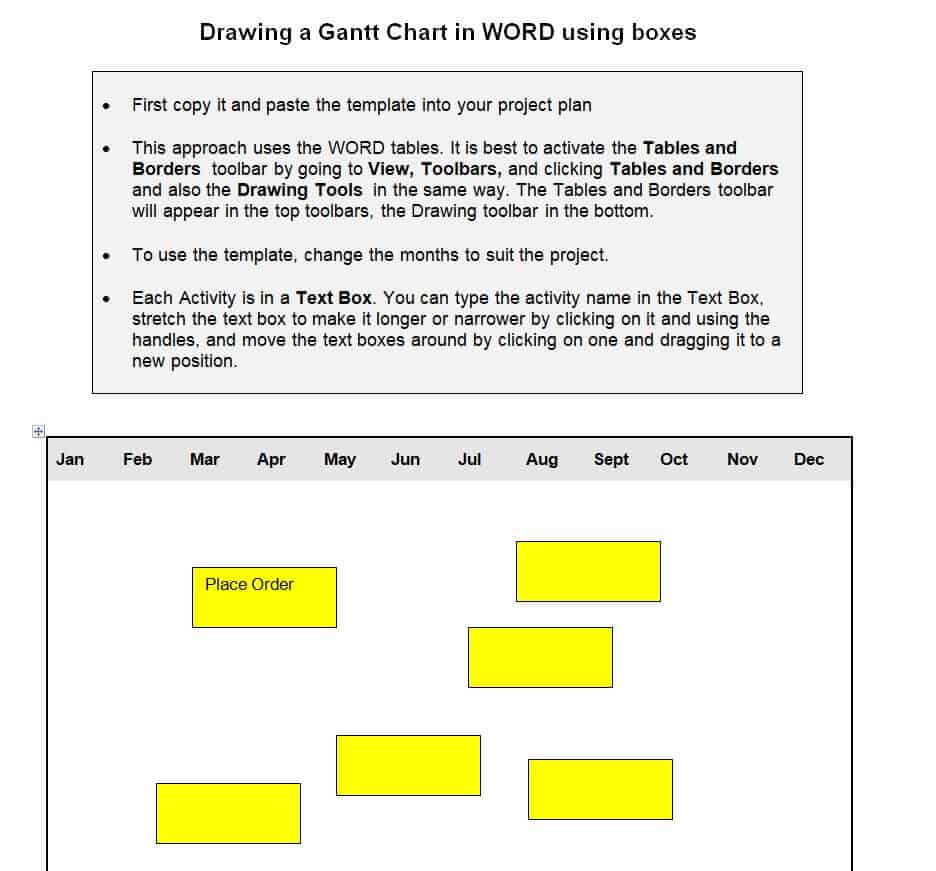
Sample Gantt Chart Template with Boxes
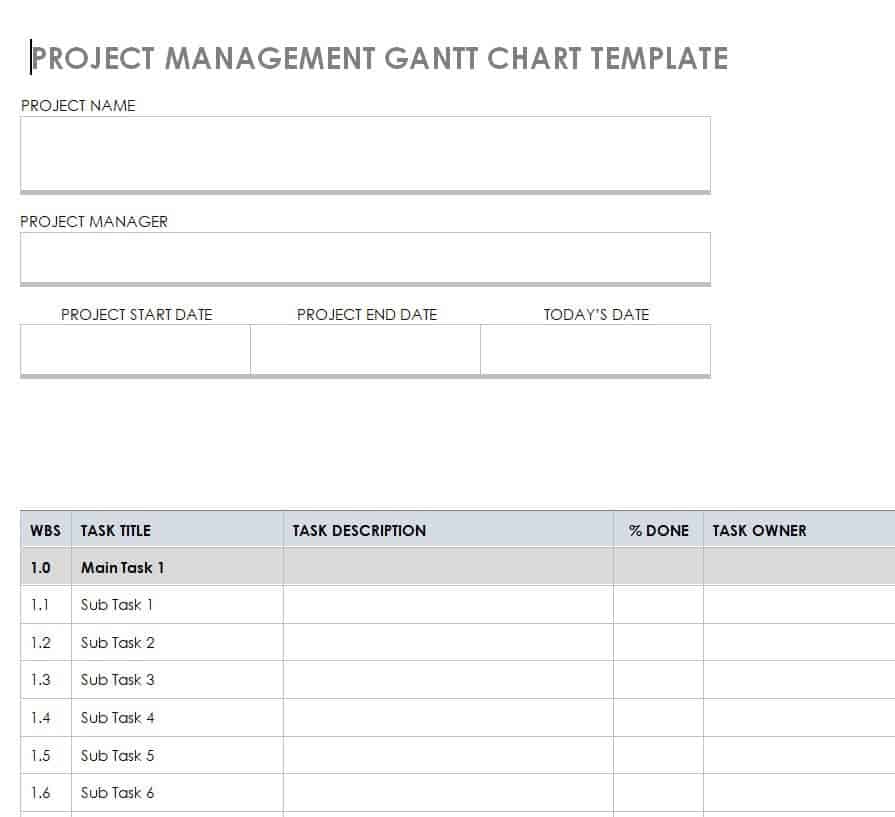
Project Management Gantt Chart Template
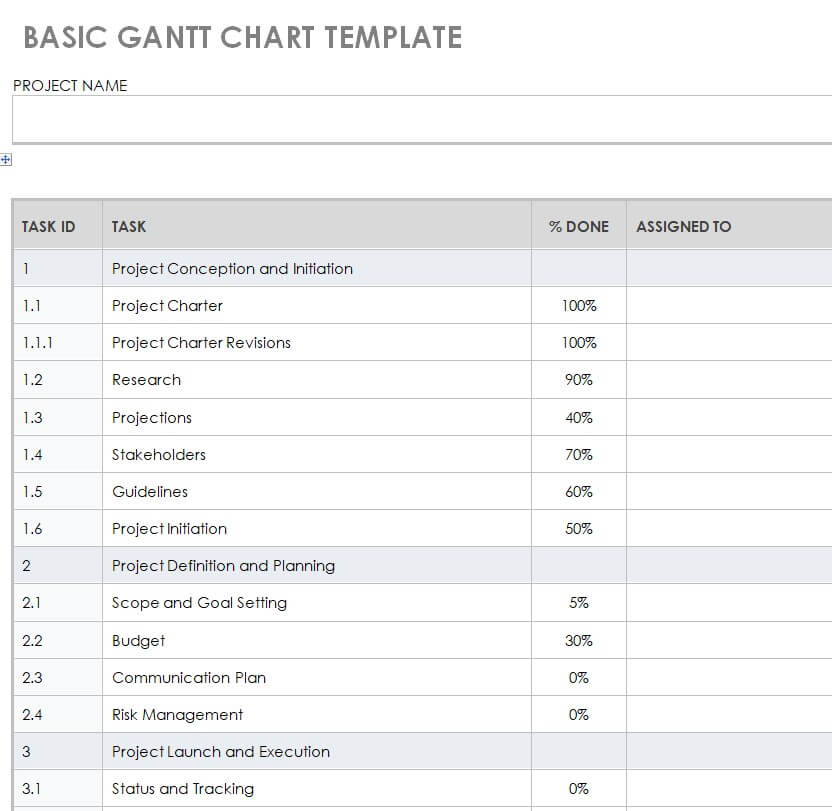
Basic Gantt Chart WORD Template
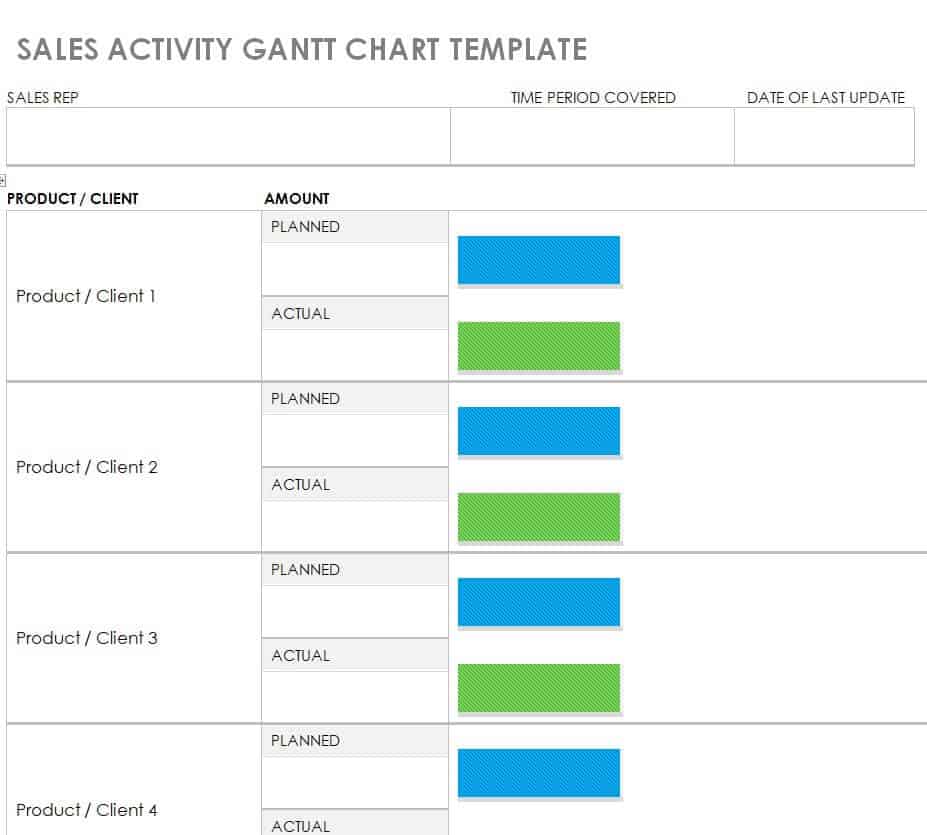
Sales Activity Gantt Chart Template
Example Gantt Chart Template
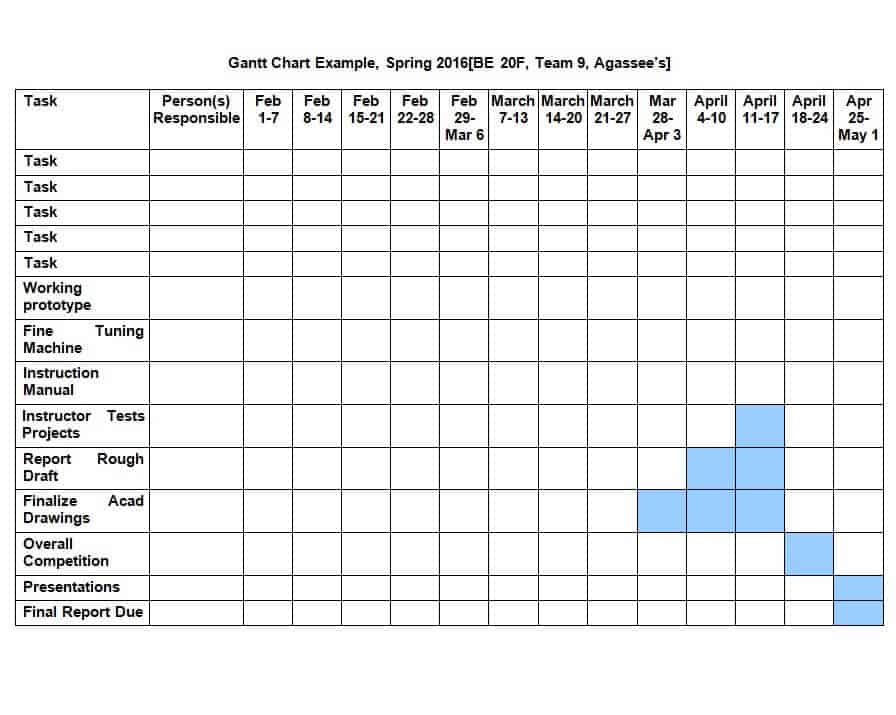
Weekly Task Gantt Chart Template
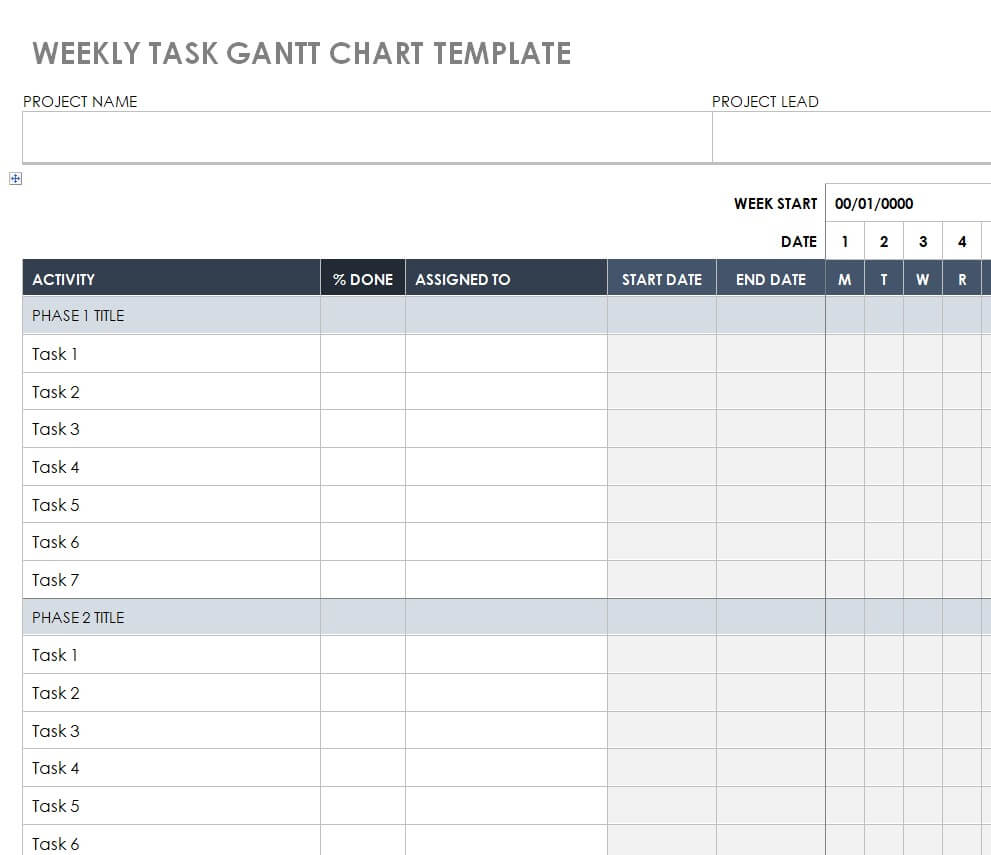
Basic Gantt Chart Template with Tables
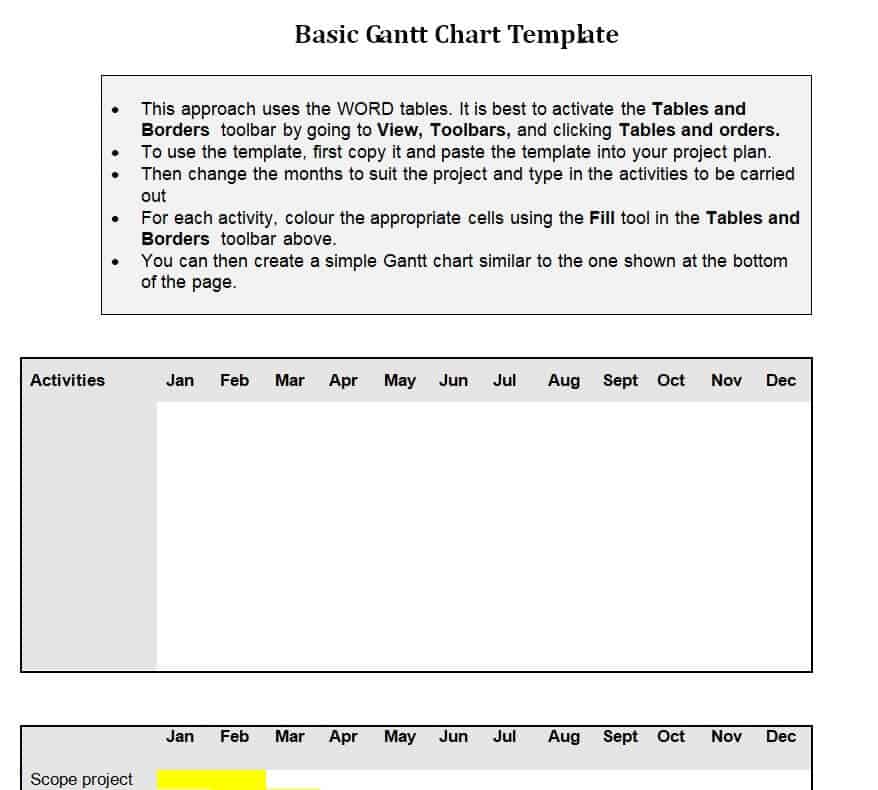
Work Schedule Gantt Chart Template WORD
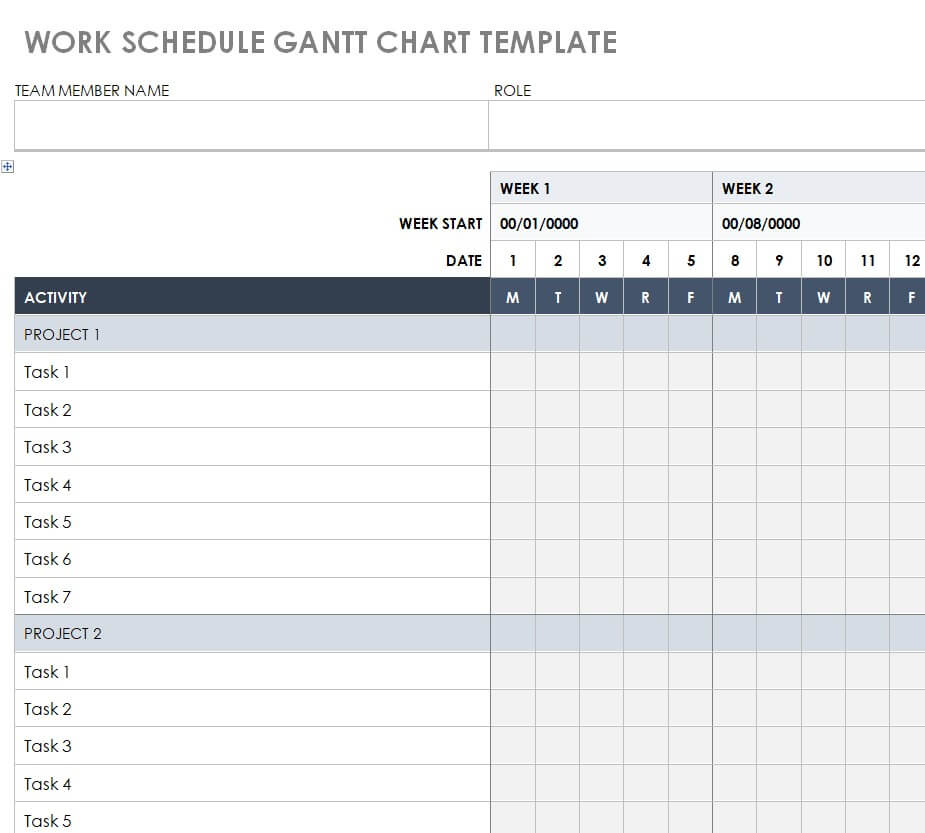
Monthly Task Gantt Chart Template
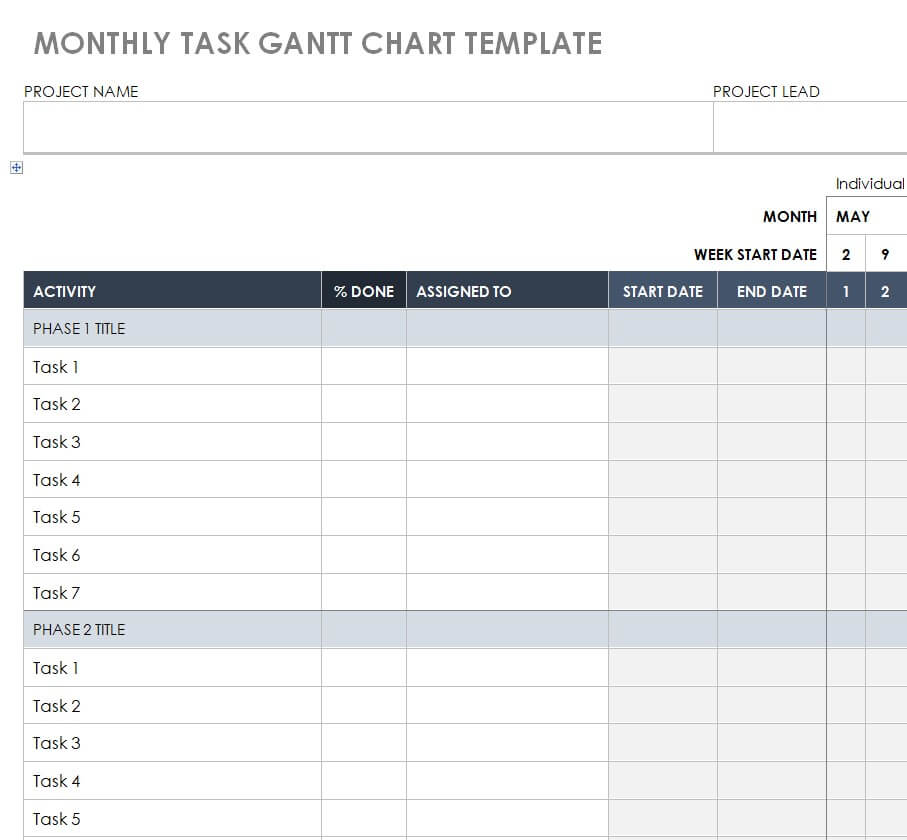
Free Printable MS WORD Gantt Chart Template
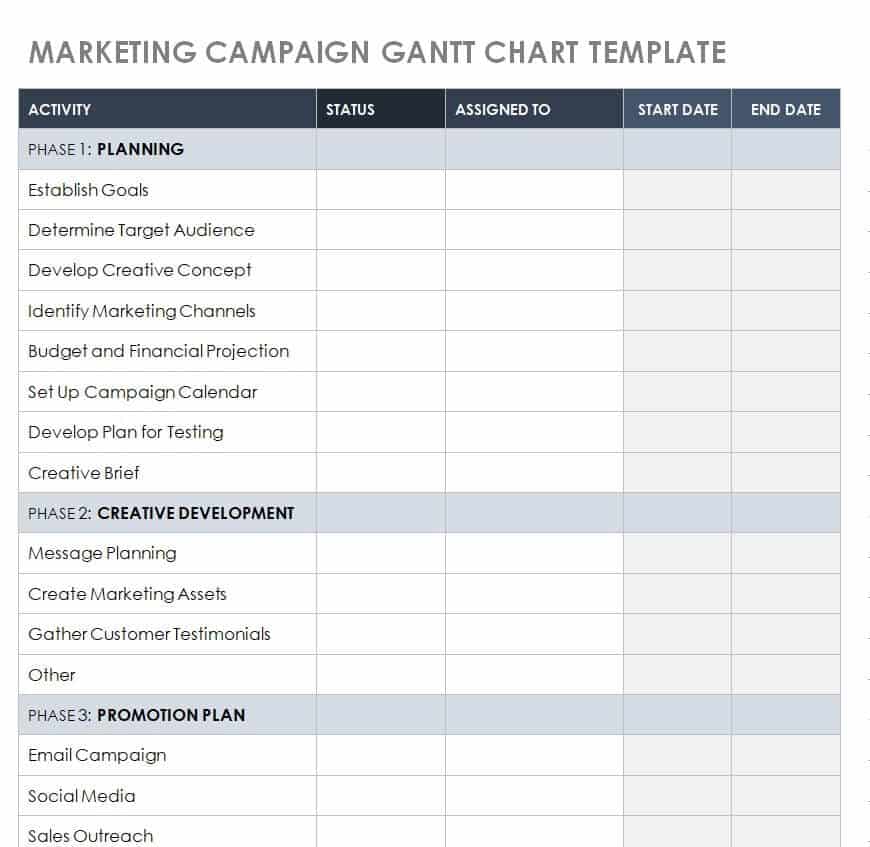
Gantt Chart Template for Marketing Campaign
How to use the Gantt chart Word template
Step 1. Define tasks, start dates, finish dates, and milestones. Maintain a working task plan in project timeline spreadsheets.
Step 2. Align bars to a consistent time scale and label responsibilities. Prepare a milestone overview using simple timelines.
Step 3. Review dependencies and update the document when the approved plan changes.
Use one time scale across the chart and ensure the bars line up with the labeled dates. A bar that looks roughly correct can still imply the wrong duration when columns have inconsistent widths. Check the print layout, especially if the chart is placed in a report.
For a document that changes frequently, identify the revision date and owner. Otherwise an old printed chart can continue circulating after the plan changes. Keep a working schedule elsewhere when dependencies and resources are too complex to maintain reliably in Word.
Example and checks
Two tasks may overlap on the chart, but that is feasible only if the necessary people and resources are available.
Do not assume moving a bar in Word recalculates dependent tasks. Check dates and dependencies manually unless a specific feature has been verified. Coordinate upcoming assignments with weekly schedules.
Choose what the Word chart needs to communicate
A Gantt chart in Word is often useful for presenting a project schedule inside a report, proposal, or meeting document. Decide whether the reader needs an overview of phases or a more detailed list of tasks. The chart should be readable at the final page size and connected to the current project information. A presentation document may summarize a working schedule without replacing it. Make that relationship clear so readers know where the detailed planning and updates are maintained.
Use the template’s actual structure. Some Word layouts use tables, others shapes or embedded content. The editing method and level of automation can differ. Inspect the selected file before assuming that changing a date will move every bar or recalculate dependent tasks. A manual chart can still be useful when its purpose is clear and updates are checked. It becomes misleading only when its visual precision is treated as evidence of calculations or controls the file does not contain.
Prepare the task information before adjusting bars
List the tasks or phases, owners, start dates, finish dates, and relevant milestones before formatting the visual. A bar needs a defined meaning. A phase lasting several weeks is different from an approval milestone on one date. Use clear names that describe the work or result. Vague labels can make the chart look organized without telling the reader what is being done or how completion will be recognized.
Choose the level of detail deliberately. A small report chart cannot hold every subtask without becoming difficult to read. Group related activities where that supports the audience, but keep the detailed working information available. Do not merge unrelated tasks merely to reduce the row count. If a milestone depends on an external review or input, confirm the assumption behind its date. A neatly aligned bar cannot make an unsupported commitment reliable.
Keep the time scale consistent
Label the horizontal scale with an understandable date or period basis. Days, weeks, and months have different levels of precision. Use one consistent scale across the chart and check that bars align with the intended periods. If a Word table is used, changing column widths can alter the apparent duration without changing any date label. Review the visual after layout edits rather than assuming the original alignment remains correct.
Identify the year and any relative starting point where ambiguity is possible. Week one can mean a calendar week or the first week of the project. The audience should not have to guess. Distinguish working-day assumptions from calendar spans when they matter to the plan. A chart intended as an overview may not need every non-working day displayed, but its dates should still agree with the relevant working schedule. Clear labels prevent the simplified view from implying a different timeline.
Show milestones and progress without false precision
Use a distinct representation for a milestone if the layout supports it. A single checkpoint should not appear as a long activity unless the label explains the period being shown. Keep milestone wording tied to a recognizable result, such as approval received or handover accepted. A chart can then communicate where important decisions occur, not only when work is expected to occupy time.
Progress indicators also need a defined basis. A percentage complete may be useful for some tasks but misleading for others. A short status such as in progress or awaiting review can be clearer than a precise-looking percentage with no method behind it. Do not update only a color while leaving dates that no longer reflect the current plan. The chart should show a supported current view and make important uncertainty or delay visible enough to discuss.
Check dependencies and resource assumptions separately
Overlapping bars do not establish that two activities can actually run together. They may require the same person, equipment, or unfinished input. Review those relationships in the working plan and make sure the Word overview does not contradict them. A manual chart usually needs deliberate checking when one date changes. Do not assume later bars will move appropriately unless the relevant behavior has been verified in the selected file.
Consider a draft, a technical review, and final production. If final production depends on the reviewed text, a delayed review can affect the later work. The update should examine that relationship rather than simply extending one bar. Some activities may continue while others wait, and the agreed change should be reflected clearly. The Gantt chart can support this conversation, but the decision comes from understanding the work and resources behind the visual.
Prepare the chart for a report or printed page
Check the completed chart at its actual display size. Long task names, many time columns, and small text can make an apparently detailed chart unusable in a report. Consider a concise overview or separate phase charts when one page cannot remain readable. Use a restrained color scheme and labels that work without color alone. A legend should explain any symbols or progress shading the audience needs to interpret.
Review page orientation, margins, table behavior, and continuation pages after editing. A chart split across pages may need repeated headings and clear references. If it is converted to a fixed format, inspect the resulting view rather than assuming Word’s editing display matches it perfectly. Remove sample dates and names left in text boxes or headers. The final document should show the project, relevant period, and update date so it is not mistaken for an obsolete schedule.
Maintain a current version and an understandable history
Assign responsibility for updating the chart and identify the current working source. A report can continue circulating after the plan changes, so label its issue or revision date. Keep earlier approved dates available when comparison is required and explain important changes. The current overview can be the best supported plan now without erasing previous commitments. A short note can often explain a major movement more effectively than adding more graphical detail.
Before each issue, compare dates and milestones with the current source plan, check the visual alignment, and review any unresolved assumptions. Use a clean master for another project rather than overwriting the only completed copy. A practical Word Gantt template provides a convenient presentation structure. Clear task definitions, consistent scales, realistic dependencies, careful formatting, and disciplined updates make that structure useful for communication and project review.
Frequently asked questions
1. What is a Gantt chart Word template?
A Gantt chart Word template is a pre-designed document used to organize project tasks, dates, activities, milestones, and deadlines in a visual timeline.
2. Can I edit a Gantt chart template in Word?
Yes. You can edit the template in Microsoft Word by adding tasks, changing dates, modifying text, adding rows, and adjusting the layout.
3. What is a Gantt chart used for?
A Gantt chart is used to plan and track project activities by showing tasks against a timeline. It helps users understand schedules, deadlines, and project progress.
4. Who can use a Word Gantt chart template?
Project managers, business owners, employees, students, teachers, event planners, and teams can use Gantt chart templates to organize different types of projects.
5. Can I create a simple Gantt chart in Word?
Yes. A simple Gantt chart can be created and customized in Word using a suitable template. It can provide a basic visual schedule without requiring specialized project management software.
6. Can I print a Gantt chart created in Word?
Yes. After completing the template, you can print the Gantt chart and use it as a physical project schedule during meetings or planning sessions.
7. What should a Gantt chart include?
A Gantt chart can include project tasks, start dates, end dates, duration, milestones, project phases, and other information needed to understand the project timeline.
8. Is a Gantt chart useful for small projects?
Yes. A simple Gantt chart can be very useful for small projects because it provides a quick overview of tasks and deadlines without requiring complicated project management tools.
Can a Word Gantt chart manage a large project?
It can present an overview, but complex dependencies may need a dedicated scheduling tool.
How should milestones appear?
Use a distinct marker and a date rather than a duration bar for a single checkpoint.

You must be logged in to post a comment.