
A weight tracker template records measurements over time so changes can be reviewed as a trend. It is a recordkeeping tool rather than a diagnosis or weight-loss prescription.
Choose a layout with dates, units, measurements, and optional notes. A chart is more useful when the underlying dates and numbers remain available.
Template previews and downloads
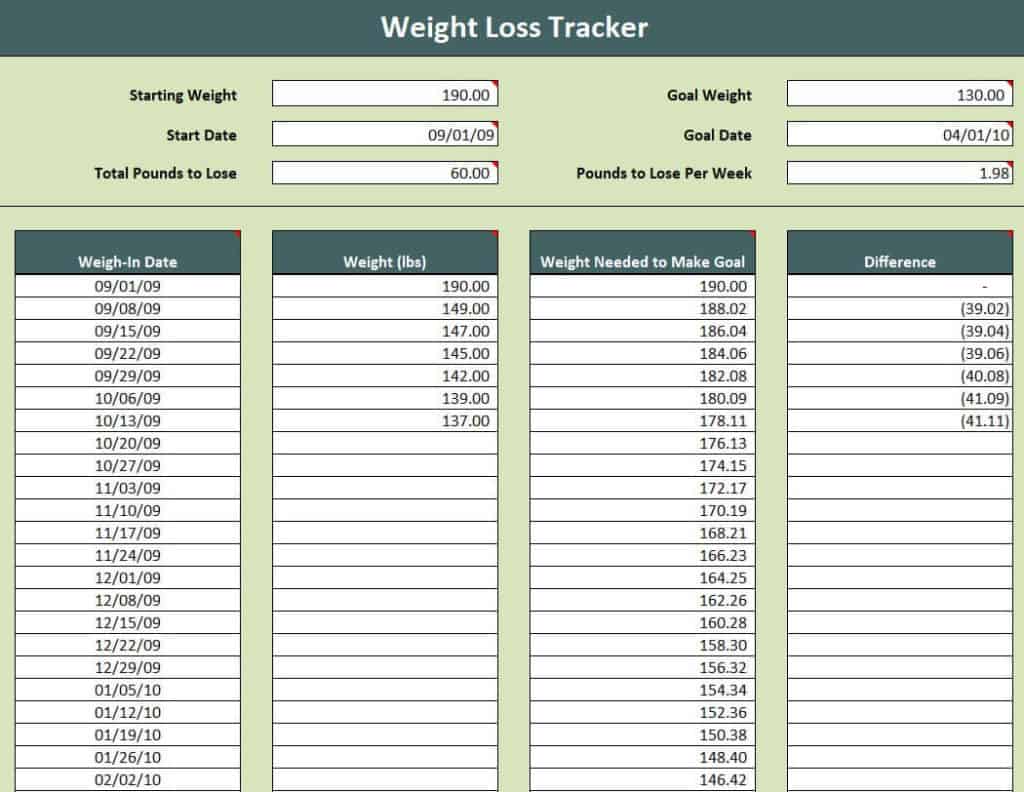
Sample Weight Loss Tracker Template
Weight Loss Tracker Chart Template
Weight Loss Progress Graph Template
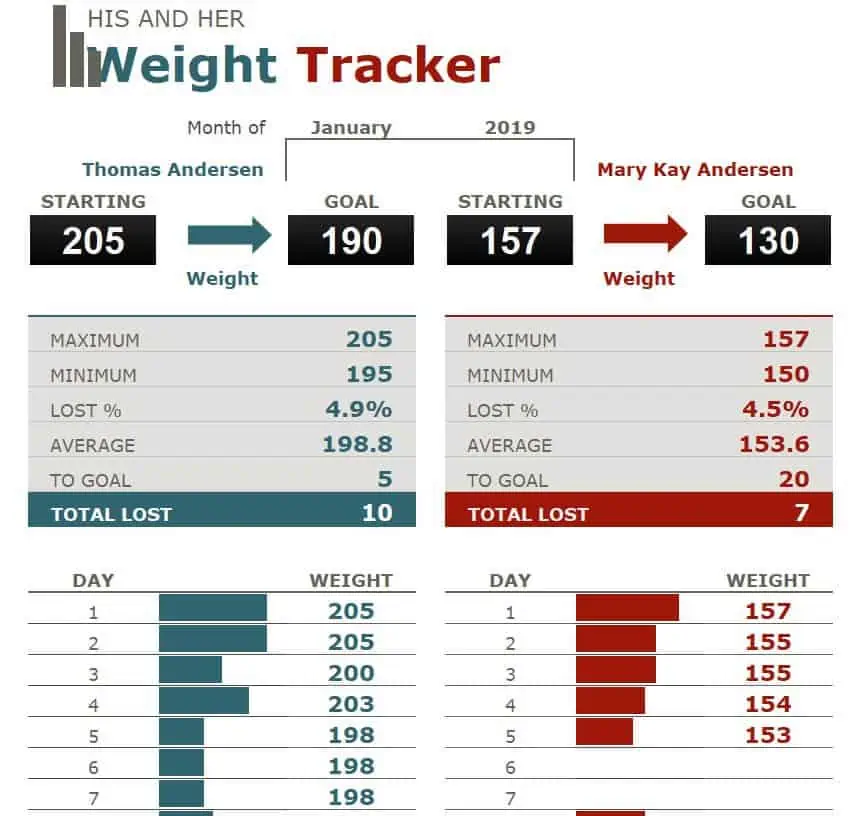
Special Weight Tracker Template EXCEL
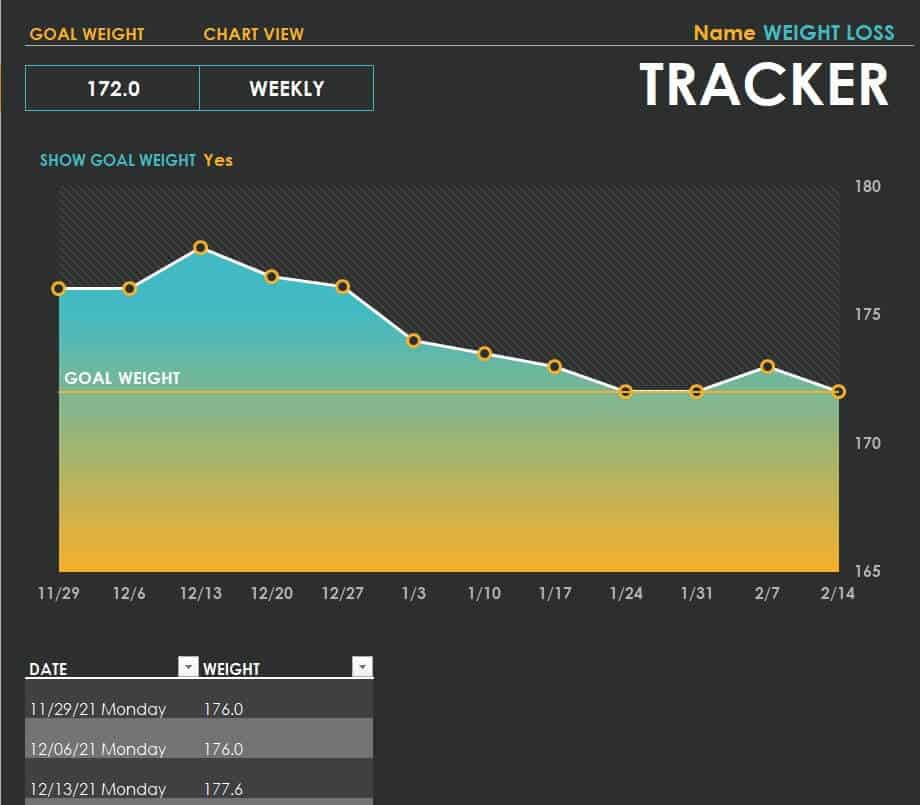
Graphic Weight Loss Tracker Template
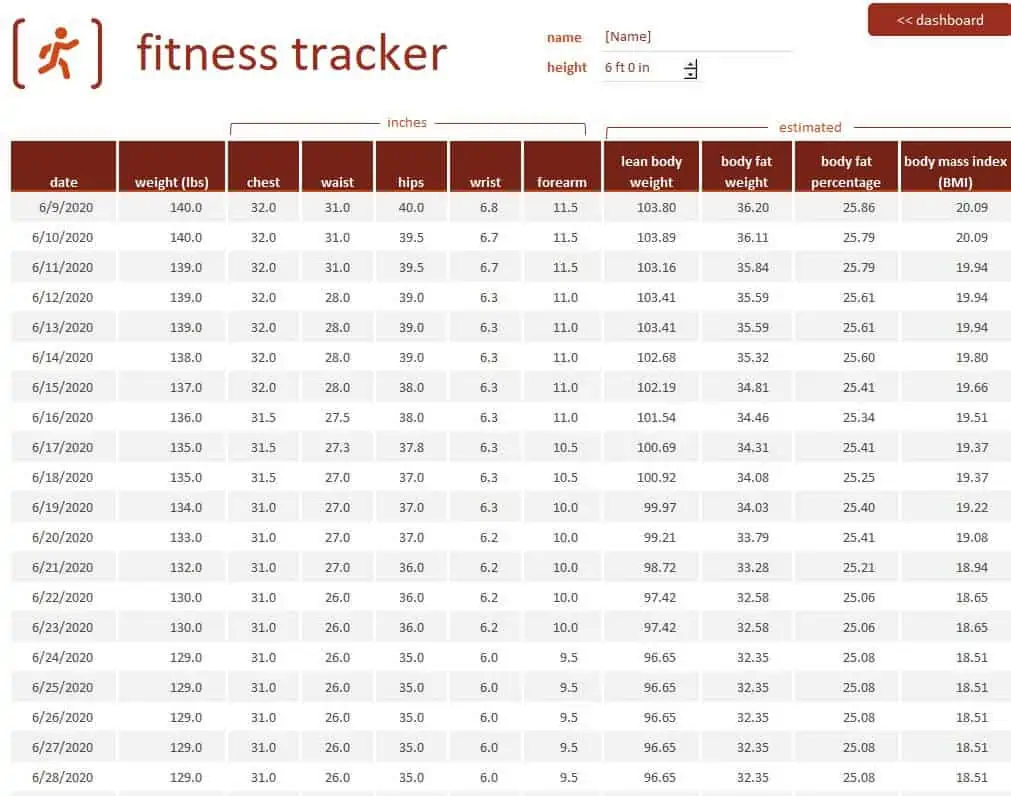
Detailed Fitness Tracker Excel Template
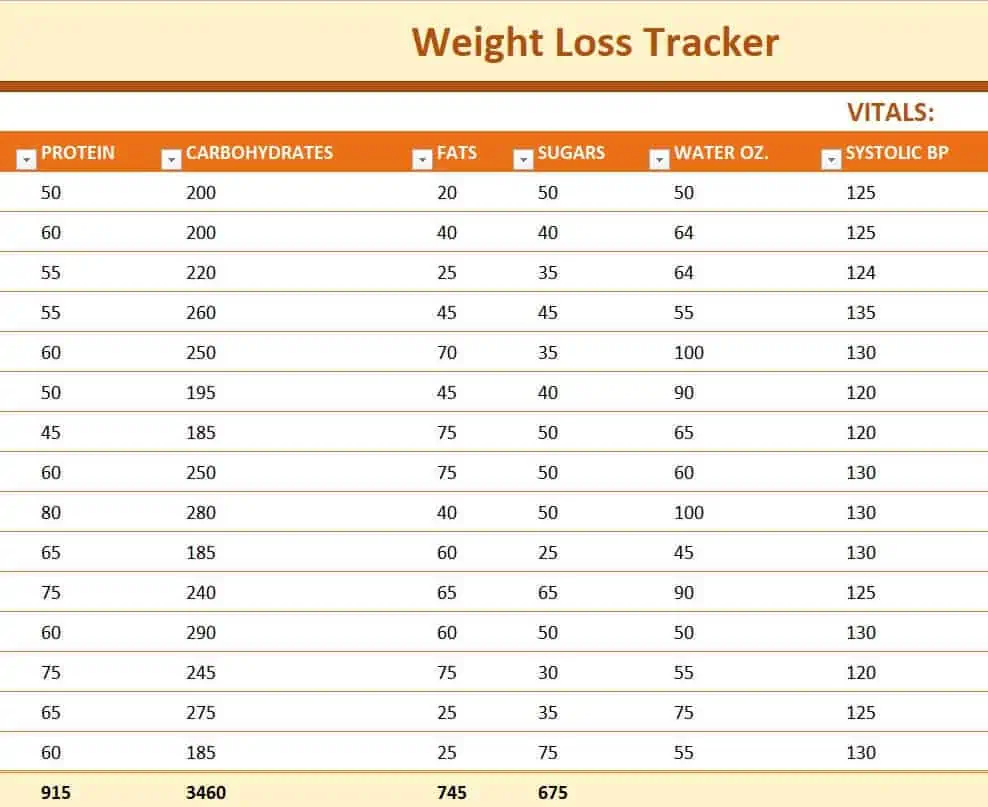
Free Printable Weight Loss Tracker Template
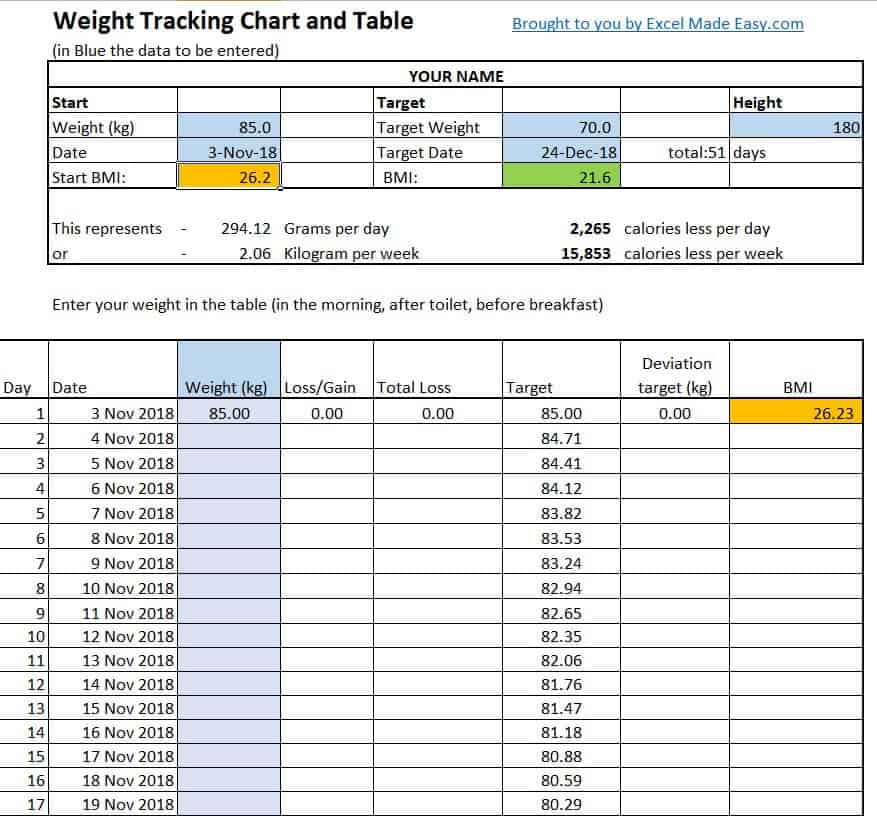
Free Weight Tracking Chart Template
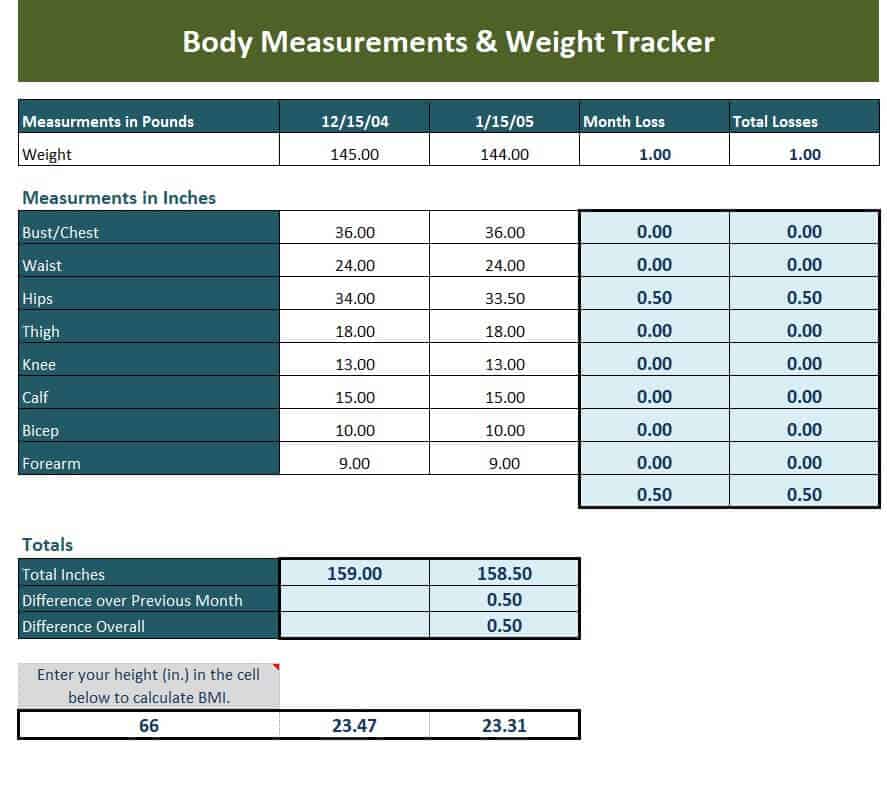
Online Body Measurements & Weight Tracker Template
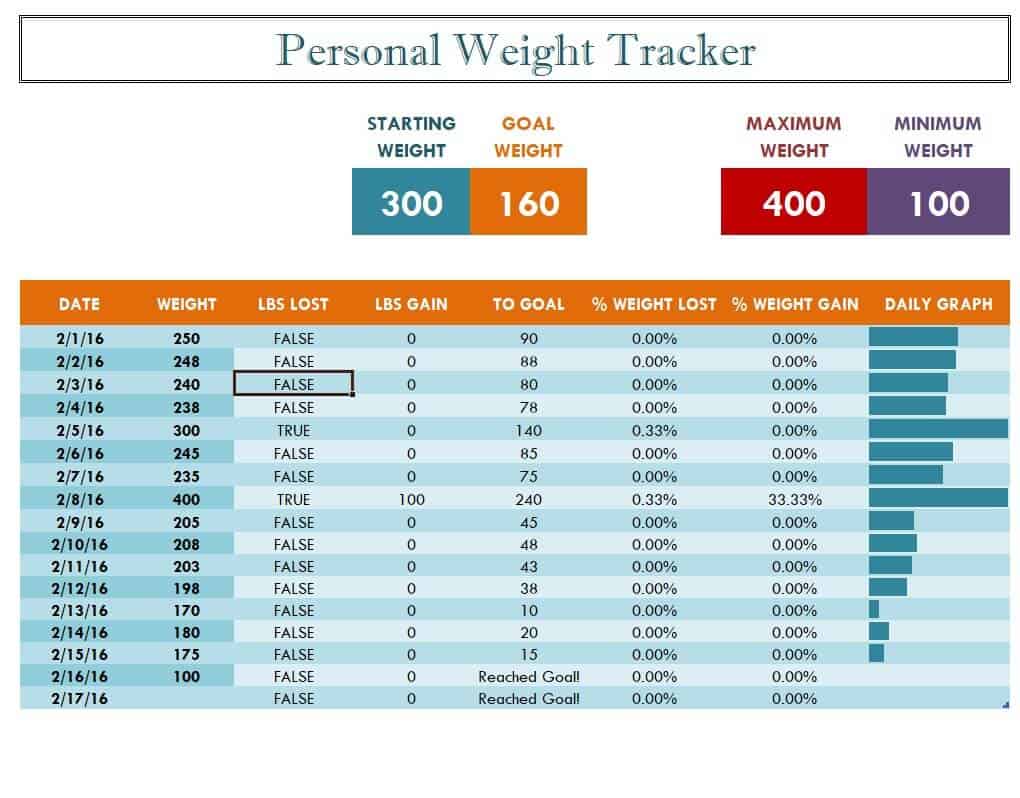
Example Personal Weight Tracker Template
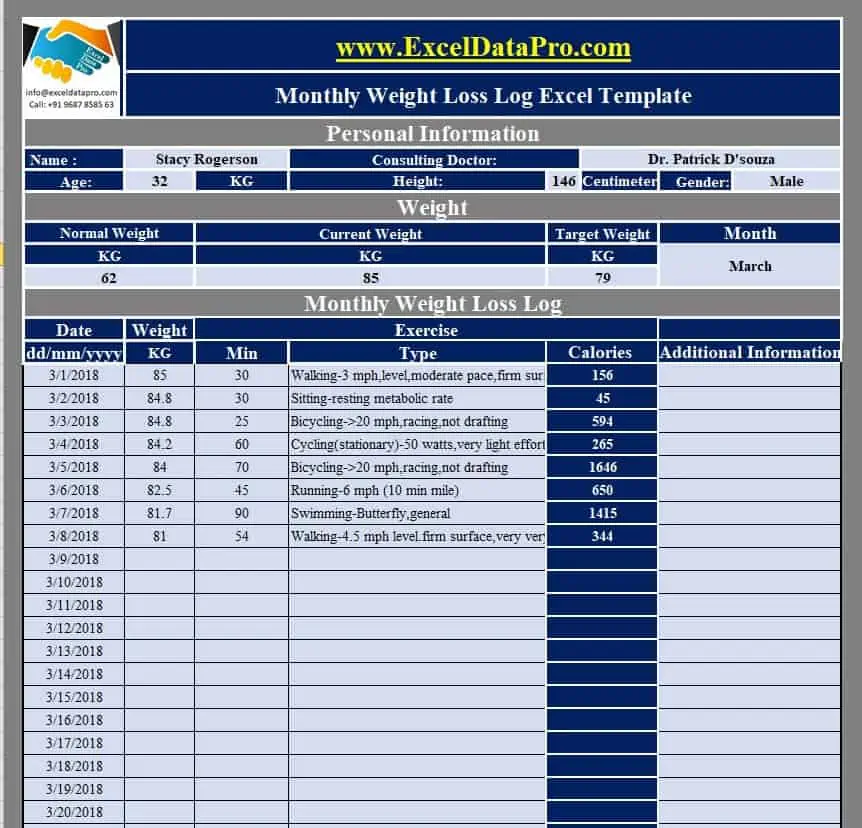
Monthly Weight Loss Log Excel Template
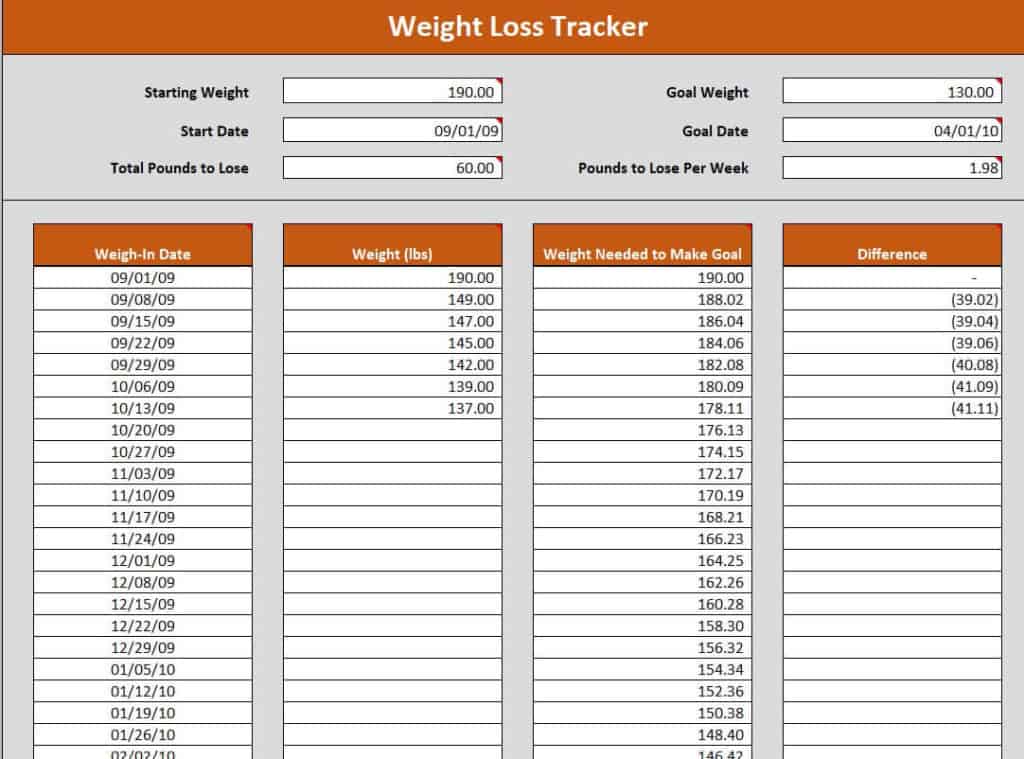
Basic Weight Loss Tracker in XLSX Format
How to use the weight tracker template
Step 1. Use consistent measurement conditions and one unit. Record activity dates using fitness calendars.
Step 2. Record the date and value without changing earlier entries to improve the trend. Keep exercise details in workout templates.
Step 3. Review the pattern over time rather than judging one isolated reading.
Label the chart’s axes and keep a consistent date interval. Uneven gaps between measurements can make a trend look different if the chart treats every entry as equally spaced. Retain the source measurements so a charting error can be checked against the original values.
If you add goals, distinguish the chosen target from observed progress. A straight target line is a planning aid, not a statement that change should occur at a fixed rate. Keep notes short and relevant rather than using the tracker to make unsupported conclusions about health.
Example and checks
A short-term rise after a different measurement time may not represent a change in body fat. A note about conditions can make the record easier to interpret.
Daily fluctuations can reflect fluid and other factors. Avoid interpreting a rapid change as proof of healthy progress. For an organized group activity, compare challenge spreadsheets.
Frequently asked questions
Do I need to weigh daily?
Choose a frequency appropriate to your situation; the template does not require daily weighing.
Can I track other measures?
Yes. Keep each measure and unit clearly labeled, and avoid treating any single measure as a complete health assessment.

You must be logged in to post a comment.