
A project timeline Excel template organizes tasks, owners, dates, and milestones into a working project schedule. This collection focuses on coordinating execution rather than only presenting a few headline dates.
Choose a task-based format when responsibilities and dependencies matter. A high-level milestone chart is better for an overview, but it should not replace the working task plan.
Template previews and downloads
Sample Project Timeline Template
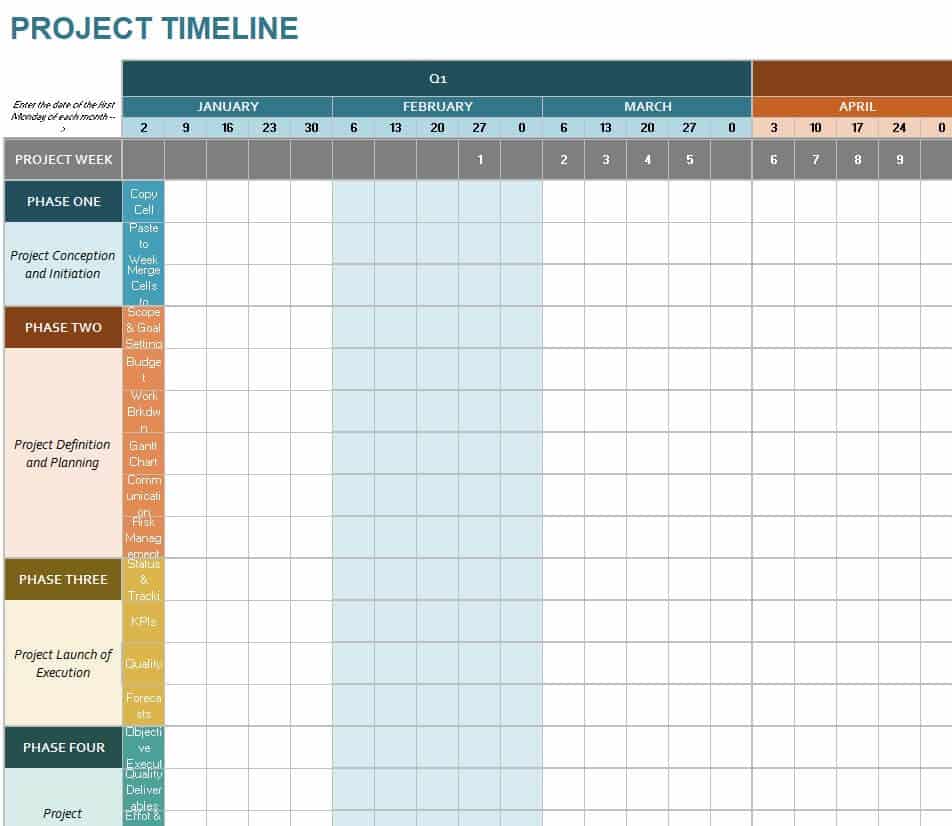
Detailed Project Timeline Template
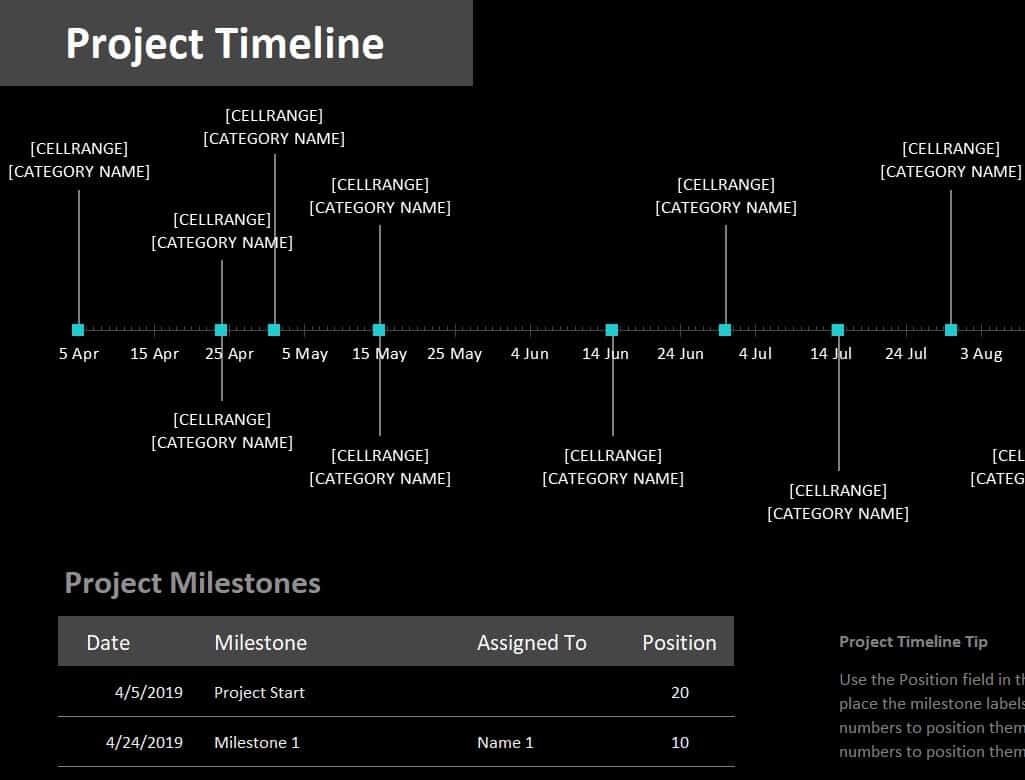
Online Free Project Timeline Template
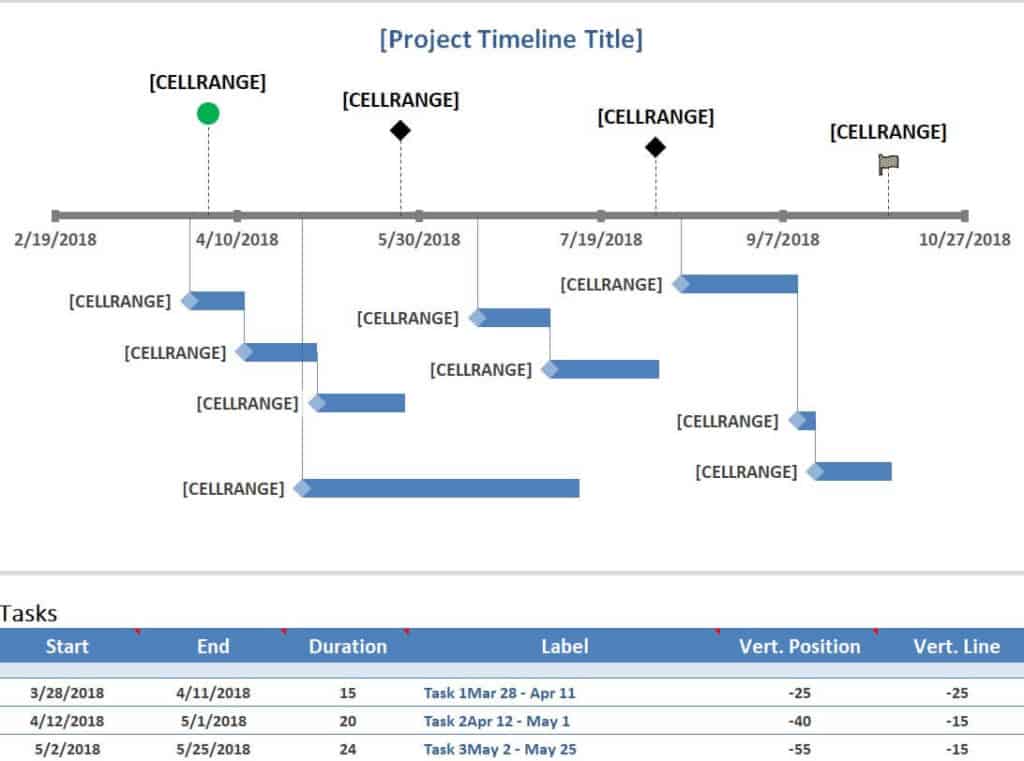
Marketing Project Timeline Sample
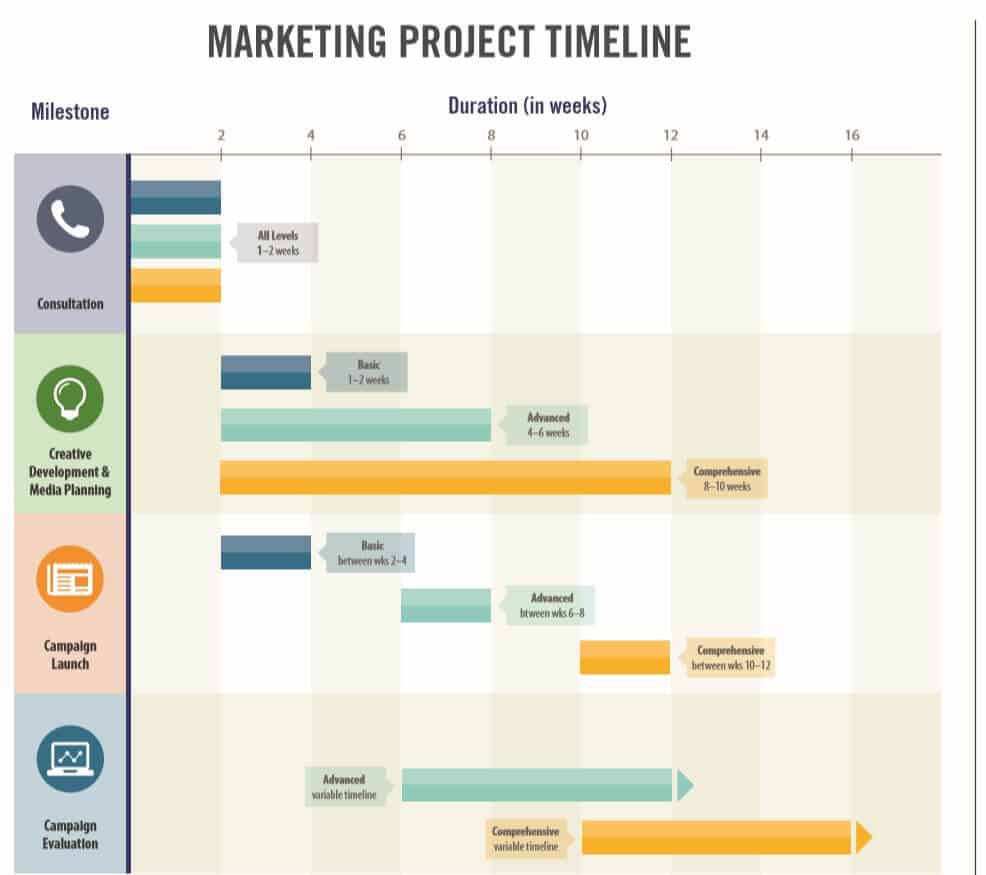
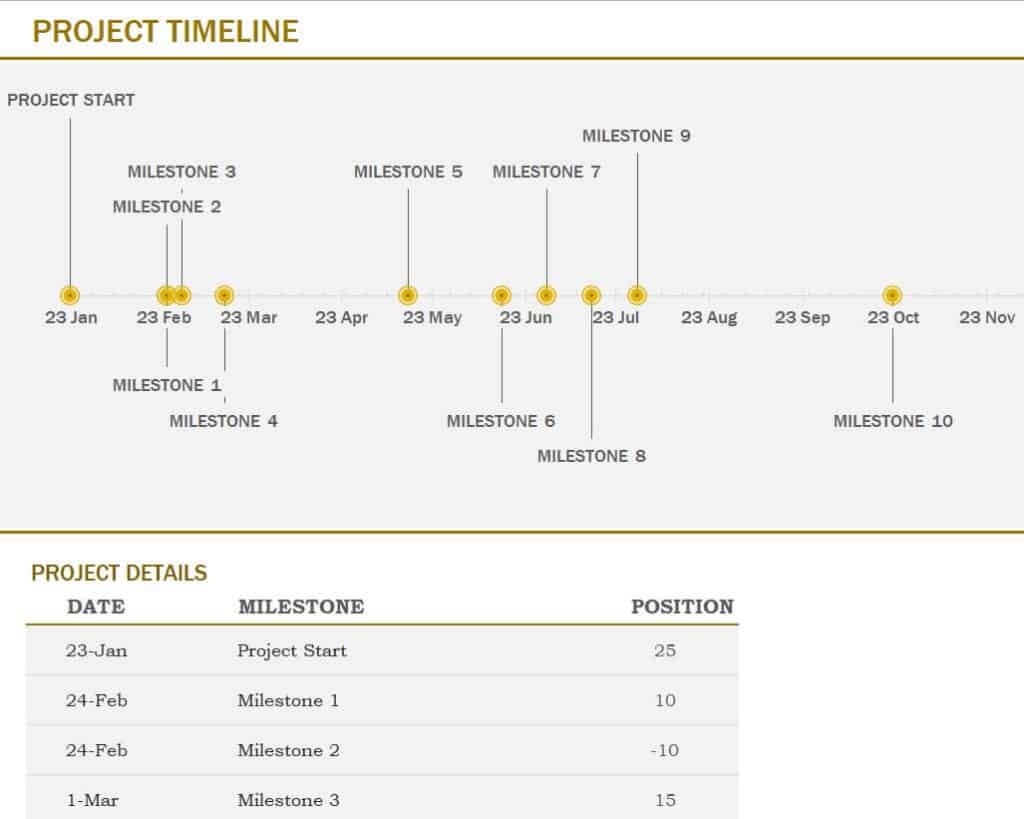
Basic Timeline Template for Excel
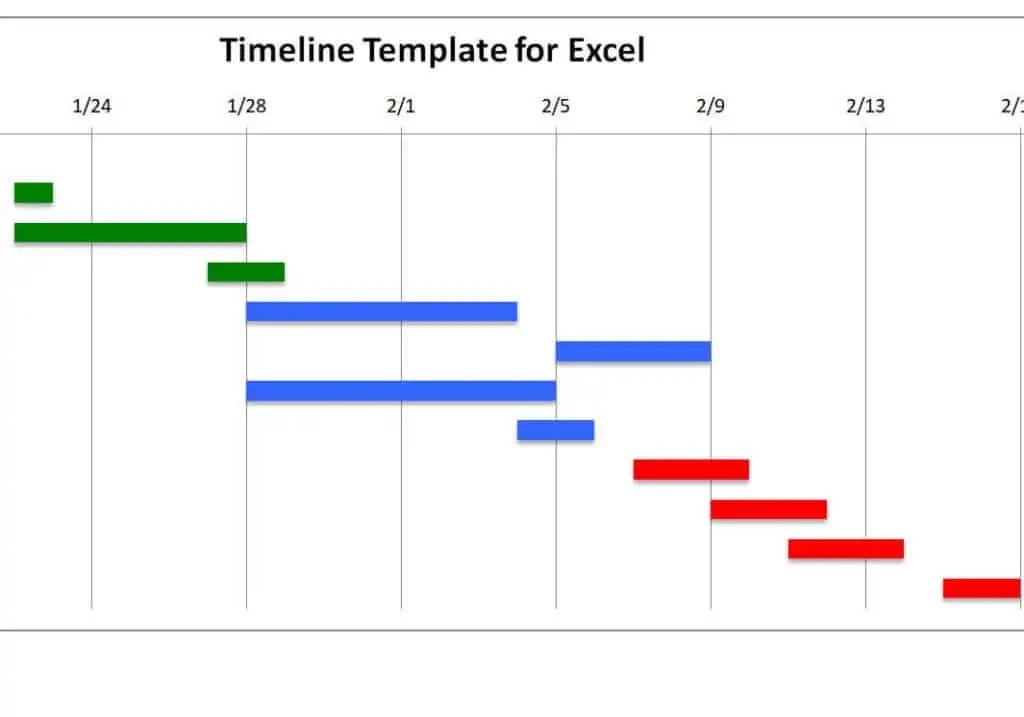
Example Project Timeline Excel Template
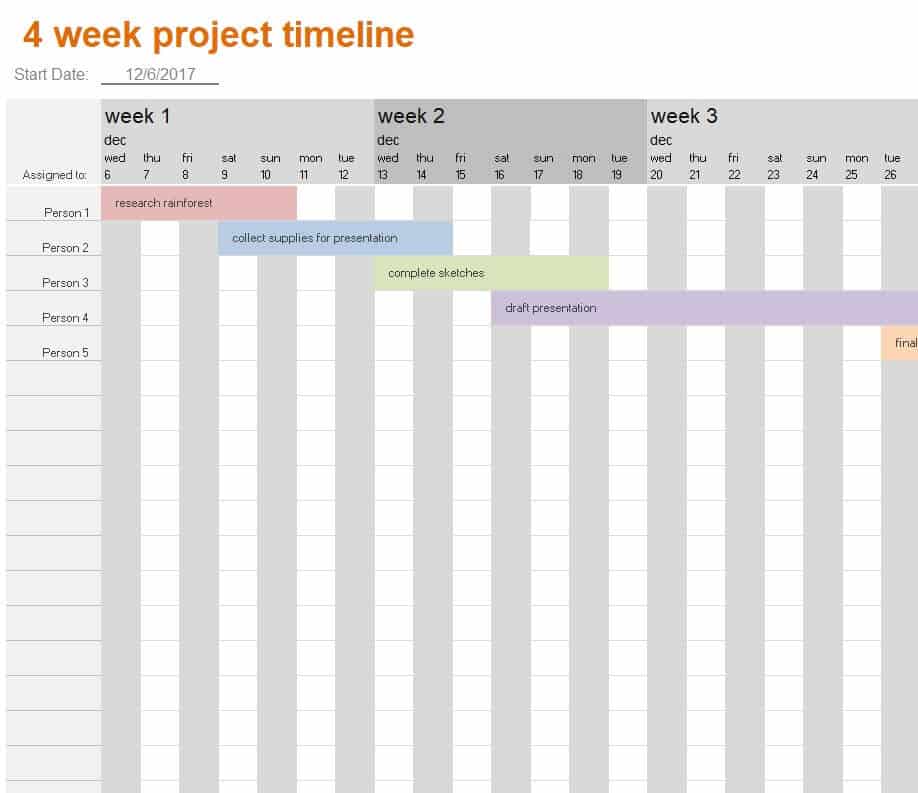
4 Week Project Timeline Template
Detailed Project Timeline Template in XLSX Format
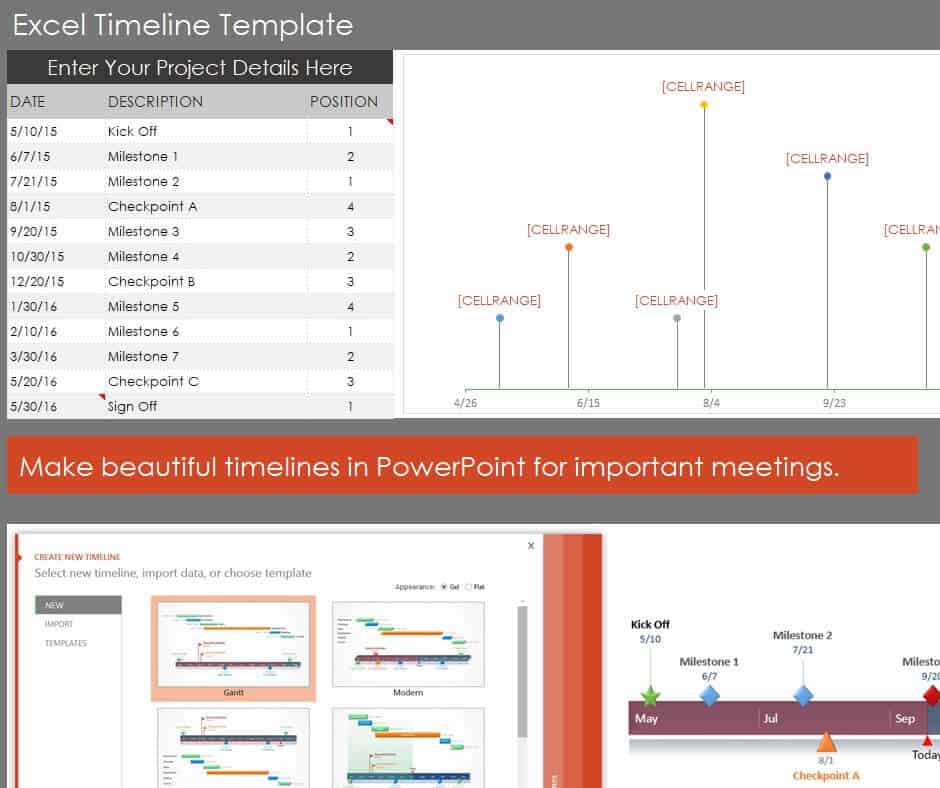
Official Project Timeline Template
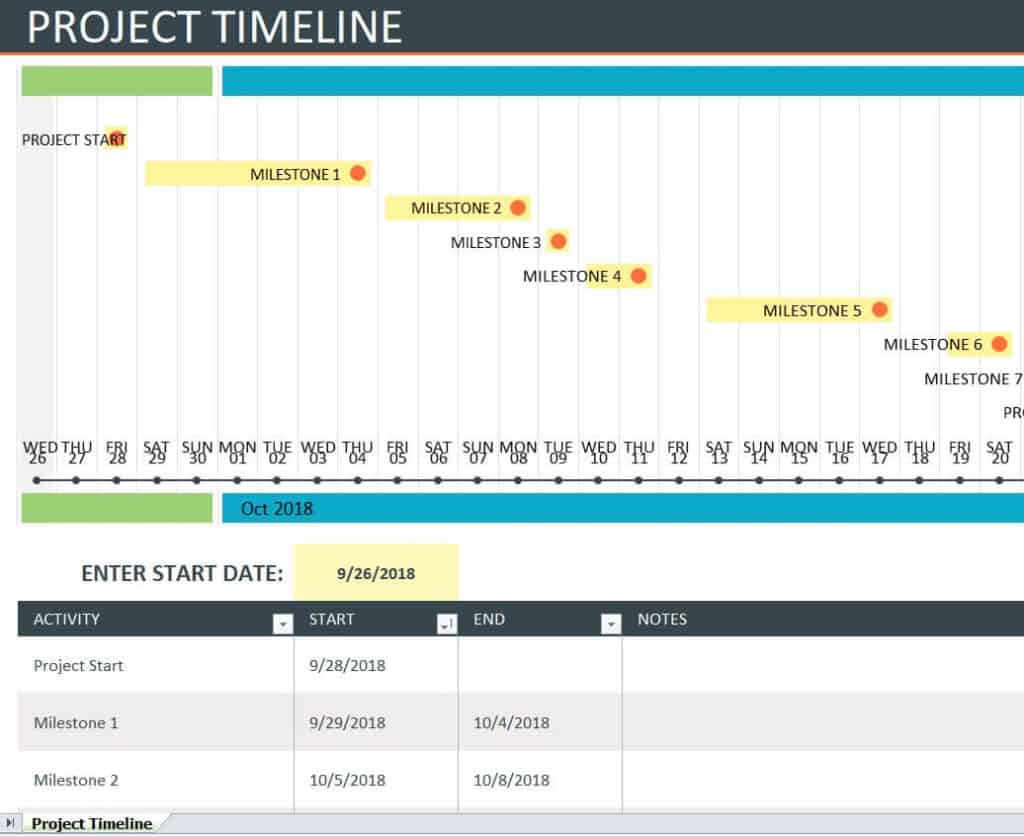
How to use the project timeline Excel template
Step 1. List deliverables and break them into tasks with clear owners. Create a concise stakeholder overview with simple project timelines.
Step 2. Estimate durations and identify dependencies before assigning dates. Show task duration and overlap using Gantt charts.
Step 3. Update progress and review the effect of delayed tasks on later work.
Define tasks by an output that can be checked. An owner, a start date, a finish date, and a completion condition make updates more reliable than a vague activity name. Record dependencies separately so a change does not require someone to remember every connection.
Keep the baseline and current approved plan distinct if progress is reported against an original commitment. A revised finish date may be reasonable, but the reason should remain visible. Use milestone summaries for communication while retaining task detail in the working plan.
Example and checks
Testing that depends on an approved prototype cannot be scheduled reliably without the prototype’s completion date. A date change should trigger a dependency review.
A timeline does not create resources or remove conflicts. Check team availability before committing to overlapping assignments. Assign near-term work through daily work schedules.
Build the timeline around deliverables
A working project timeline should explain how the team will produce an agreed result. Begin by identifying the deliverables and the conditions that will show they are complete. A deliverable such as an approved report is easier to plan than a vague activity called ‘report work.’ Break larger deliverables into tasks small enough to assign and review. The amount of detail should suit the project: a short internal assignment may need only a few tasks, while a complex delivery needs more supporting information than a presentation timeline.
Separate milestones from work that takes time. A milestone can mark approval, handover, or another checkpoint. The activities leading to that milestone need durations, responsibilities, and any required inputs. Keep the connection visible so a milestone does not appear on a date with no supporting work scheduled before it. Review the scope with the people who will do the work. A timeline prepared without their input can overlook practical steps such as checking, obtaining approval, transferring files, or arranging access to equipment.
Define ownership and completion conditions
Assign one clearly accountable owner to each task, even when several people contribute. The owner should understand the output, timing, and next handover. Avoid using an entire department name when no individual knows who will update progress. Record supporting contributors separately if useful. A task may also need an approver who is different from the person doing the work. Making that distinction early helps prevent a completed draft from being mistaken for an approved deliverable.
Describe completion in terms that can be checked. ‘Design finished’ may mean different things to the designer, reviewer, and project manager. ‘Design reviewed and approved by the named approver’ is clearer when approval is required. Add a short acceptance note or reference rather than filling the timeline with a full specification. This allows progress updates to be based on an observable result. It also identifies whether work is genuinely complete or is waiting for a review that needs its own time in the schedule.
Estimate durations and dependencies together
Estimate how long work is likely to take and identify what must happen before it can begin or finish. A task may need an approved input, a person, equipment, or information from an outside party. Put those dependencies into the plan instead of relying on memory. A date chosen without its required input can make the schedule look feasible while leaving the team unable to start. Note assumptions behind important estimates, especially when work is unfamiliar or depends on an external response.
Distinguish working time from elapsed time. Preparing a document may take one day of effort but several calendar days when reviews and other commitments are included. Similarly, two tasks may each require the same person even though the chart displays them in parallel. Check the person’s actual availability before treating that overlap as achievable. A spreadsheet can show dates and durations correctly while still containing an impossible resource plan. The project timeline needs a practical review of both sequence and capacity.
Use a small project example to check the sequence
Consider a team preparing a new customer guide. The main tasks include confirming requirements, drafting content, reviewing accuracy, designing the layout, checking the final file, and obtaining approval. The layout may be able to start with an approved outline, but final production depends on the reviewed text. Recording those relationships explains which activities can overlap and which should wait. It is more useful than assigning every task an arbitrary start date solely to fill a weekly grid.
Suppose the content review takes longer than expected. The team should examine the effect on layout, final checking, and approval rather than moving only the review date. Some work may continue using stable sections, while another activity may need to shift. Record the agreed revision and the reason. This example shows the difference between maintaining a working plan and drawing a decorative timeline. The working plan supports a decision about what can happen next, who is affected, and whether the final commitment remains realistic.
Maintain a baseline and a current view
A baseline records the approved plan used for comparison. The current view records the best supported schedule now. Keeping both can help explain progress without pretending the original dates never existed. The level of formality depends on the project, but major changes should remain understandable. Record revised dates and a brief reason where appropriate. A changed scope, a late input, and a correction to an unrealistic estimate have different implications for future planning.
Use progress measures carefully. A percentage complete may help for work with a meaningful basis, but it can create false precision for an open-ended task. A short status such as not started, in progress, awaiting review, or complete may be clearer. Check dates and completion evidence together rather than updating only the color of a bar. If a task has passed its planned finish but is not complete, the timeline should reveal that fact and identify the next action needed to resolve it.
Prepare useful reviews and stakeholder summaries
During a schedule review, focus on changes, upcoming dependencies, and tasks that threaten an important commitment. Ask owners for current information and confirm actions before ending the discussion. Record who will resolve each issue and when the next update is due. A meeting that reads the entire task list without decisions can consume time without improving the plan. The timeline should support coordination, so use it to identify handovers, approvals, and resource conflicts that need attention.
For wider communication, prepare a concise summary of major milestones while retaining the detailed working plan. Stakeholders may need the key dates and decisions rather than every subtask. Label the summary with its update date and clarify where the current source plan is maintained. Before sharing or printing, check date formats, task labels, and page layout. A reliable Excel timeline combines a readable display with clear ownership, realistic dependencies, transparent changes, and regular review. The file structure helps, but the quality of the plan depends on those working practices.
Prepare a handover note for an important milestone
When a milestone involves handing work to another person, record what is being delivered, where the current files are kept, and what review or approval is expected next. A task can appear complete to its owner while the receiving person still lacks the information needed to continue. The timeline should make that dependency visible instead of treating a file upload as the end of every responsibility.
At handover, confirm the version and identify unresolved questions. If the next activity cannot begin until an issue is settled, assign that issue and reflect the effect on dates. Keep the note concise and link it to the relevant task or milestone. This small practice helps a timeline support real coordination, particularly when several people contribute at different times or when an outside reviewer is involved.
Frequently asked questions
1. What is a project timeline Excel template?
A project timeline Excel template is a ready-made spreadsheet used to organize project activities, milestones, deadlines, and important events in chronological order.
2. What is a project timeline used for?
A project timeline is used to plan and track project activities, understand deadlines, monitor progress, and provide a clear overview of the project’s schedule.
3. Can I edit a project timeline template in Excel?
Yes. An Excel project timeline can be customized with your own project tasks, dates, milestones, activities, and other relevant information.
4. What should a project timeline include?
A project timeline can include task names, start and completion dates, milestones, project phases, deadlines, events, and progress information.
5. What is a 4-week project timeline template?
A 4-week project timeline template is designed to organize project activities across a four-week period. It can be useful for short-term projects and planned work.
6. Can I use a project timeline Excel template for marketing?
Yes. A marketing project timeline template can help organize campaigns, promotional activities, content tasks, launches, and marketing deadlines.
7. What is a simple project timeline template?
A simple project timeline template provides a basic structure for listing important project activities and dates without unnecessary complexity. It is suitable for smaller projects.
8. Can I use an Excel project timeline for team projects?
Yes. Project timelines can help teams understand task sequences, deadlines, milestones, and upcoming activities, making it easier to coordinate project work.
How is this collection different from the simple timeline page?
This guide emphasizes working task plans, ownership, and dependencies; the related simple collection emphasizes milestone overviews.
Should completed tasks stay in the plan?
Retain enough history to explain progress and changes, especially when reporting against a baseline.

You must be logged in to post a comment.