
Ask four people who approves a launch page and you may hear four plausible answers. The designer owns the file. The marketing lead requested the page. The product lead has the final wording. Legal needs to check one claim. Everyone is involved, but only one person should be expected to make the final decision for that row.
These five free RACI matrix Excel templates help project teams distinguish doing the work from approving it, giving input, and receiving an update. The downloads cover a project kickoff, a product launch, an operations handover, client and agency work, and a process change. Each comes with editable role columns, dropdowns, a simple assignment check, and a preview.
Jump to a template preview
RACI assignment check
Count assignments for one task row before copying the matrix to the next workstream.
Worked example: Responsible assignments: 2; Accountable assignments: 1; Consulted assignments: 1; Informed assignments: 2 → Check: Core assignments present; Consulted and informed assignments: 3.
If your team combines R and A in one cell, count that entry once in each role. Review decision authority with the owner.
Related template: 5 Project Budget vs. Actual Excel Templates
Read a RACI row from left to right
A row should describe an outcome or a decision people recognize. The columns represent roles. A Responsible role does the work. An Accountable role owns the result or makes the decision. A Consulted role gives input before the decision, and an Informed role needs to know what happened. Microsoft’s roles and responsibilities guidance describes these four assignments and recommends one accountable person for each task.
Do not start by trying to fill every blank. A role that does not need to participate can stay blank. Too many consulted roles slow decisions down, and too many informed roles can produce updates nobody reads. Agree what information each person needs, and use the matrix to make those choices visible. A project timeline can show when a decision is needed; the matrix shows who will make it.
Project Kickoff RACI
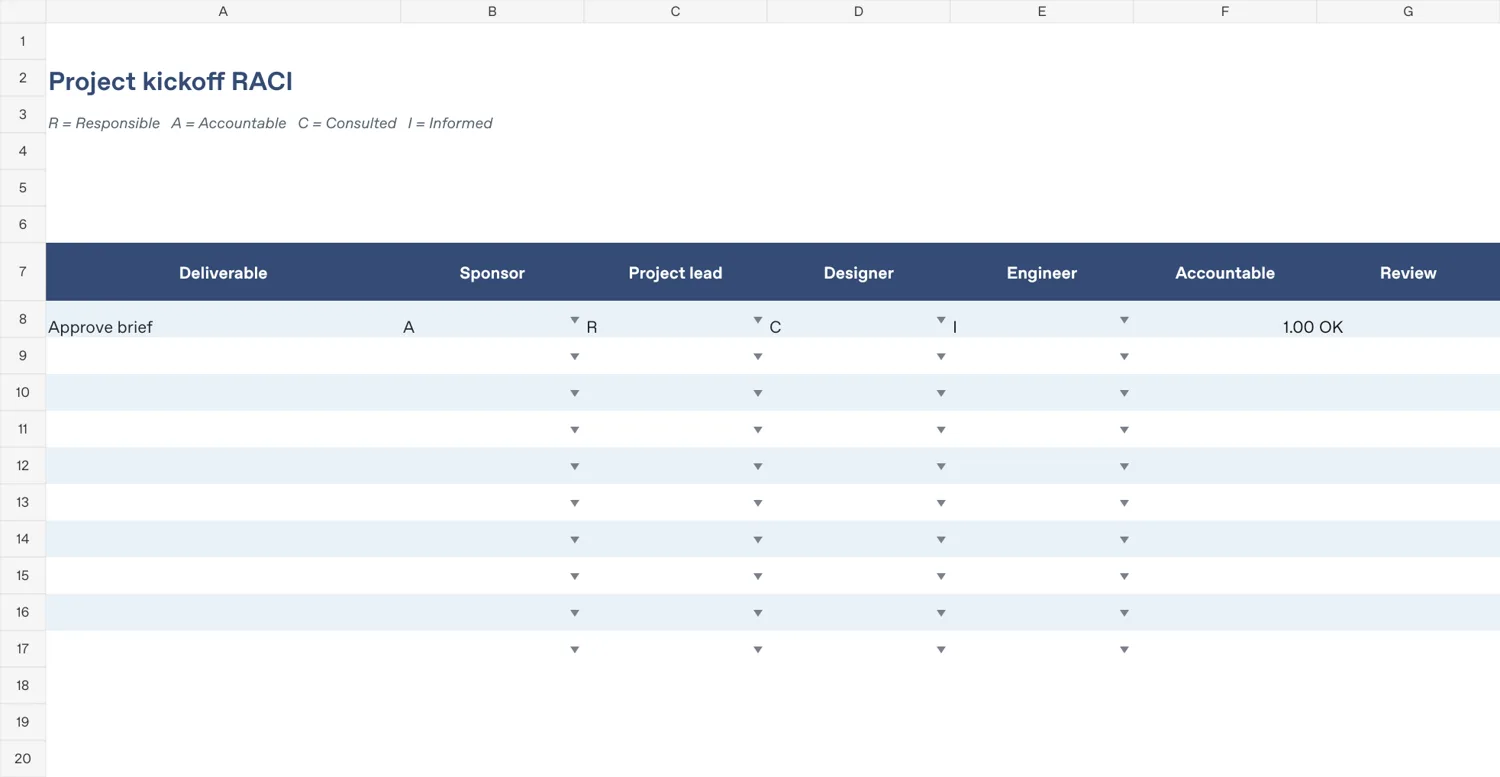
The blue kickoff matrix begins with a deliverable such as approving the project brief. Its sample roles are sponsor, project lead, designer, and engineer. The sponsor is accountable for the approval, the project lead prepares the brief, the designer gives input, and the engineer receives the result. Replace those roles with the people or functions involved in your project.
Use the kickoff version when work has not yet been divided. List decisions that can stall the project, such as accepting the scope, approving a schedule change, or signing off on the first deliverable. Keep each row specific enough that the accountable role has real authority to make the decision. A sponsor who owns project funding may not be the right person to accept a technical result.
After the kickoff, ask each person to explain their assignment in their own words. If two people think they both have final approval, split the decision into separate rows or agree who has the final say. If the disagreement concerns budget or scope, point back to the project documents rather than treating the matrix as a substitute for them.
Product Launch Ownership Map
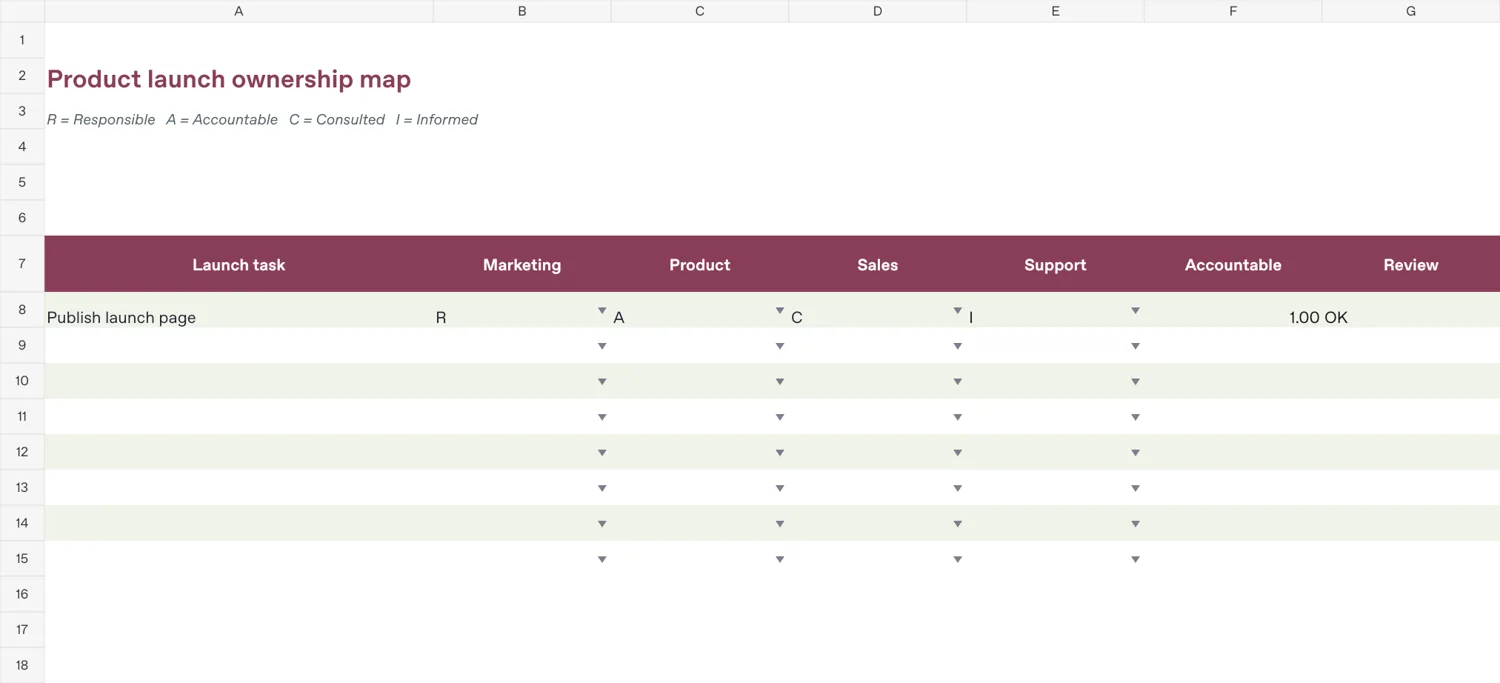
The rose launch worksheet uses marketing, product, sales, and support roles. Its sample row assigns marketing to publish the launch page and product to own the decision. Sales provides input and support is informed. Try adding separate rows for preparing the training notes, approving the public price, and publishing the support article. The best owner may change from row to row.
Review activities in the order they must happen. If marketing cannot publish until product confirms a detail, give that confirmation its own row where appropriate. People often mistake a dependency for a shared approval. Listing the work as separate actions can make both ownership and timing clearer.
Decide who receives the final information and when. Support may not need to see every design draft, but it may need a final copy of the release notes before customers see the announcement. The I assignment works best when the team agrees what is sent and where to find it.
Operations Handover RACI
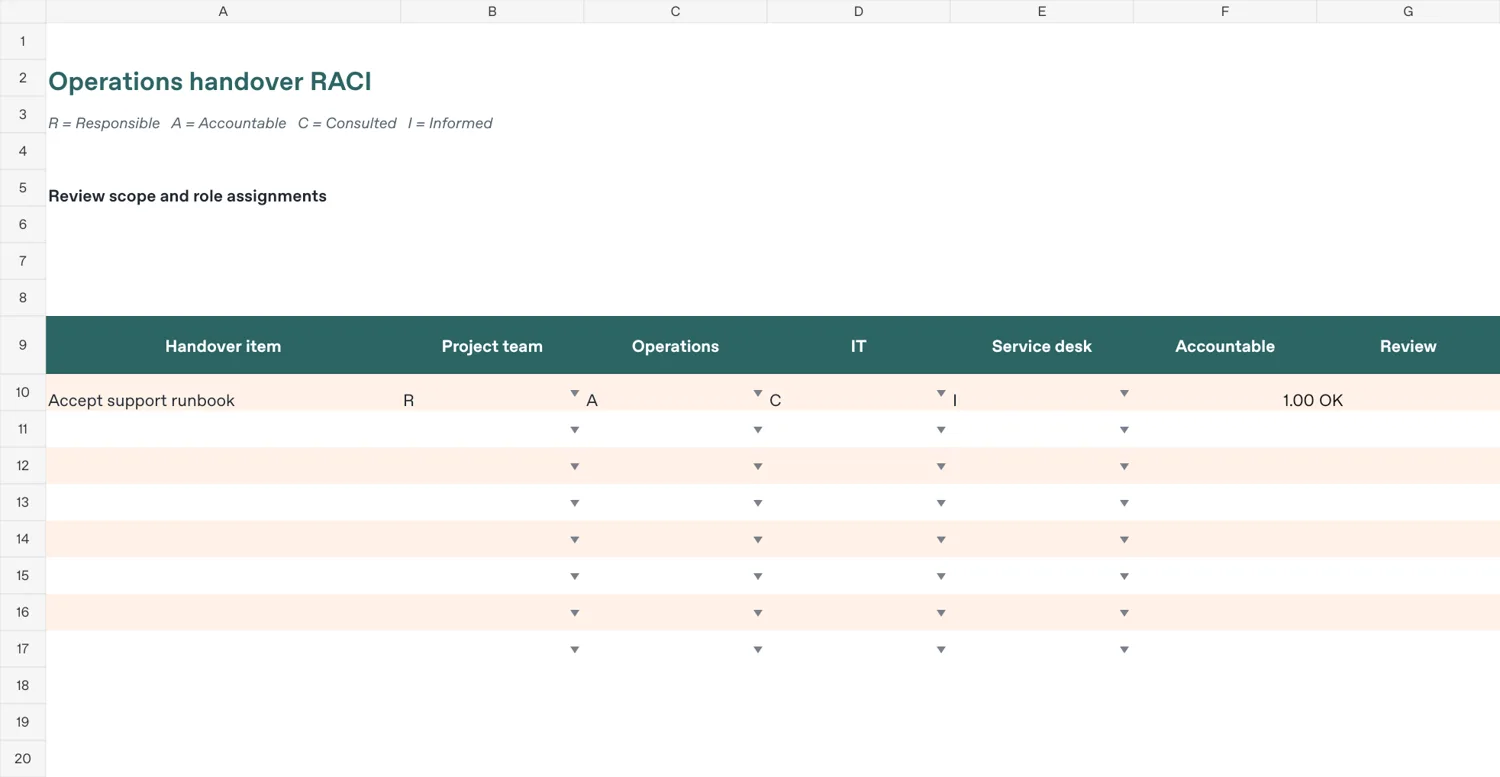
The teal handover worksheet is built around the moment a project team gives work to operations. It starts with acceptance of a support runbook and uses project team, operations, IT, and service desk roles. The team that writes the runbook may be responsible for producing it, while the receiving team decides whether it can support the process described.
List the artifacts and decisions that make the handover real. Examples include granting access, confirming monitoring, transferring the support queue, and accepting ownership of routine updates. Separate the job of preparing evidence from the decision to accept it. A meeting invitation by itself does not establish that responsibility changed hands.
If a particular handover depends on an open risk, link to the project risk register and write a condition for acceptance in the supporting notes. The RACI shows which role will decide. The risk record explains the issue and the evidence needed. Keep both aligned with the latest agreed handover date.
Client and Agency RACI
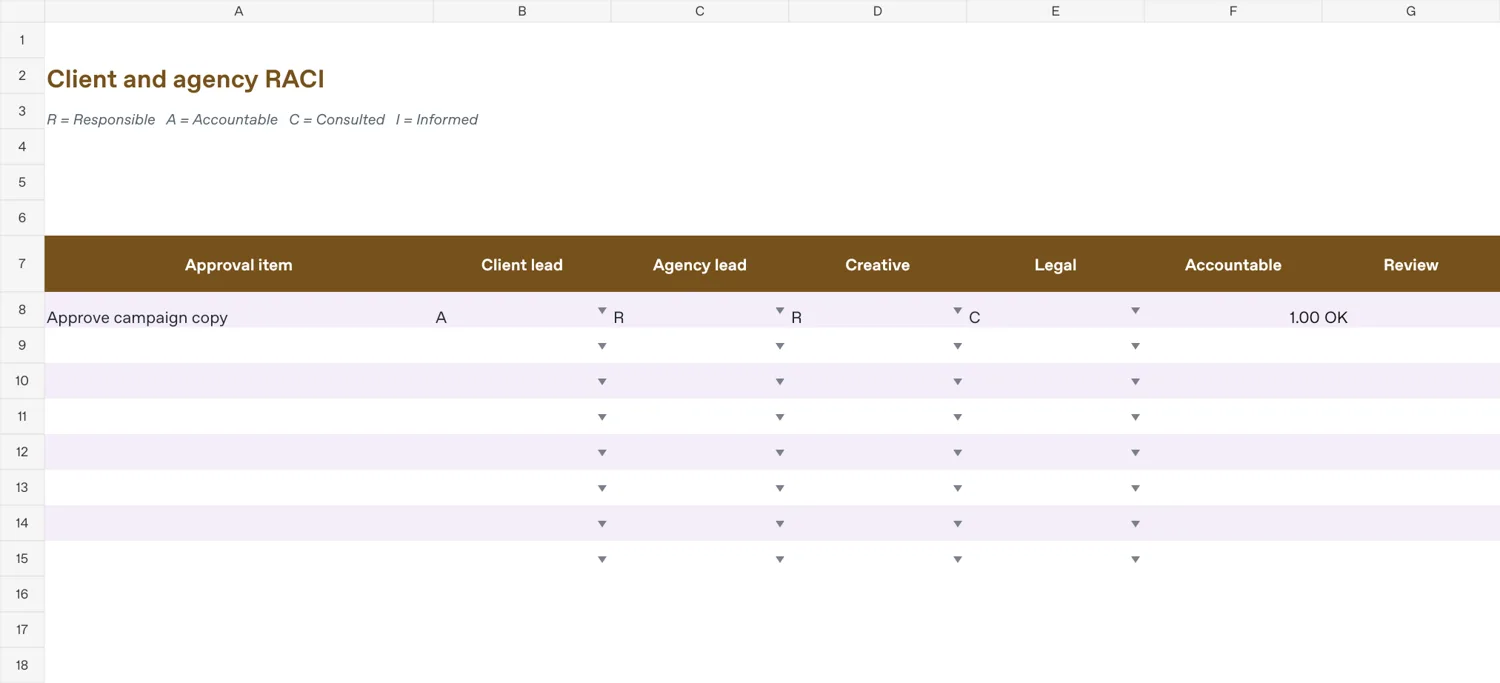
The ochre matrix uses a client lead, agency lead, creative team, and legal role. Its sample copy approval shows two people or teams responsible for the work and one accountable client lead. More than one R can make sense when two roles really contribute. Write down how they divide the work so shared responsibility does not turn into two competing versions.
Separate producing a draft from approving it when feedback has several stages. For example, the creative team can own drafting, the agency lead can coordinate review, and the client lead can give final approval. Legal might be consulted on a specific claim. If legal approval is mandatory under your process, give that decision its own row instead of implying it is optional feedback.
This version is useful at the beginning of a client relationship and when a new stakeholder joins. Review the matrix if the client changes its decision maker or the agency changes the team handling the account. Keep the dated copy that was agreed so later changes can be explained.
Process Change RACI
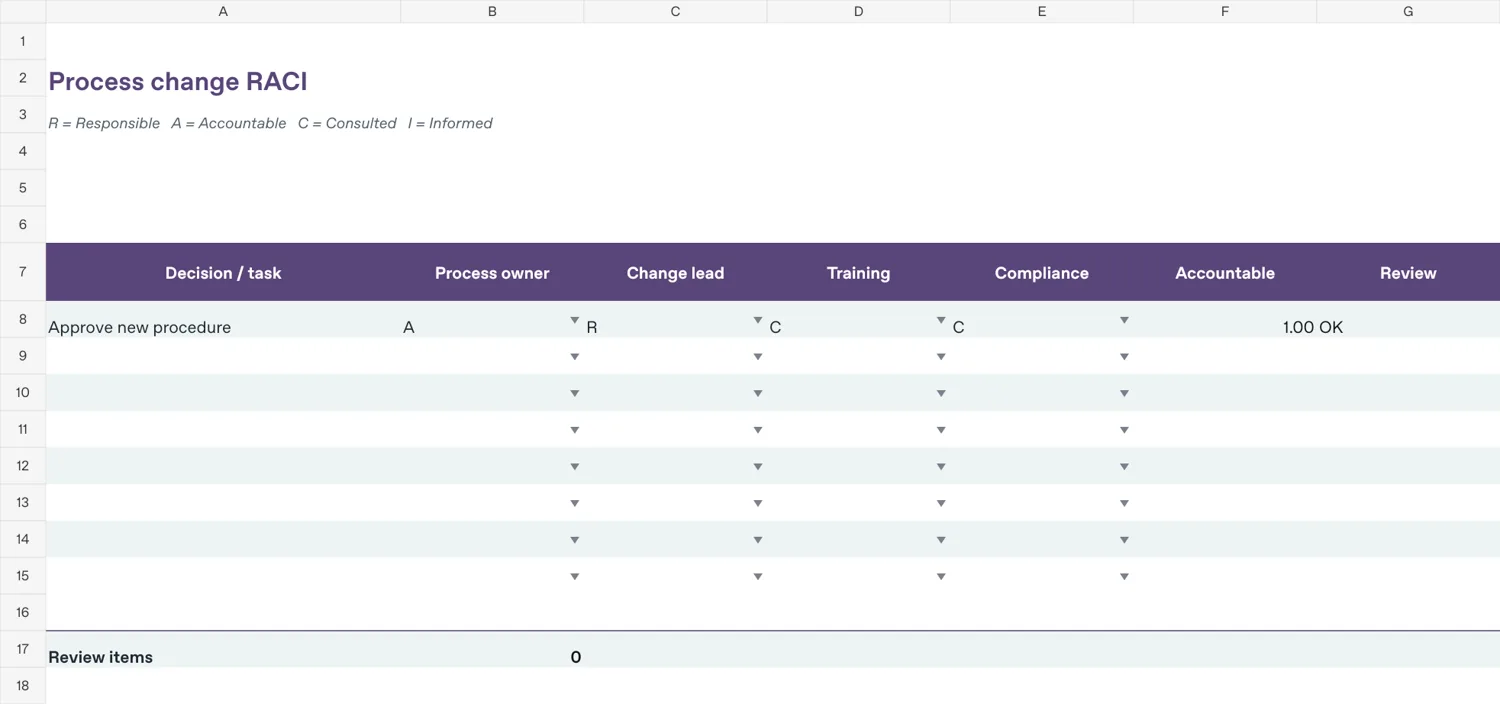
The violet worksheet gives a process owner, change lead, training role, and compliance role a shared view of who approves or carries out each part of a procedure change. The sample assigns the process owner as accountable for approval and the change lead to do the work, with training and compliance consulted. A small summary counts rows that need an A or R review.
Separate approval of the procedure from its rollout. The person accountable for approving a new procedure may be different from the person who confirms that the team is ready to use it. Add rows for training materials, communication, first-day support, and review after rollout when those are relevant.
If work changes during the rollout, confirm whether the original responsibilities still make sense. A revised procedure may bring a team into scope that was previously only informed. Update the matrix and tell the affected people what changed. The file cannot infer a new owner just because you added a task.
Check the matrix in a short working session
Start with the rows most likely to cause a delay. Read each aloud as a sentence: “The change lead prepares the procedure, the process owner approves it, and training and compliance give input.” If the sentence is difficult to explain, either the row is too broad or the assignments need work. Check the R and A first, then decide which other roles genuinely need to participate.
The downloadable sheets count A entries and look for an R on rows with a task. They use one letter per cell, so the check does not treat a combined A/R entry as valid. If the same person does and owns the work, you can record their dual role in a note or adjust the check deliberately. The file’s result is a mechanical check for those two assignments, not confirmation that the decision is within someone’s authority.
Keep the role matrix where the team can find it. Pair it with a schedule and a short discussion at kickoff or handover. If you have more than four role columns, insert columns and update the count ranges to include the new roles. Test a row with no A, one A, and two A entries before using the edited sheet in a meeting.
When a row needs a rewrite
If a row says “handle launch,” try replacing it with something a colleague can observe, such as “publish the release page” or “approve the launch price.” These are different decisions and may need different accountable roles. If two people both appear accountable because one owns the content and another owns compliance, make those two decisions visible. Then agree how the two approvals fit the release sequence. A responsibility matrix is easiest to maintain when rows describe real work people already recognize.
Frequently Asked Questions
Does every row need a consulted or informed person?
No. The roles describe participation that actually adds value. A simple internal task may only need someone to do it and someone to own it. Use the additional roles where input or communication is genuinely necessary.
Can two people be accountable for the same task?
The templates expect one A for each row. If two people own different decisions, split the row into two outcomes with separate accountable roles. This helps the team identify who makes each decision when there is a disagreement.
Should the columns use job titles or names?
Role titles are easier to maintain when people change. Names make day-to-day handoffs easier on a small team. One practical approach is to use roles in the matrix and keep a short list of the people currently filling those roles.
